Language learning app with tab-driven flow
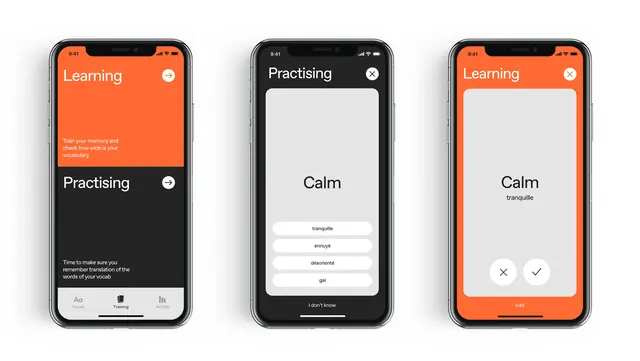
Mobile app UI with color-coded tabs (Learning/Practising) and a minimalist card-based drill flow for vocabulary training.
Summary
Mobile app for vocabulary practice with color-coded Learning and Practising tabs, accent-colored headers, and minimalist white card surfaces for drill content.
Visual description
Three phone mockups show the same app in different states. The left screen has a vibrant orange header labeled "Learning" with descriptive text below, followed by a darker "Practising" section with instruction copy. The center phone displays the "Practising" mode with a dark header, white card area centered showing "Calm" as the drilling term, supporting options listed below, and an "I don't know" button at the bottom in minimal style. The right phone mirrors the Learning tab layout, swapping in "Calm" with a French translation "tranquille" beneath, and paired checkmark and X buttons at the bottom for interaction. The color scheme alternates orange headers against black section dividers and white content cards, emphasizing task clarity through spatial and chromatic separation.
Key takeaway
The tab-driven mode toggle (Learning vs Practising) using color contrast and spatial hierarchy to signal context shift without navigation clutter. The white card float in the center of each screen focuses the user on the active drill term. The paired accept/reject buttons (checkmark/X) provide immediate, icon-led feedback without word labels.
Reuse notes
Strong for language-learning, tutoring, or quiz apps. The orange accent against black and white reads as energetic but not jarring. Works well for spaced-repetition drill patterns. Avoid if you need a full taxonomy of options; this scales best for binary or ternary choices per card.
More like this
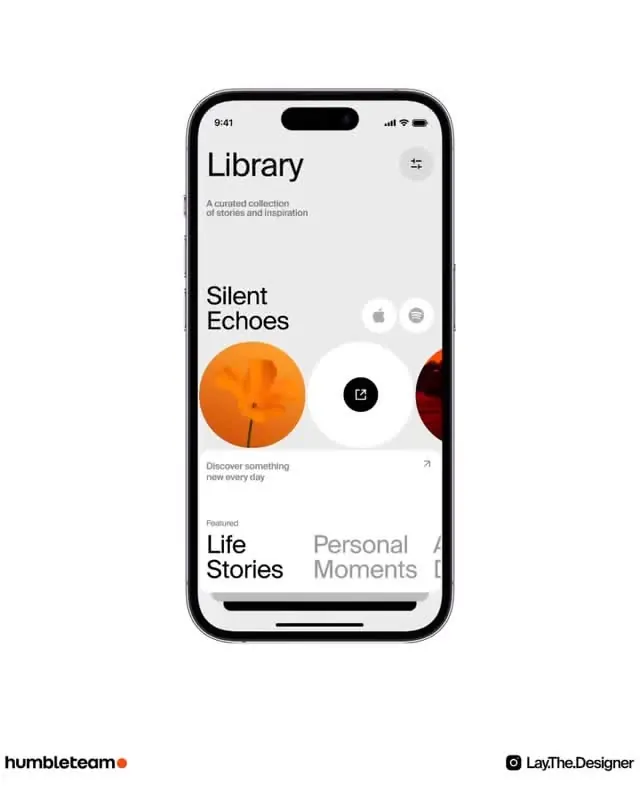 Library app minimal content browser
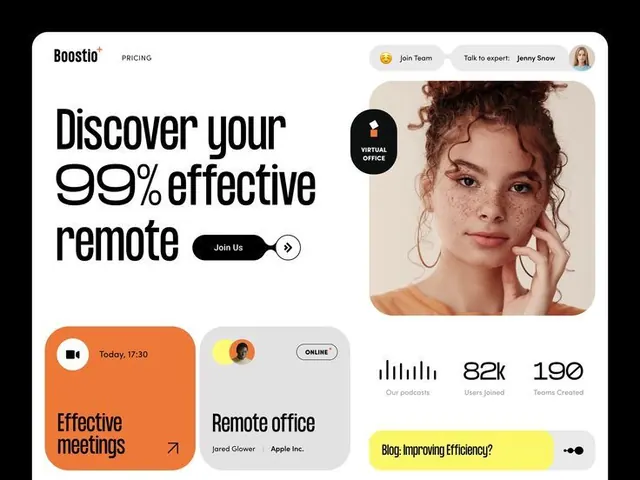 Remote work SaaS hero with bold sans-serif and feature cards
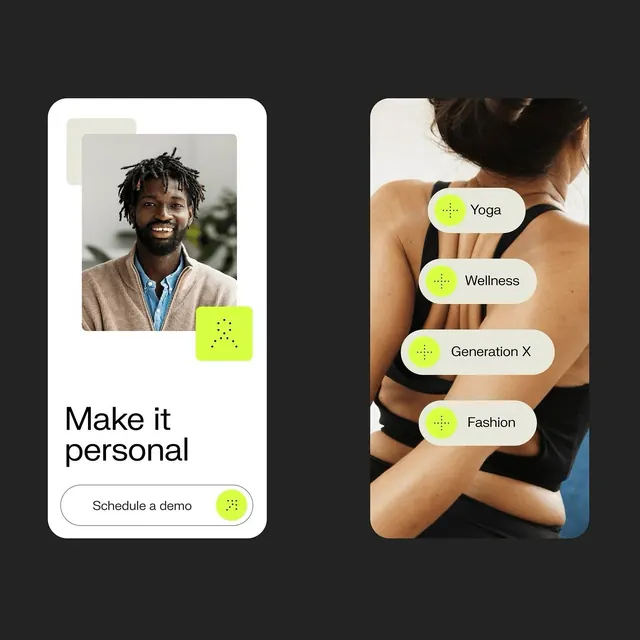 Wellness app mobile screens with photo and category overlays
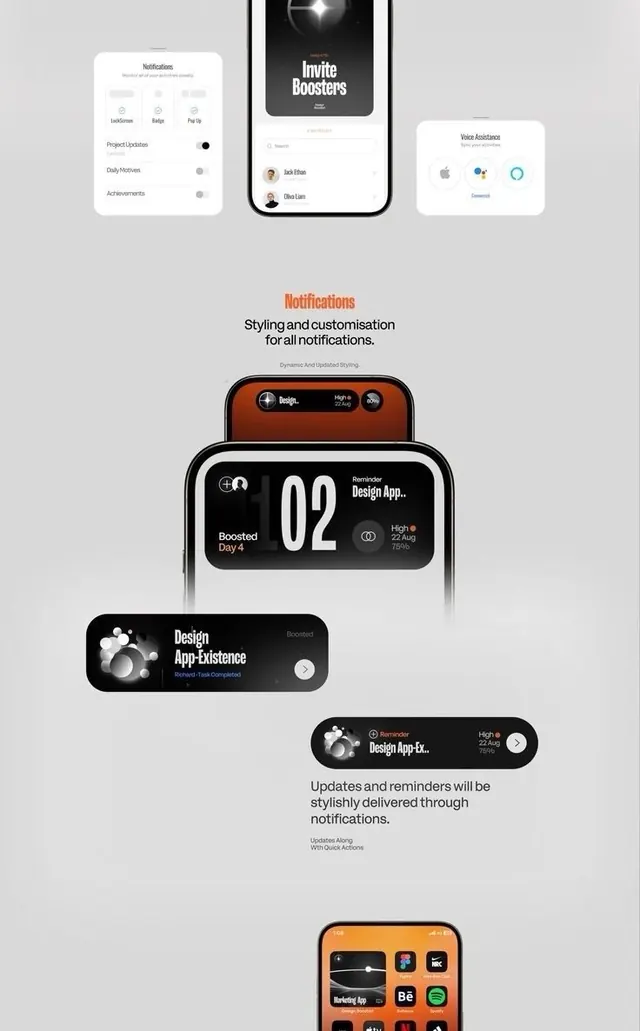 Notification system with invite boosters
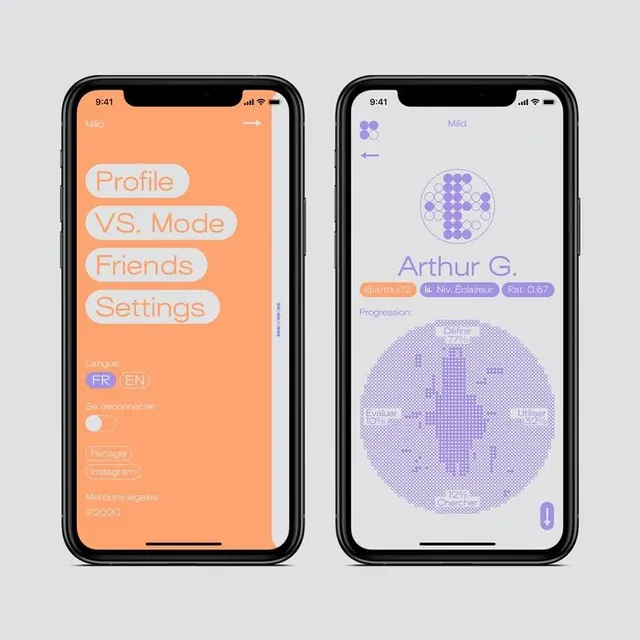 Social app profile and stats dashboard
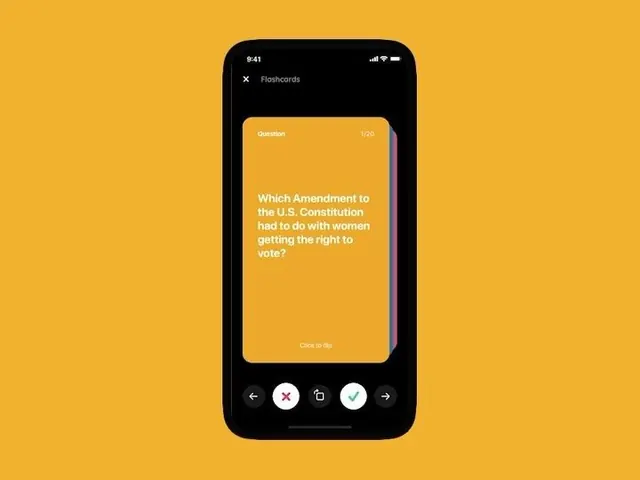 Flashcard app UI with warm controls
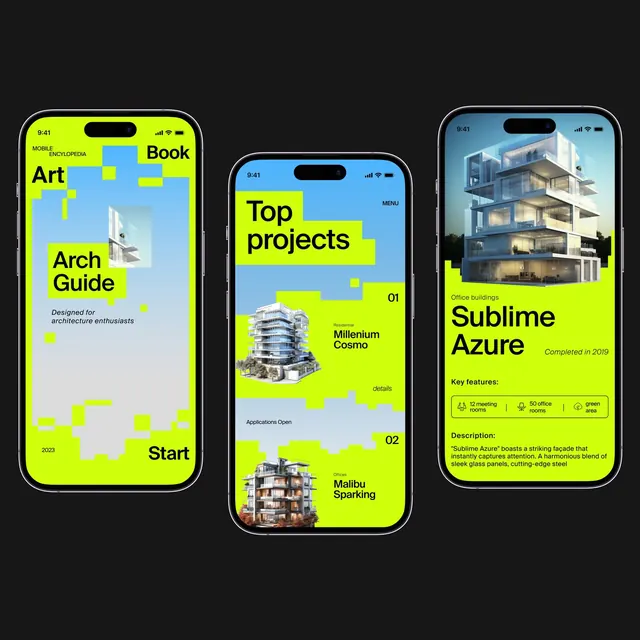 Minimal flat ui screen
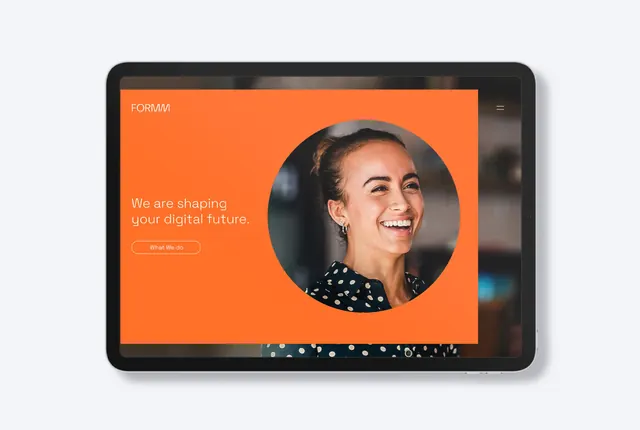 Minimal flat ui screen
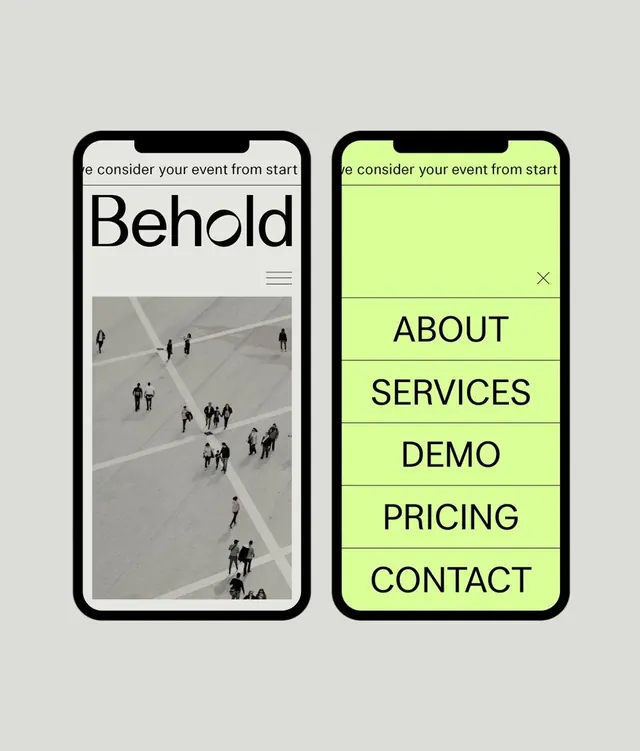 Behold app navigation concept
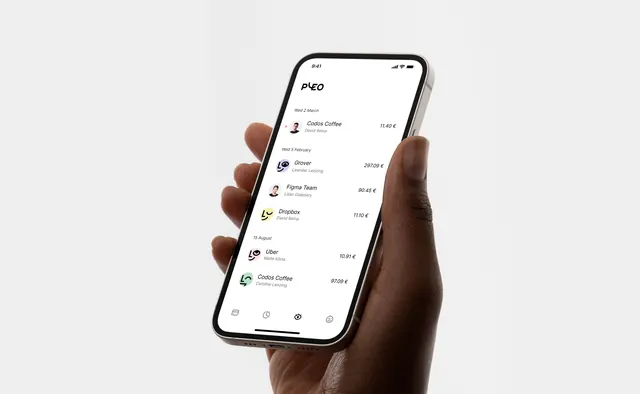 Minimal flat ui screen
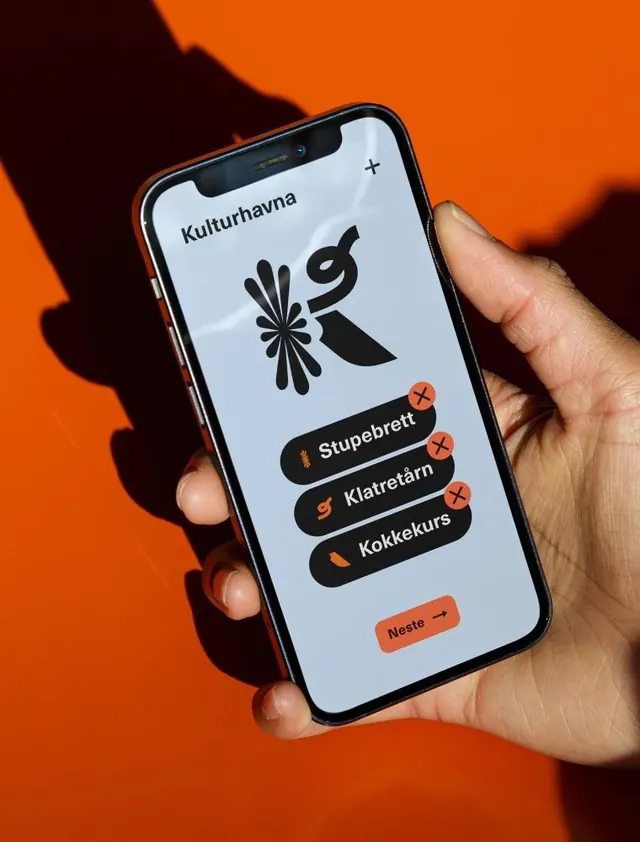 Minimal flat ui screen
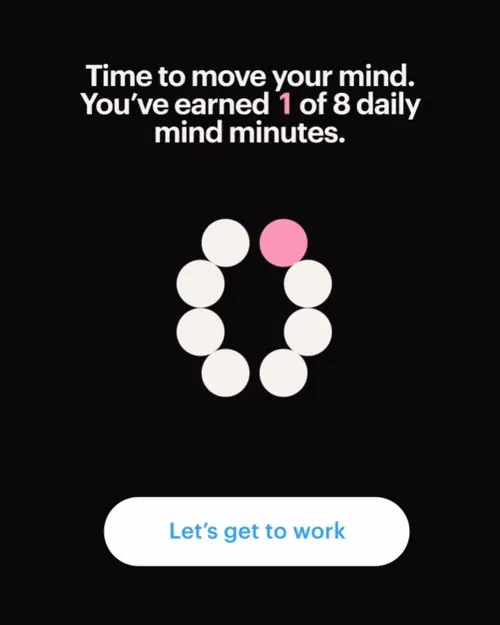 Achievement gamification screen with progress rings
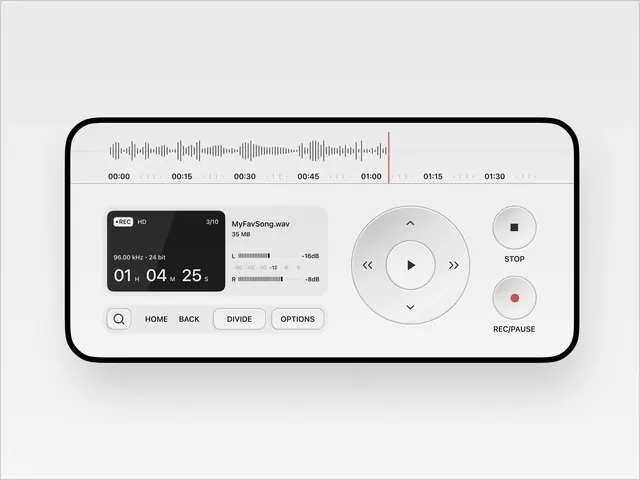 Minimal flat ui screen
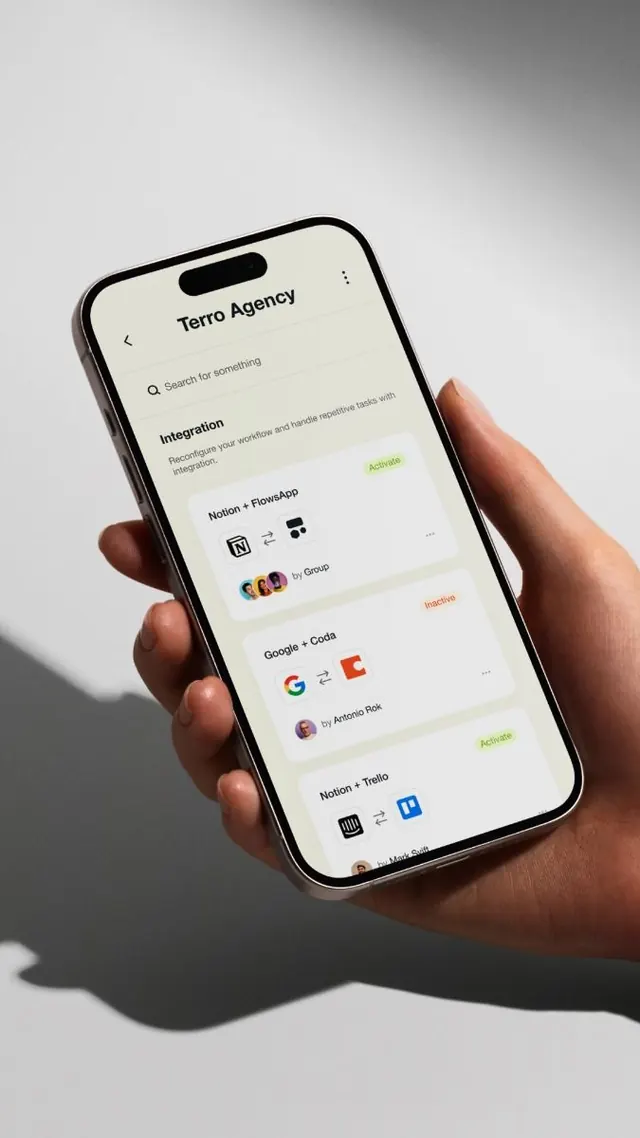 Minimal flat ui screen
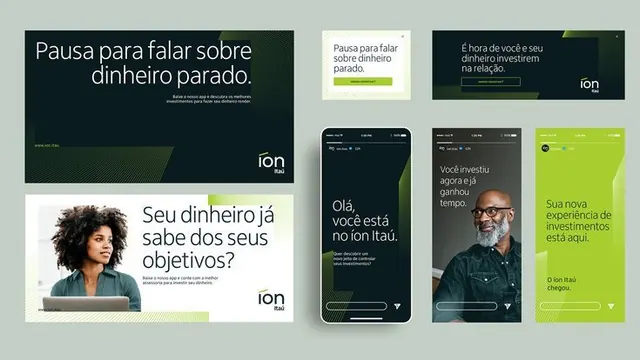 Minimal corporate-clean ui screen
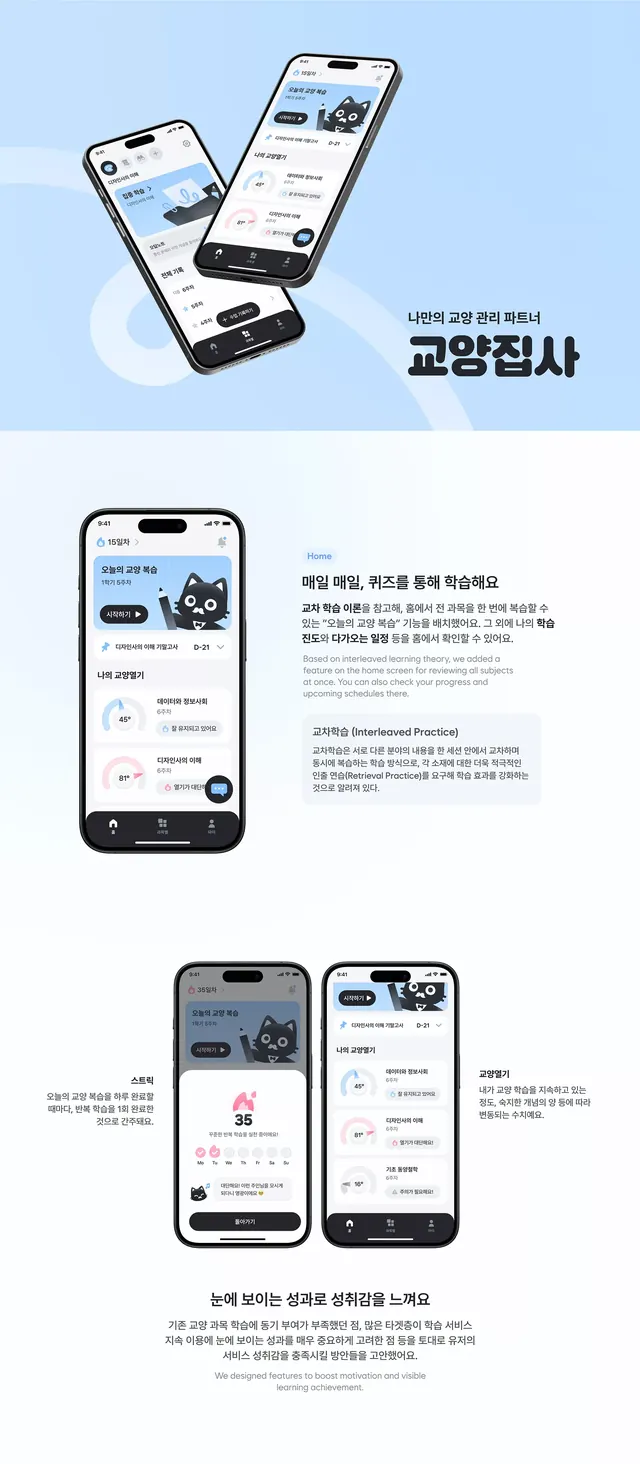 Minimal corporate-clean ui screen
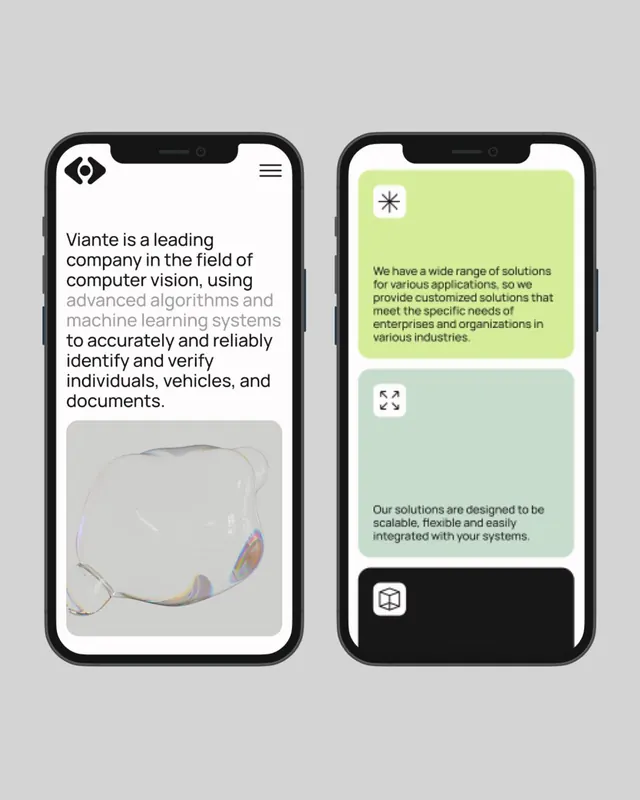 Two-screen mobile app layout with lime accent
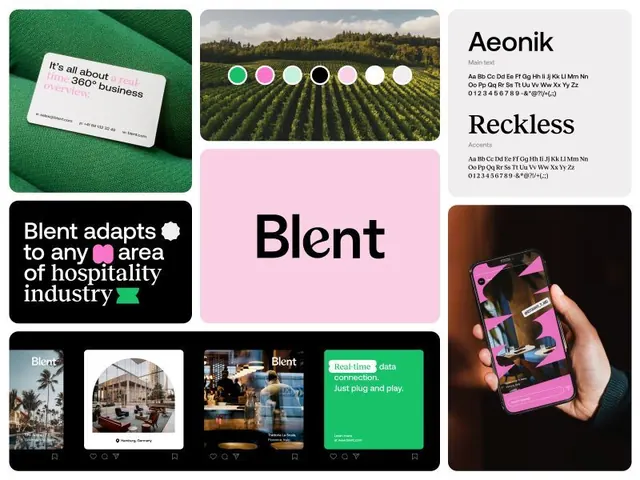 Minimal flat ui screen
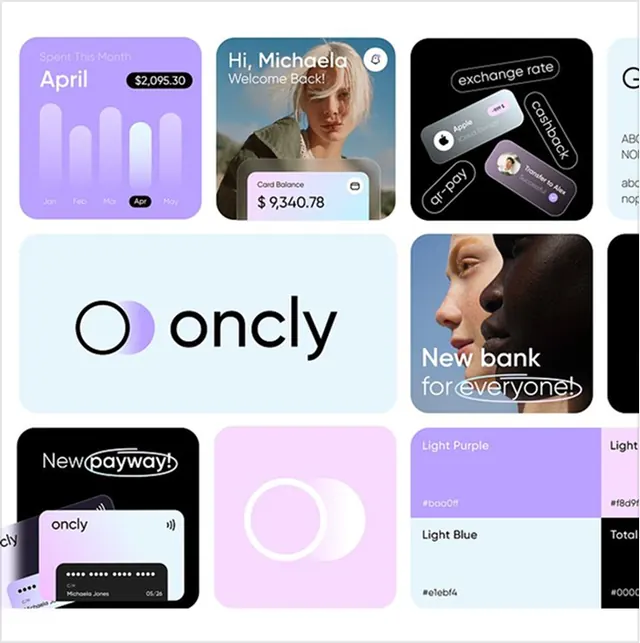 Minimal gradient-heavy ui screen
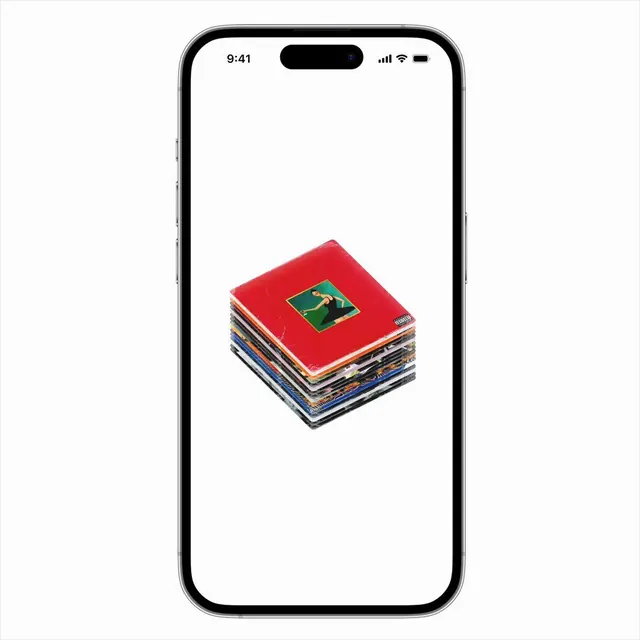 Minimal flat ui screen
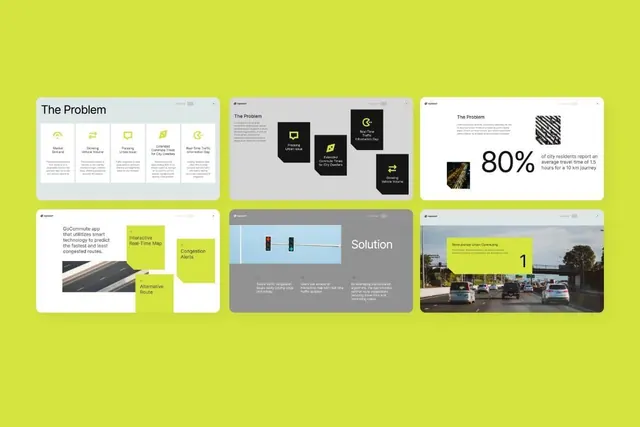 Urban mobility problem and solution boards on lime green background
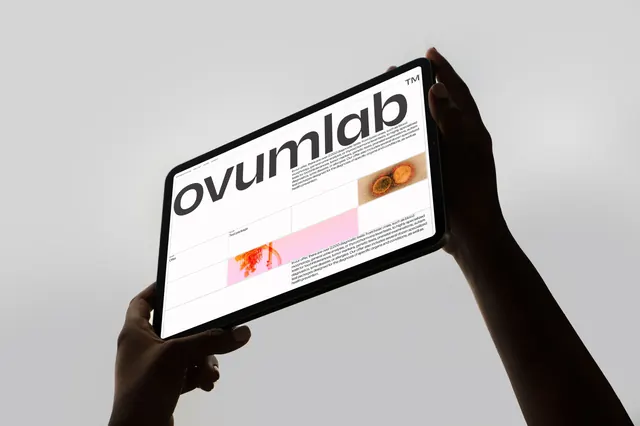 Minimal ui screen
- Minimal flat ui screen
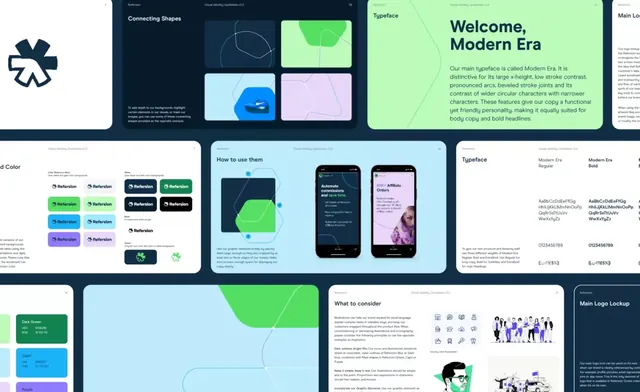 Minimal flat ui screen