Xcode developer assistant modal UI
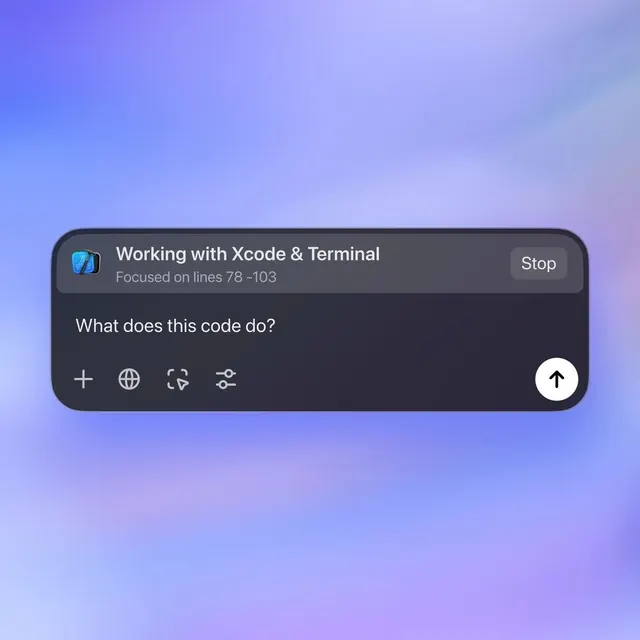
A code assistant modal floats over a soft blue-to-pink gradient, asking 'What does this code do?' with contextual action buttons for code inspection and settings.
Summary
A developer assistant modal overlay on a lavender-to-pink gradient background, with header showing task focus, centered copy prompt, and a row of four contextual action buttons plus a prominent submit button.
Visual description
Soft vertical gradient from bright periwinkle (top) through light lilac to soft pink (bottom) fills the entire background. A rounded dark charcoal modal sits centered: top bar with Xcode app icon, white headline "Working with Xcode & Terminal", gray subtext "Focused on lines 78-103", and right-aligned "Stop" button in white text. Main copy area asks "What does this code do?" in large white sans-serif. Below, a row of four light purple icon buttons with dark symbols (plus, globe, code-arrows, settings), and on the far right a large circular white button with upward arrow. All typography is clean, modern sans-serif with clear hierarchy through size and weight contrast.
Key takeaway
The soft gradient background (cool > warm fade) creates an inviting rather than clinical developer environment, lowering friction for repeated interaction. Iconographic buttons with tight spacing make actions discoverable without text bloat. The prominent up-arrow button (likely submit/send) is sized to guide focus, while a "Stop" escape route sits equally visible in the header, honoring developer autonomy.
Reuse notes
Ideal for developer tools, AI-assisted code editors, and command palettes where users toggle rapidly between tasks. The gradient background works especially well when the foreground UI must stay readable; test with actual code samples. The icon set here assumes familiarity with standard symbols; label them on first use if your audience is less developer-native.
More like this
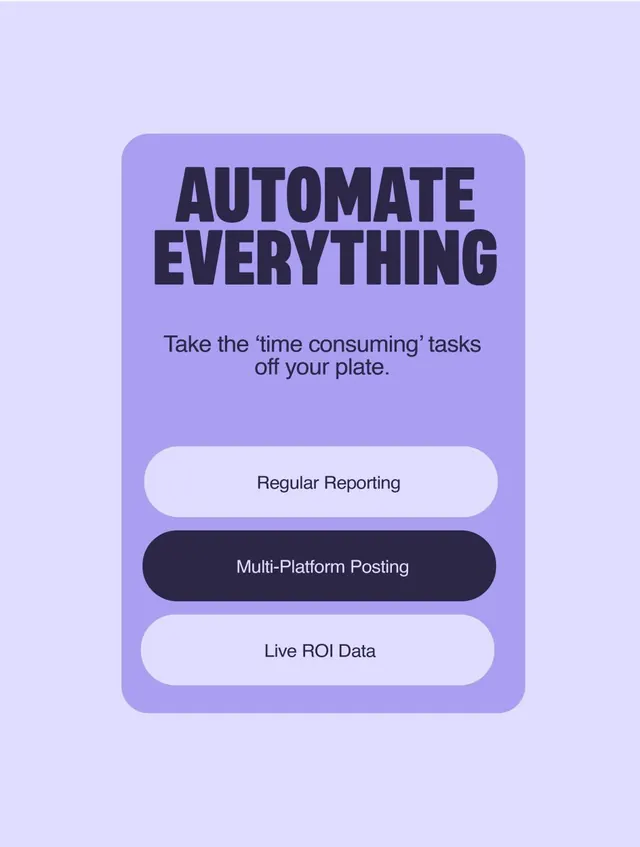 Minimal corporate-clean ui screen
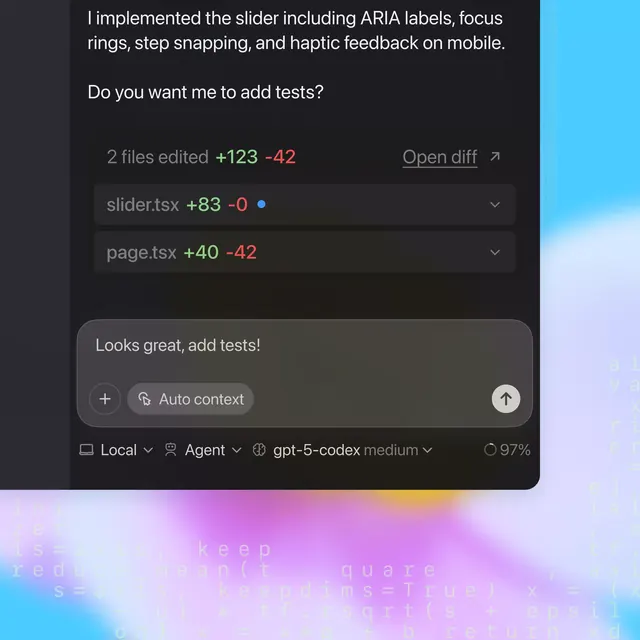 Dark-mode minimal ui screen
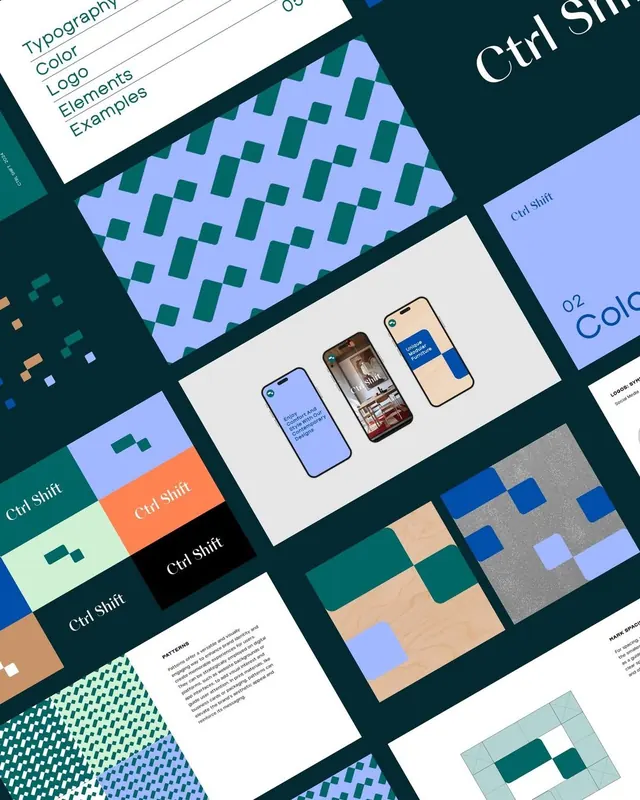 Minimal geometric ui screen
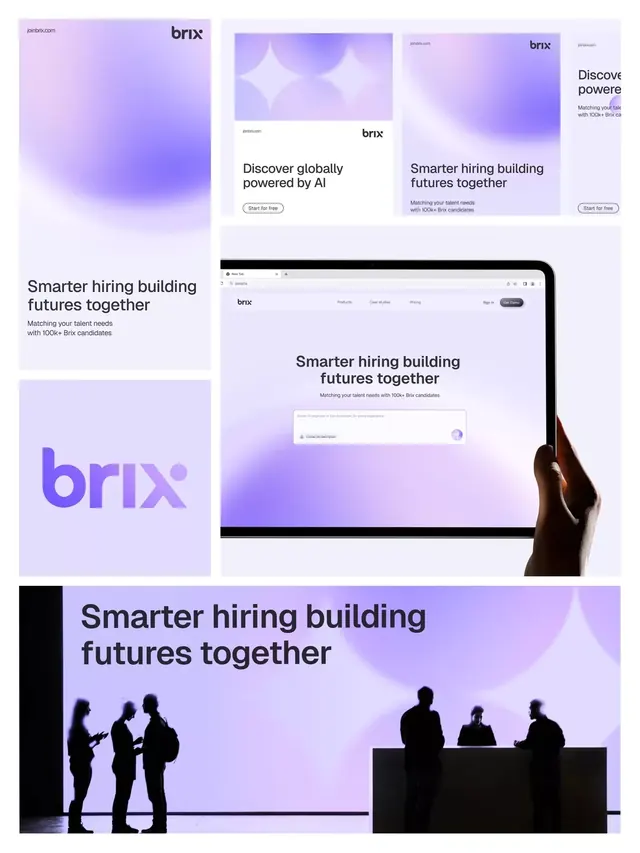 Gradient-heavy minimal ui screen
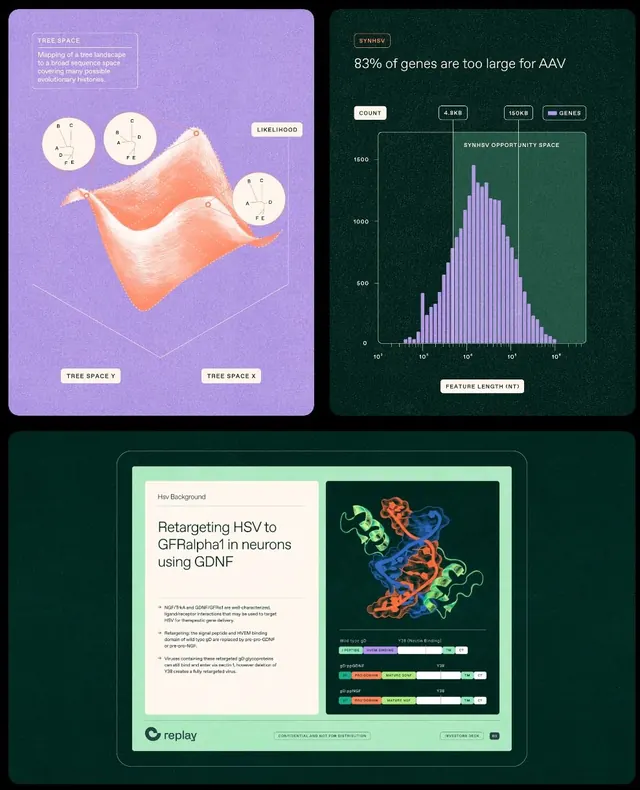 Minimal abstract ui screen
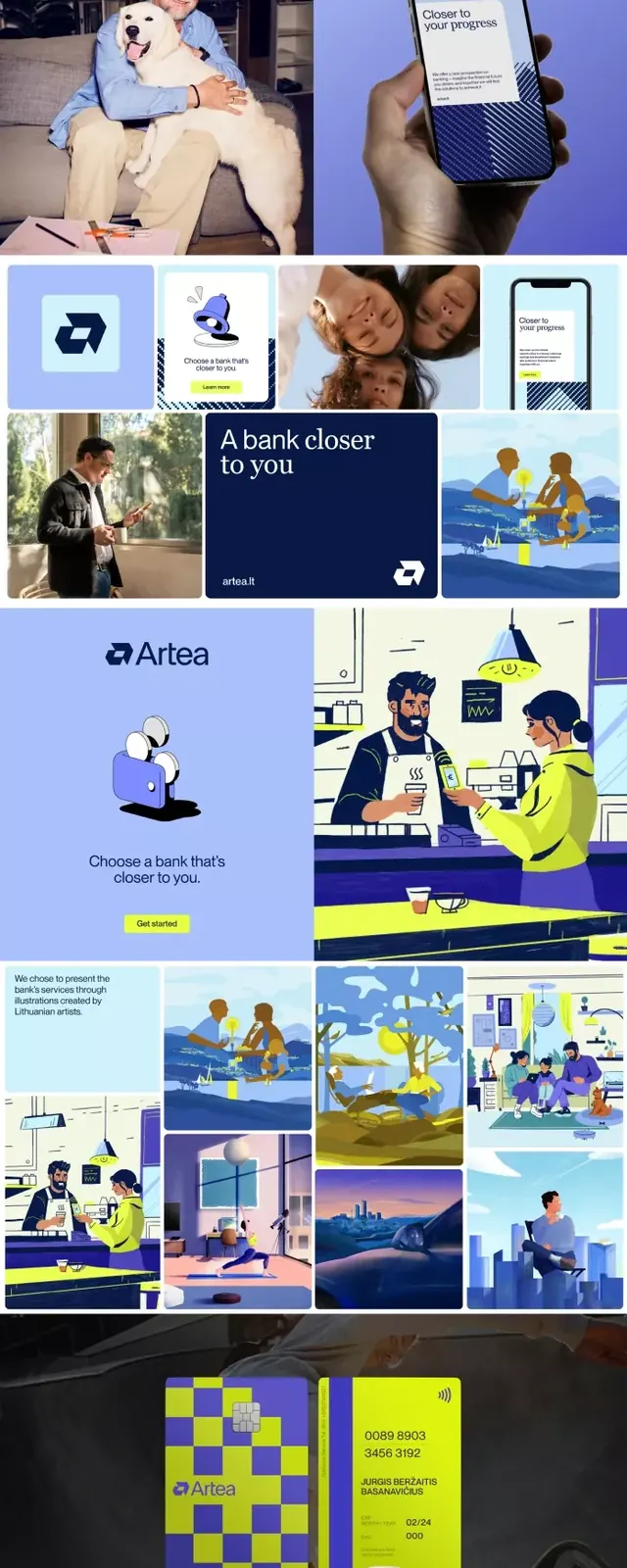 Flat minimal ui screen
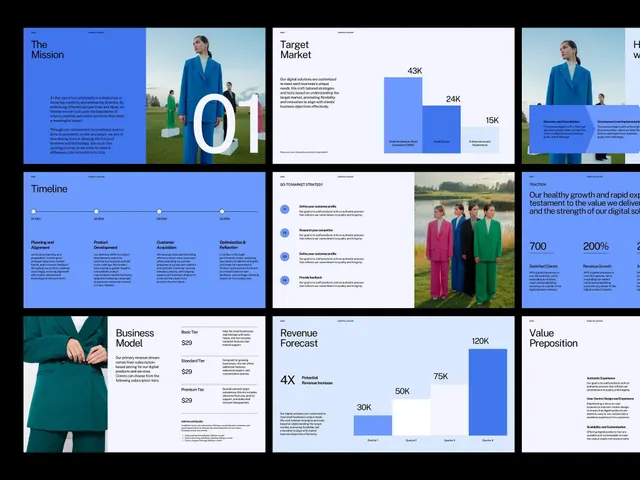 Minimal corporate-clean ui screen
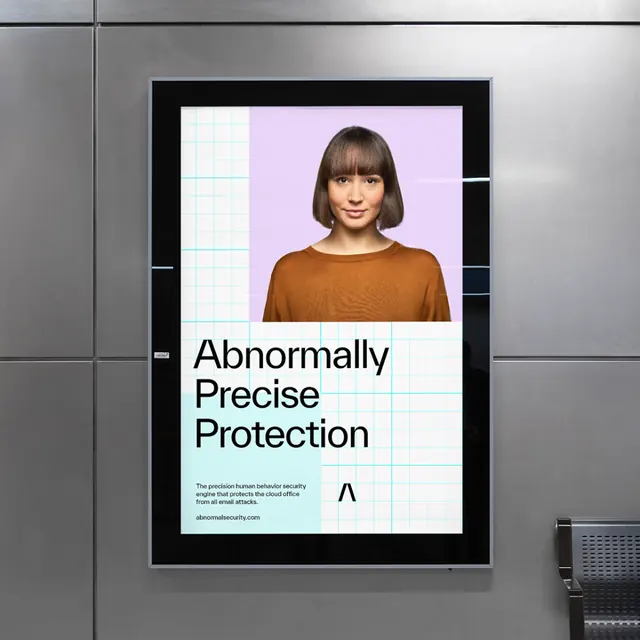 Technical minimal ui screen
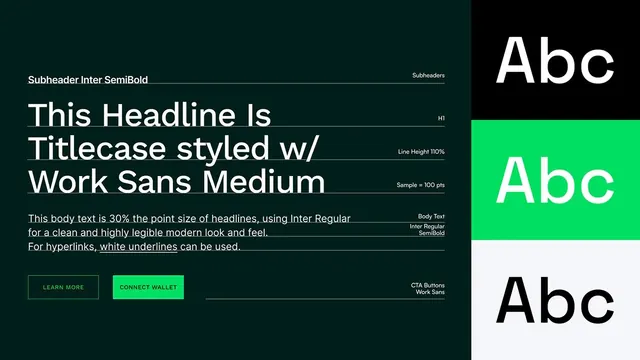 Crypto finance ui with bright neon cta
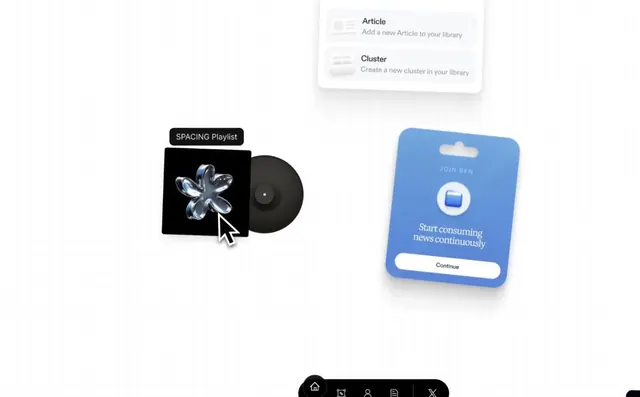 Content curation app with card menu and 3D mockups
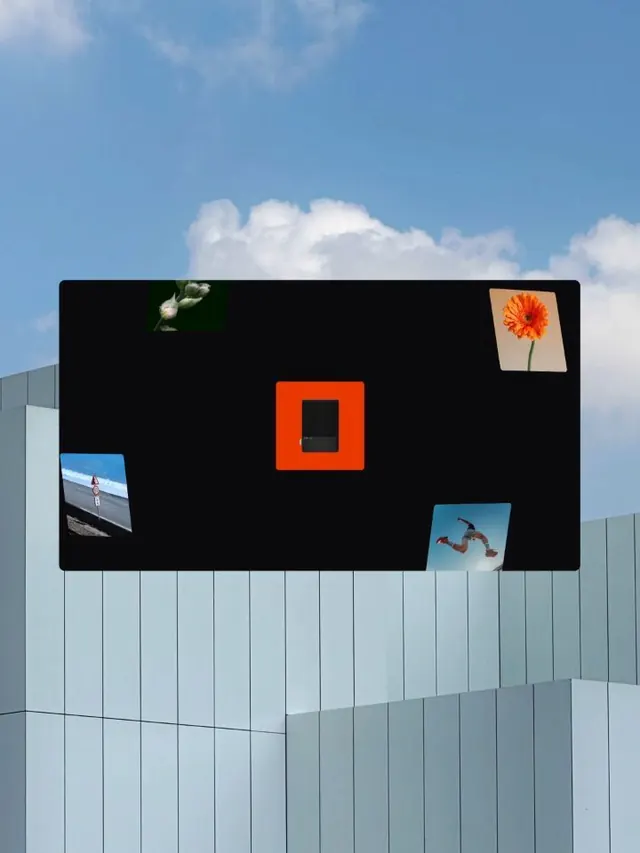 GSAP Effect 107 infinite curved dome image grid (slide 2)
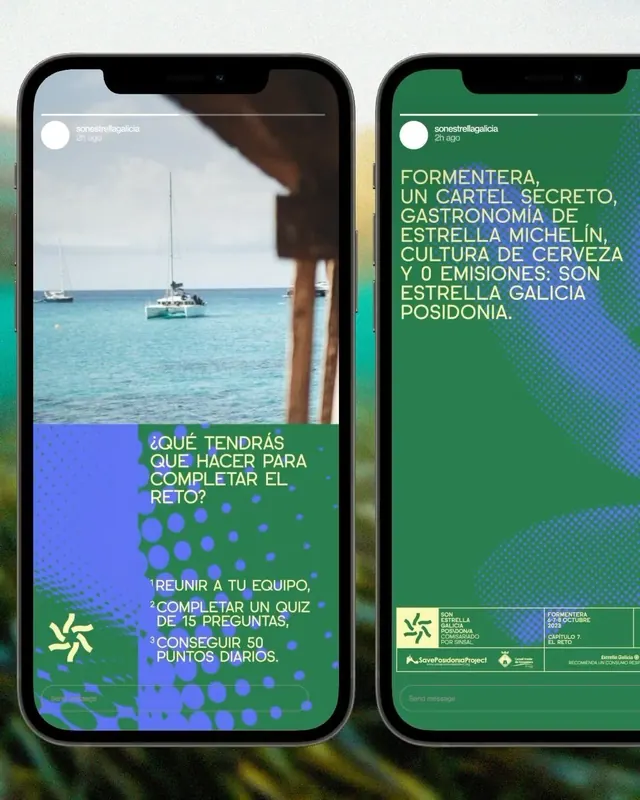 Minimal ui screen
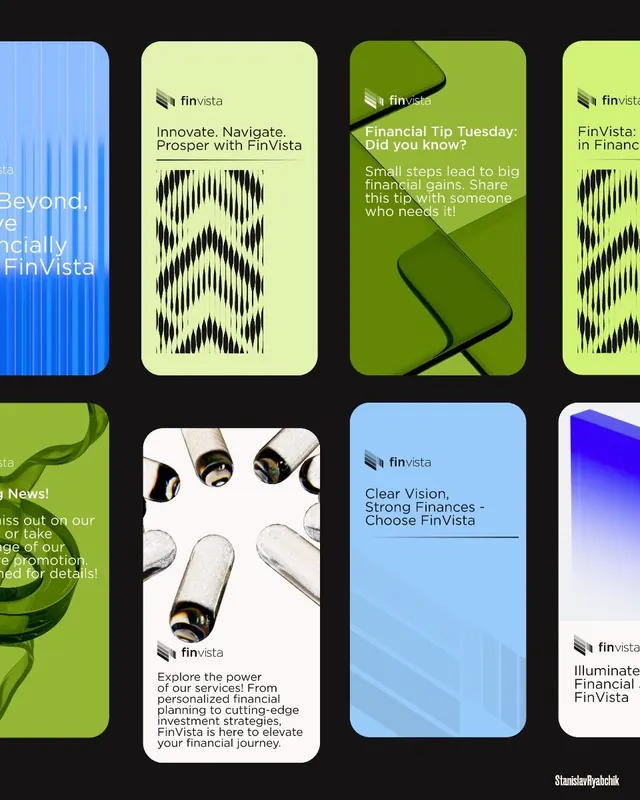 FinVista fintech app screen grid mockup
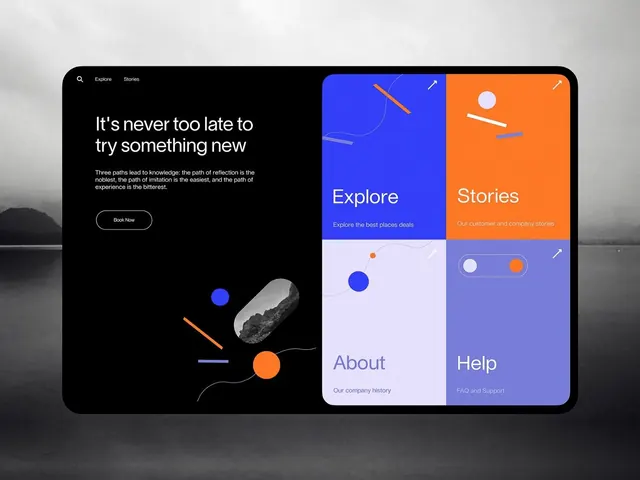 Split-pane exploration interface with 2x2 grid
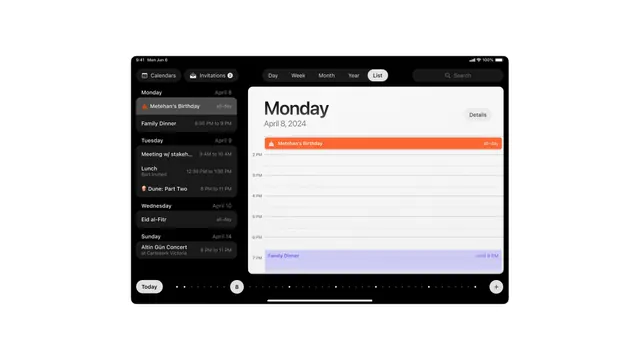 Minimal flat ui screen
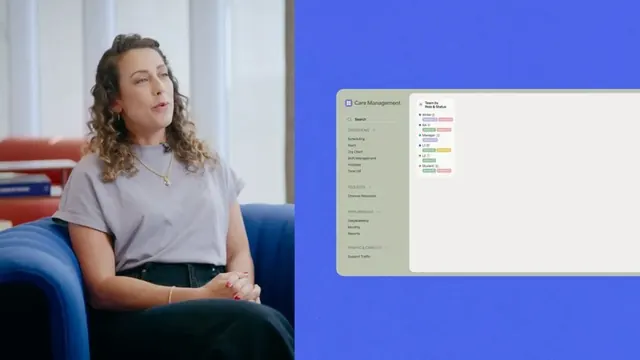 Base44 app UI and testimonial motion piece (slide 5)
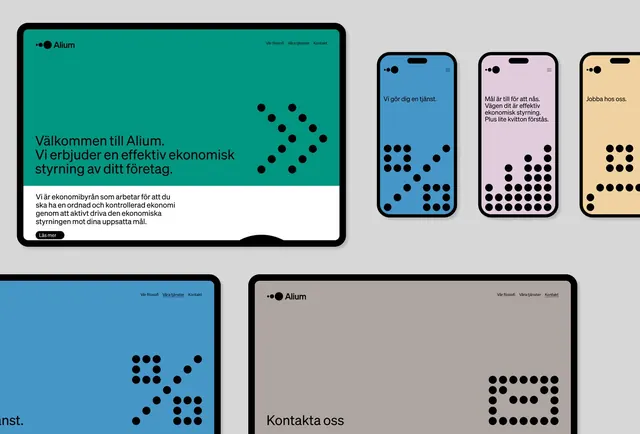 Minimal corporate-clean ui screen
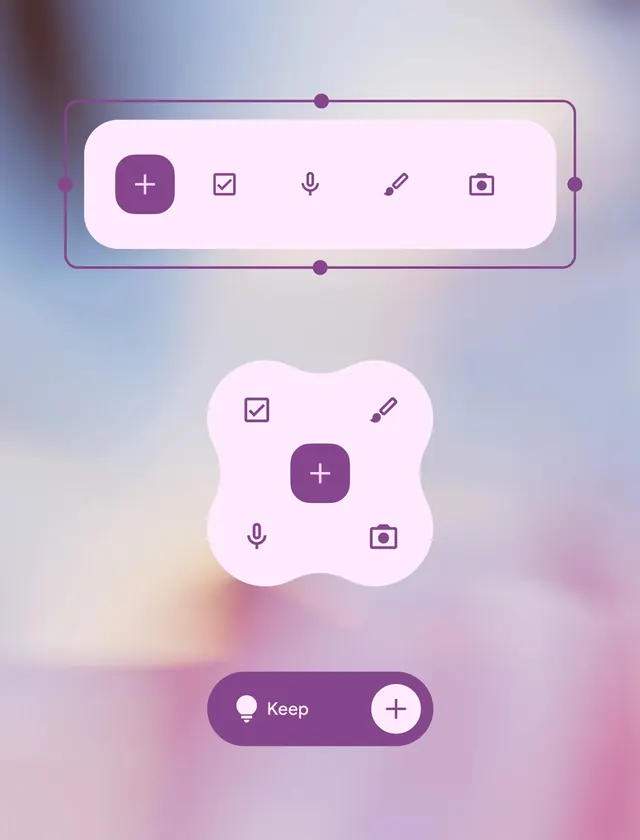 Google Material Design system UI components
 Minimal geometric ui screen
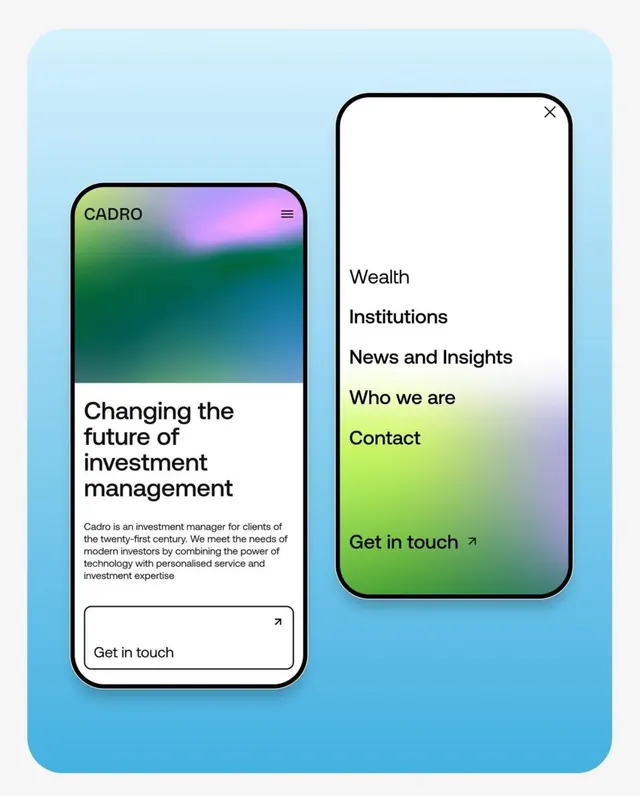 Minimal gradient-heavy ui screen
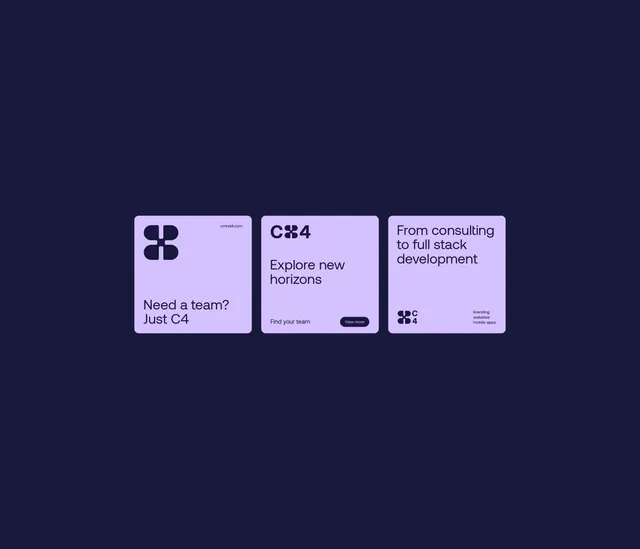 Minimal dark-mode ui screen
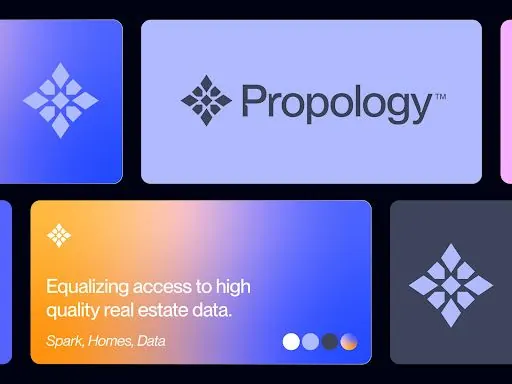 Propology real-estate product dashboard cards
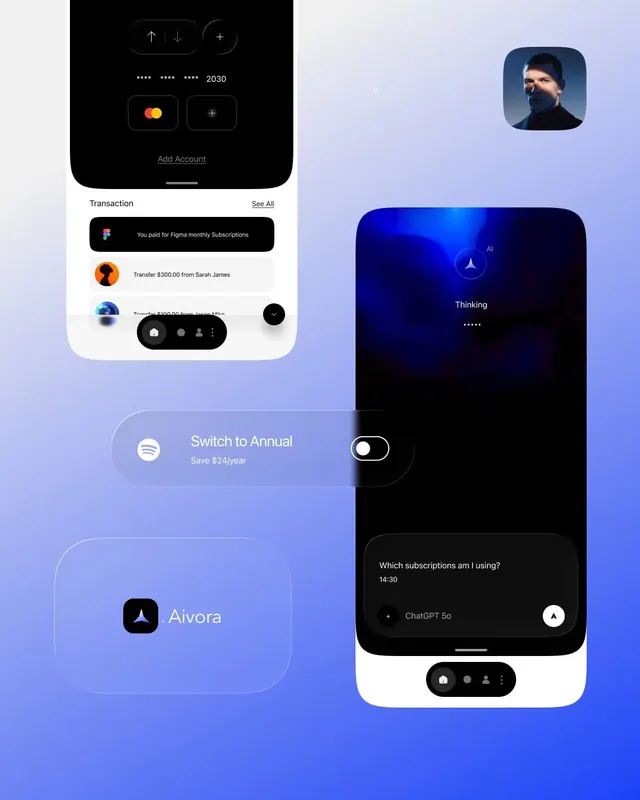 Mobile fintech dashboard with AI assistant, dual-screen layout
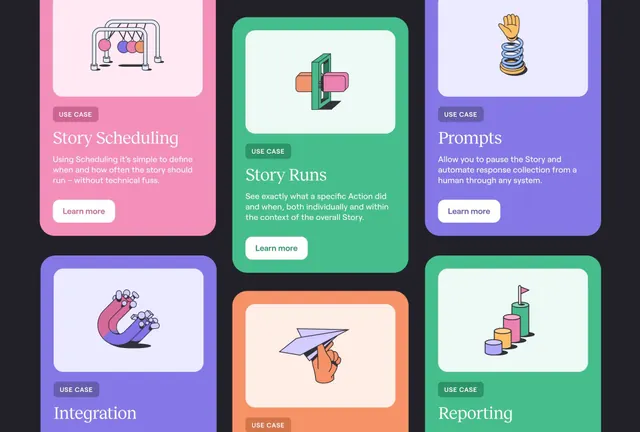 Minimal ui screen