Minimal glassmorphism ui screen
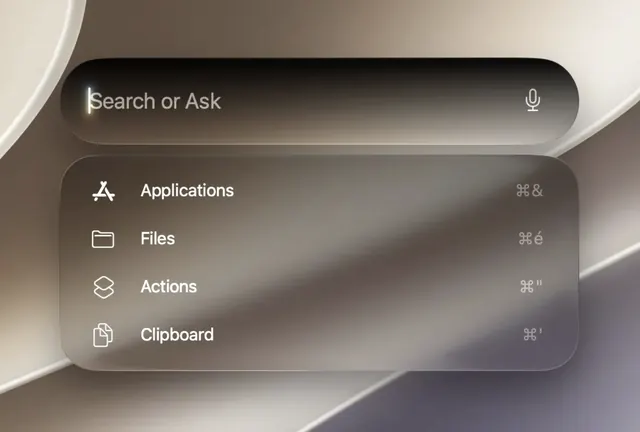
A soft-glass command palette UI shows a search field above a rounded menu of four categories with shortcut hints.
Summary
A soft-glass command palette UI shows a search field above a rounded menu of four categories with shortcut hints.
Visual description
The screen shows a large rounded search bar at the top with the text “Search or Ask” and a microphone icon on the right. Beneath it is a translucent rounded panel listing Applications, Files, Actions, and Clipboard, each with a simple line icon on the left and keyboard shortcuts aligned to the right. The whole composition sits on a blurred warm neutral background with soft highlights and shadows.
Key takeaway
Use strong blur, translucent surfaces, and oversized rounded containers to make a command palette feel tactile and premium. Keep hierarchy simple: one primary input, then a compact list of high-frequency categories with subtle shortcut affordances.
Reuse notes
This works well for search-centric productivity tools, onboarding hubs, or AI assistants where users need fast navigation. It is especially effective when the interface should feel calm, modern, and lightweight rather than dense or technical.
More like this
 Minimal playful ui screen
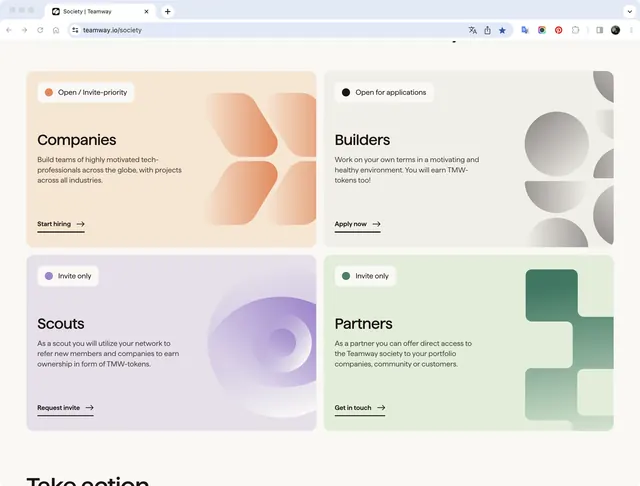 Minimal geometric ui screen
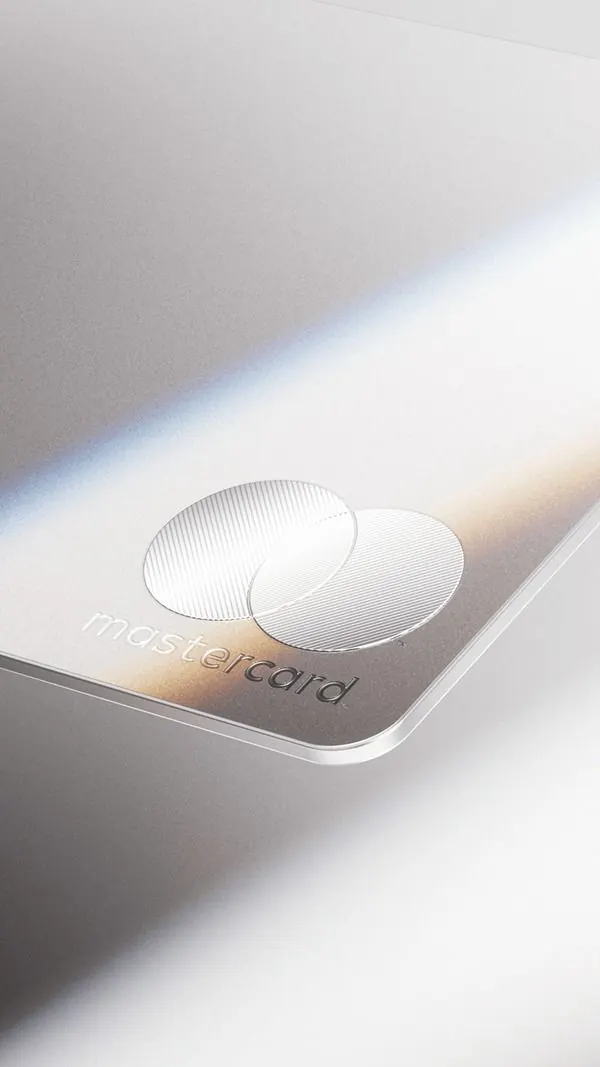 Minimal luxury mockup
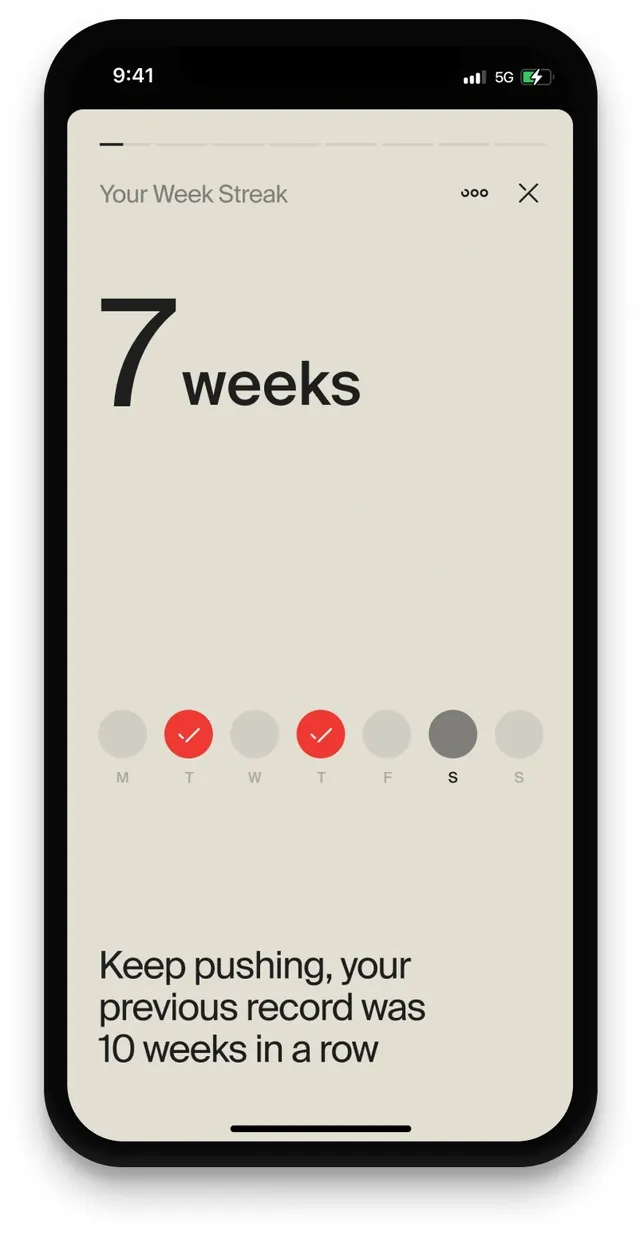 Week streak mobile app screen
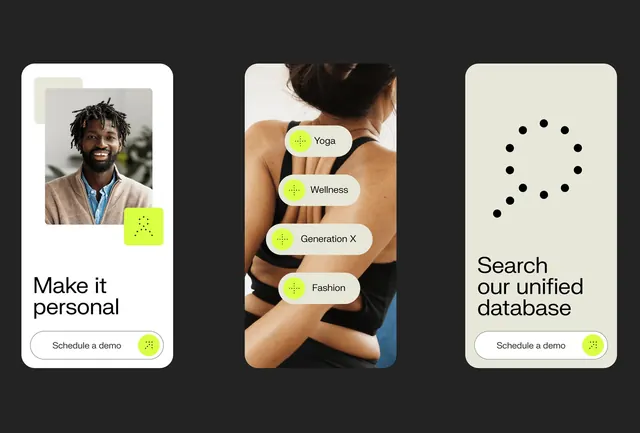 Minimal photographic ui screen
 Minimal flat ui screen
 Organic gradient-heavy ui screen
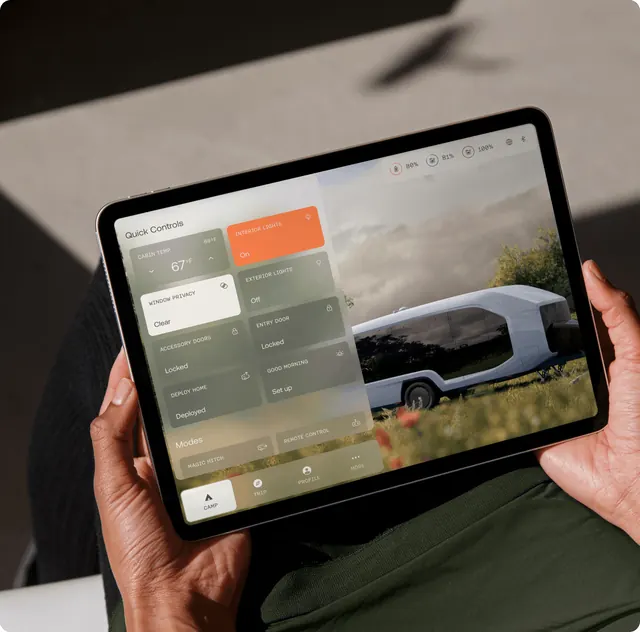 Pebble Flow RV smart home dashboard
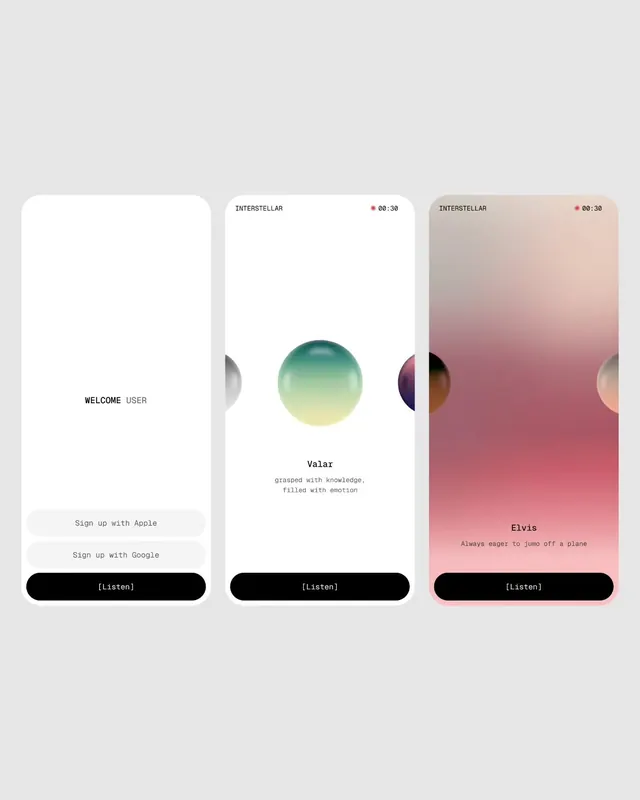 Audio app onboarding with gradient character portraits
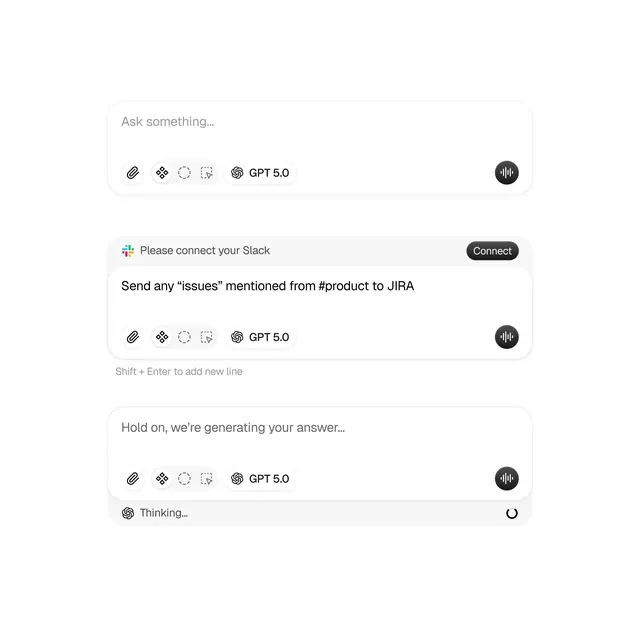 AI assistant chat interface with toolbar
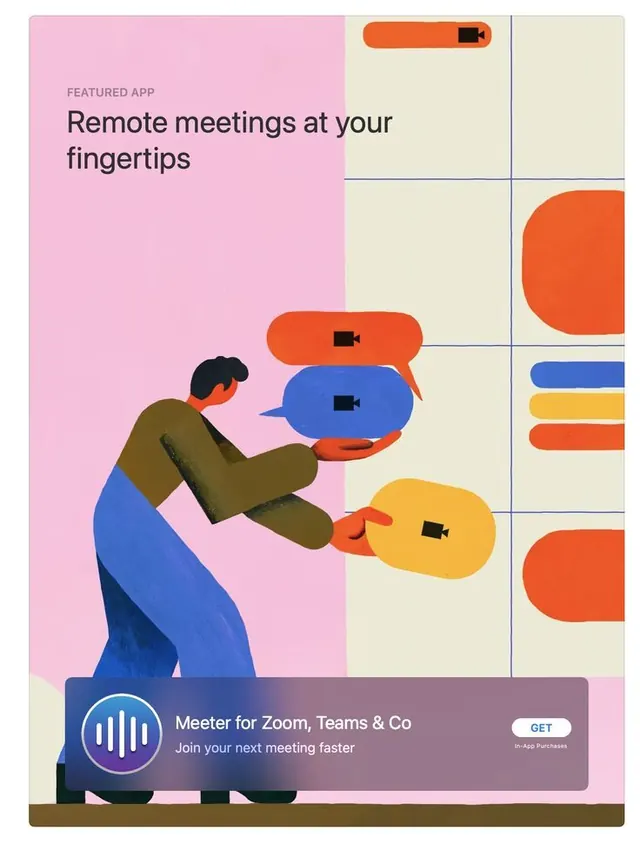 Minimal organic ui screen
 Minimal light-mode wordmark
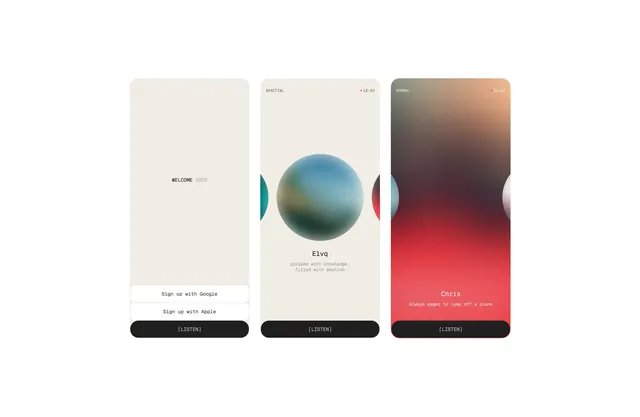 App screens with gradient orbs and minimal UI
 Minimal corporate-clean ui screen
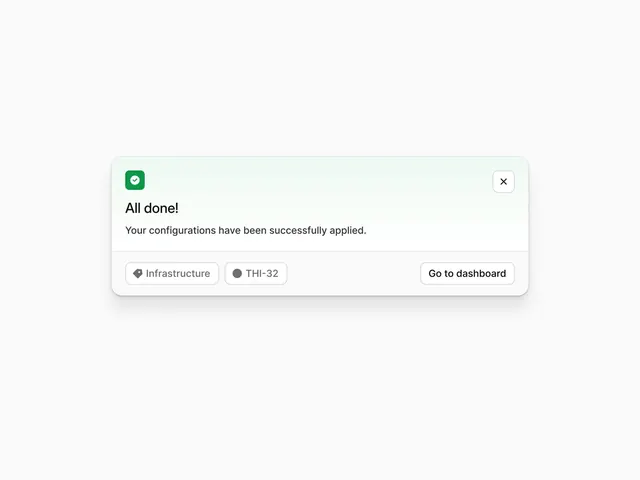 Success confirmation modal with action buttons
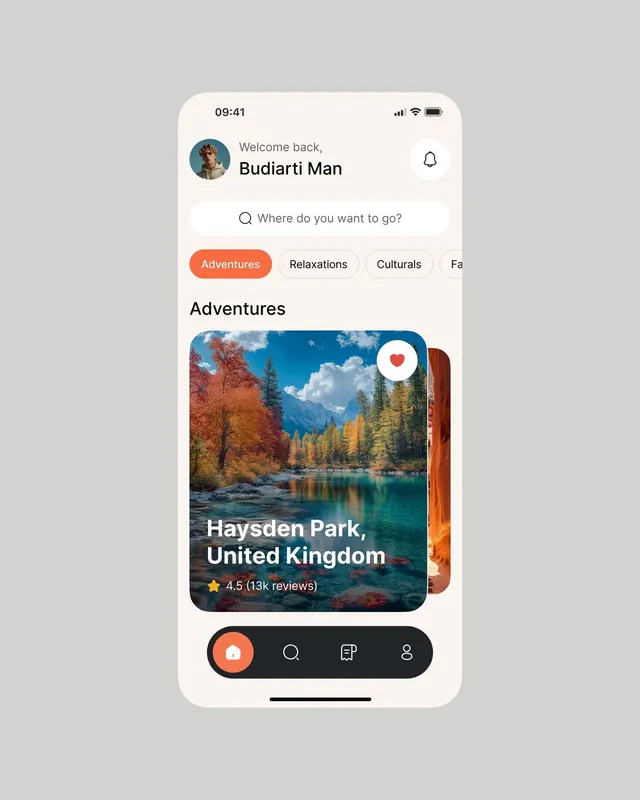 Travel app with personalized adventure recommendations
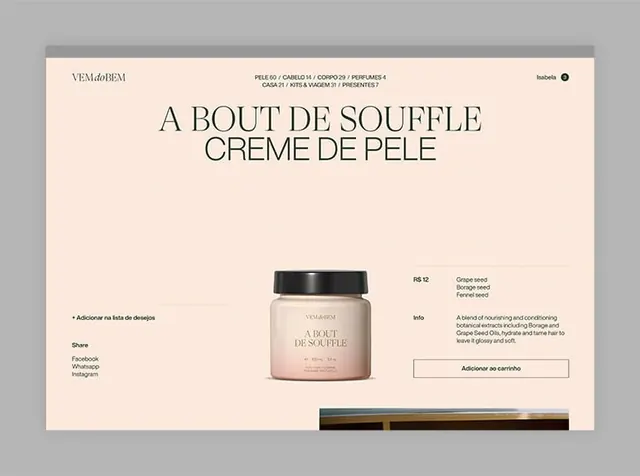 Minimalist skincare cream product page
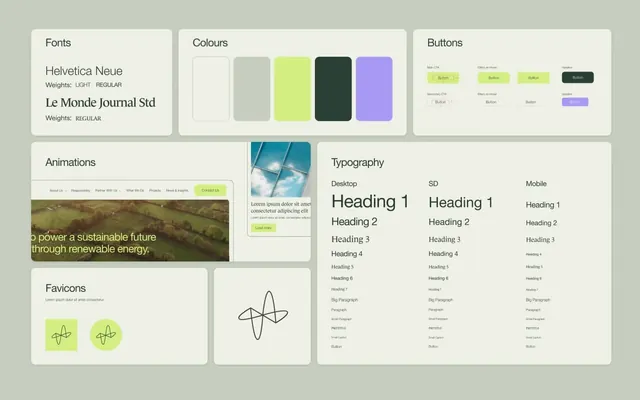 Minimal flat ui screen
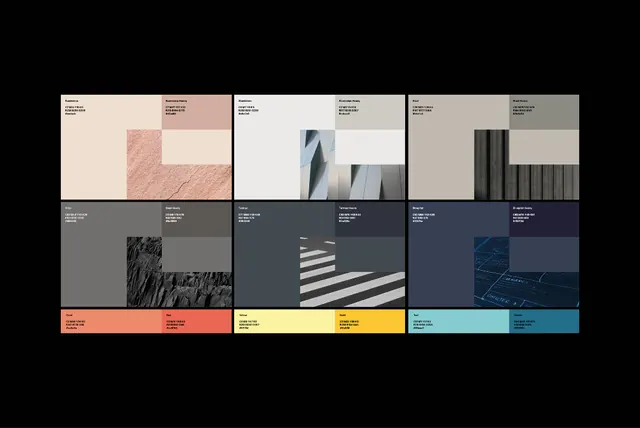 Design system modular grid tiles
 Minimal flat ui screen
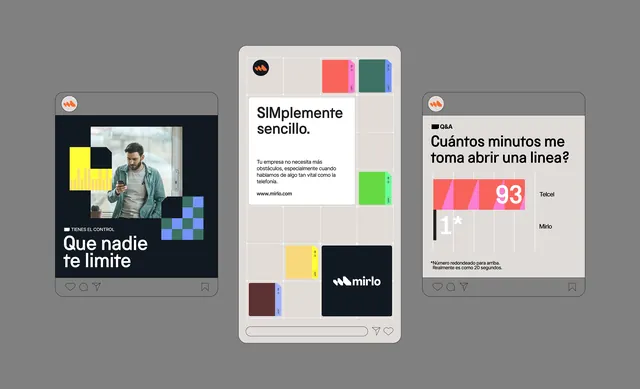 Minimal flat ui screen
 Samsung Frame TV art display minimalist
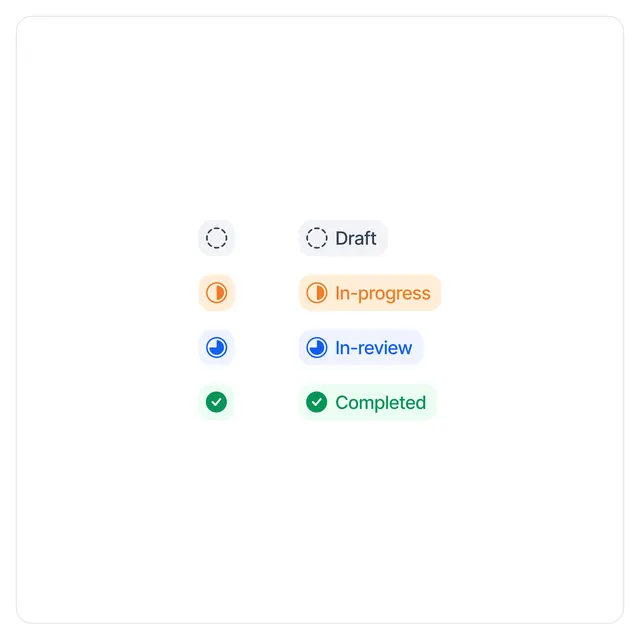 Status indicator states with icons and labels
 Neue white minimalist grid interface