iOS app icon variants and sizes
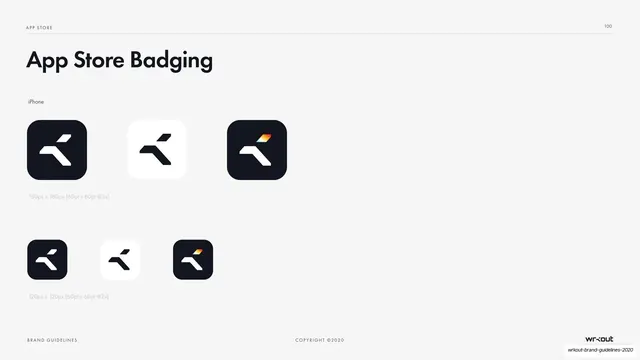
iPhone app icon variants at 180 and 120 pixels show the mark in dark, reversed and gradient-accent treatments inside rounded squares.
Summary
An app icon sheet for iPhone that shows the mark in three colorways at two sizes. It sets out the primary and secondary icon dimensions.
Visual description
Light gray page with a bold black title, App Store Badging, and an iPhone label. The top row has three large rounded squares at 180 by 180 pixels: a dark square with a white mark, a white square with a dark mark, and a dark square with a small gradient flash above the mark. A caption beneath reads 180 by 180 pixels, 60 point at 3x. A second row below shows the same three variants at 120 by 120 pixels, 60 point at 2x.
Key takeaway
Three colorways at two sizes show how the icon adapts to dark and light surfaces without changing the mark. The gradient flash stays a small accent so the icon still reads at a glance.
Reuse notes
Use when exporting or checking iOS app icons. Choose the dark or reversed version to suit the store listing or device background, and check the 120 pixel size, where the mark is smallest.
More like this
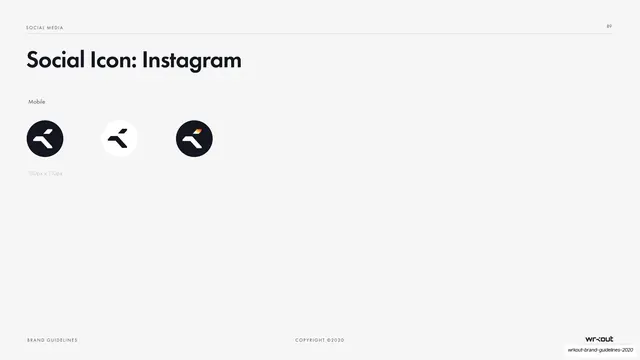 Instagram mobile avatar variants
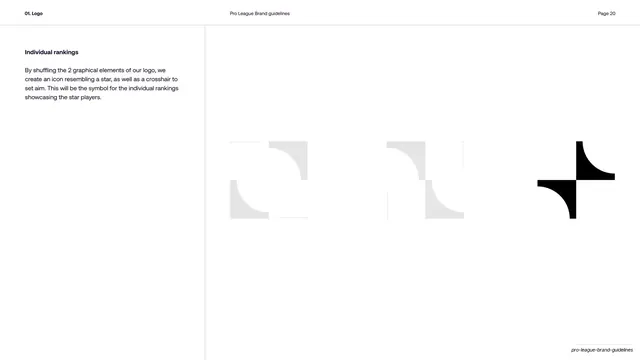 Brand mark rearranged into star icon
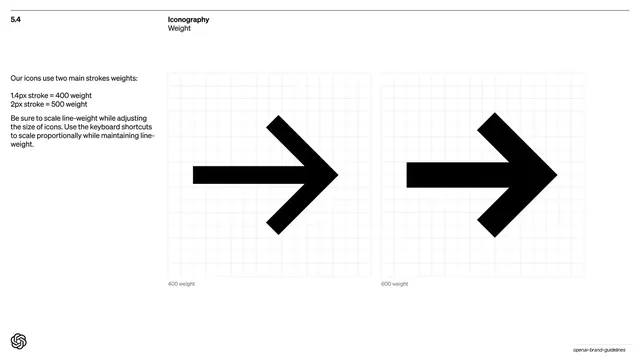 Icon stroke weights 1.4px and 2px
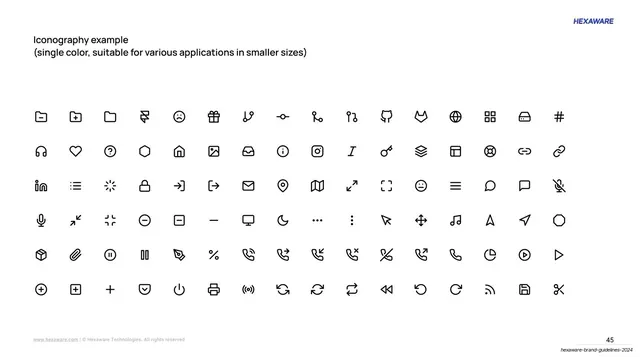 Single-color minimal icon grid
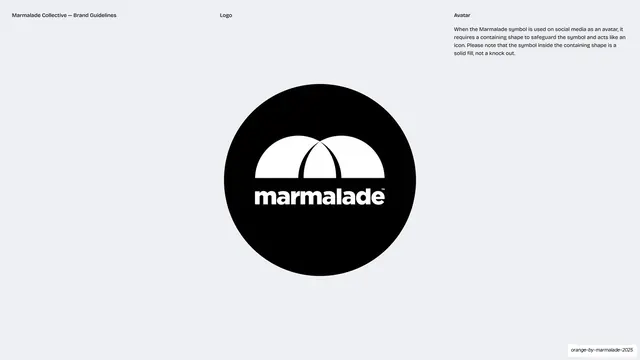 Social avatar in solid black circle
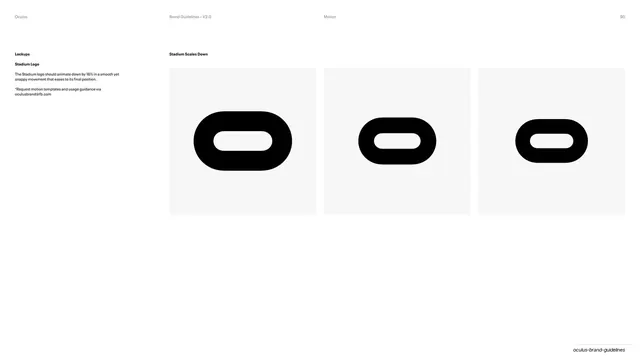 Stadium logo scales down in motion
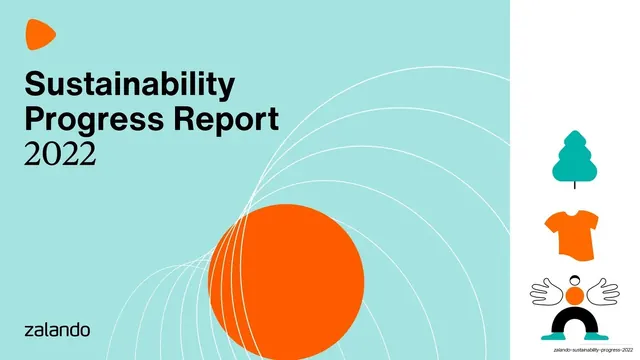 Report cover with orange sun and arcs
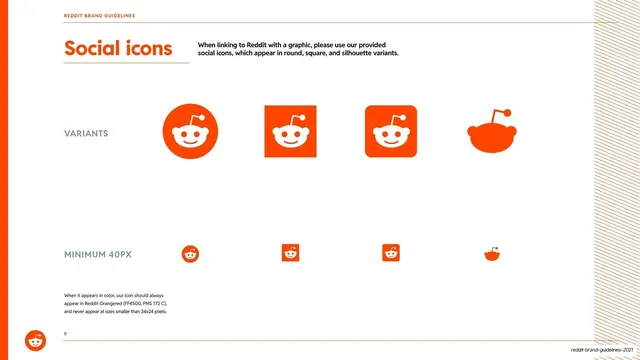 Social icon variants and minimum sizes
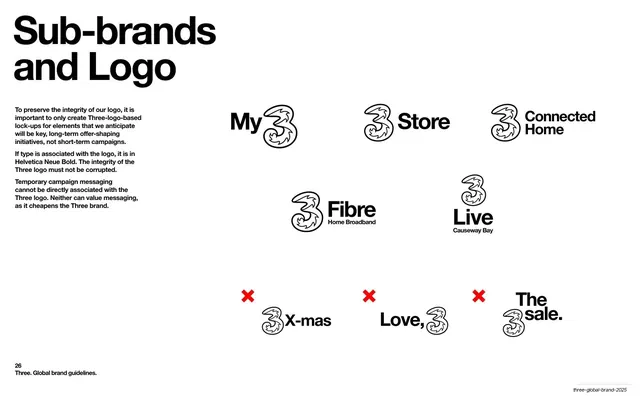 Sub-brand lock-ups and prohibited taglines
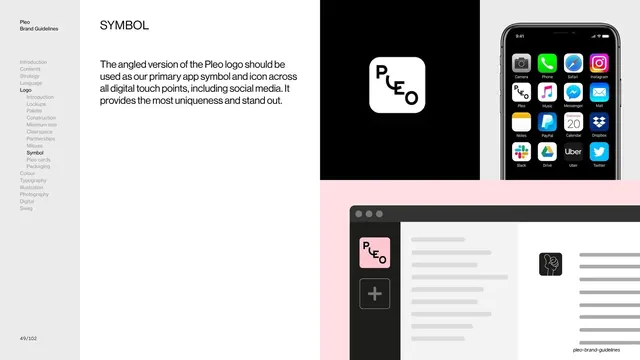 Angled logo as primary app icon
 Brazil map opener on green background
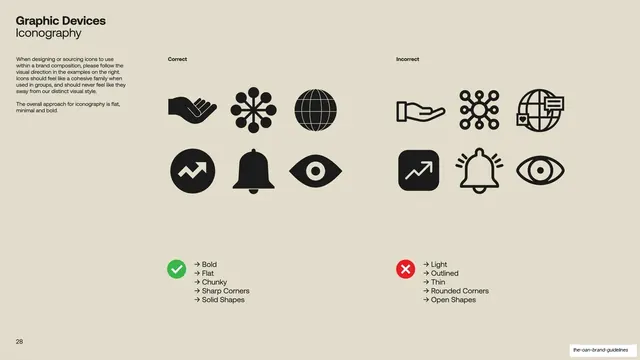 Iconography style rules
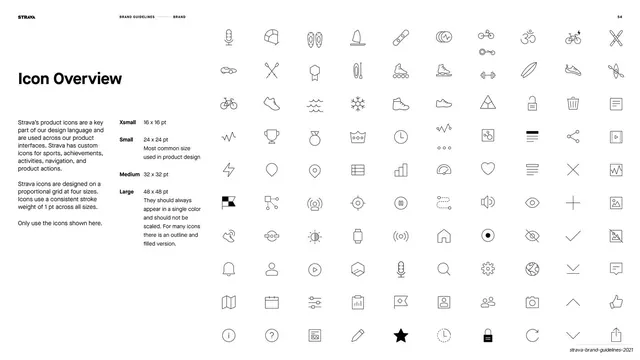 Strava product icon overview grid
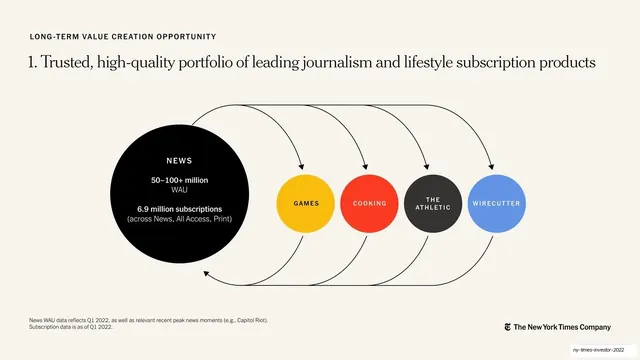 Cross-product engagement flow diagram
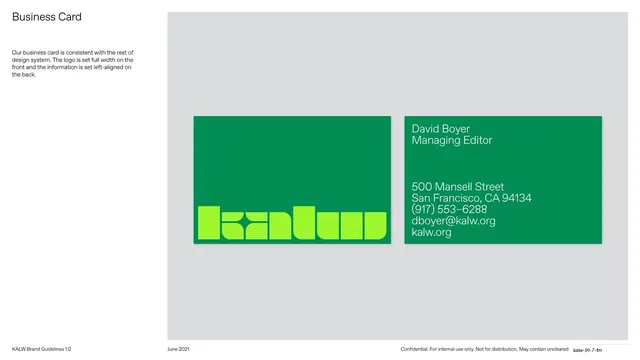 Business card with full-width logo front
 Pull quote on learning to say no
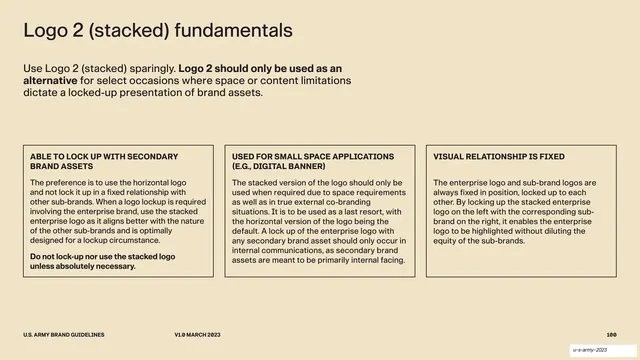 Stacked logo fundamentals three-card rules
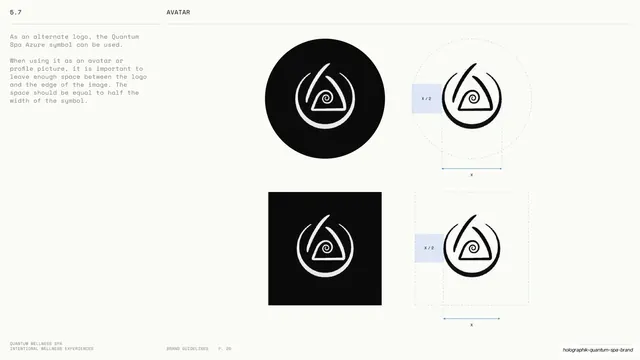 Azure symbol as social avatar
 Contents with six numbered sections
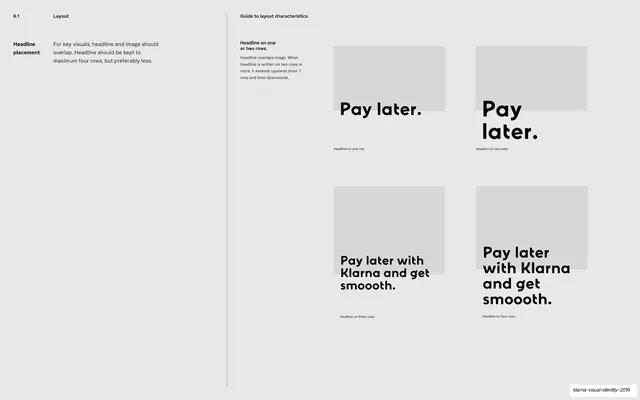 Headline placement over image examples
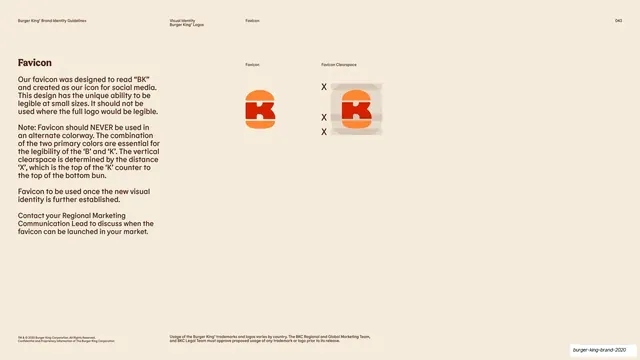 Favicon design and legibility rules
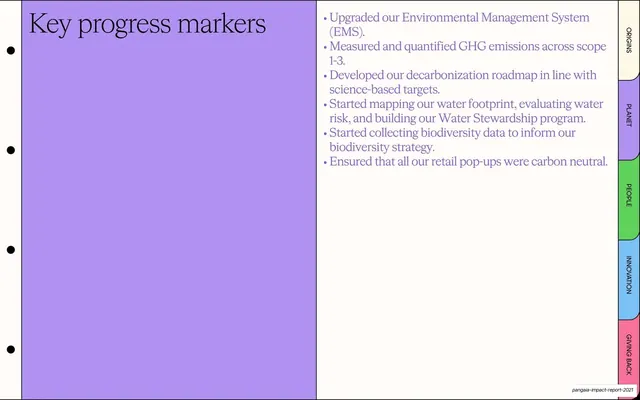 Key progress markers split panel
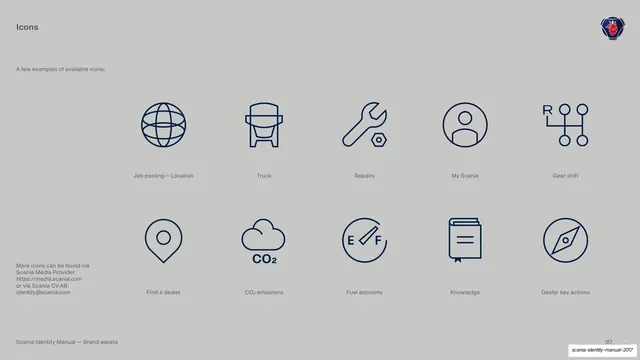 Scania icon set examples
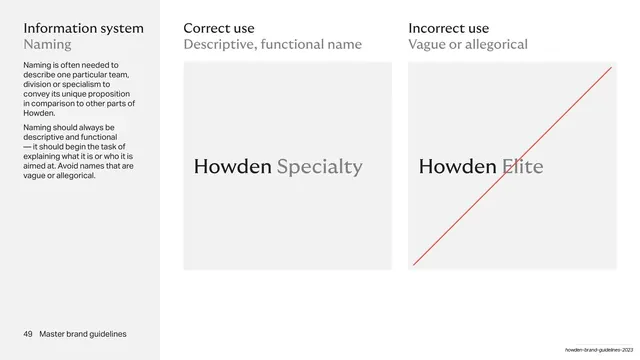 Descriptive naming versus vague naming