Numbered contents page in three columns
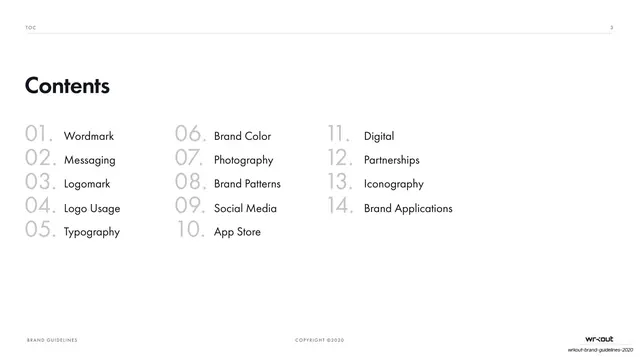
White contents page listing fourteen numbered chapters in three columns under a bold Contents heading.
Summary
A white contents page that lists the fourteen chapters of the guidelines as numbered items in three columns.
Visual description
A bold black "Contents" heading sits at the top left. Below it, fourteen entries run in three columns, each with a large light-gray two-digit number followed by a regular-weight black chapter name. The numbers are much larger and lighter than the labels, so the numerals act as a quiet rhythm down each column. A running header, footer and hairline frame the page.
Key takeaway
Light-gray oversized numerals with black labels give a scannable index without any boxes or icons. The three-column grid keeps fourteen entries on one screen.
Reuse notes
Use for any long guideline or report that needs a one-page index. The gray numerals fade on projectors, so keep labels dark. Scales well to more chapters by adding columns rather than shrinking type.
More like this
 What's Inside contents page
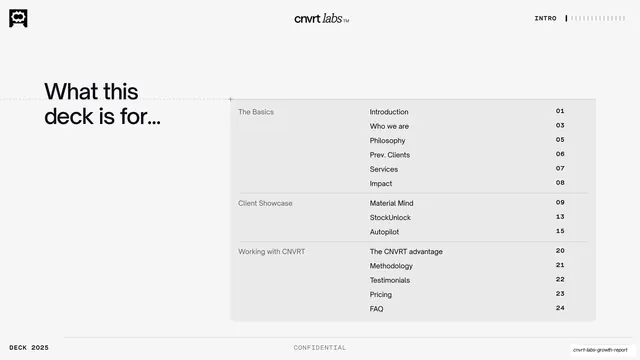 Deck contents index on light grid
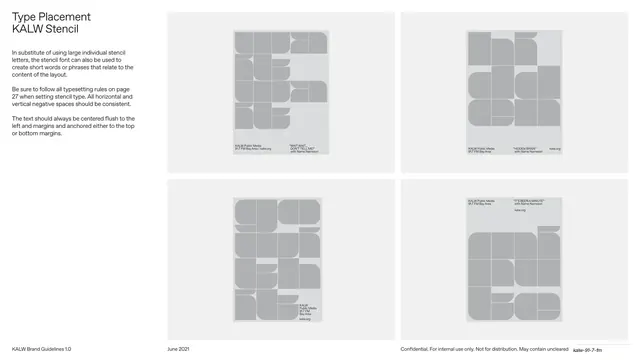 Stencil letter phrases as pattern tiles
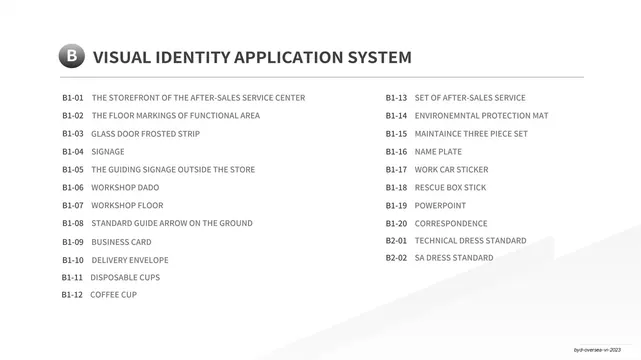 Application module index B1 and B2
 Photography treatments text overview
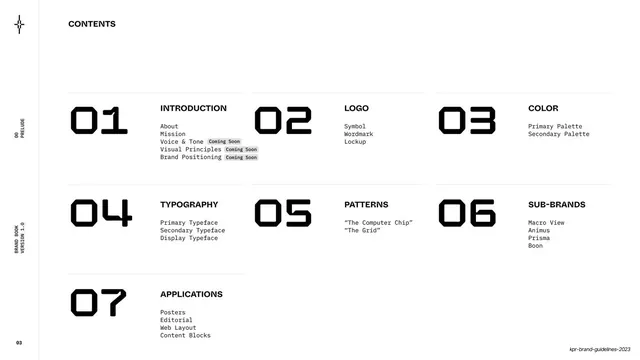 Contents page
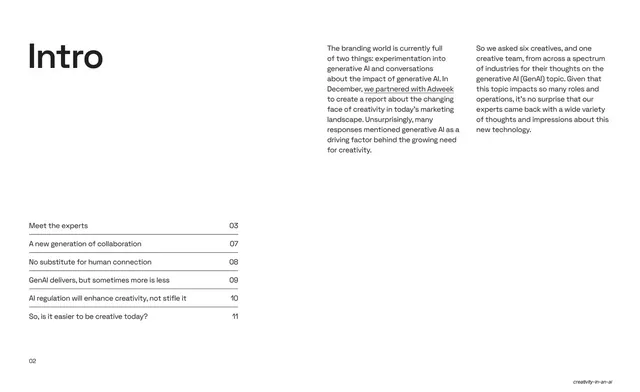 Intro and contents
 Introduction text in two columns
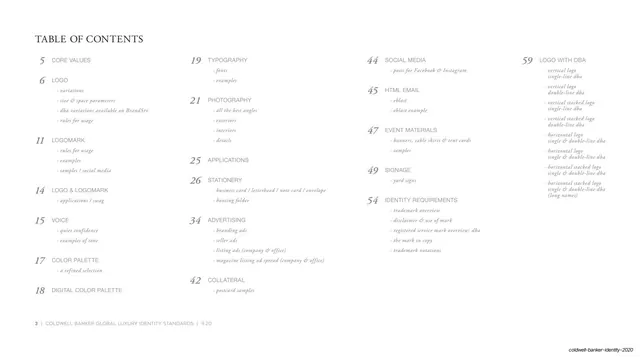 Table of contents across four columns
 What's inside contents list
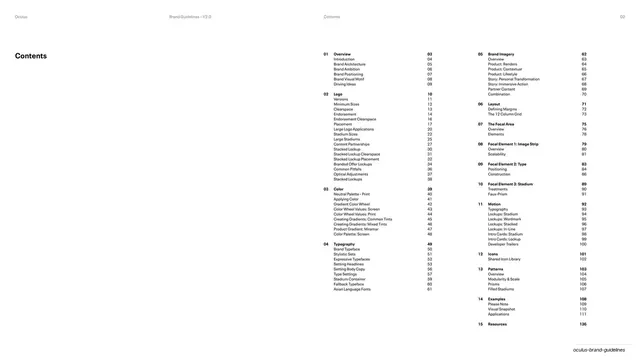 Contents page with numbered sections
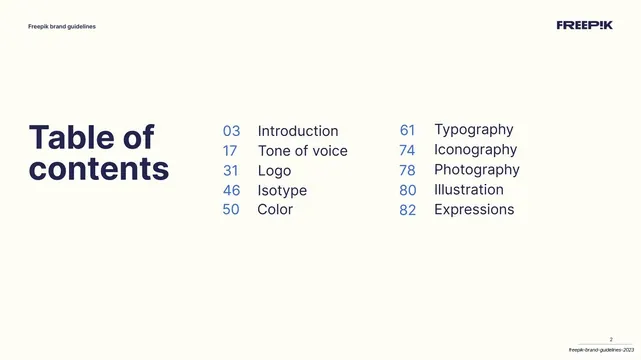 Table of contents with page numbers
 About this document intro page
 Unclear UX copy before revision (Fetch)
 WRKOUT on Mac App Store top charts
 Staircased index of contents
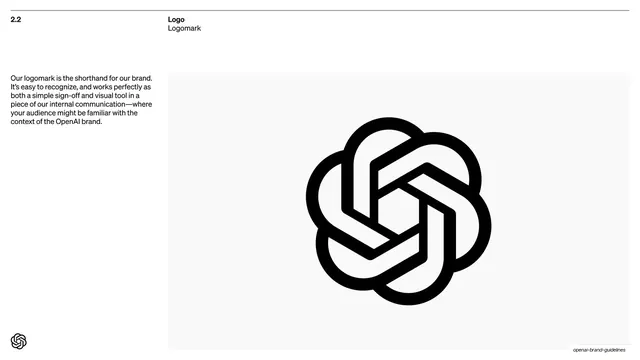 Logomark on light grey panel
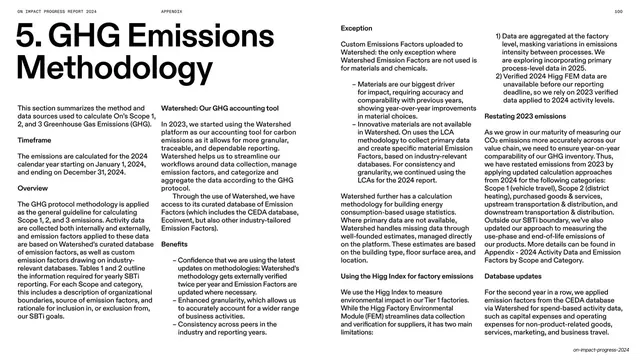 GHG Emissions Methodology appendix
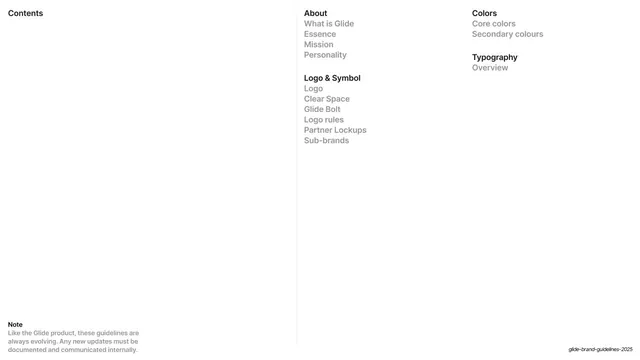 Contents three-column index
 Table of Contents
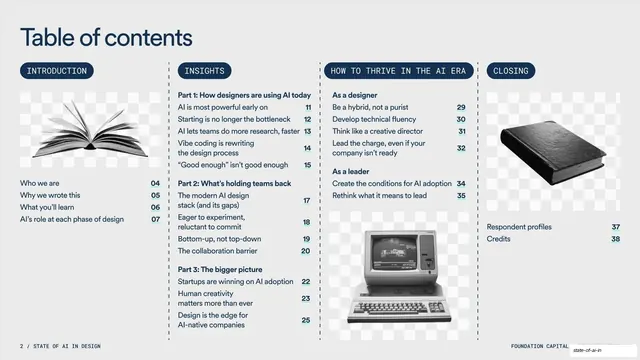 Four-column table of contents
 Founding history and expansion in two columns
 Introduction chapter divider with sketches
 Disclaimer and safe harbor statement page