Horizontal logo placement on dark ad layout
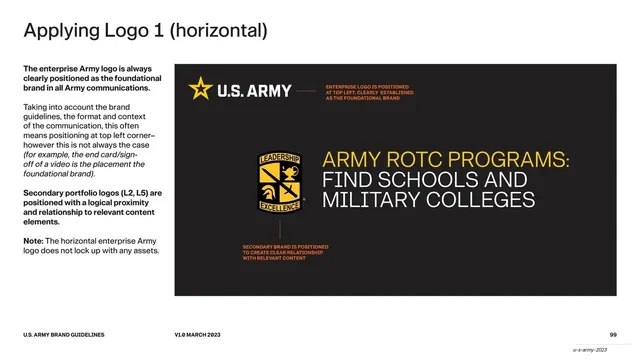
Split slide with placement guidance on the left and a dark example layout on the right, showing the horizontal logo top left, a secondary crest beside a yellow and white headline, and orange callouts.
Summary
A guideline slide that shows the horizontal logo applied to a dark example layout, with orange callouts explaining where the enterprise logo and a secondary crest belong. The example is a recruiting-style banner.
Visual description
On the left, bold lead-in sentences set the rule that the enterprise logo is the foundation, followed by notes on placement and secondary brands. On the right, a near-black panel contains the example. The horizontal star-and-wordmark logo sits top left, with a thin orange leader line and a small all-caps orange note beside it. The center holds a leadership crest in yellow and black next to two lines of headline copy: "ARMY ROTC PROGRAMS:" in yellow and "FIND SCHOOLS AND MILITARY COLLEGES" in white, both all-caps sans. A second orange note sits below the crest, with a vertical leader line pointing to it.
Key takeaway
The annotated example makes the placement rule concrete: enterprise logo top left, secondary brand near the relevant content. Orange callouts separate the instructions from the artwork.
Reuse notes
Use when showing logo placement in an ad, social card or banner, especially with a secondary brand. The annotation style is a good teaching device for any layout rule. Callouts in orange only work on dark backgrounds, so switch the note color if the layout is light.
More like this
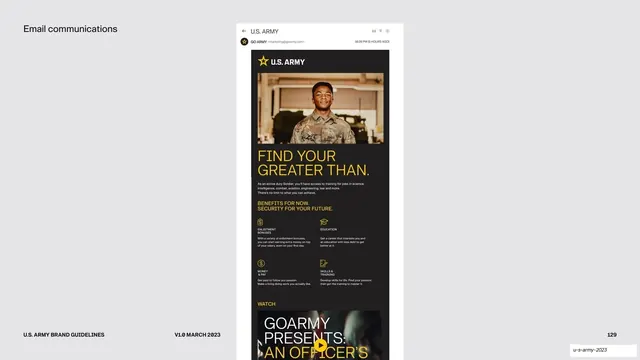 Benefits email template: Find Your Greater Than
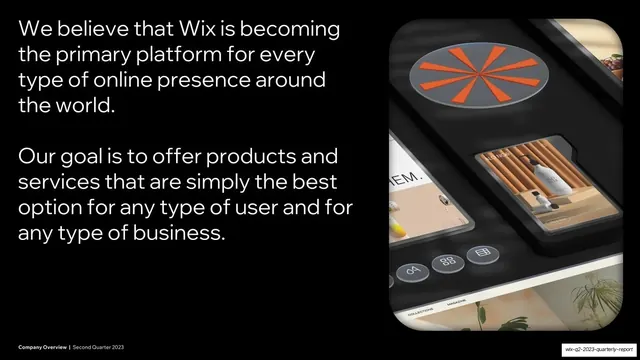 Platform belief and goal statement slide
 Full mark, light lettering on dark
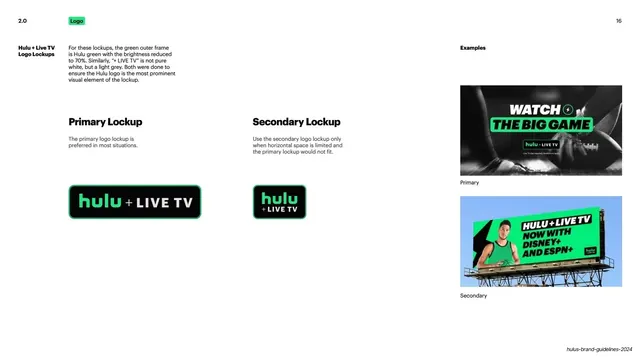 Hulu + Live TV logo lockups
 WRKOUT Brand Guidelines 2020
 The Standard in Footage Licensing (closing CTA)
 Logo color combinations grid
 Primary logo on dark green
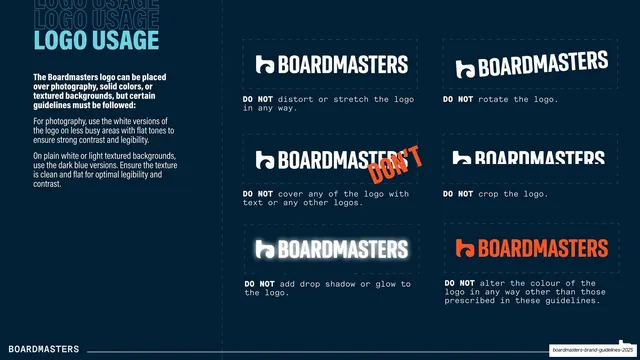 Logo misuse grid
 Full logomark on dark
 F1 Championship logo construction
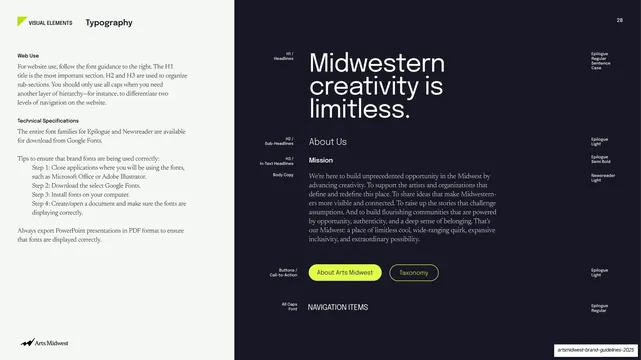 Typography hierarchy, web and headline scale
 Vertical stacked logo on black disc
 ARTHAUS Fundacion logotype negative
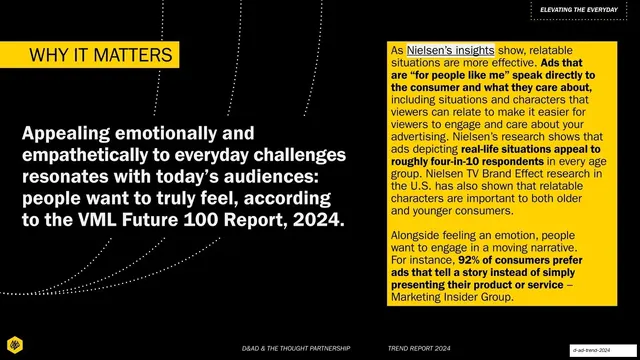 Black statistic slide with research panel
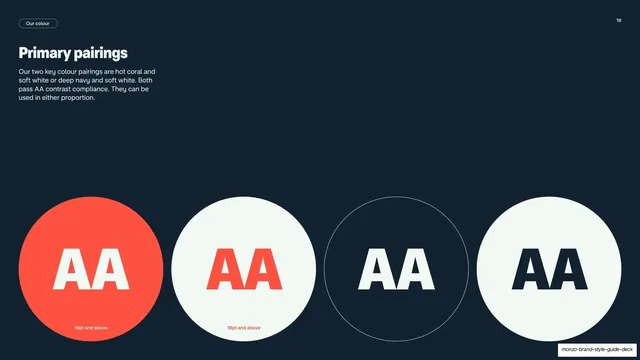 Monzo primary colour pairings
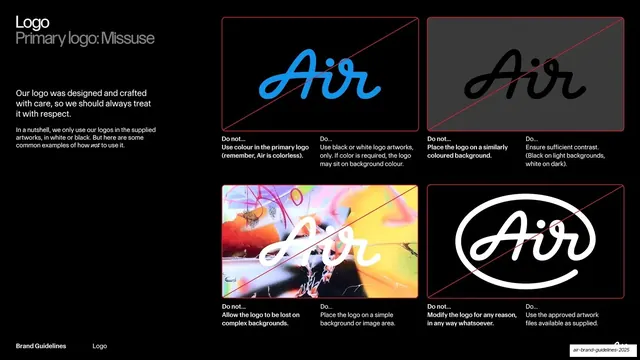 Primary logo misuse examples grid
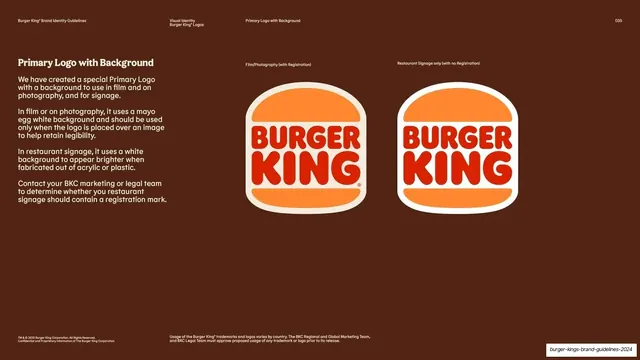 Primary logo with background variants
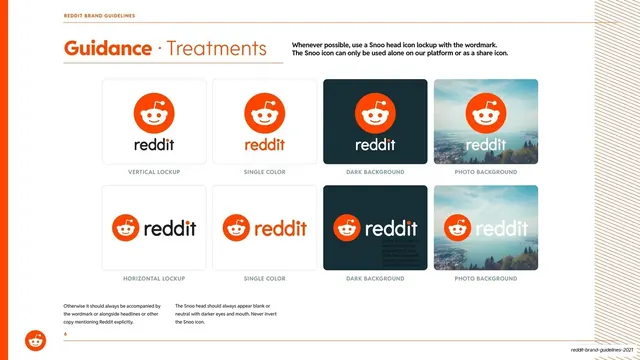 Eight approved logo treatments on four backgrounds
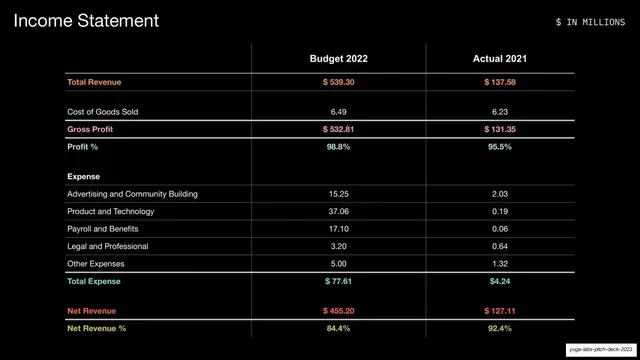 Income statement table
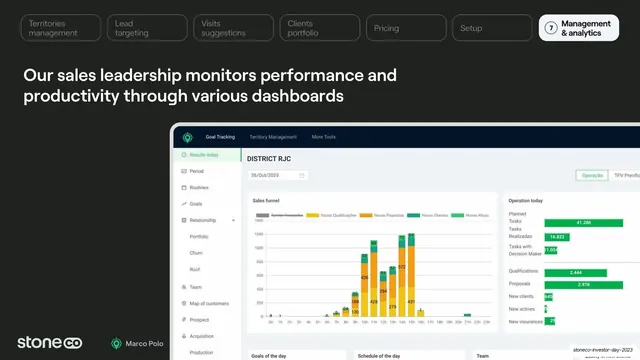 Filled sales funnel hourly stacked bars
 Reversed logo on dark background
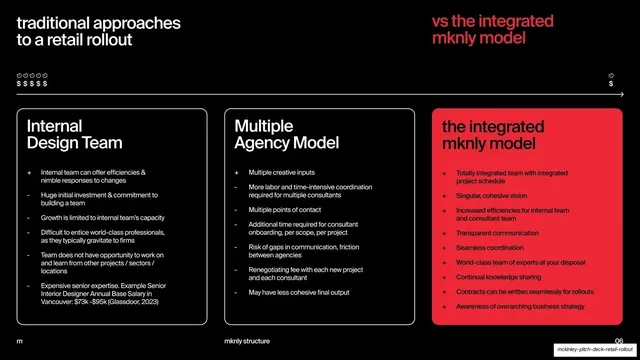 The integrated mknly model comparison payoff
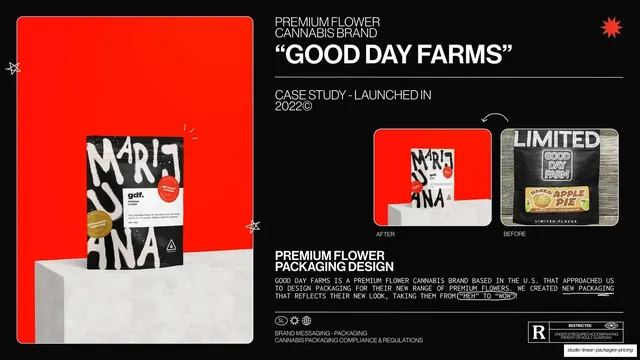 Premium flower packaging redesign case study