Chatbot gives in-app profile steps
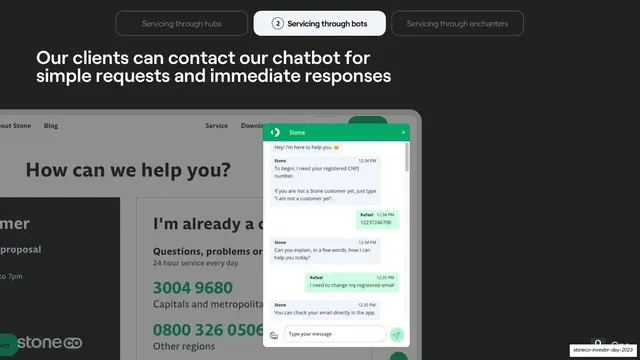
Dark slide with a light chat widget showing the bot giving in-app instructions for finding the profile and registration data.
Summary
Dark slide with a light chat widget showing the bot giving in-app instructions for finding the profile and registration data. The answer points to a location on screen rather than a general help article.
Visual description
The middle tab in the top bar is active, and the headline sits above a faded help page. The widget shows the bot's answer as grey bubbles with three-line positional instructions, first where the profile sits on the home screen and then which option to choose. The customer's earlier message sits in a pale green right-aligned bubble. The composer with a send button anchors the bottom of the widget.
Key takeaway
Positional instructions such as "top corner of the home screen" make the self-service claim believable. The reader sees the bot solving the task rather than linking elsewhere.
Reuse notes
Good for a slide about in-app guidance or ticket deflection. Pair the frame with a real capture of the instructed screen when one is available.
More like this
 Chatbot widget opening greeting
 Digital strategy two-branch diagram
 Why Dev Mode feature with version history
 TV for TV people principles diagram
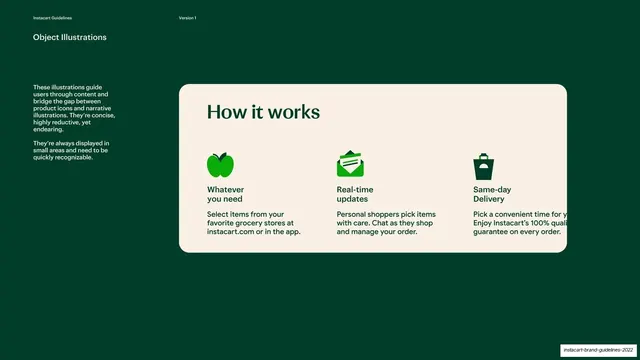 Object illustrations in a How it works card
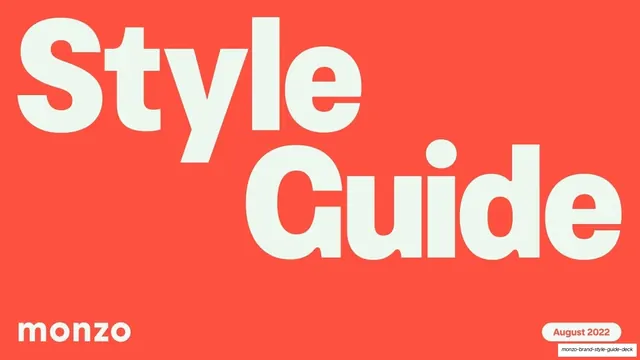 Monzo Brand Style Guide 2022
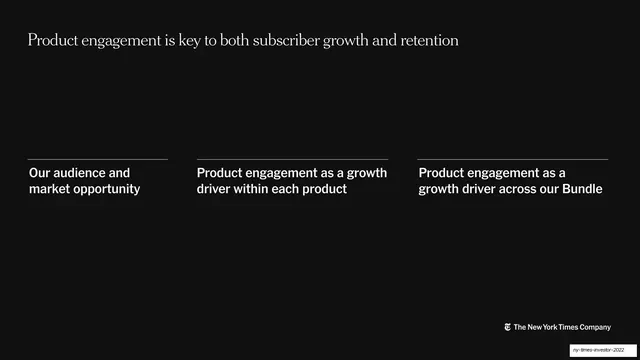 Three-pillar product engagement framing
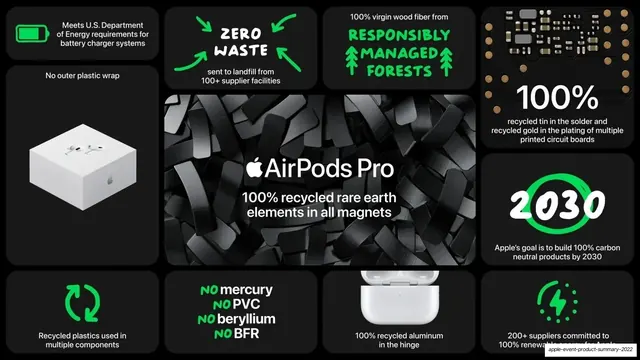 AirPods Pro sustainability bento (dark)
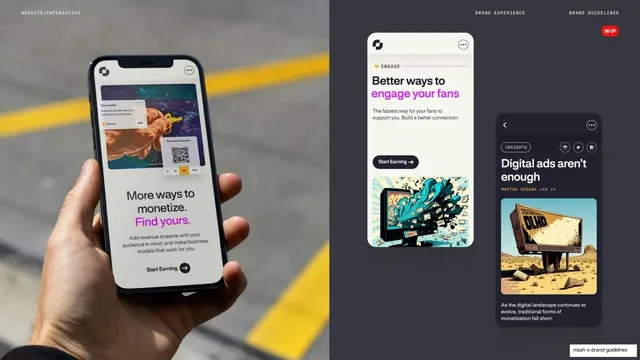 Mash mobile UI examples
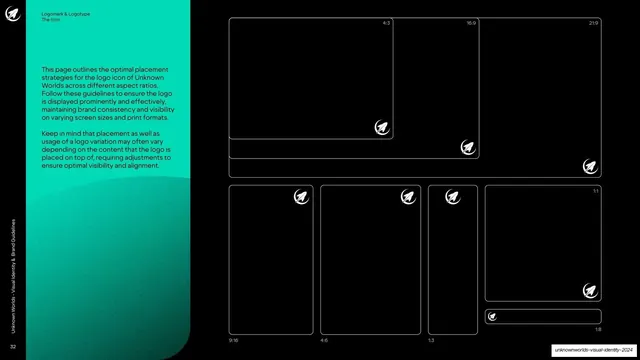 Icon placement across aspect ratios
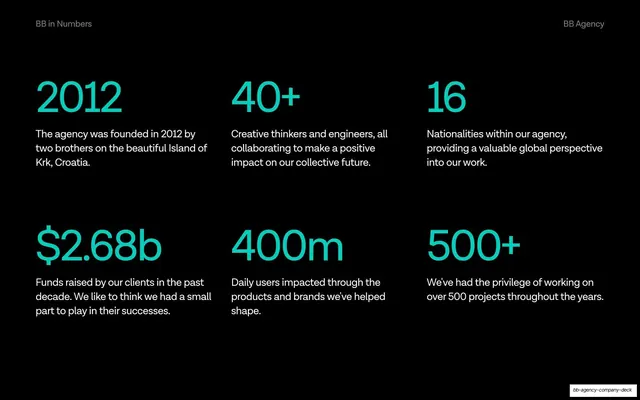 BB in Numbers stat grid
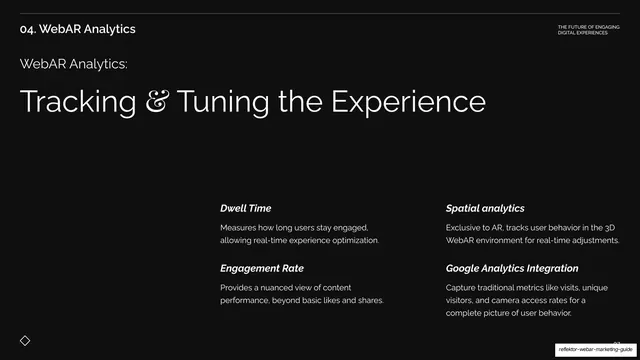 Tracking and Tuning the Experience
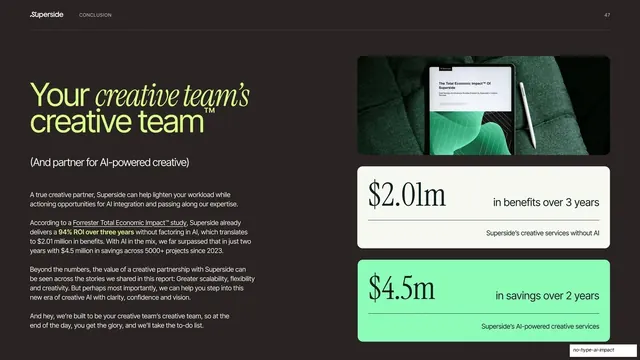 ROI proof stats with report mockup
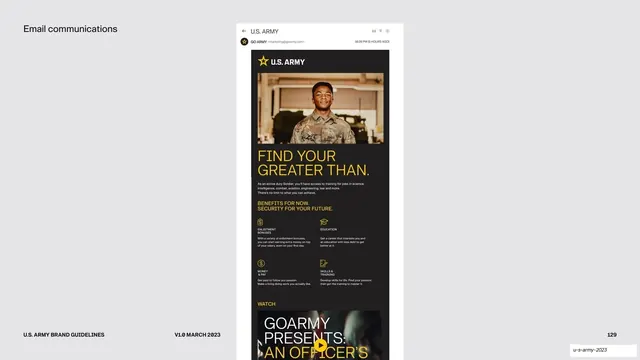 Benefits email template: Find Your Greater Than
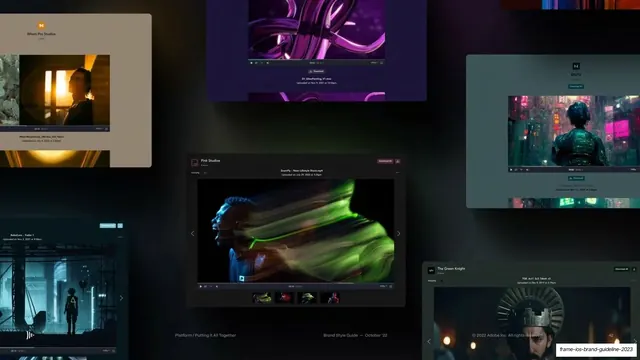 Putting it all together product collage
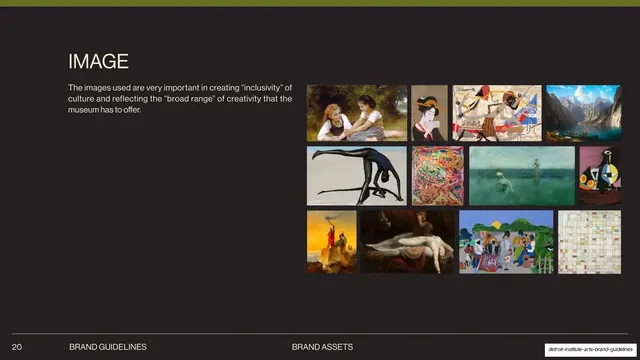 DIA image selection grid
 McKinley Studios Retail Partnership Pitch Deck
 Introduction with photo grid
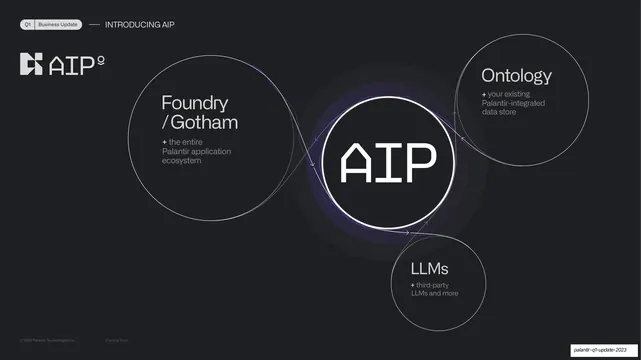 AIP architecture orbit diagram
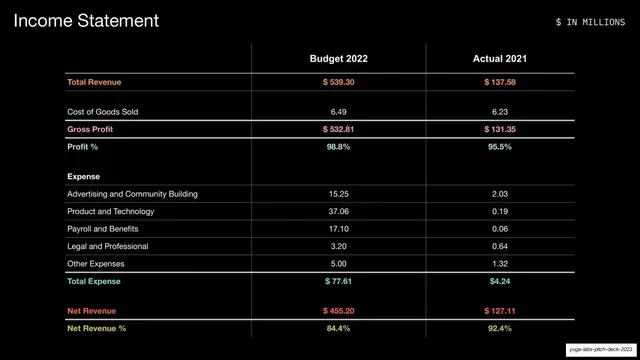 Income statement table
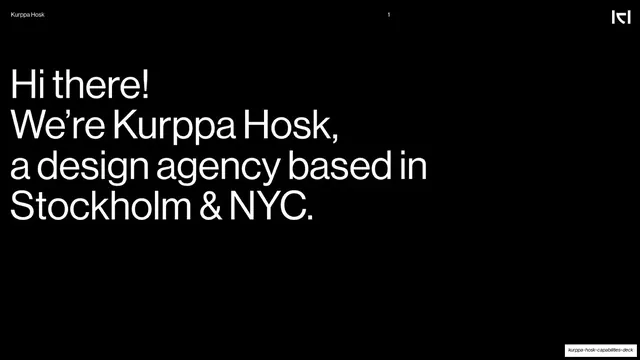 Cover statement introducing the agency
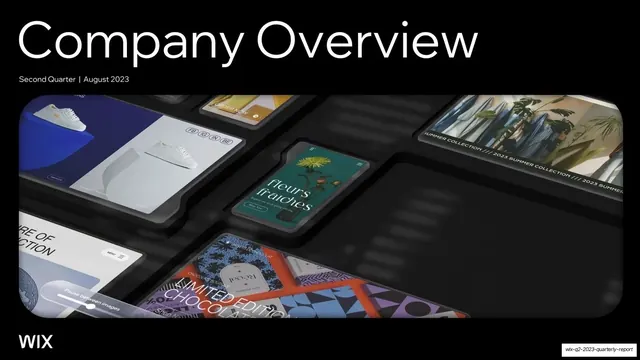 Company Overview cover with product mockup montage
 Numbered Logo section divider
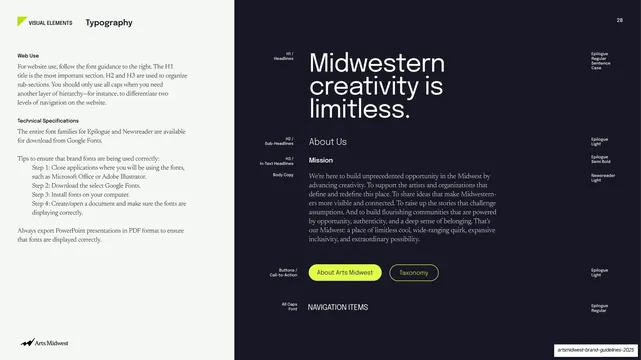 Typography hierarchy, web and headline scale