CRM interactions tab with callout label
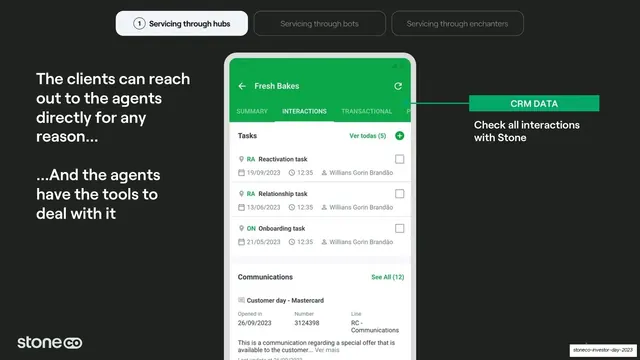
Dark slide with a text statement on the left, a phone mockup on the interactions tab in the centre, and a green callout label on the right that points to the CRM data.
Summary
A dark slide that pairs a text statement with an annotated phone mockup of the interactions tab, with a green callout labeled CRM DATA.
Visual description
The top tab row has the first option selected in white. The left text block repeats the same statement as the previous slide. The phone mockup is on the interactions tab, with a list of open tasks that each show a colored code, a task name, a date, a time and an assignee, each with a checkbox. Below, a communications card shows an entry with a number and an opened date. A green horizontal rule runs from the phone to a solid green label at the right that reads CRM DATA, with a short line of supporting copy beneath it.
Key takeaway
A single callout label connects a screen region to a named data category, so the viewer knows what the highlighted area represents. The same green is used for the active tab, the button and the callout, which ties the annotation to the interface.
Reuse notes
Use callouts like this when a product screen needs to be explained area by area. Keep one label per callout, and reuse the same connector and label style across a series of screens. The statement on the left repeats across slides, so consider a shared template for sequences like this.
More like this
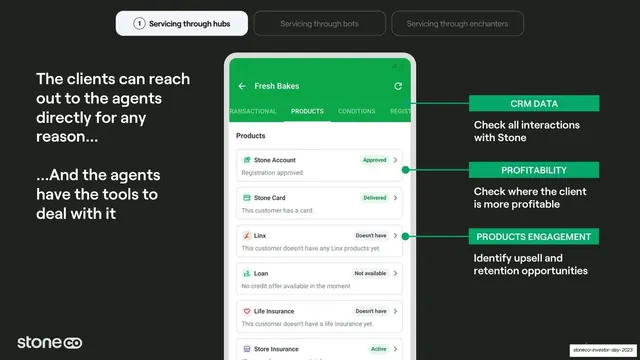 Product list with engagement callouts
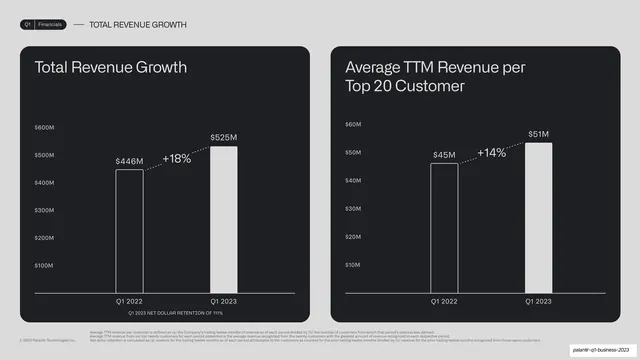 Total revenue and TTM per top-20 customer two-up
 Bravida brand guidelines cover
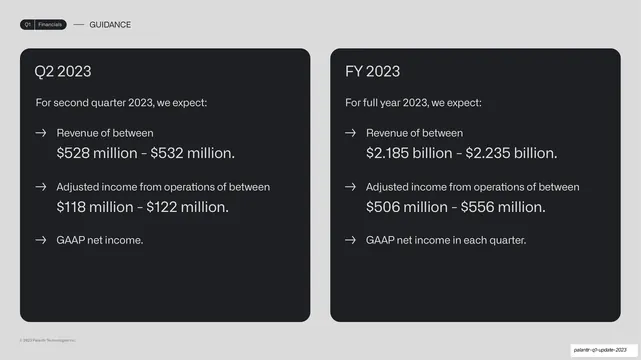 Q2 and FY 2023 guidance two-up
 Palantir Q1 2025 Investor Update
 Contact details for partnerships team
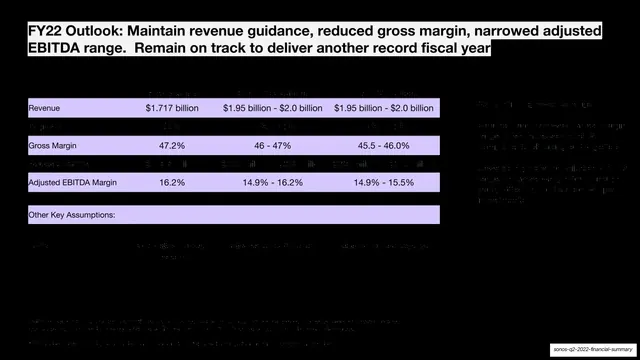 FY22 Outlook guidance table
 U.S. Army Brand Guidelines 2023
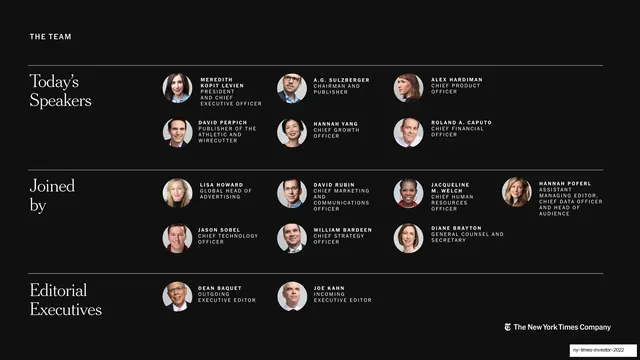 Speakers and executive team roster
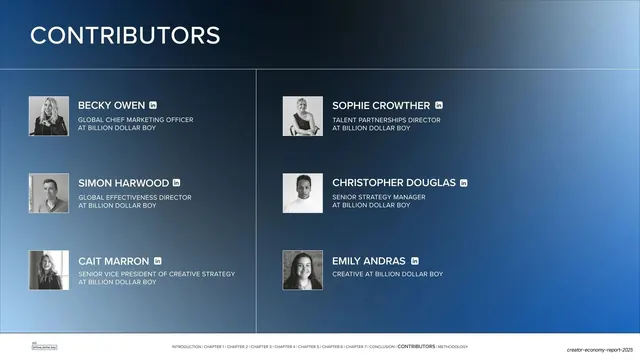 Contributors grid (marketing, strategy and creative)
 Olo ESG Report 2022 cover
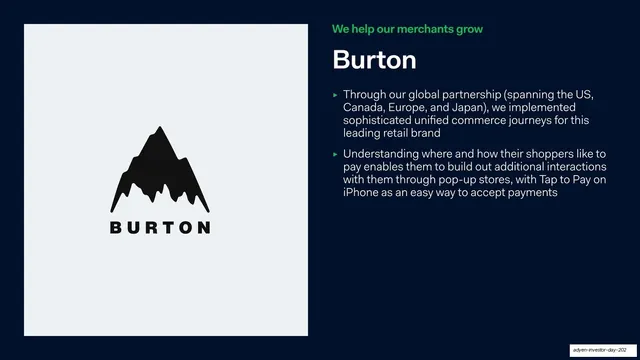 Customer case study with logo panel
 Nietzsche closing logomark slide
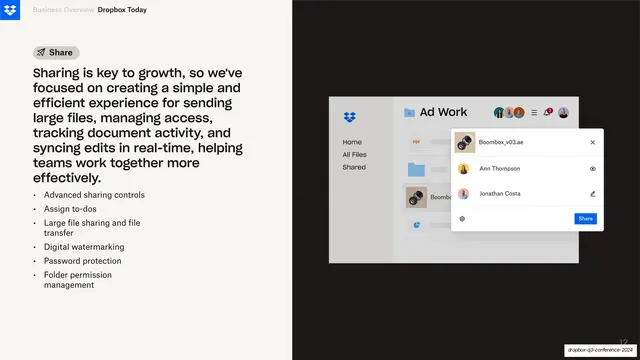 Share feature with access-controls UI
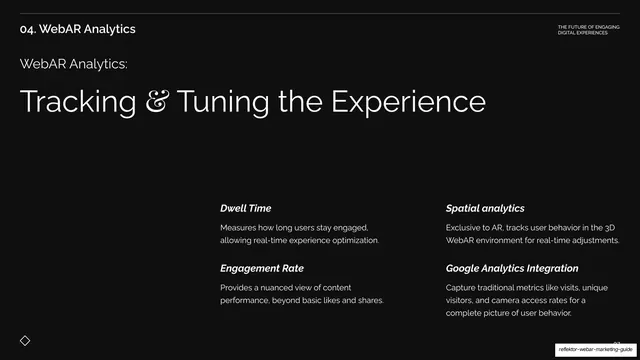 Tracking and Tuning the Experience
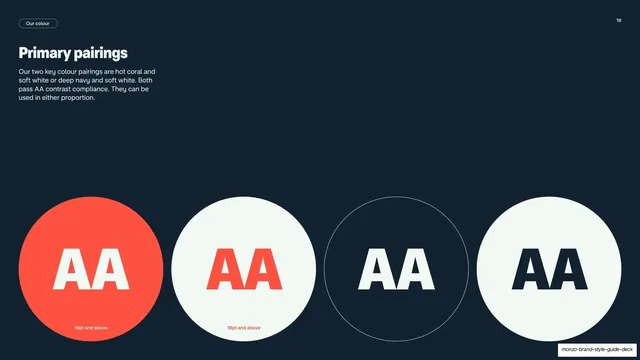 Monzo primary colour pairings
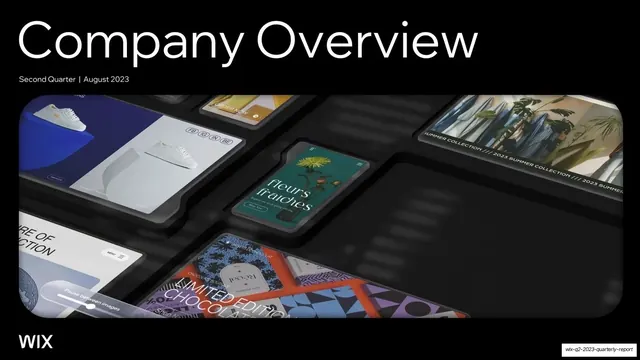 Wix Q2 2023 Quarterly Earnings Report
 Why Dev Mode feature with version history
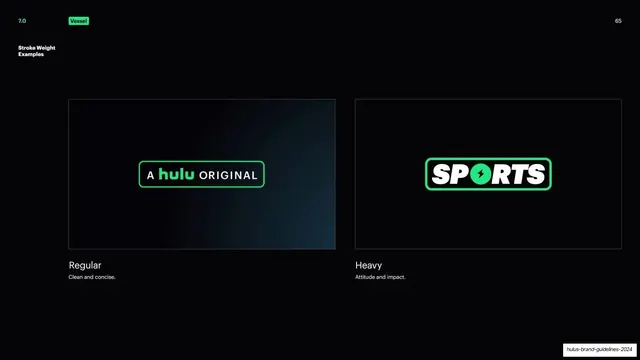 Stroke weight examples
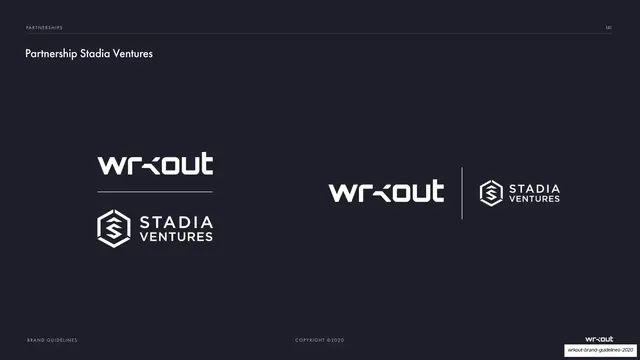 Stadia Ventures co-branded lockup on dark
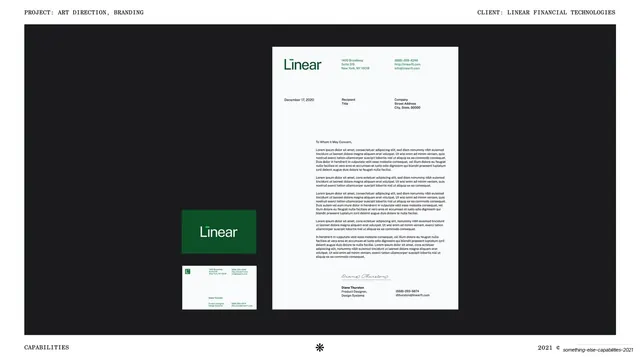 Linear Financial stationery flat lay
 Investor contact information closing slide
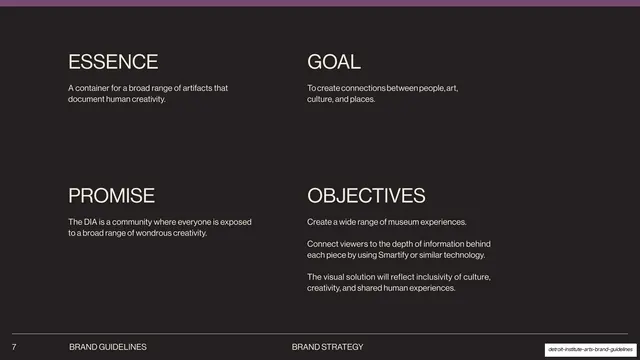 Positioning four-quadrant statements
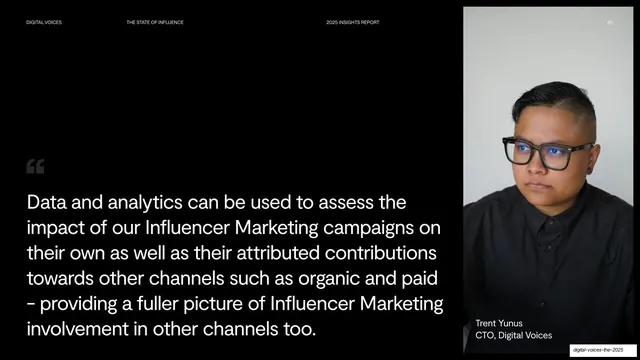 Trent Yunus pull-quote with portrait