Owner reviews and authorizes pending payments
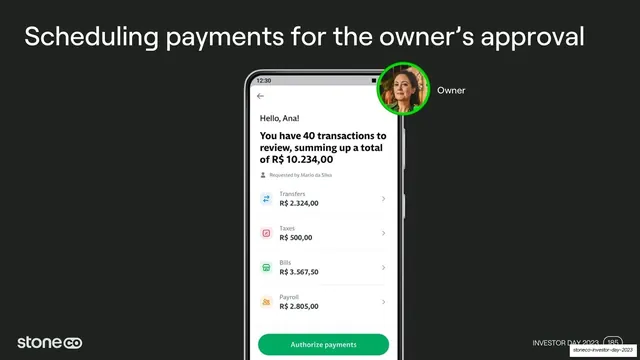
Mobile review screen that summarizes forty pending transactions by category and offers one authorize action.
Summary
A tall phone screen on a dark slide shows a greeting, a bold summary of forty transactions to review, four category rows, and a full-width authorize button.
Visual description
A phone frame is centered on the dark background with a white screen. The top shows a greeting and a large bold sentence stating the number of transactions and their total, followed by a small "Requested by" line. Four rows follow (Transfers, Taxes, Bills, Payroll), each with a tinted icon tile in blue, red, green, or orange, an amount, and a chevron. A full-width green "Authorize payments" button anchors the bottom, and an owner portrait with a green ring sits at the top right.
Key takeaway
Grouping many transactions into four categories with one total and one primary action turns a long queue into a single decision.
Reuse notes
Strong pattern for approval inboxes, bulk review, or any mobile task that aggregates items. The category colors can be swapped for a brand palette while keeping the icon-tile structure. Keep one primary button per screen so the decision stays clear.
More like this
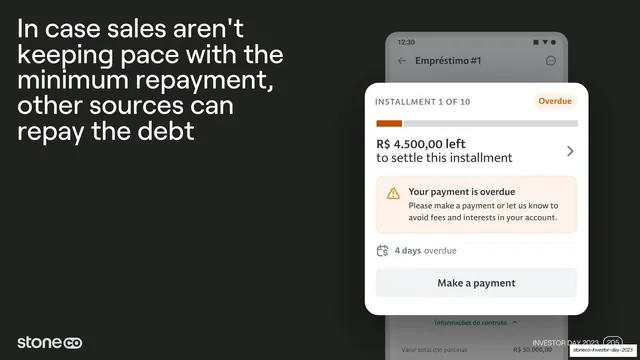 Overdue installment alternative repayment sources
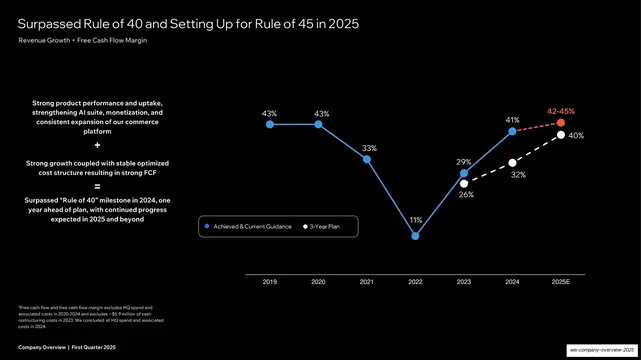 Rule of 40 revenue growth and FCF chart
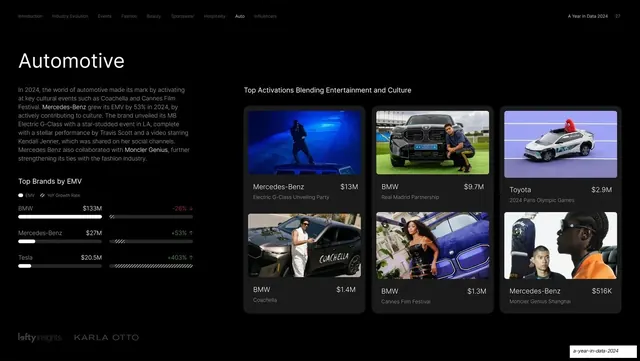 Automotive activations case study on black
 WRKOUT Brand Guidelines 2020
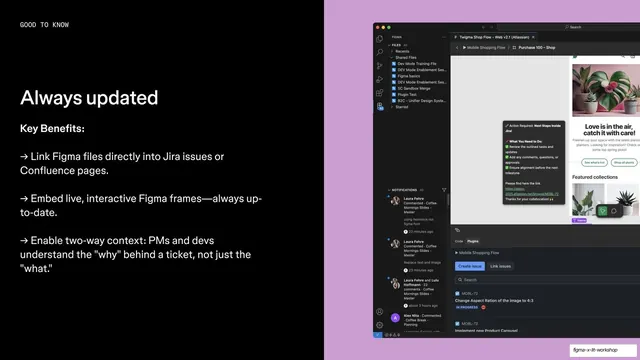 Always updated Jira integration feature
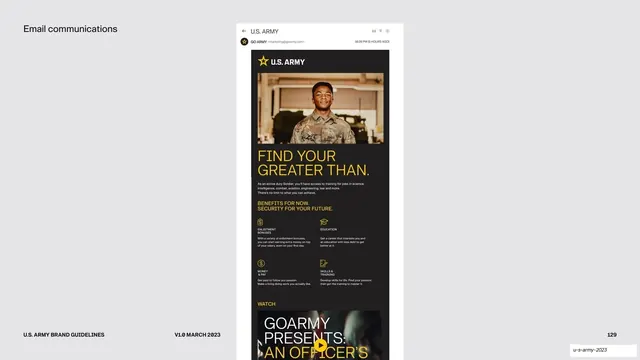 Benefits email template: Find Your Greater Than
 Primary logo on dark green
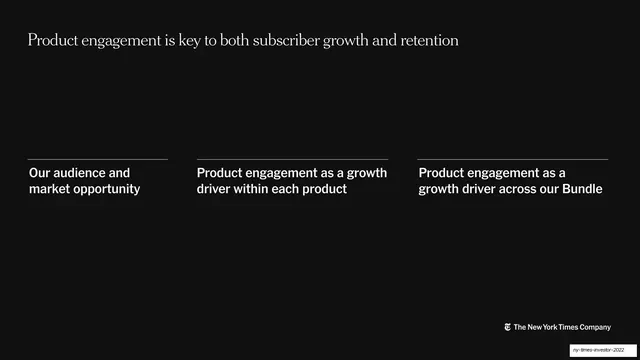 Three-pillar product engagement framing
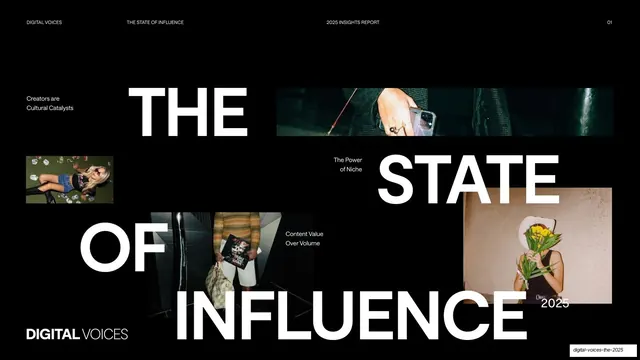 Digital Voices: The State of Influence 2025
 BILL partnership with integrated company dashboard
 The Standard in Footage Licensing (closing CTA)
 Block Bitcoin Knowledge and Perceptions Report
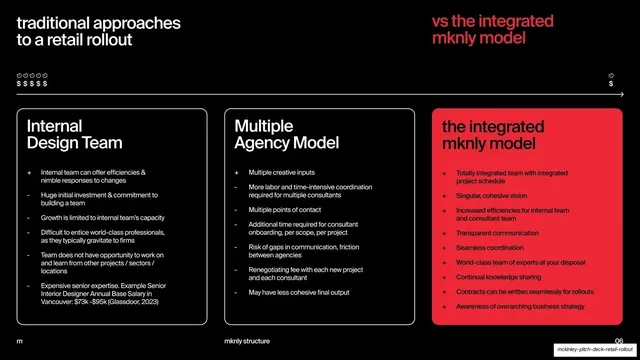 The integrated mknly model comparison payoff
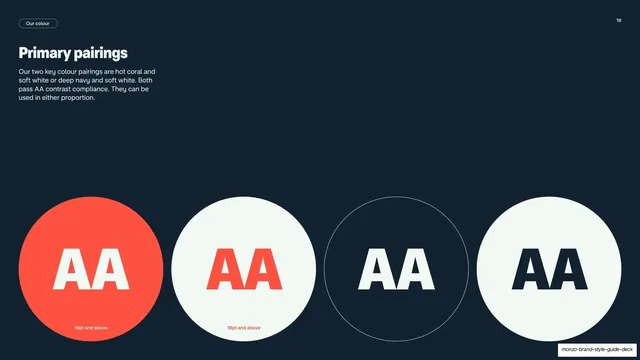 Monzo primary colour pairings
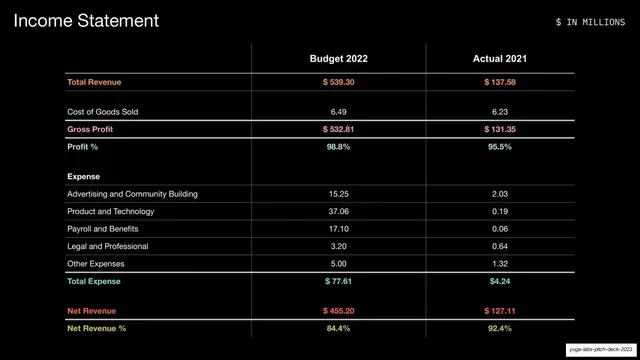 Income statement table
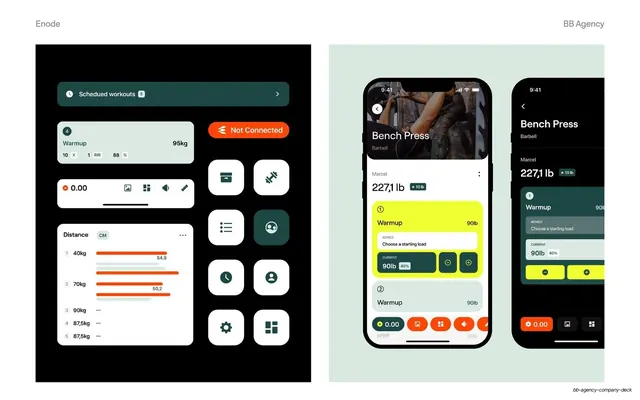 Enode mobile UI components and patterns
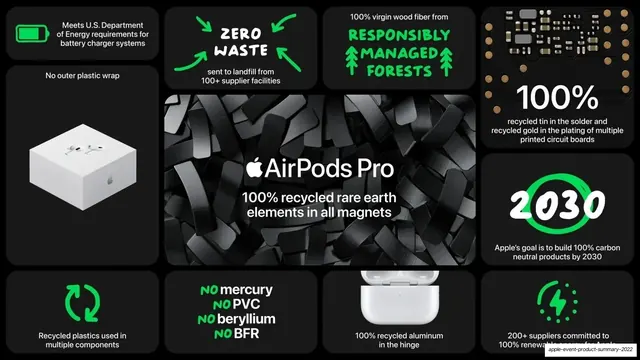 AirPods Pro sustainability bento (dark)
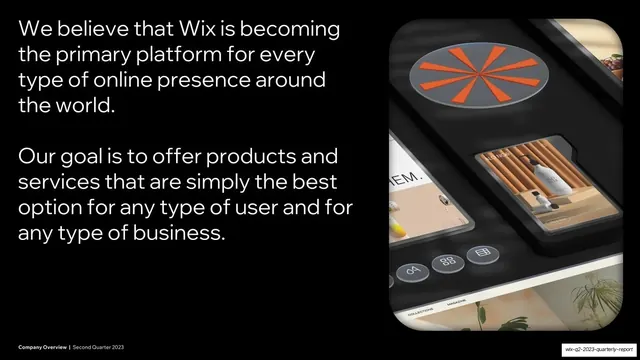 Platform belief and goal statement slide
 Vertical stacked logo on black disc
 Logo color combinations grid
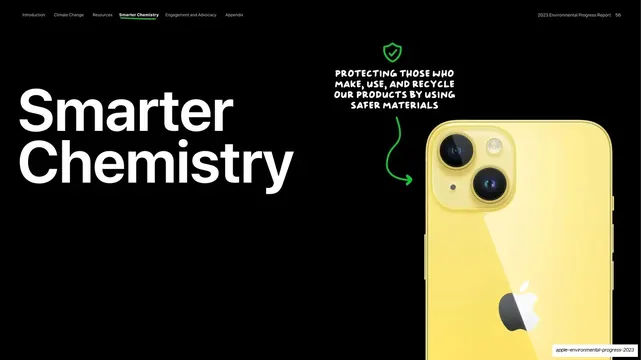 Smarter Chemistry section divider with yellow iPhone
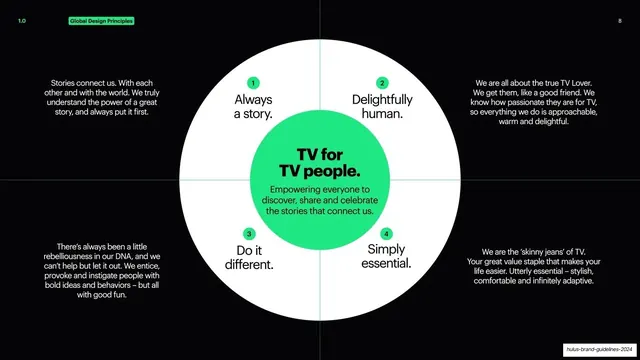 TV for TV people principles diagram
 Display logo do and don't examples
 Emerging-technologies hype cycle chart