POS client info form for CRM capture
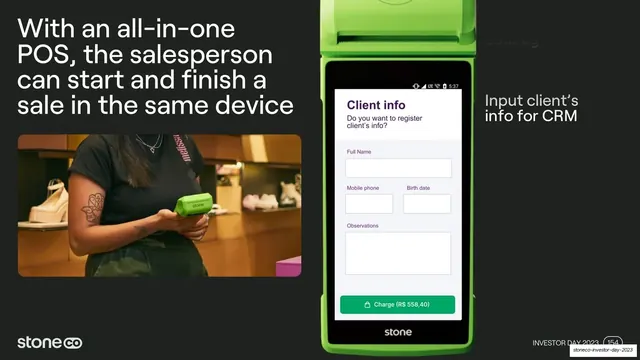
The same salesperson photo beside a POS screen showing a Client info form for name, mobile, birth date and notes before the charge.
Summary
The same headline and photo as slide 153, with the POS screen now showing a client information form that feeds the CRM before the charge.
Visual description
The headline and the warm-lit photo of the salesperson sit at the left, unchanged from slide 153. On the right, the green POS device shows a white form with the title "Client info" in purple and the question "Do you want to register client's info?". Four fields follow: "Full Name" across the full width, then "Mobile phone" and "Birth date" side by side, and a large "Observations" box. A green button at the bottom reads "Charge (R$ 558,40)". A label in white on the right says "Input client's info for CRM".
Key takeaway
Showing a data-capture form right before the charge makes the CRM benefit concrete, and the amount on the button ties the form to the sale. Keeping the headline and photo identical to slide 153 helps the viewer follow the sequence.
Reuse notes
Use when a deck needs to show customer data capture or loyalty tracking inside a sales flow. The form is small on screen, so enlarge it if the field names matter. The headline repeats slide 153 by design, so the caption is the same as well.
More like this
 Share feature with access-controls UI
 NFCe receipt printed from POS
 Refresh Studio Capabilities Deck 2024
 GAAP net income profitability line chart
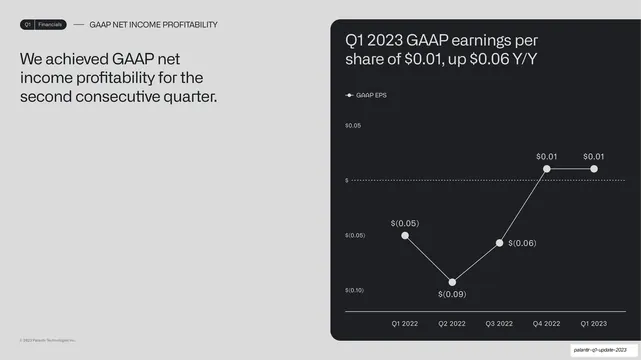 GAAP EPS line chart
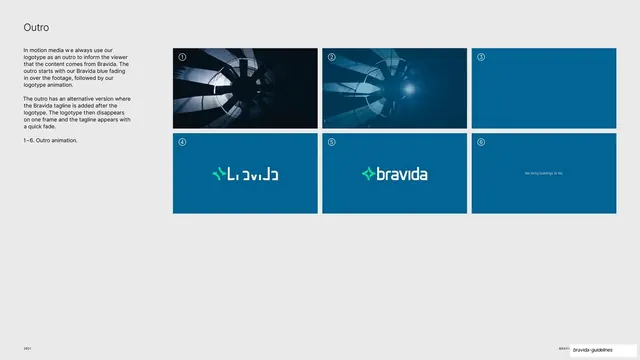 Outro motion animation
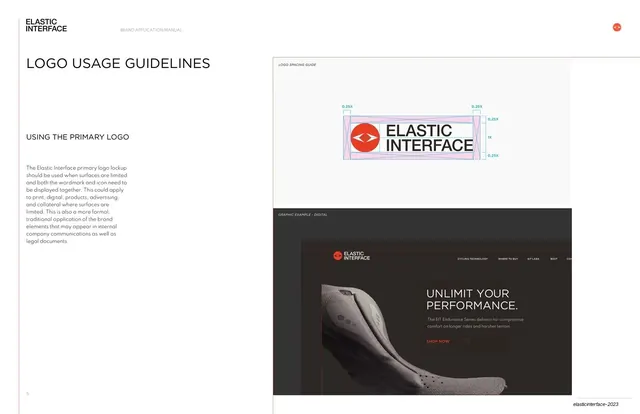 Primary logo clear space and web example
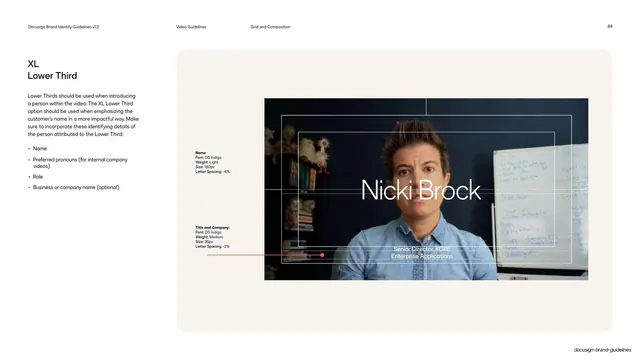 Docusign XL lower-third spec
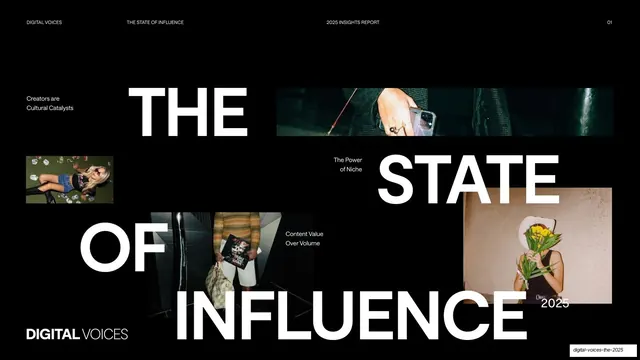 Digital Voices: The State of Influence 2025
 Northvolt Sustainability and Annual Report 2023
 On Impact Progress Report 2024
 SPACE10 mission and IKEA relationship
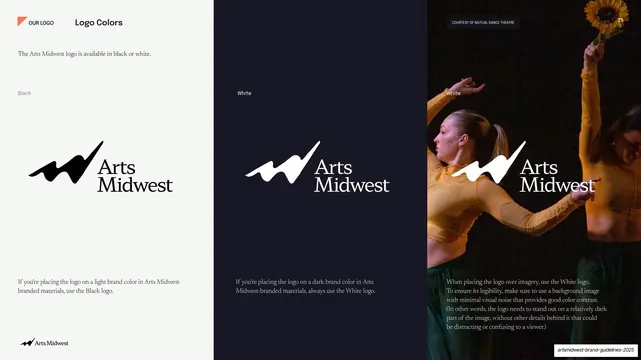 Logo colors, black and white usage
 U.S. Army Brand Guidelines 2023
 Tesla Impact Report 2024
 Scania Identity Manual 2017
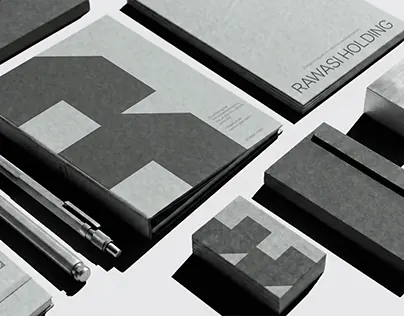 Minimal monochrome mockup
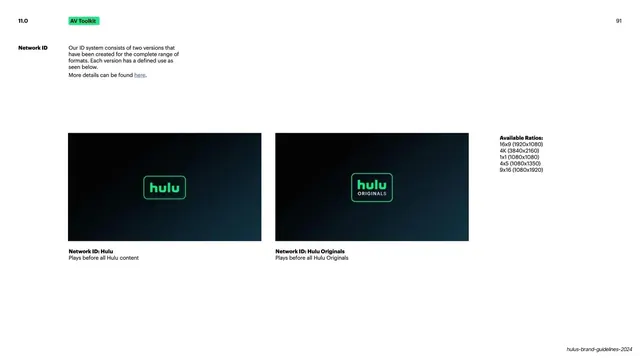 Network ID system, Hulu and Hulu Originals
 IKAN Brand Guidelines 2023
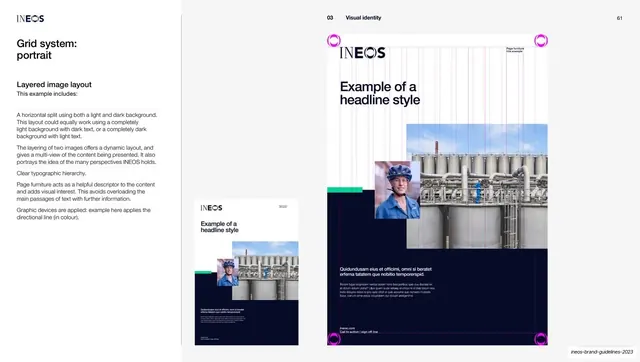 Portrait grid layered image layout
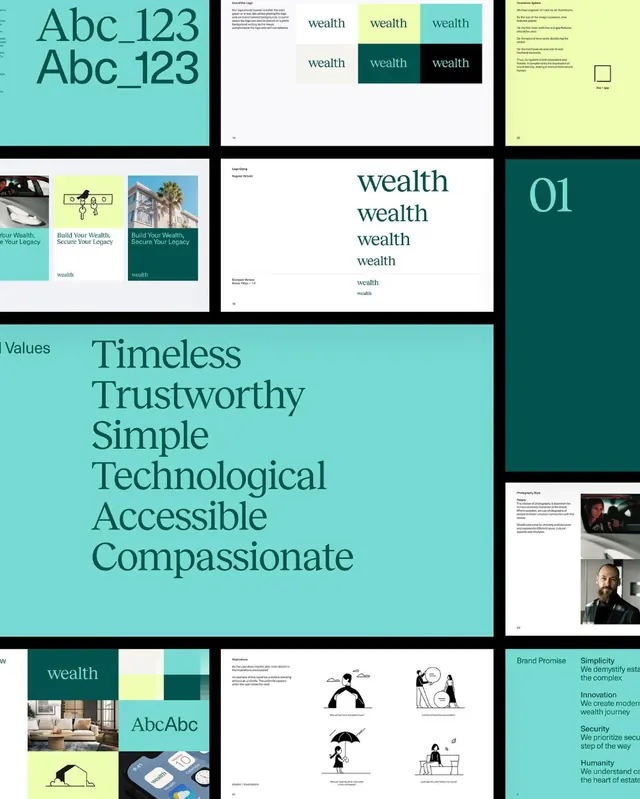 Wealth brand identity with teal and serif typography
 Rapha Impact Report 2025
 Why Dev Mode feature with version history
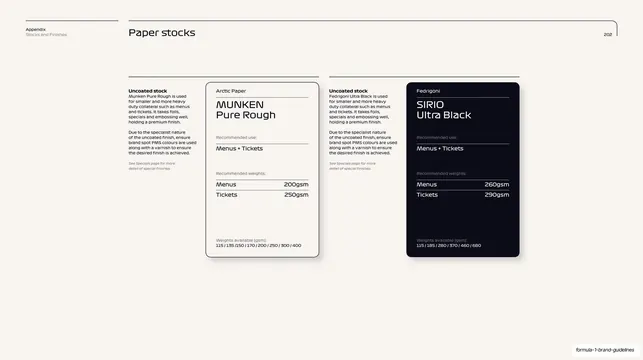 Paper stocks Munken and Sirio