Money-in and money-out product flow with photo
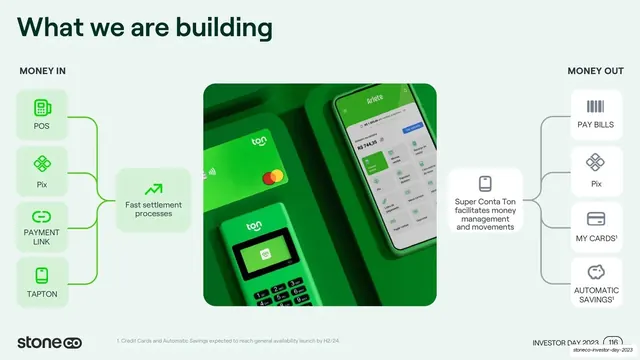
Pale mint slide with a money-in column of channels on the left, a product photo in the center, and a money-out column of services on the right, joined by connector lines.
Summary
A pale mint flow diagram with a money-in column on the left, a green product photo in the center, and a money-out column on the right, joined by curved connector lines. A settlement box and an account box sit between the columns and the photo.
Visual description
The headline is a bold dark green sans-serif across the top left. Two small uppercase column labels, "MONEY IN" and "MONEY OUT," anchor the top corners. Money-in tiles on the left hold a line icon and an uppercase label each, such as POS, Pix, Payment link, and TapTon. A bracket connector joins them into a pale green "Fast settlement processes" box. The center holds a rounded green photo of a payment card, a terminal, and a phone showing a dashboard. On the right, a white box for the account is followed by white tiles for Pay bills, Pix, My cards, and Automatic savings, joined by gray curved connectors. A small footnote sits at the bottom.
Key takeaway
A three-column flow, with channels in, a product in the middle, and outflows on the right, explains the product in one view. Mirrored columns and a single photo keep the diagram from feeling like a spec sheet.
Reuse notes
Good for explaining how money moves through a product, such as payments, wallets, or marketplace payouts. The center photo anchors the diagram and can be swapped for a product shot. The footnote marks which features are not yet launched, which matters if the diagram is reused.
More like this
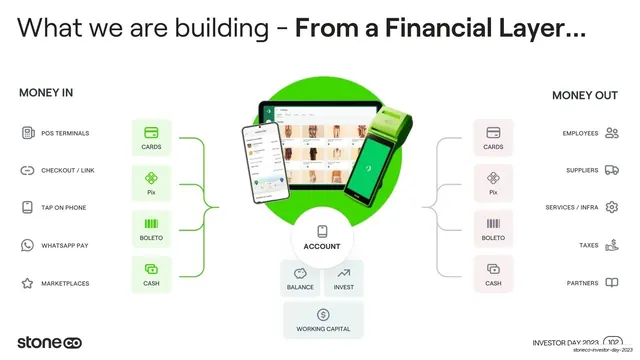 Central account hub with money-in and money-out
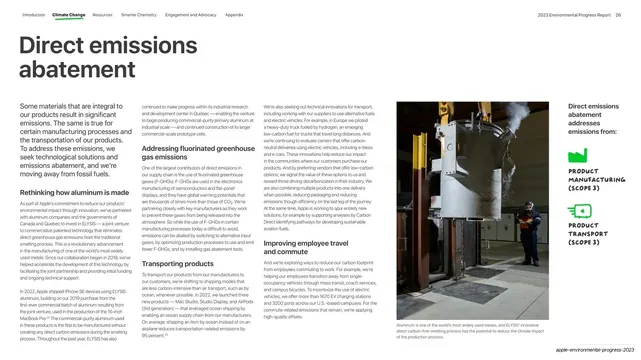 Large title with smelting photo and columns
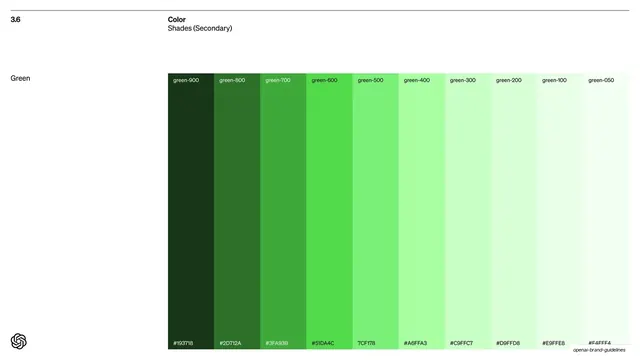 Green shades, ten-step scale
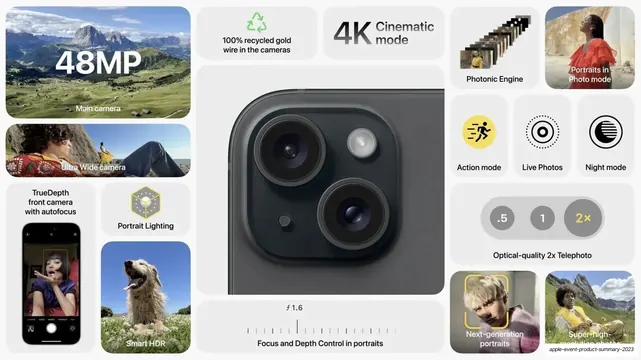 iPhone Pro camera system feature bento (light)
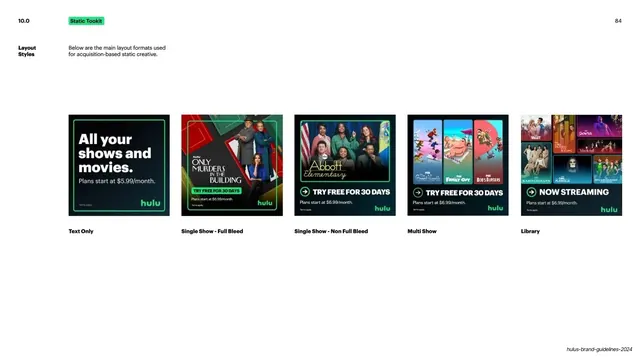 Static toolkit layout styles
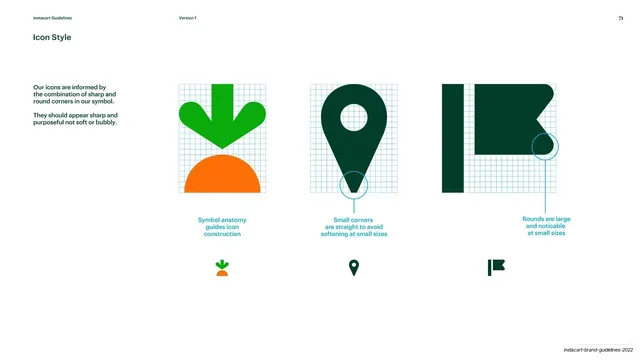 Icon style: sharp corners, rounded terminals
 Four-frame community evolution grid
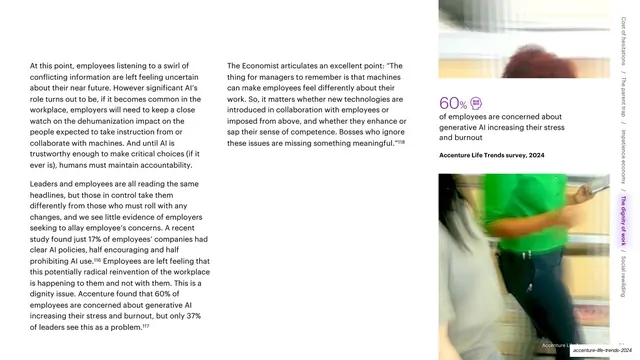 AI accountability body copy with 60% stat
 Automator and Creative AI product lineup
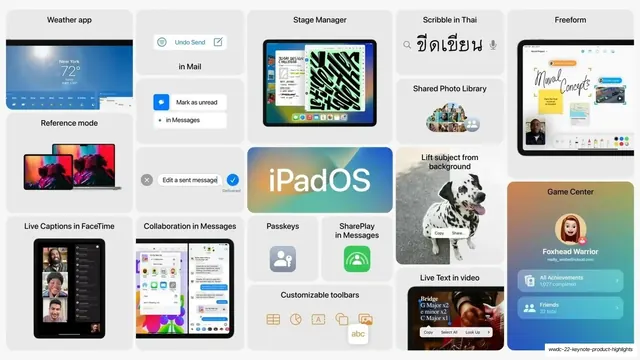 iPadOS feature bento grid
 Project Earth and Selfridges lockup
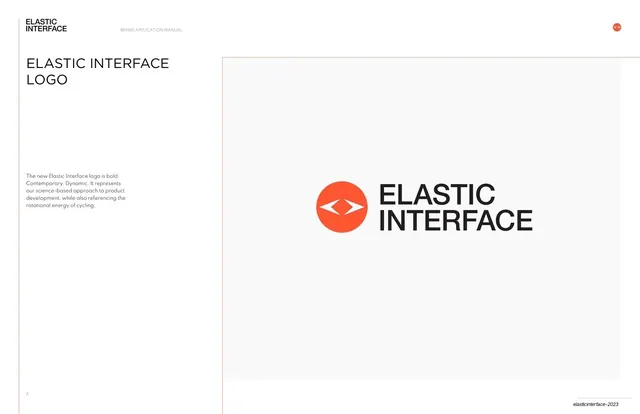 Primary logo on light panel
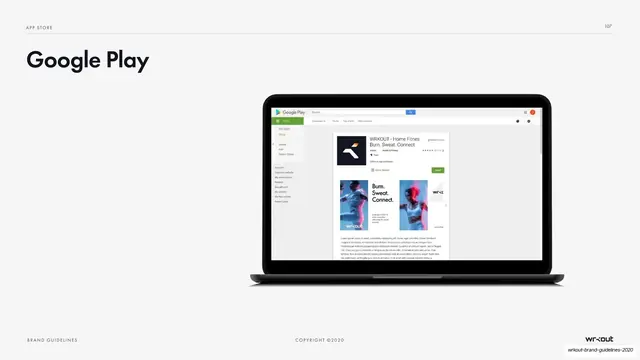 WRKOUT on the Google Play product page
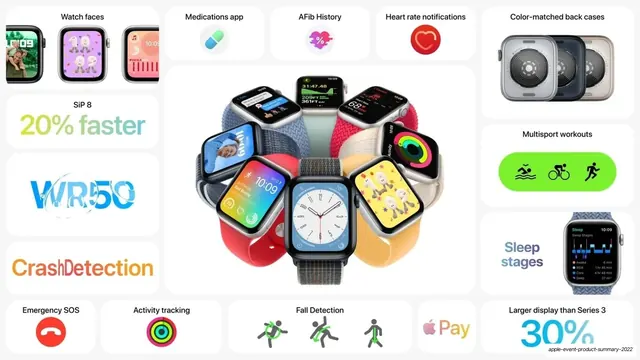 Apple Watch SE and Series 8 feature bento (light)
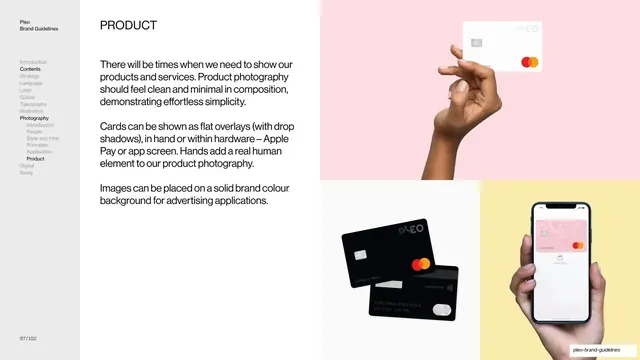 Product photography with flat cards and hands
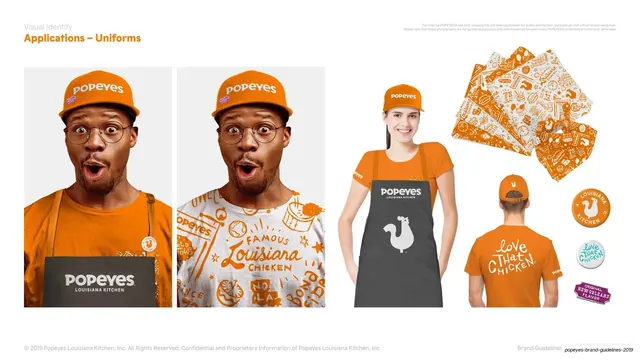 Staff uniform and accessories examples
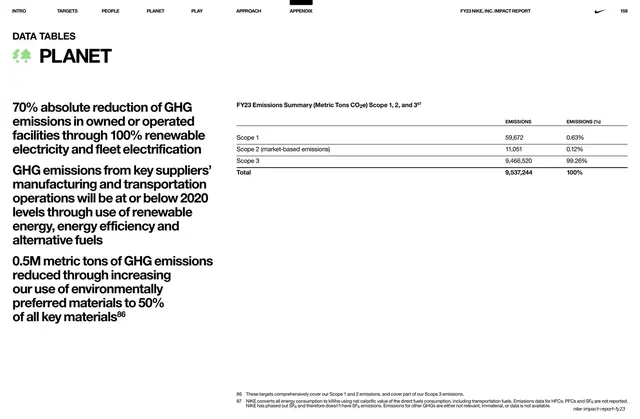 Data table: FY23 emissions summary by scope
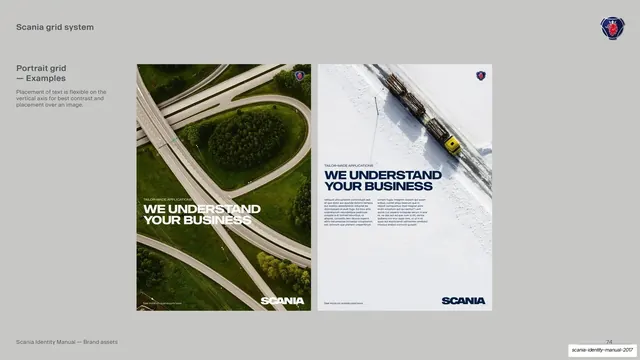 Portrait posters showing flexible text placement
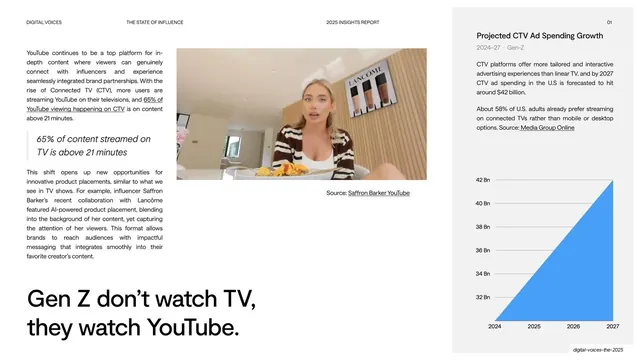 Gen Z watch YouTube CTV slide
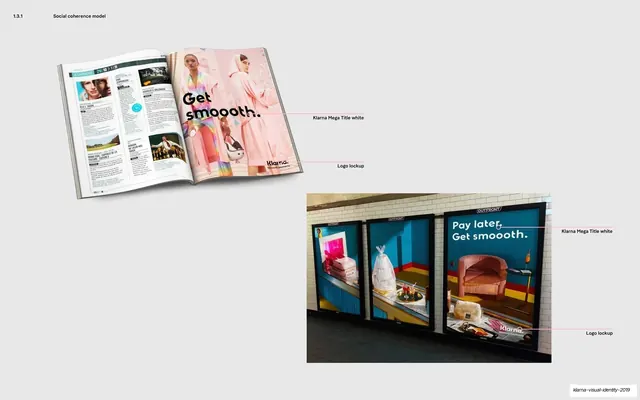 Print spread and transit poster mockups
 Apollo for Edge AI overview with defense photos
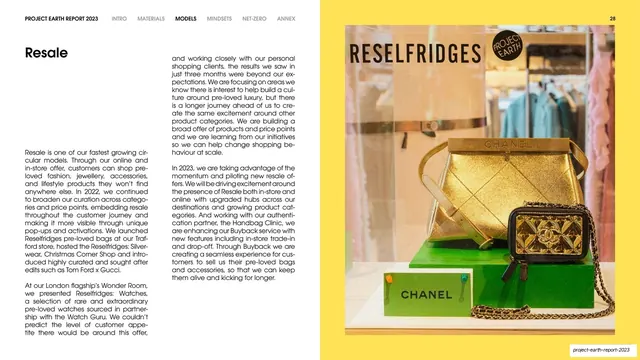 Resale page with boutique window photo
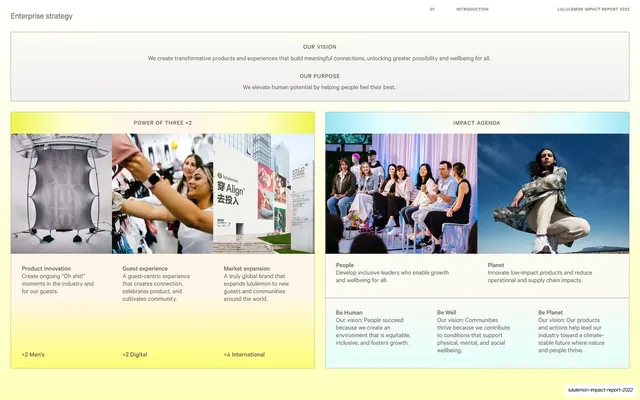 Vision, purpose and twin strategy framework
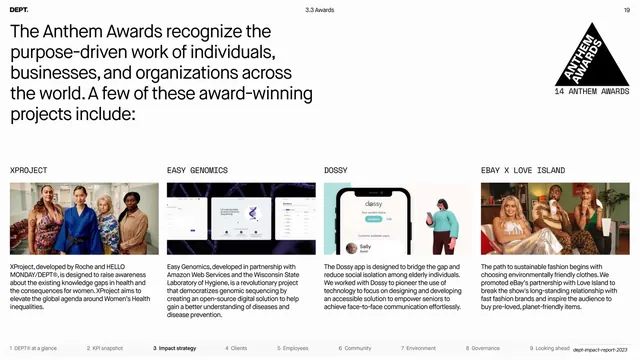 Four award-winning project cards with images