Slash brand element at 67.5 degrees
A brand-element page presenting the slash as a standalone 67.5 degree accent that can be stretched to a layout's width, shown beside photo and banner examples.
Summary
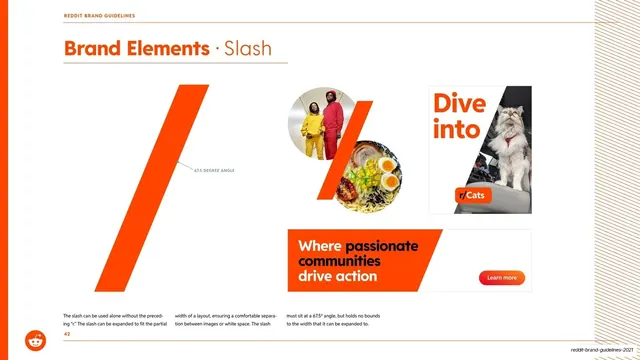
A brand-element page defining the slash as a standalone 67.5 degree accent that can be widened to fit a layout. Sample pieces show it dividing a circular photo, a cropped cat photo card and an orange banner.
Visual description
White slide with the orange title "Brand Elements · Slash" top left. On the left, a large solid orange slash stands alone, with a thin callout labeled 67.5 degree angle pointing at its diagonal edge. On the right, a circle group shows two people in yellow and red, with a slash cut across the circle and a ramen bowl in a second circle. Beside it, a rectangular card reads "Dive into" over a cat photo cropped by an angled edge, with an r/Cats tag. A wide banner below has an orange parallelogram block with the headline "Where passionate communities drive action" and a red Learn more button.
Key takeaway
The angle is fixed at 67.5 degrees, but the length is free, so the slash can run the full height or width of a block. Used as a cut, it separates photography from white space or from a text panel. The same angled end appears on the banner, showing how the element carries across layouts.
Reuse notes
Reach for it to divide an image from text, or to edge a panel without adding a border. Keep the angle exact and scale only the length. It works best where there is enough white space for the diagonal to breathe.
More like this
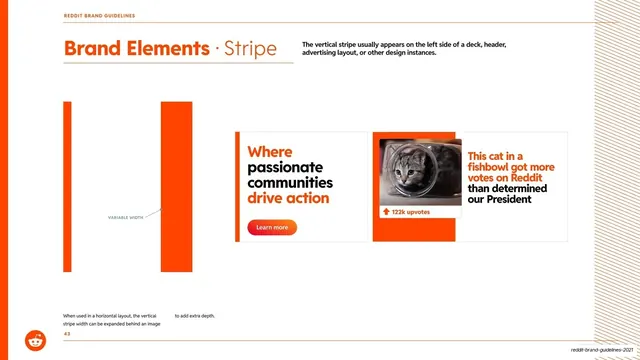 Vertical stripe as variable-width accent
 iWorkX brand system bento
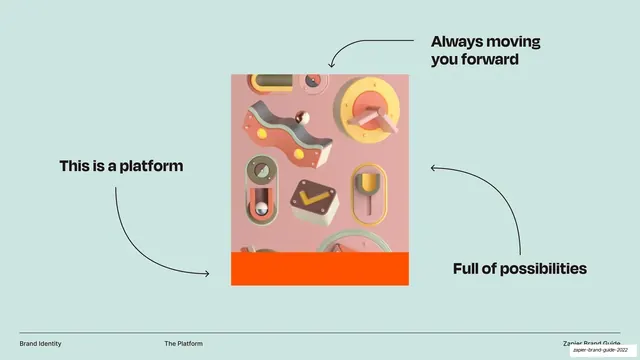 Three-caption annotation loop around art
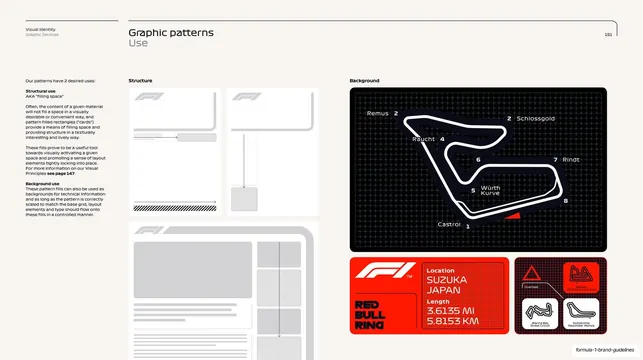 Graphic patterns structural and background use
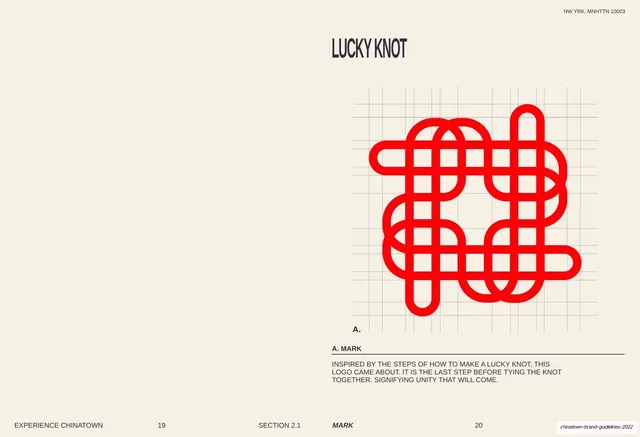 Lucky knot mark on construction grid
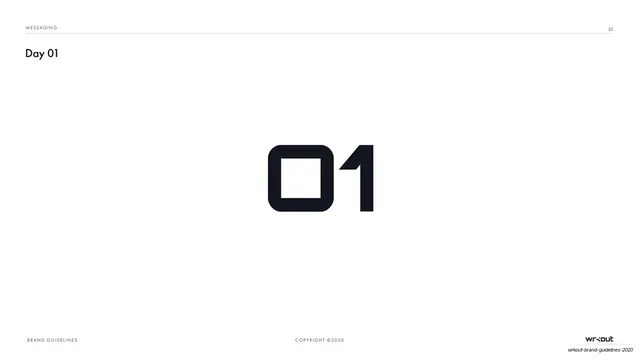 Day 01 numeral key motif
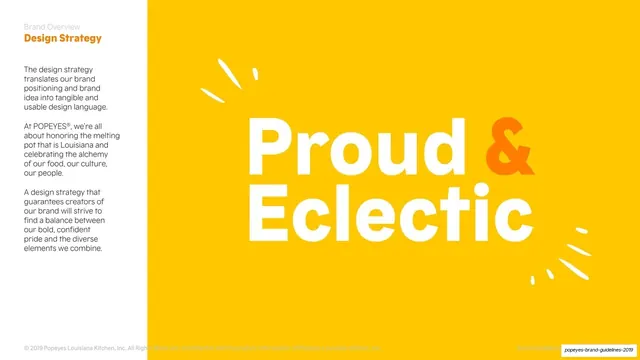 Proud and Eclectic design direction statement
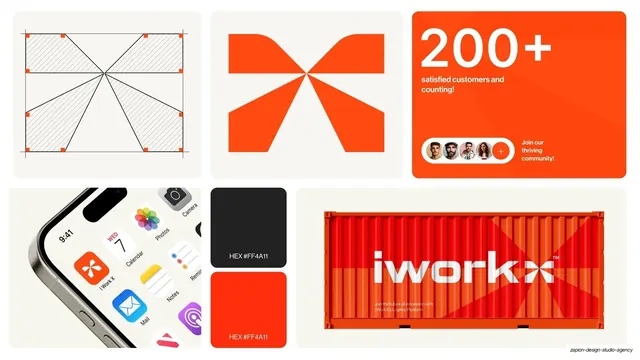 iWorkX brand system (bento)
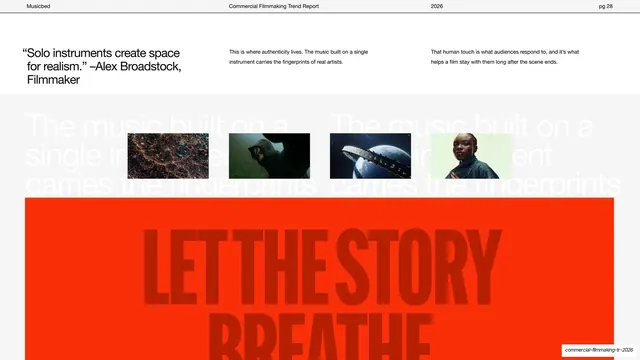 Let The Story Breathe divider
 Zapier Brand Guidelines 2023
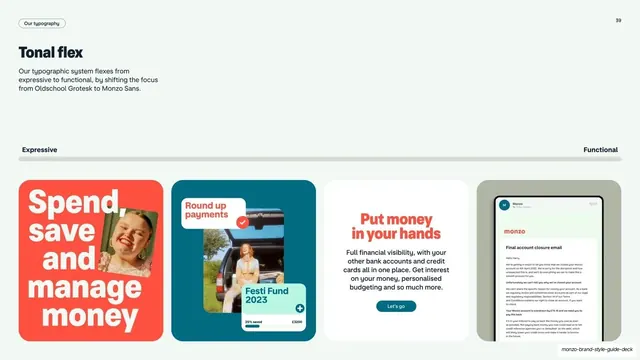 Tonal flex expressive to functional
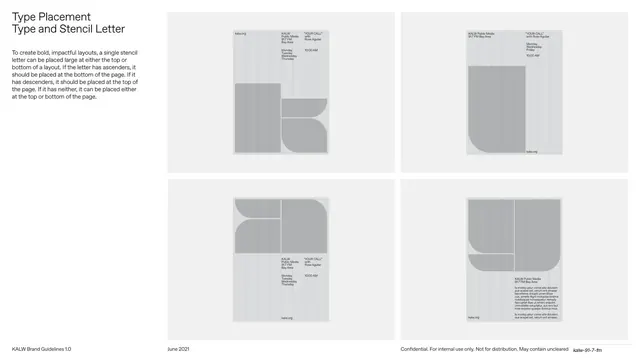 Single stencil letter layout placement
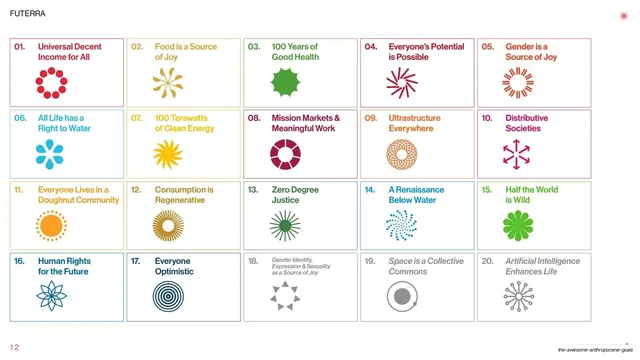 Twenty goals overview grid
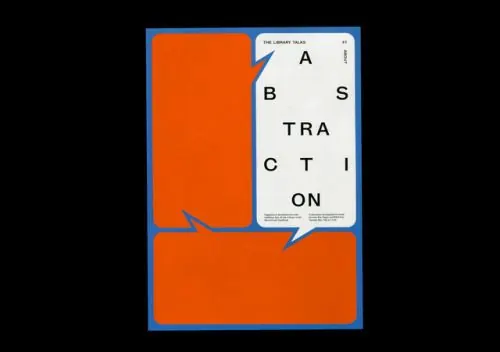 Abstraction talk poster with speech-bubble blocks
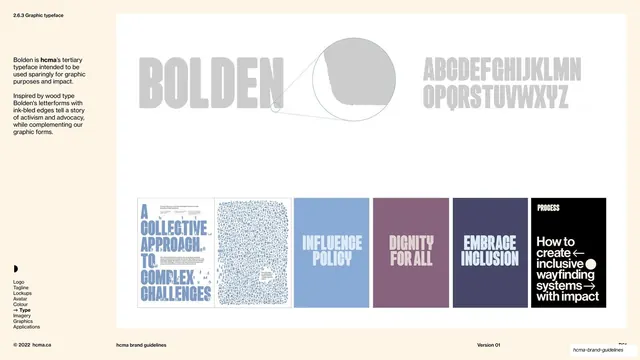 HCMA graphic typeface, Bolden
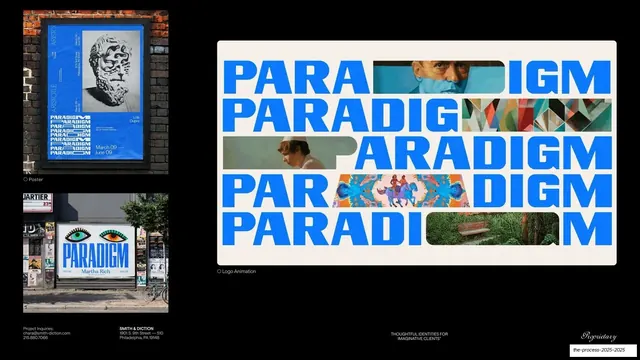 Paradigm posters and variable wordmark campaign
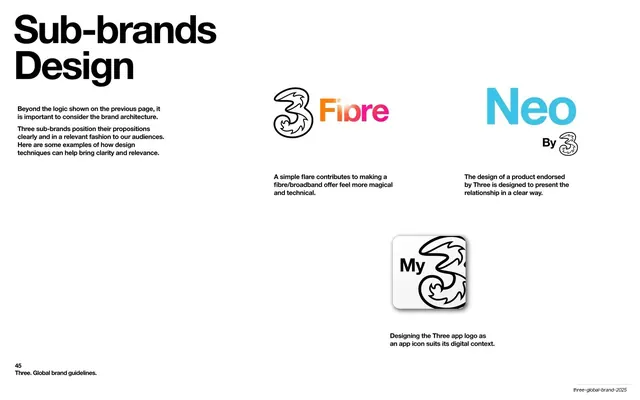 Sub-brand design techniques and app icon
 Annex 6.0 section opener
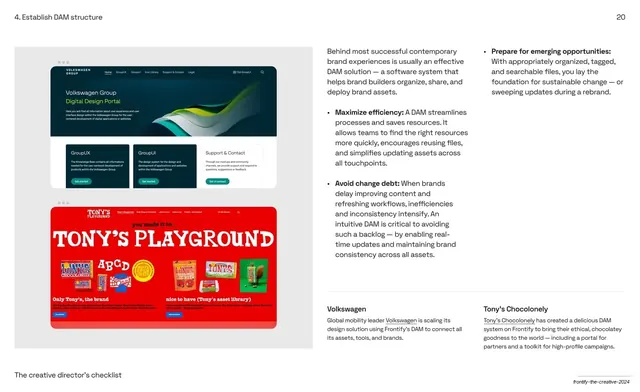 Contrasting DAM portal screenshots with bullets
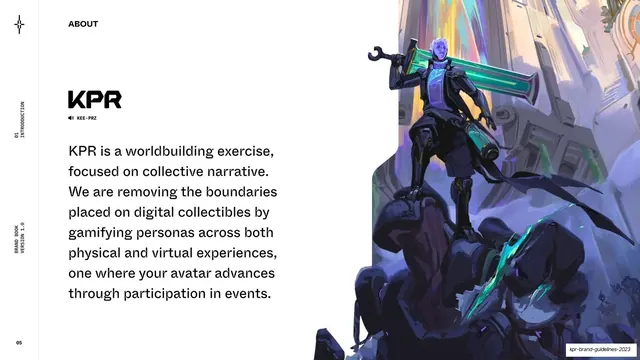 About KPR
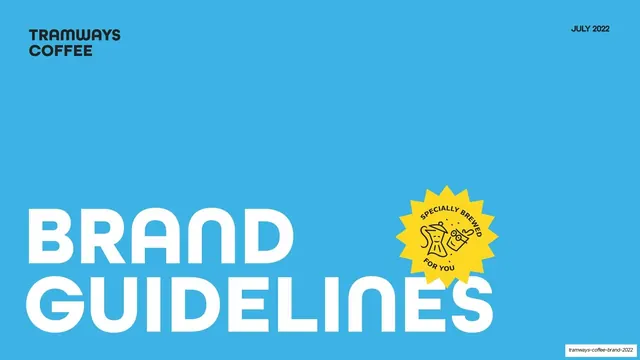 Tramways Coffee Brand Guidelines 2022
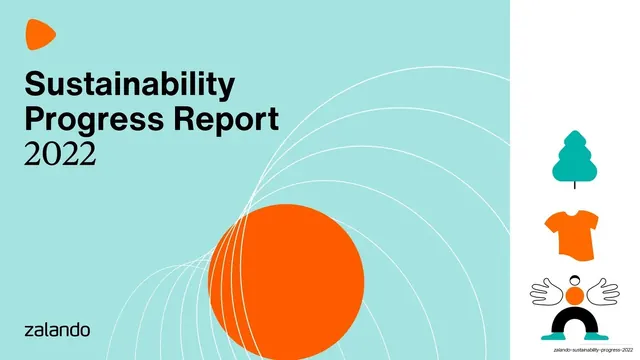 Report cover with orange sun and arcs
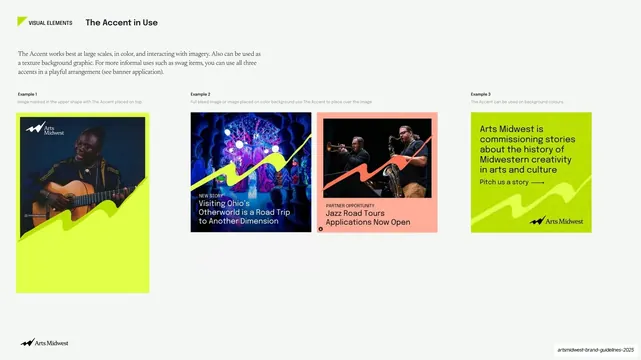 The Accent in use examples
 Lightcast 'Build Your People' billboard with pixel-mosaic portrait