Approved icon colorway combinations chart
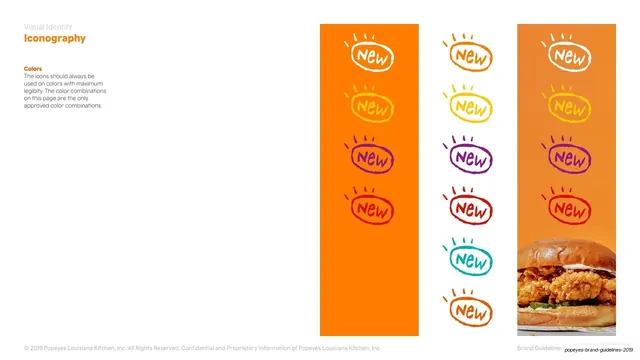
Colorway chart that shows one hand-drawn icon in approved color variants across orange, white and photographic backgrounds.
Summary
A colorway chart that repeats one hand-drawn "New" icon in each approved color across three backgrounds. Color is the only variable in the chart.
Visual description
A left column holds a short gray paragraph under an orange "Colors" label. Three tall vertical panels sit to the right. The first is a solid orange panel with white, yellow, purple and red versions of the icon stacked in rows. The second is white with orange, yellow, purple, red and teal versions. The third fades from orange into a burger photo, with white through red versions stacked above the photo.
Key takeaway
Isolating color as the only variable makes the approved pairings easy to compare. Each background is paired with colors chosen for contrast against it.
Reuse notes
Use as a template when documenting approved color pairings for a mark across light, saturated and photographic backgrounds. Pair it with a misuse slide to show what falls outside the palette.
More like this
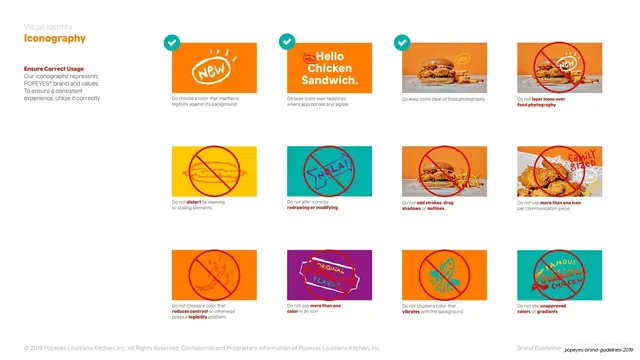 Icon usage do's and don'ts grid
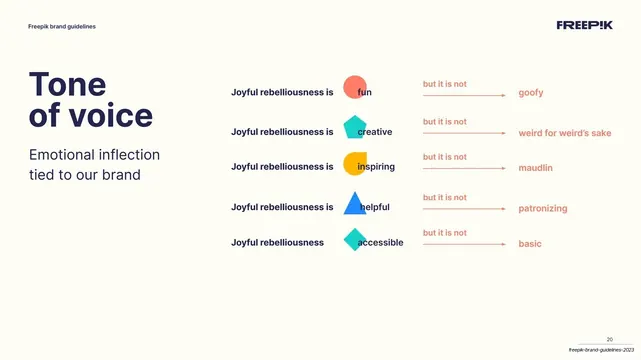 Tone of voice attributes with boundaries
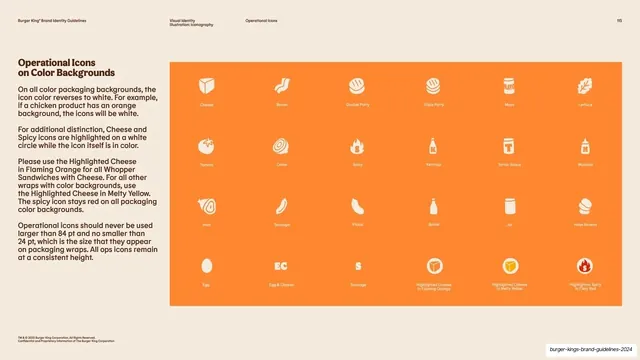 Operational icons on color backgrounds
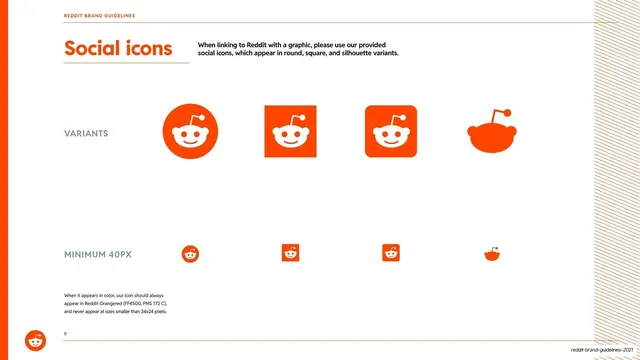 Social icon variants and minimum sizes
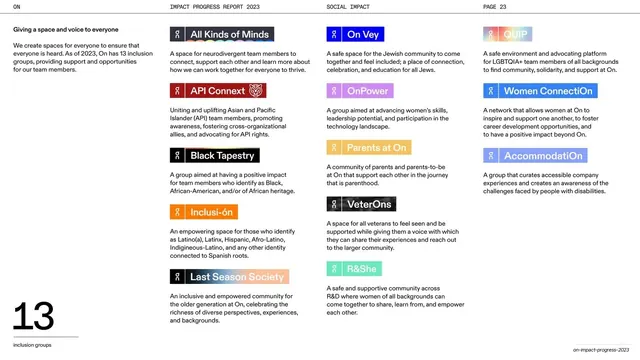 Thirteen inclusion group badges grid
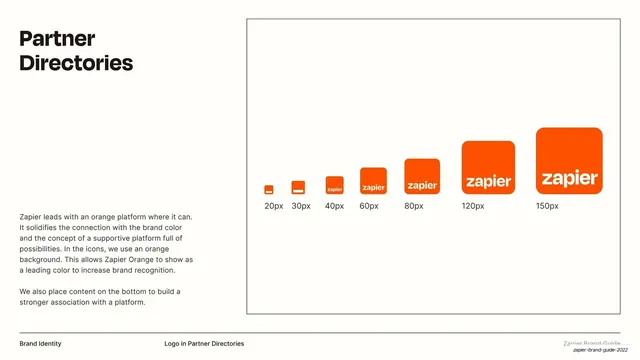 Orange platform partner icon sizes
 Zapier Brand Guidelines 2023
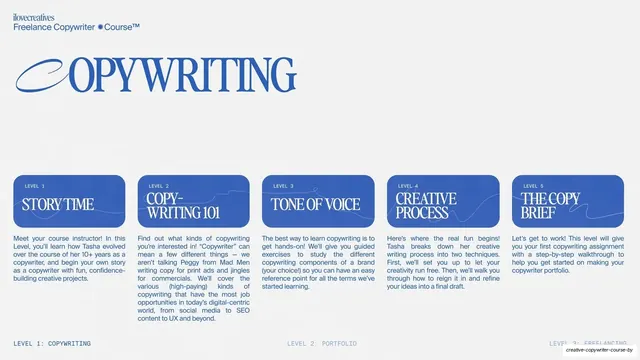 Five-level process cards on light grid
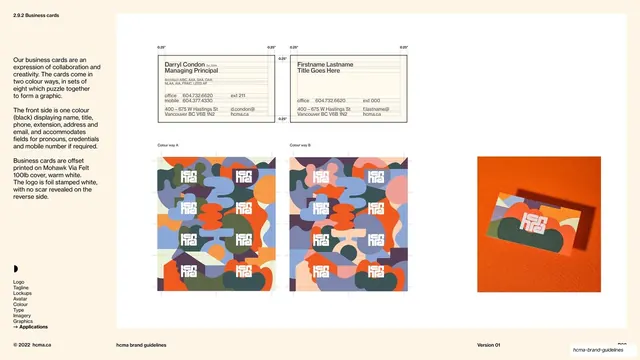 HCMA business cards page
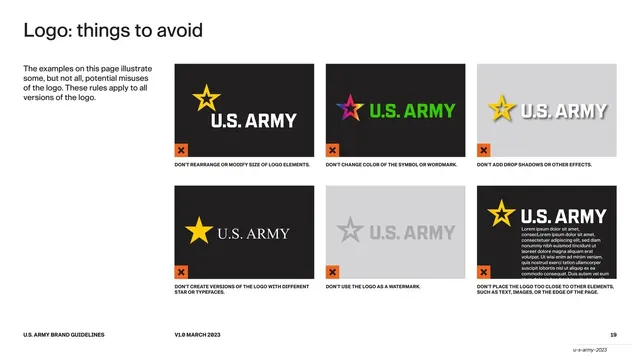 Six logo misuse examples with X badges
 3 human priorities connected to play divider
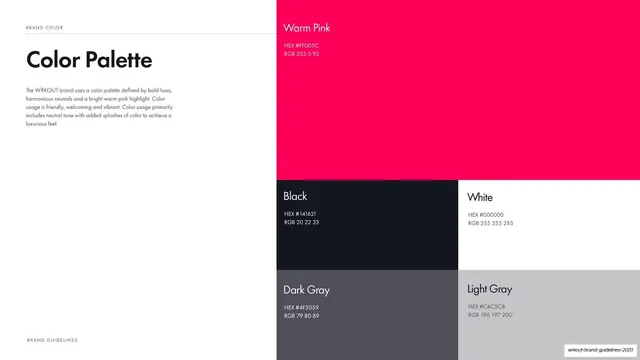 Primary warm pink and neutral palette
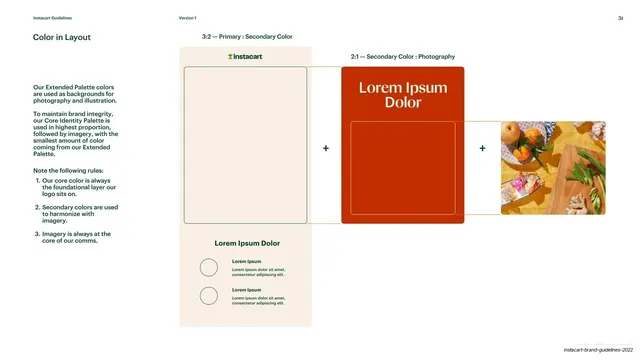 Color in layout ratios
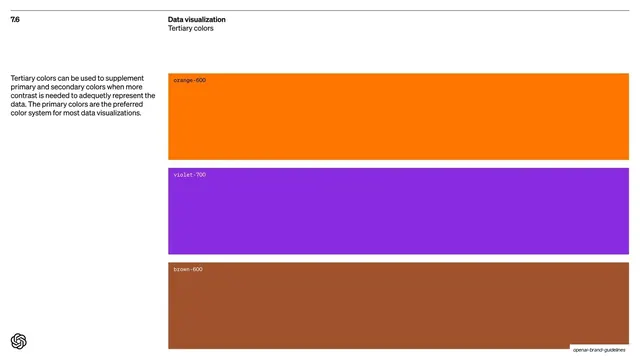 Tertiary data visualization colors
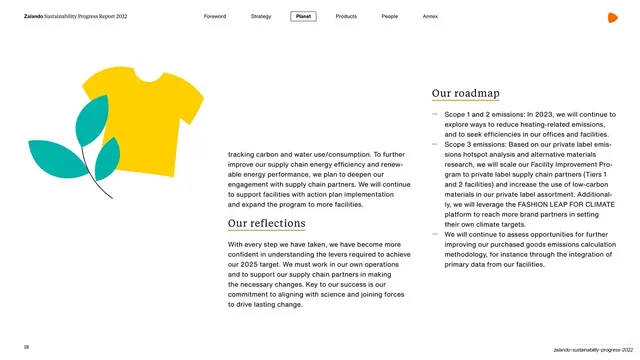 Roadmap and reflections with t-shirt illustration
 Primary logo on light panel
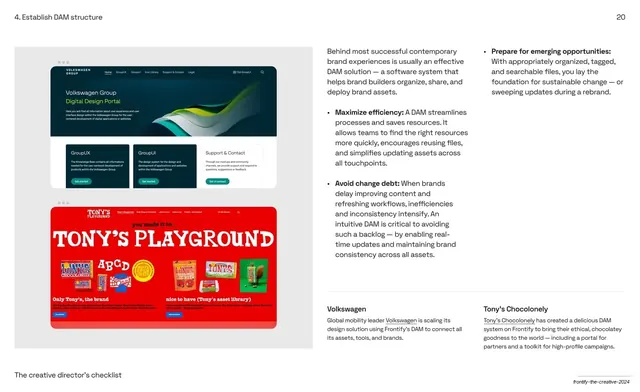 Contrasting DAM portal screenshots with bullets
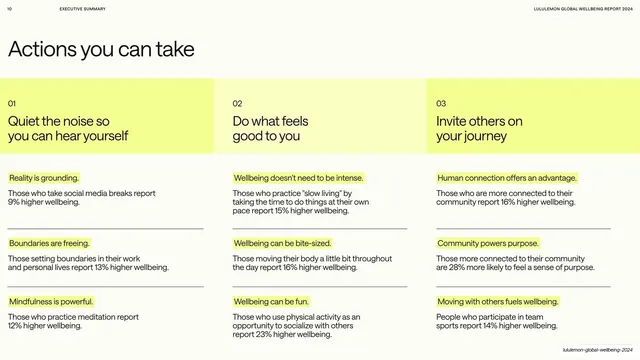 Three numbered action columns with lime bands
 Energy actions for business and individuals
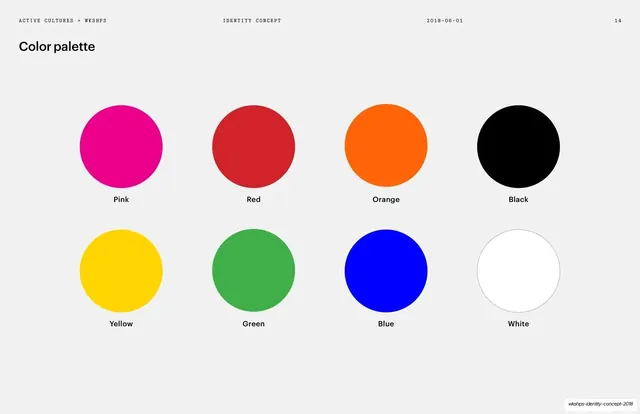 Eight-color brand palette as labeled swatches
 Snapchat Friendship Report 2019
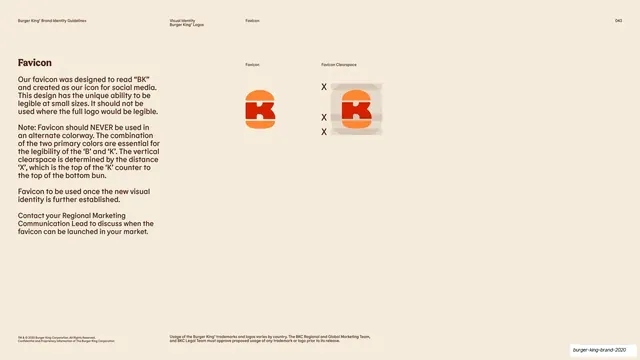 Favicon design and legibility rules
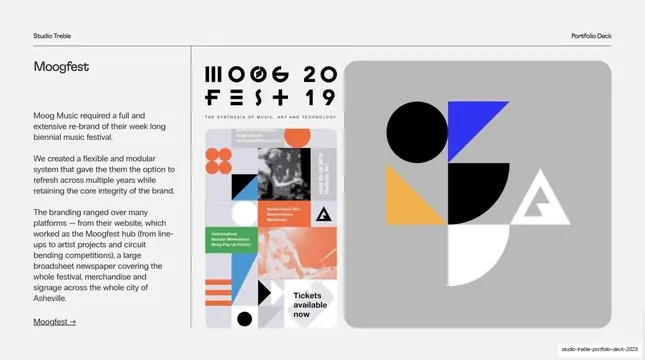 Case study - Moogfest
 Bok Building featured-work intro and wayfinding