Testing a Play tab in the News app
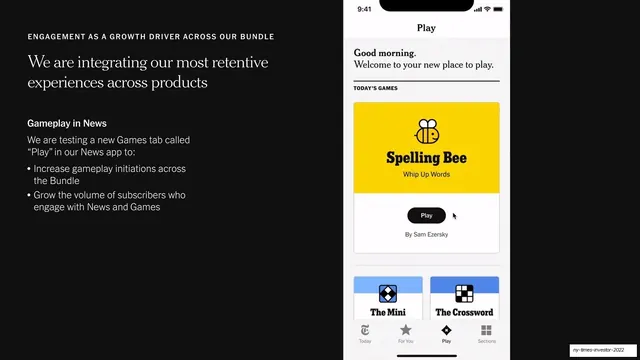
A black slide with a left text column of two bullet goals and a tall phone screenshot of a Play tab showing a Spelling Bee card, a Mini and a Crossword, with a bottom tab bar.
Summary
A dark product slide describing a Play tab being tested in the News app, shown as a single phone screen. The left column lists the two goals of the test.
Visual description
A two-line serif headline sits top left on near-black with an all-caps eyebrow. Below it, a bold sans-serif subhead reads Gameplay in News, followed by a short paragraph and two bullets. The right half holds a tall phone screen with a status bar and a serif greeting, then a yellow Spelling Bee card with a bee icon and a black Play pill. Two smaller cards, The Mini and The Crossword, peek in below. A bottom tab bar shows four icons with Play selected.
Key takeaway
The phone frame and the yellow hero card show the test as a real product surface rather than a concept. The bottom tab bar signals where the feature sits in navigation.
Reuse notes
Use when showing a feature under test or a new navigation entry. The bullets state the goals in plain language, which works well beside a single screenshot. Note that the cards are cut off at the bottom, so keep the key element above the fold.
More like this
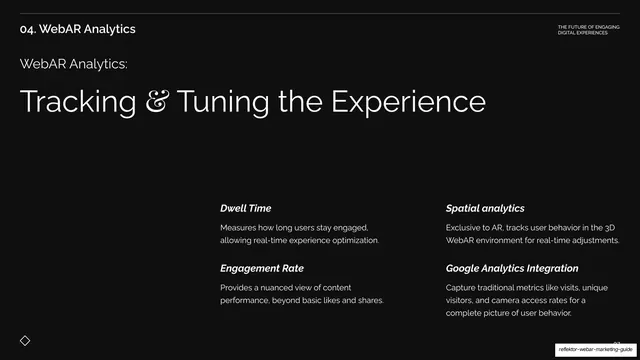 Tracking and Tuning the Experience
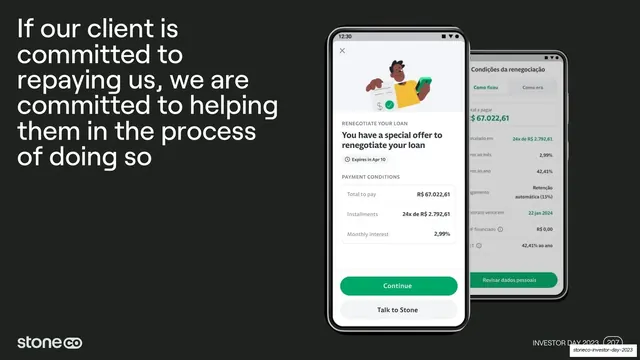 In-app loan renegotiation offer
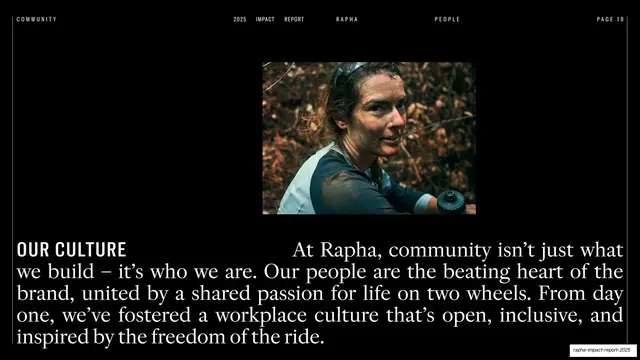 Culture statement with portrait inset
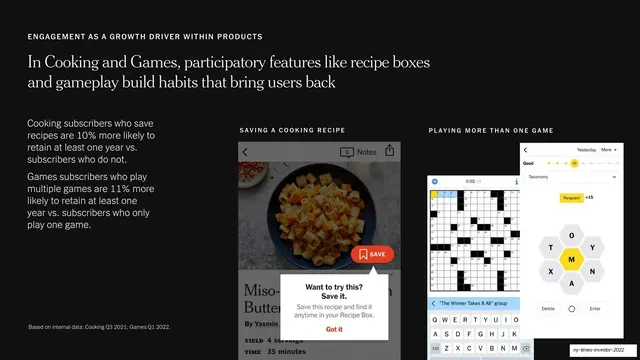 Recipe save prompt and puzzle screenshots
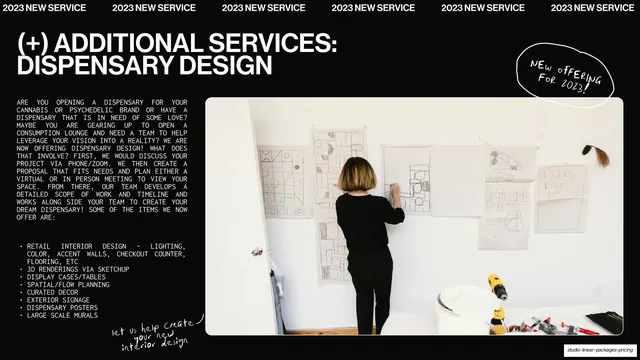 Dispensary design service announcement
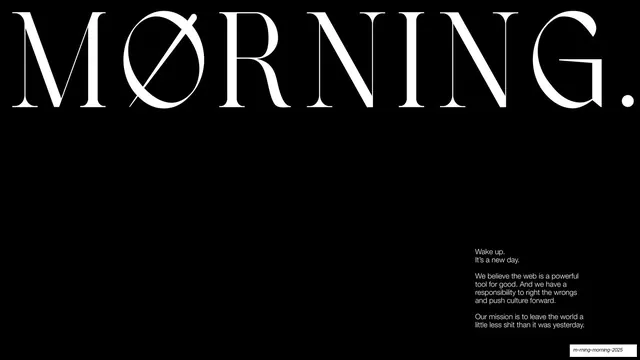 Mission statement under monumental wordmark
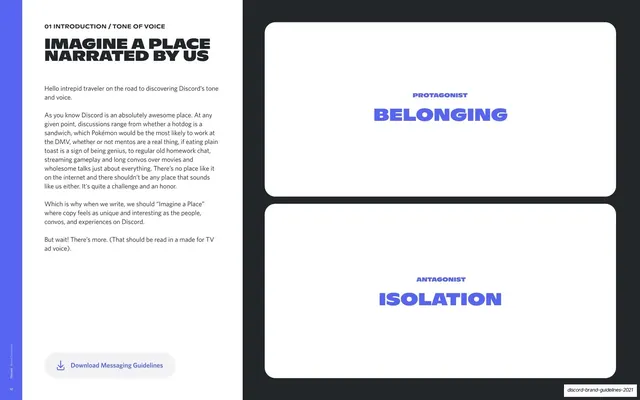 Imagine a place narrated by us (Tone of voice)
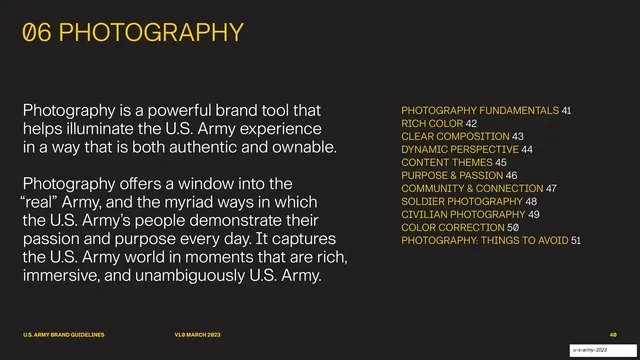 Photography chapter opener with contents
 Contacts closing on black
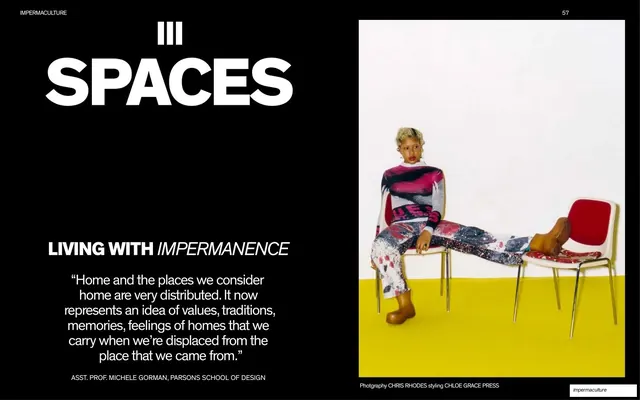 Spaces chapter divider with editorial photo
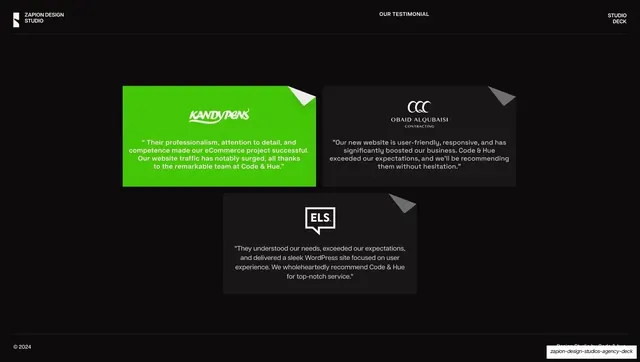 Client testimonials three cards
 Welcome to the Big Green Guide
 Closing brand guidelines slide
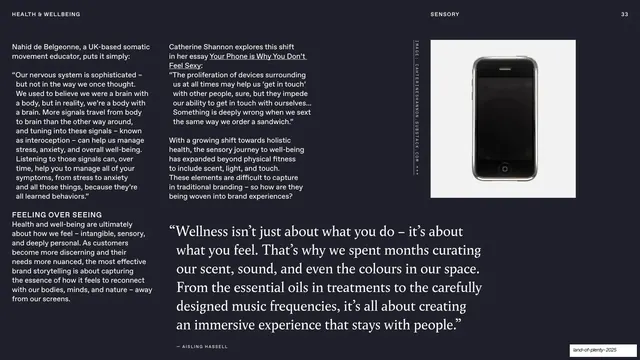 Feeling over seeing text with phone photo
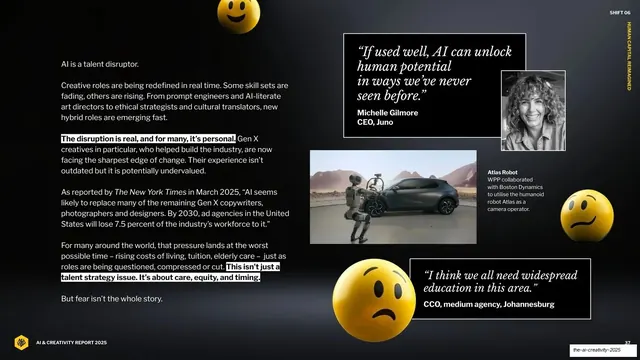 AI is a talent disruptor
 Jonas Bendiksen quote on committing to a subject
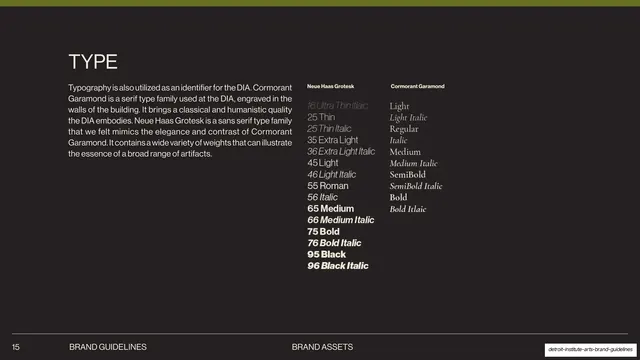 Type families and weight lists
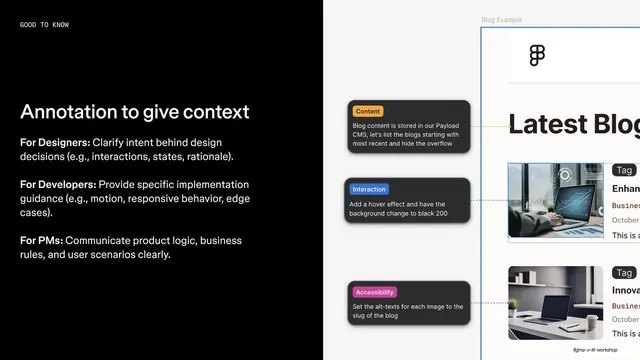 Annotation to give context feature
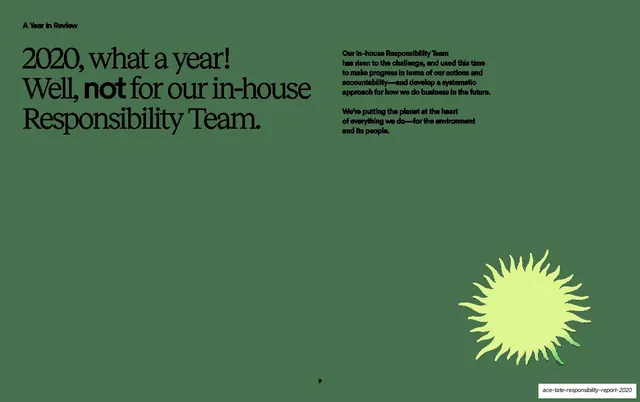 2020 in-house team intro
 Engineered for teams, designed for people
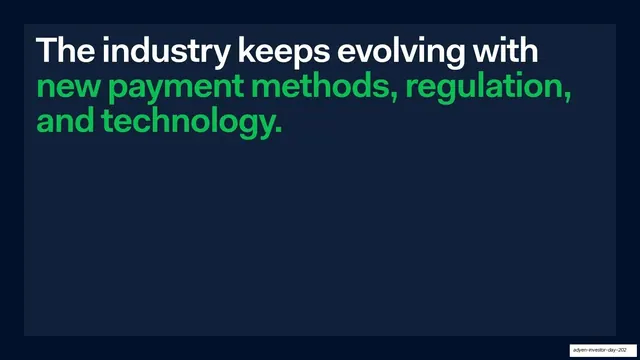 Evolving industry headline in inset panel
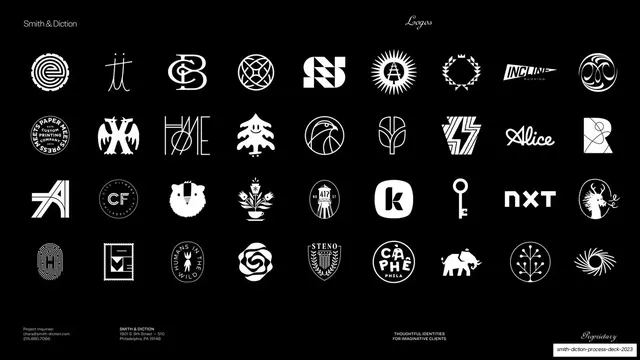 Logos identity portfolio wall
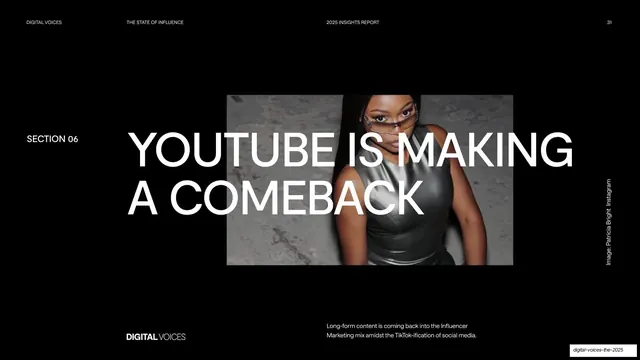 YouTube Is Making A Comeback section divider
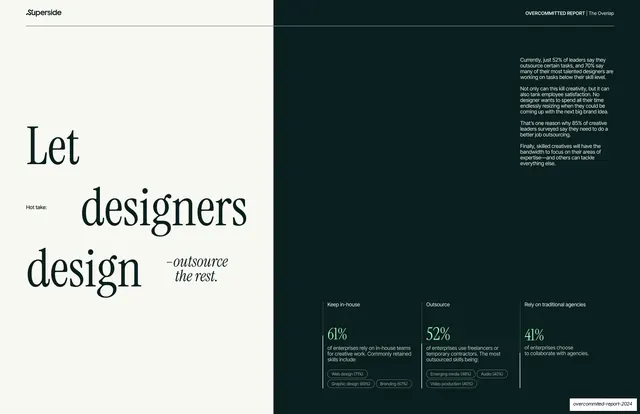 Split hot take: let designers design