Article page screenshot with painting
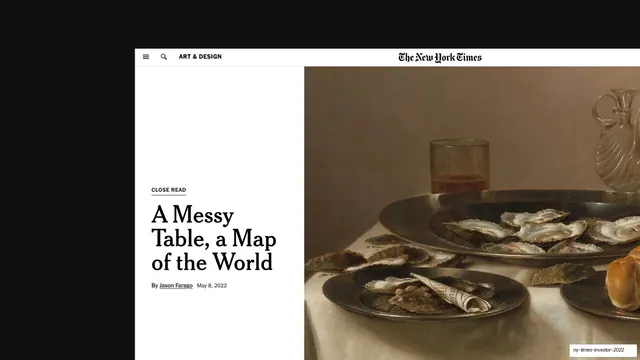
An article page screenshot cropped off the left edge, with a headline and byline on the white left column and a large still life painting filling the right.
Summary
A cropped screenshot of an editorial article page, with a white text column and a large painted still life bleeding off the right edge.
Visual description
The browser-style frame sits off-center, cut off on the left so black fills the left third of the slide. The white header bar holds a menu icon, a search icon, a small all-caps section label, and the publication masthead. Below, a white column carries a small all-caps kicker with an underline, a large serif headline on three lines, and a sans byline with a date. The right side is a dim painting of oysters on pewter plates beside a glass and a carafe, cropped at the frame edge.
Key takeaway
The off-center crop makes an ordinary web page feel like a book spread. Pairing a serif headline with a painted image gives the slide a cultural, art-world register.
Reuse notes
Works for a case study or press slide that shows an editorial product in context. The cropping device is reusable for any screenshot that needs to feel like an excerpt. Light content on a dark deck needs the frame edge to stay crisp.
More like this
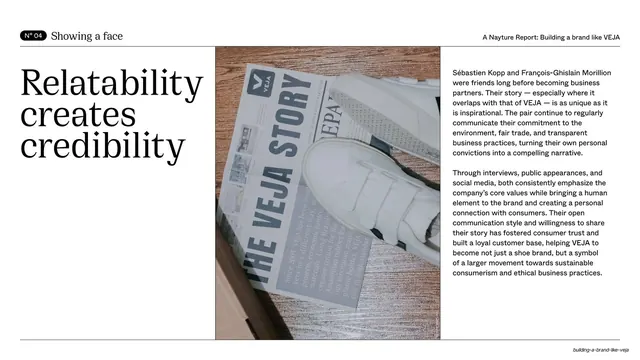 Relatability creates credibility
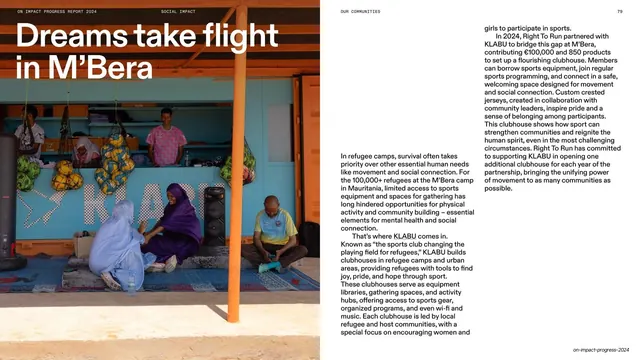 Dreams take flight in M'Bera spread
 Survey quote on misleading company claims
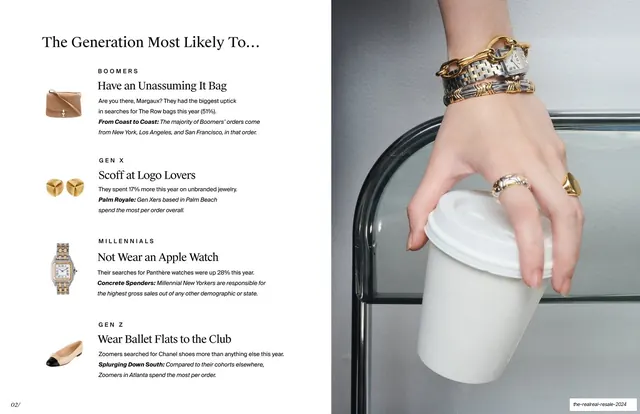 The Generation Most Likely To generational breakdown
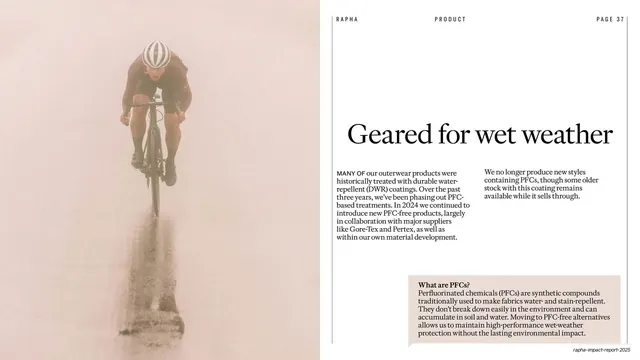 Wet-weather products with rider and PFC callout
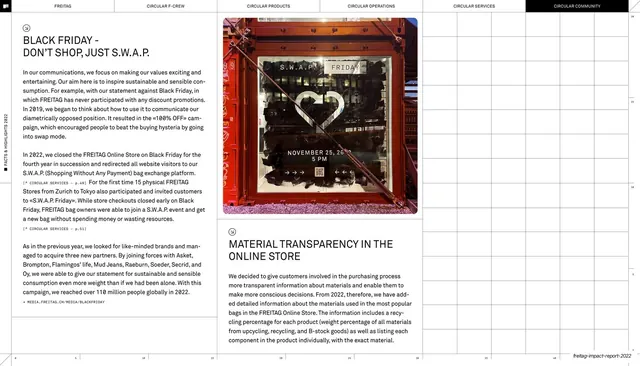 Black Friday S.W.A.P. and online-store transparency
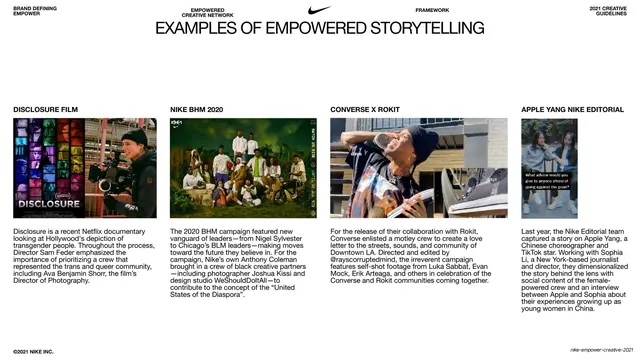 Examples of empowered storytelling four-column
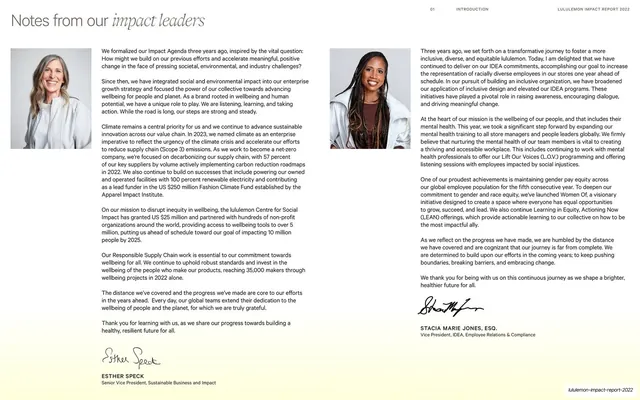 Notes from our impact leaders
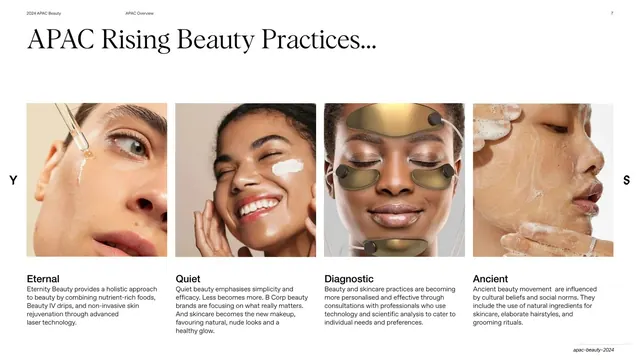 Four beauty practice columns
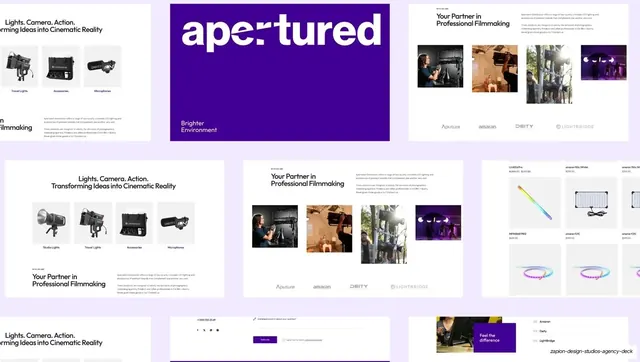 Jawhara case study intro
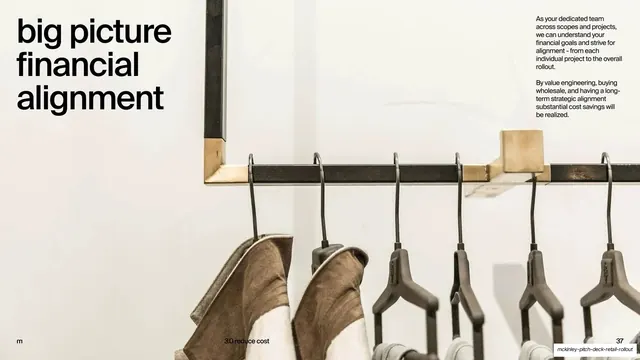 Big picture financial alignment photo slide
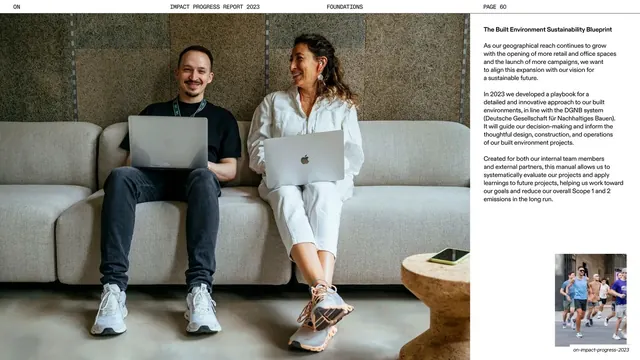 Built environment sustainability blueprint photo
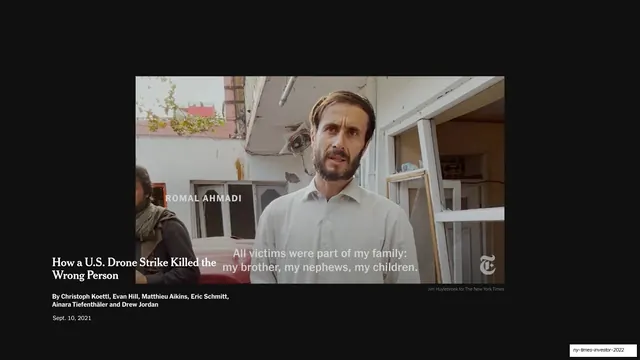 Drone strike investigation video still
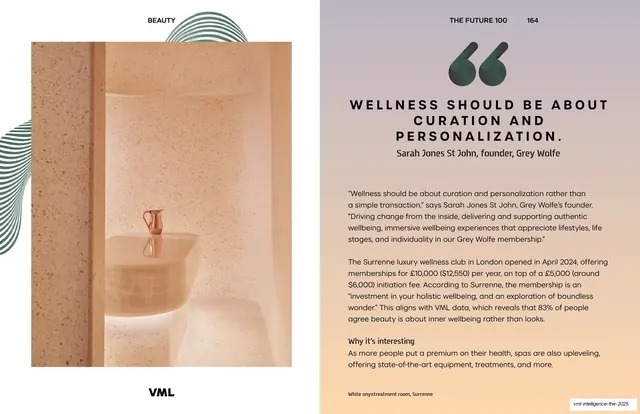 Wellness curation pull-quote with spa photo
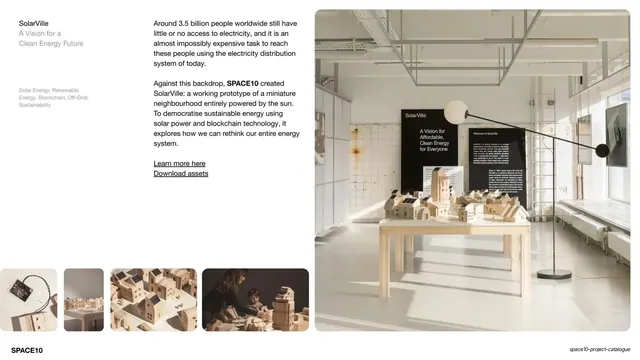 SolarVille project
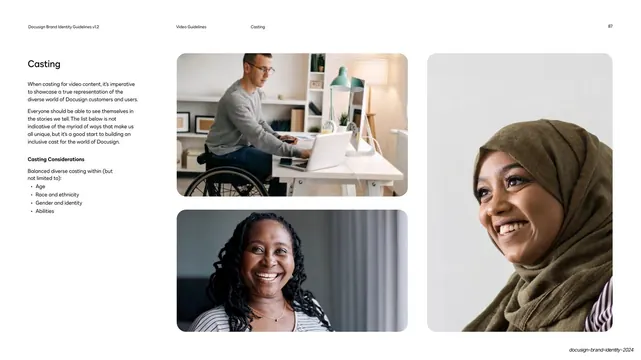 Inclusive casting photo page
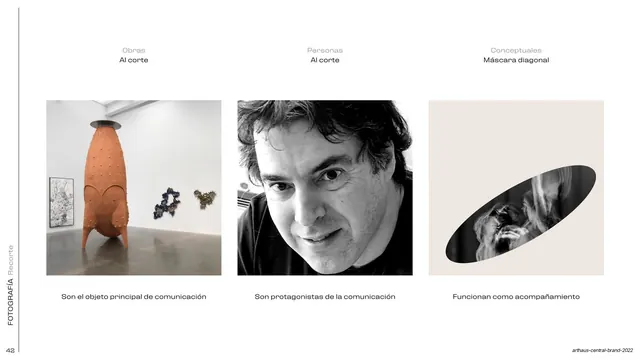 Photo effects, beige filter and halftone
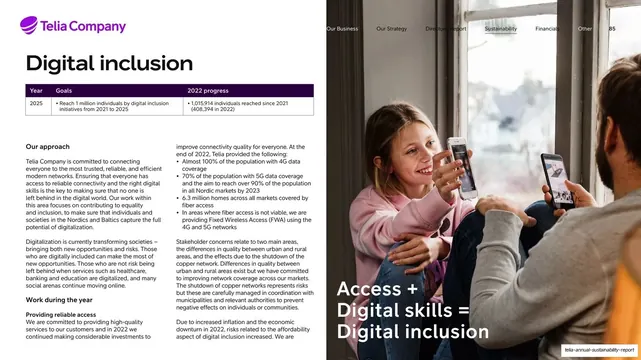 Digital inclusion goals table and photo
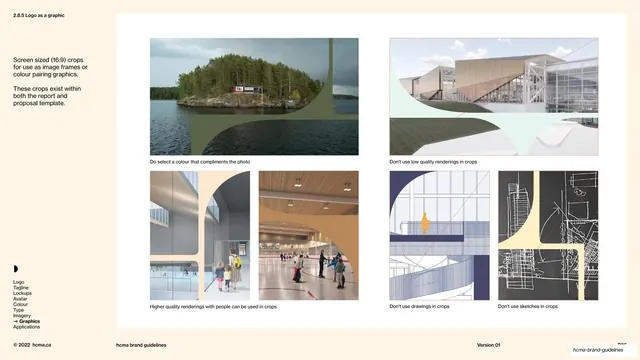 Logo as a graphic crop dos and donts
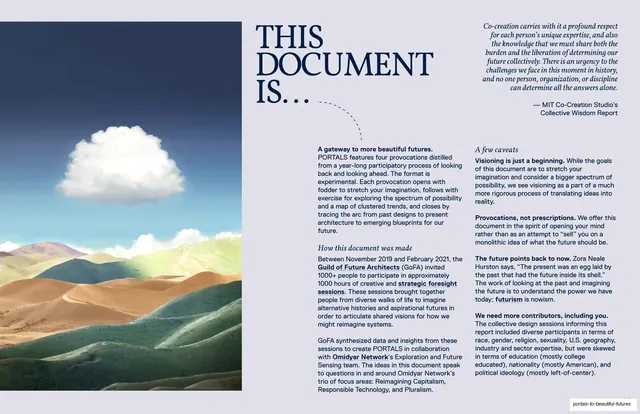 Document intro beside full-height landscape
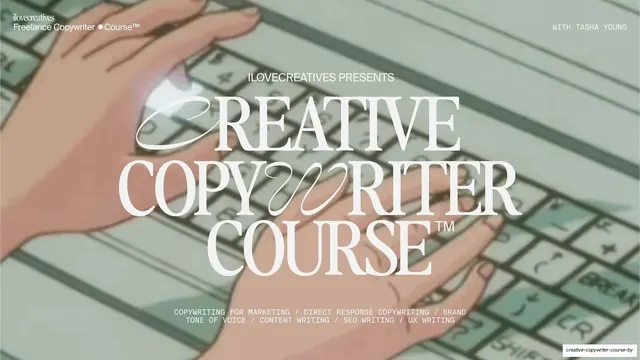 Course cover over keyboard photograph
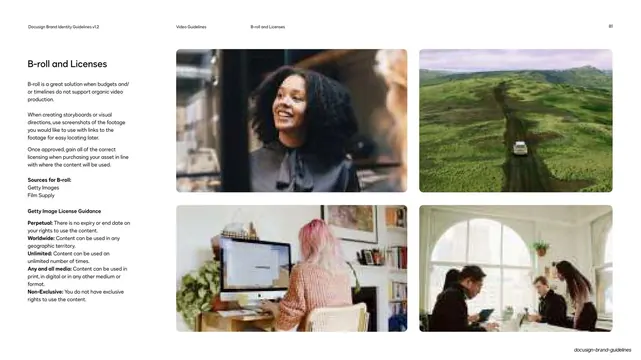 Docusign B-roll and licenses page
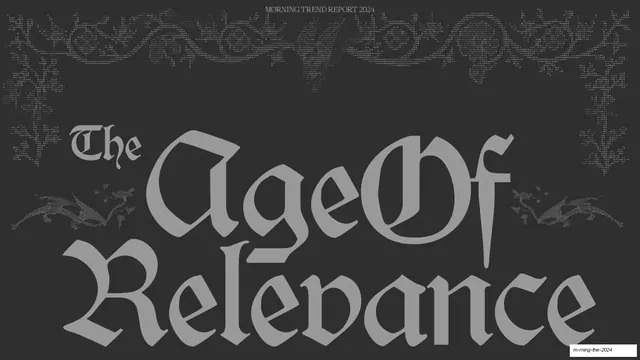 M-RNING Trend Report 2024
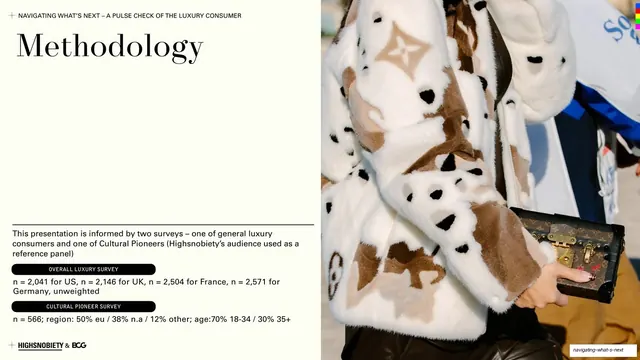 Methodology with two survey sample sizes