How to determine value range
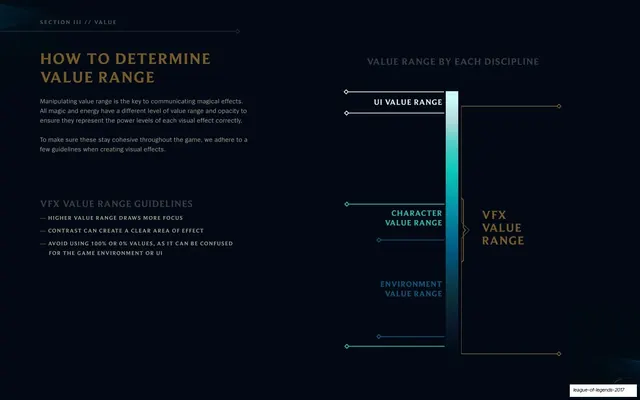
A guideline slide with a vertical value gradient on the right that maps UI, character, environment and VFX value ranges against each other.
Summary
A guideline slide in which three short rules sit left of a vertical value gradient. Labeled horizontal markers show where the UI, character and environment ranges fall, and a gold bracket marks the VFX range.
Visual description
A gold serif headline "HOW TO DETERMINE VALUE RANGE" sits top left above a sans paragraph and a dim gold subhead "VFX VALUE RANGE GUIDELINES", followed by three uppercase bullets. On the right, a tall vertical bar fades from pale cyan at the top through teal to deep navy at the bottom. Thin horizontal leader lines with diamond ends point to labels for UI VALUE RANGE in white, CHARACTER VALUE RANGE in teal and ENVIRONMENT VALUE RANGE in blue. A gold bracket on the far right groups these with a large gold label reading VFX VALUE RANGE.
Key takeaway
The gradient turns an abstract value scale into a shared map, so the VFX range is defined against the UI, character and environment ranges. Color-coded leader lines make each discipline's band easy to find.
Reuse notes
Strong for a diagram explaining how several systems share one scale, such as contrast tokens in a design system. The vertical gradient carries the idea, so keep the number of labels small. Works on dark backgrounds, where the pale top of the bar stands out.
More like this
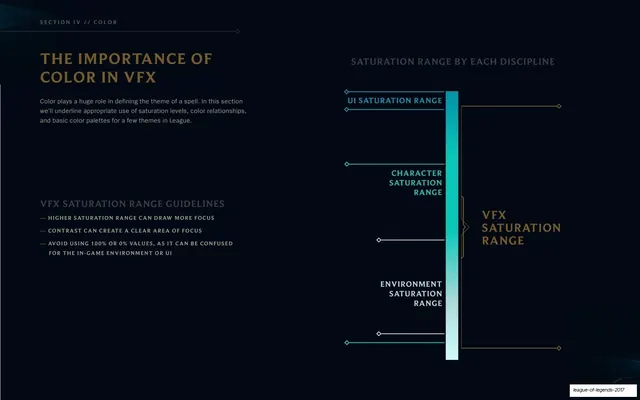 The importance of color in VFX
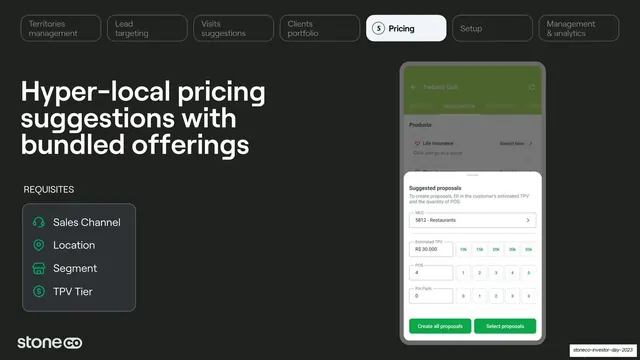 Requisites checklist with proposal sheet
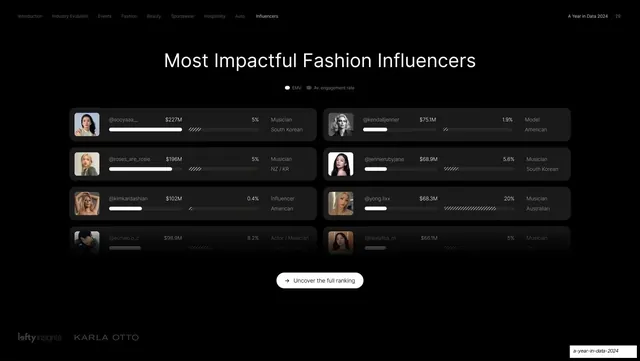 Fashion influencer ranking list on dark
 Quantum Wellness Spa Brand Guidelines
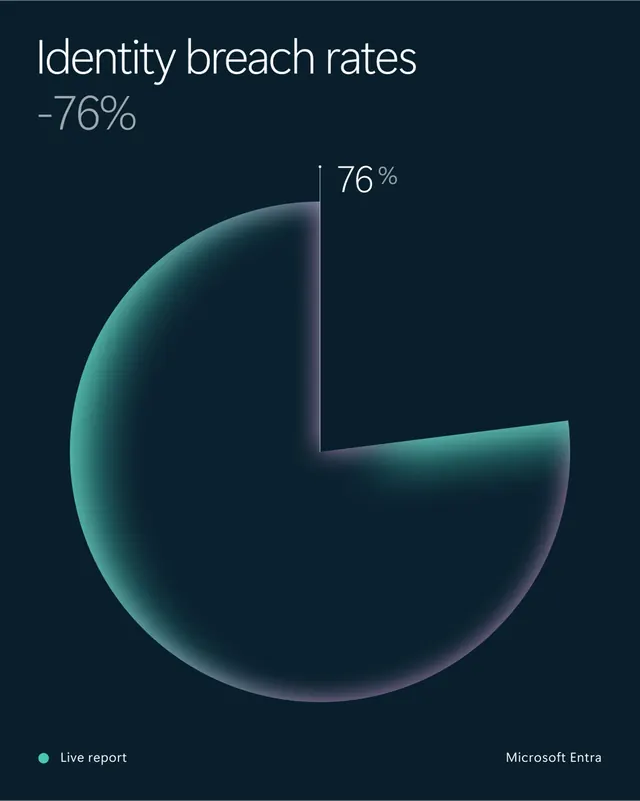 Microsoft Entra identity breach rates gradient pie chart
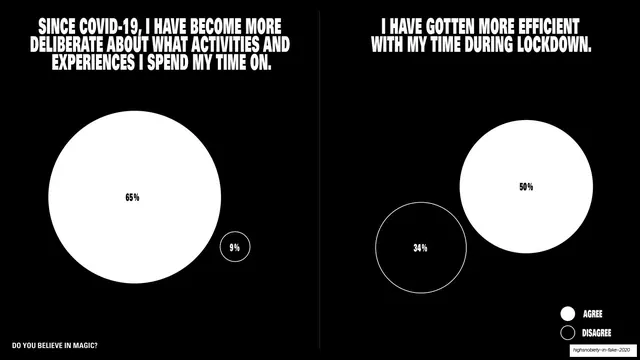 Deliberate and efficient bubble chart
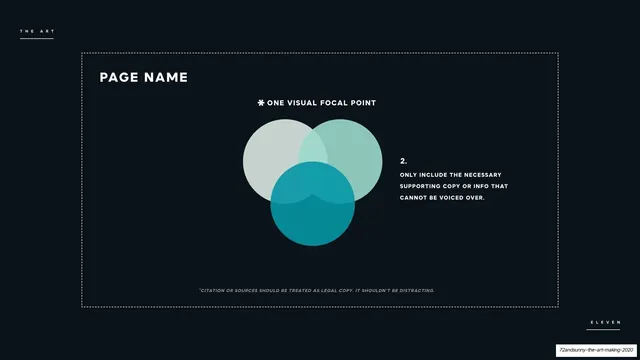 Page layout with three-circle focal diagram
 Opera One Design Guide 2023
 Red-labeled opinion cards, one with photo
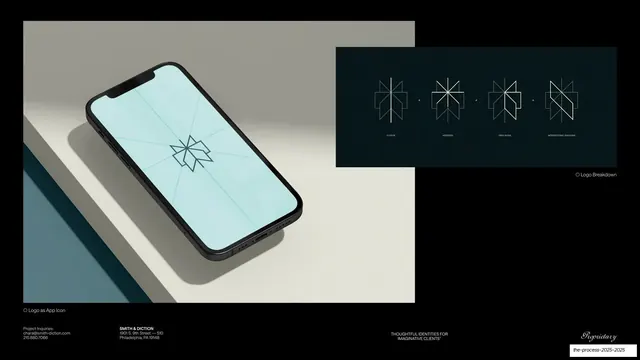 Logo as app icon with construction breakdown
 Block closing logo slide
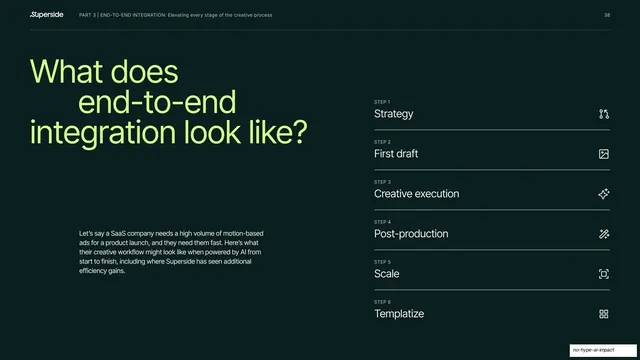 Six-step end-to-end AI workflow list
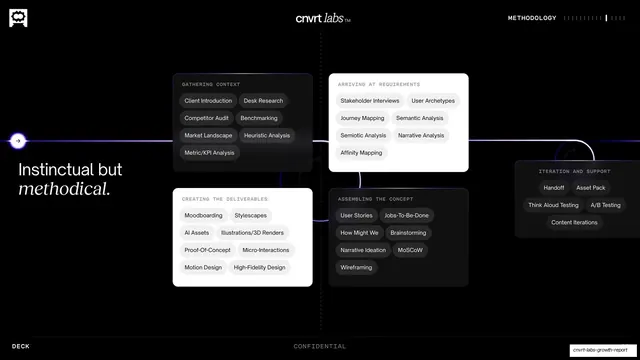 Methodology process flow cards on black
 Magnum Photos workbook terms notice
 WRKOUT Brand Guidelines 2020
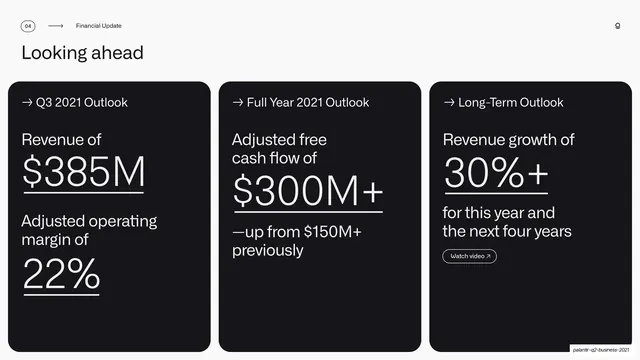 Q3 and full-year 2021 outlook cards
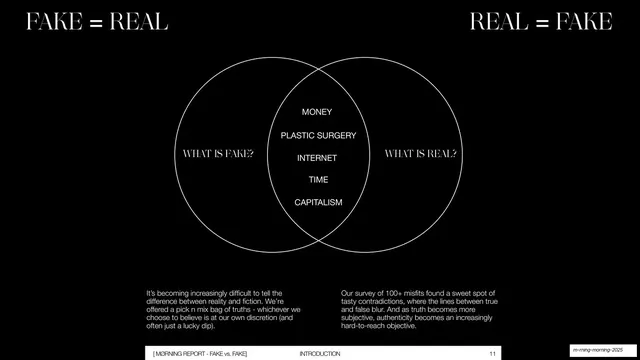 Venn diagram of fake and real overlap
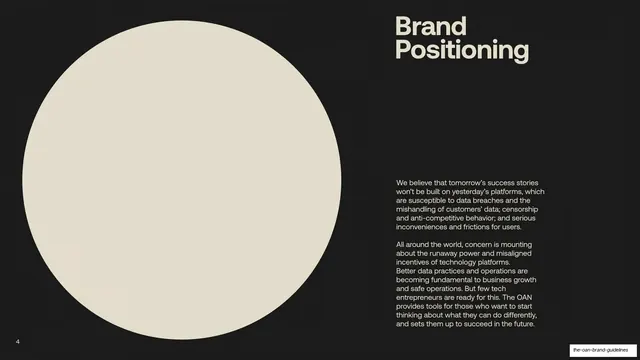 Brand positioning with circle motif
 Black credits page with contributors
 Archer Aviation partner quote with aircraft photo
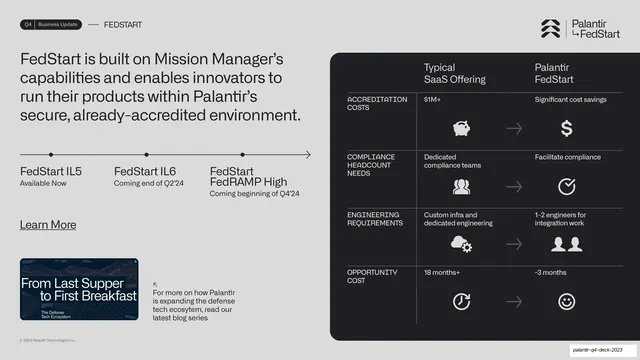 FedStart before and after comparison
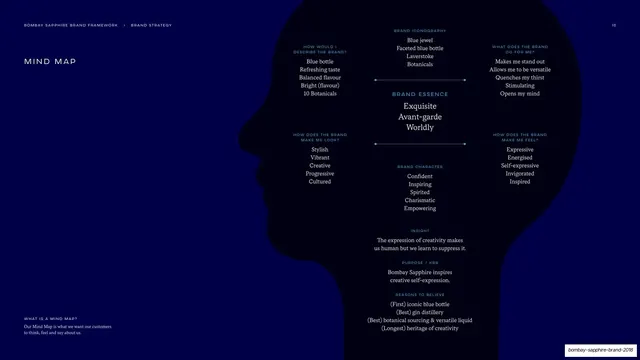 Mind map inside a navy head silhouette
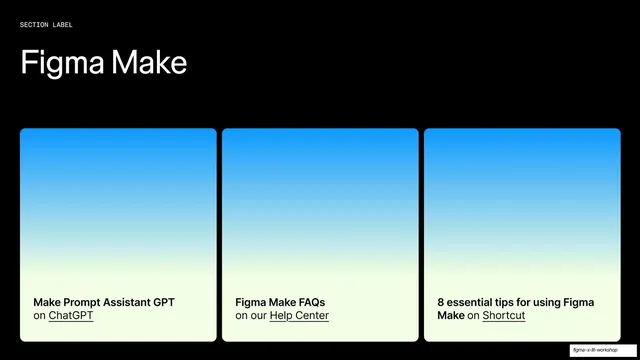 Figma Make resources three-card slide
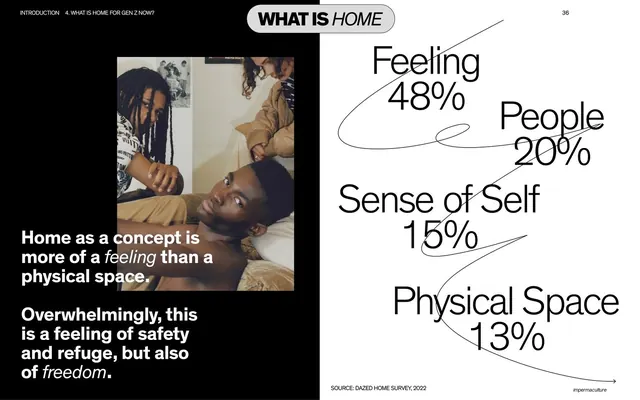 What is home, feeling vs physical space data spread