Substance apps explained in callout boxes
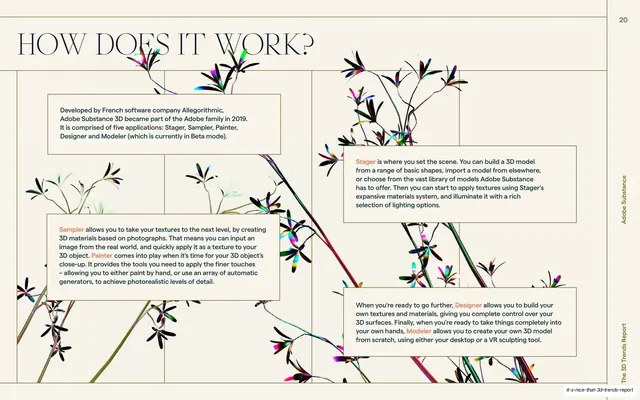
Cream explainer page titled HOW DOES IT WORK? with four outlined text boxes describing the Substance apps over a field of iridescent stems.
Summary
A cream explainer page titled HOW DOES IT WORK? that places four outlined text boxes over a field of iridescent stems. The boxes describe the company history and the Substance applications, with each app name in orange.
Visual description
A cream background with olive rules and a vertical running title. HOW DOES IT WORK? runs across the top in dark serif capitals, with a few rainbow-tipped stems crossing the letters. Four cream boxes with thin olive borders sit in a staggered layout. The top-left box covers the company history. The right box describes Stager, and the two lower boxes cover Sampler and Painter, then Designer and Modeler. Each app name is set in orange, and dark stems with lime, pink and teal tips run through the gaps between the boxes.
Key takeaway
Outlined text boxes keep dense tool descriptions legible over a busy image. Orange app names make each entry easy to scan without adding icons.
Reuse notes
Use for a feature or tool explainer with several named parts. Keep each box to two or three lines so the boxes do not cover too much of the image. The cream ground keeps the dark text and stems readable, so avoid a dark background here.
More like this
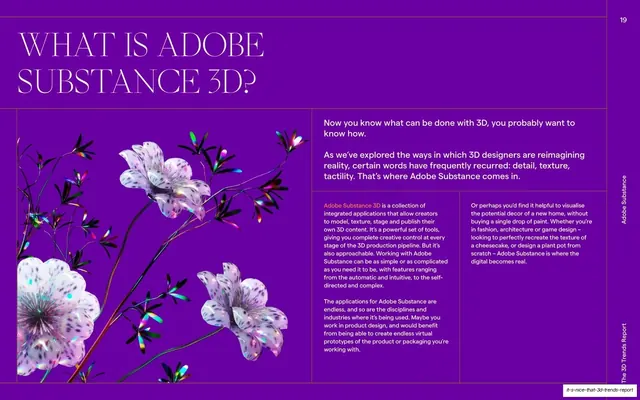 Adobe Substance explainer on violet
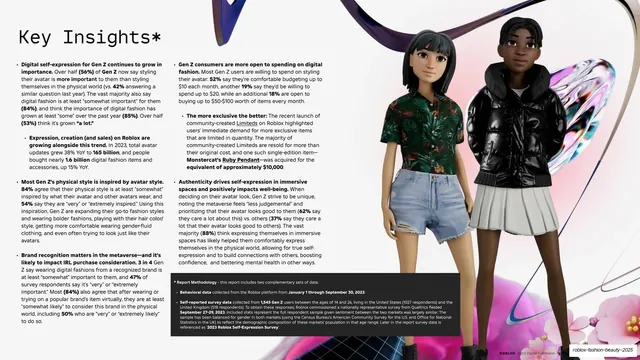 Key insights text slide with bold stats and methodology box
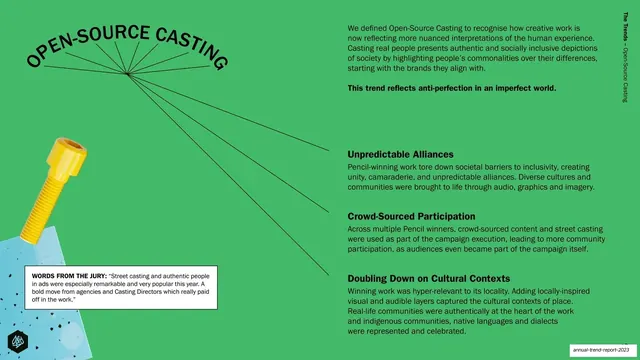 Open-Source Casting trend definition with jury quote
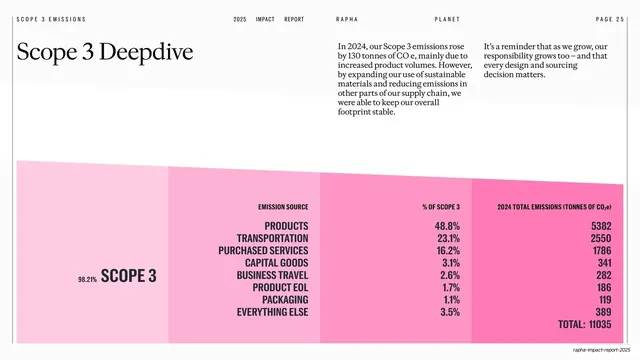 Scope 3 breakdown by emission source
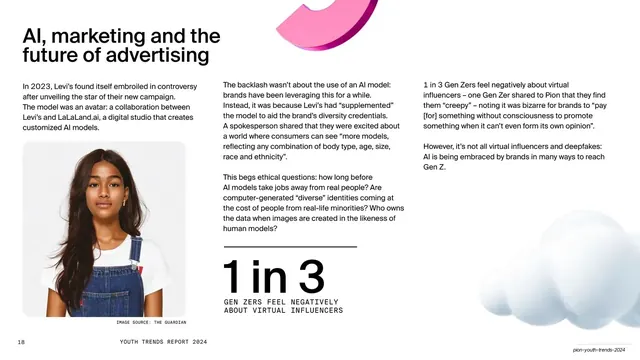 Three-column marketing text with model photo
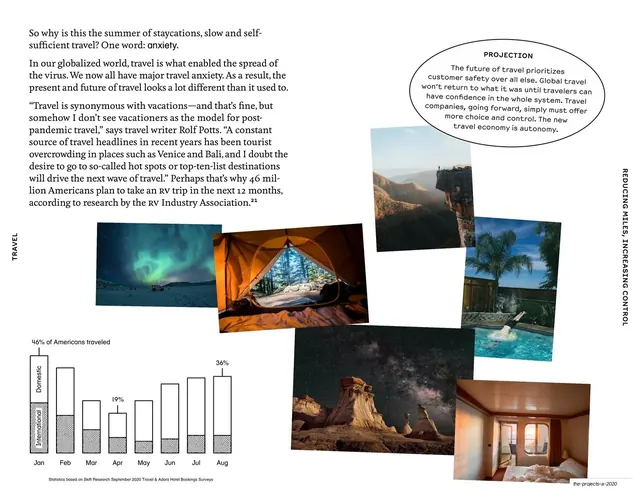 Travel anxiety collage with bar chart
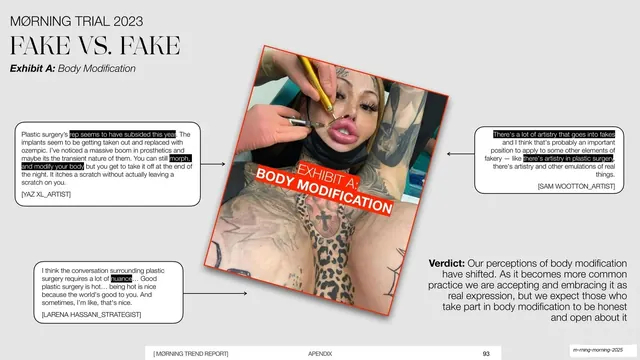 Exhibit A body modification verdict
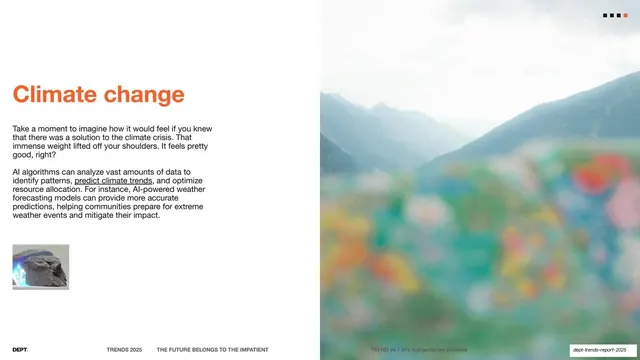 Climate change and AI prediction
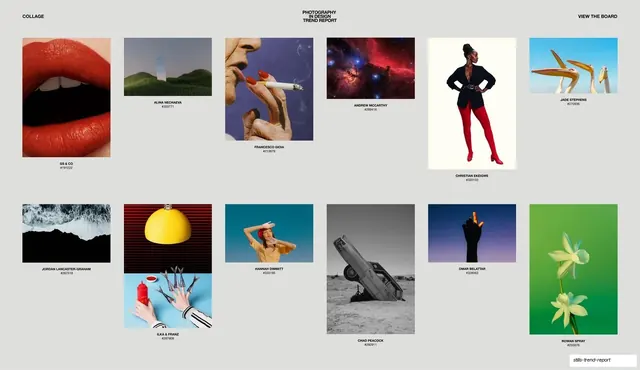 Twelve-photo collage board with credits
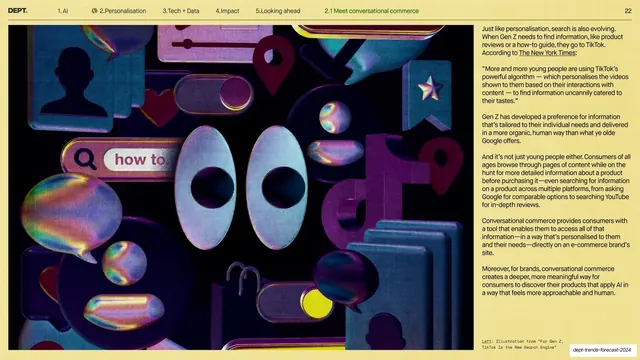 Search is evolving (TikTok 3D collage + body)
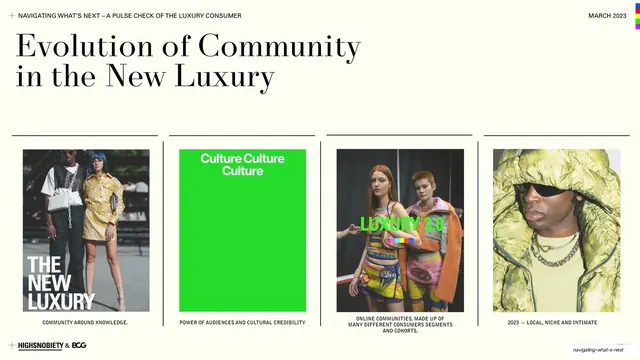 Four-frame community evolution grid
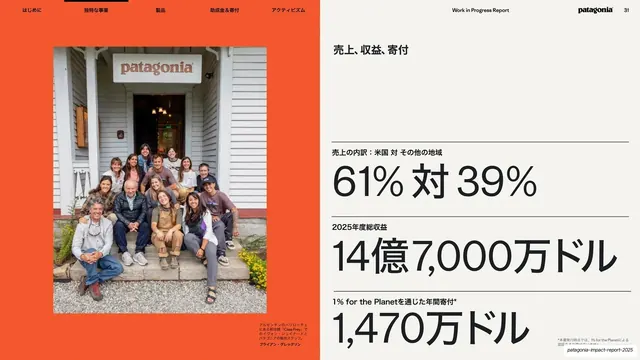 Revenue and donation figures beside team photo
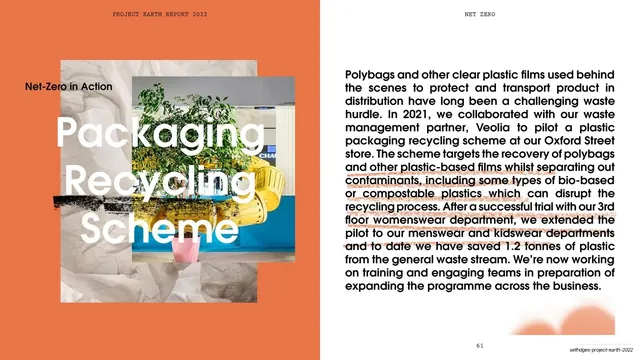 Packaging recycling pilot spread
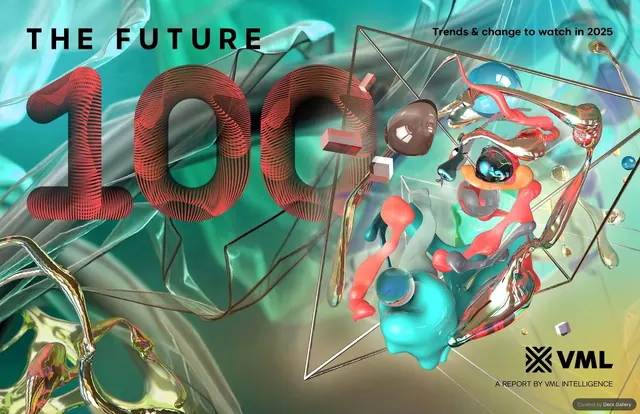 VML Intelligence The Future 100: Trends & Change to Watch in 2025
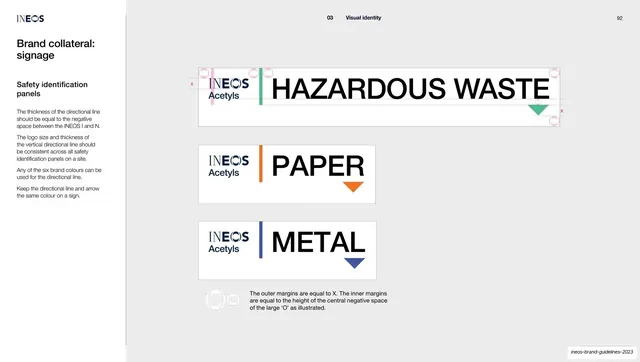 Safety identification panel layout rules
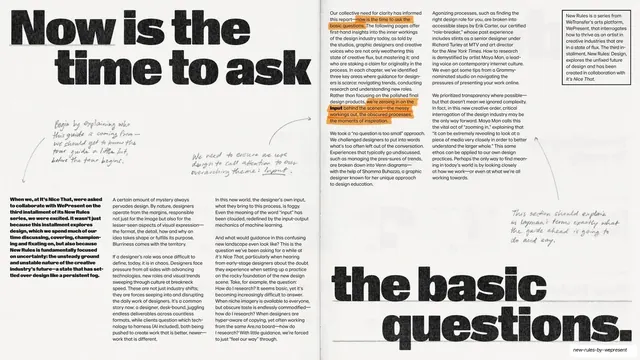 Intro essay spread with two-part headline
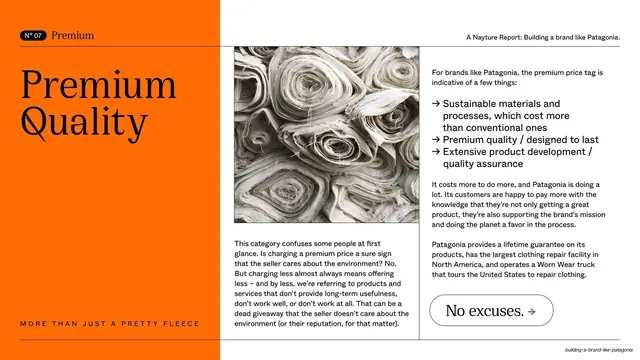 Premium quality justification split layout
 WeTransfer Ideas Report 2020
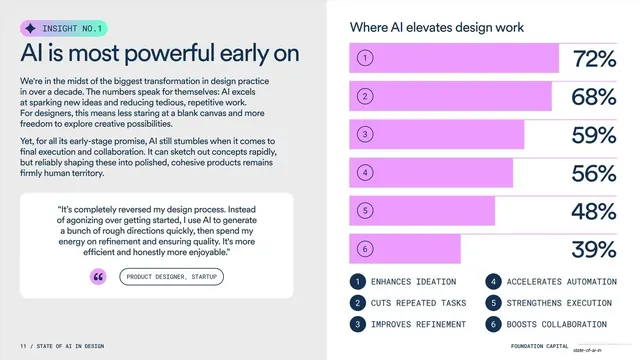 Ranked bar chart of AI uses
 Zero-waste innovation four-column text page
 Three-column research takeaways on off-white
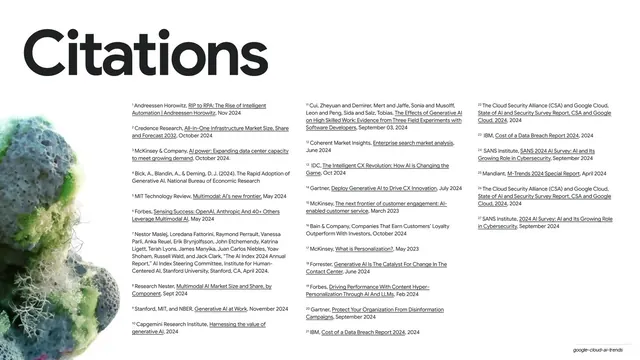 Citations list with sources and references
 Scope 1 and 2 and Scope 3 emissions text
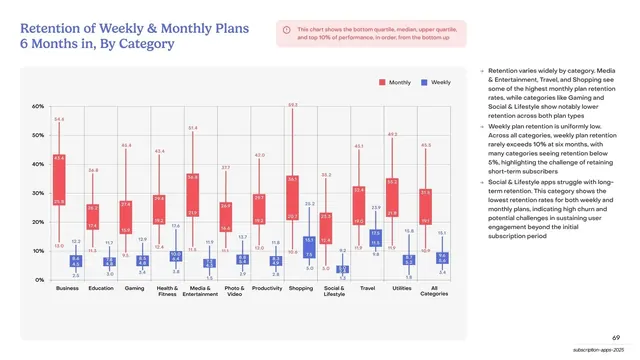 Six-month retention for weekly and monthly plans