Portrait image layout variants side by side
Four portrait thumbnail sets (split-screen, full-page, quarter-page, layered) compared for choosing a framing for different briefs.
Summary
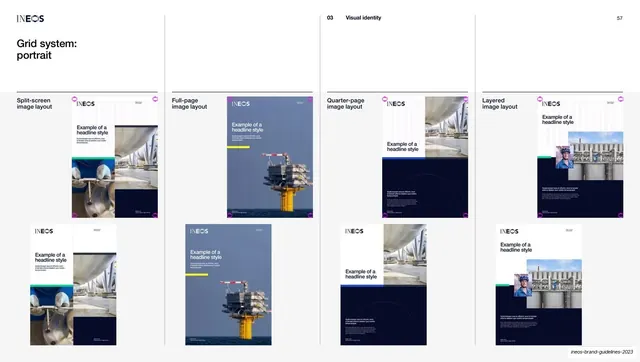
Four columns compare portrait image system framings, each shown as two thumbnail pages.
Visual description
Each column has a rule and a label: split-screen, full-page, quarter-page and layered. Split-screen shows a white page with a photo column and a navy block. Full-page shows a sky-blue photo with a yellow accent bar. Quarter-page shows a white top with a photo corner and a navy lower panel with a blue bar. Layered shows a white top with a portrait overlapping a photo of storage tanks, above a navy band with a green accent.
Key takeaway
Four portrait framings let a team match image type to brief, from a dense photo split to a single full-bleed shot. Shared accent bars and navy blocks tie the variants to one system.
Reuse notes
Use as the portrait counterpart to the landscape options when choosing a framing for posters or print. Settle the framing before selecting photography.
More like this
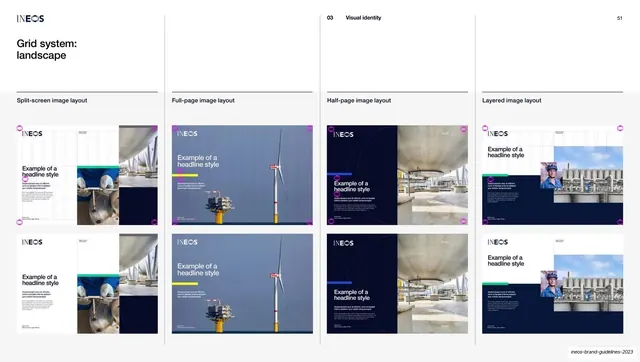 Four landscape image layout options compared
 Freepik Brand Guidelines 2023
 Research Ireland Brand Identity Guidelines 2024
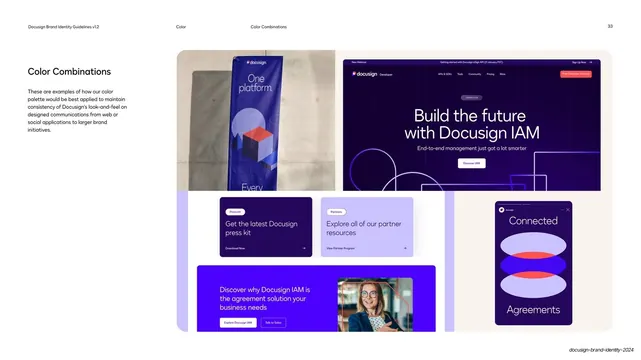 DocuSign color in banners and social
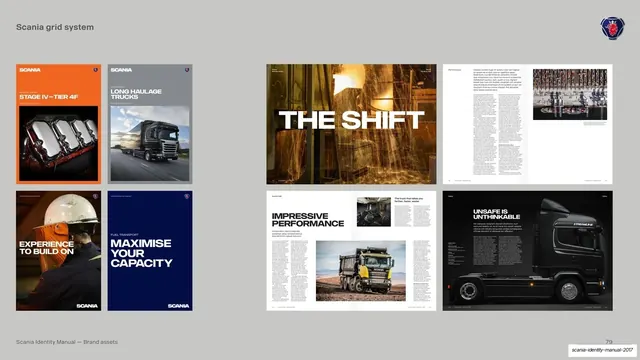 Brochure layouts across covers and spreads
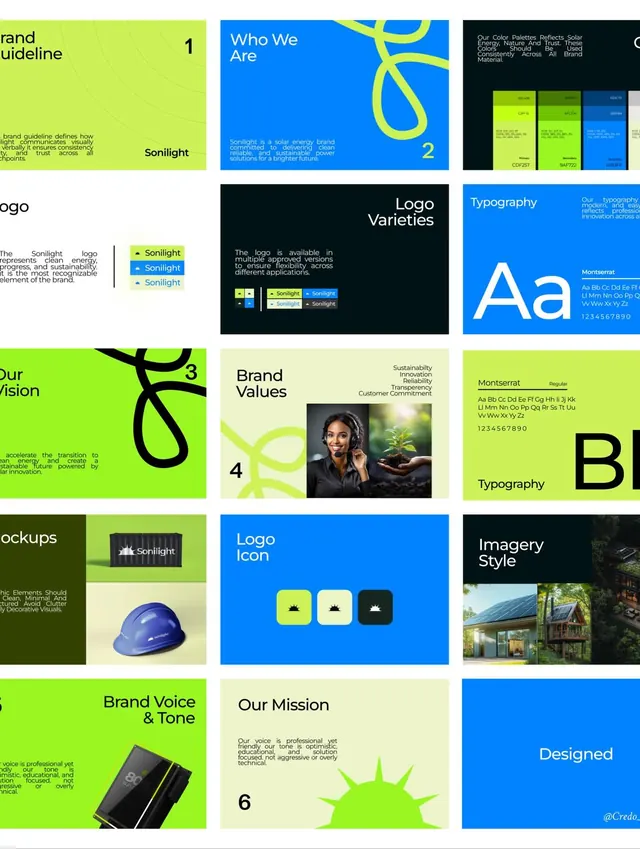 Spotlight renewable energy brand guideline
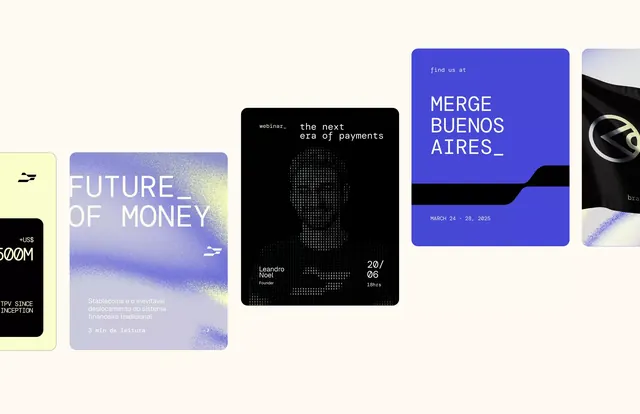 Modular fintech event collage with deep-blue accent cards
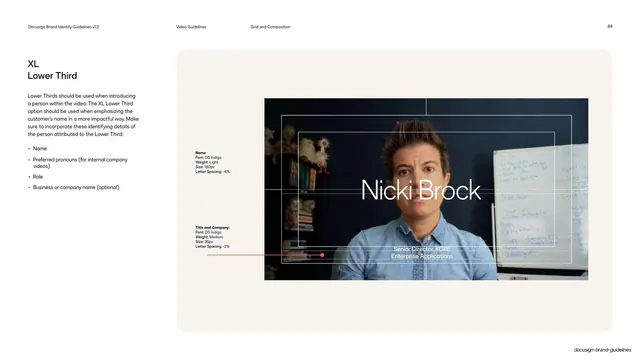 Docusign XL lower-third spec
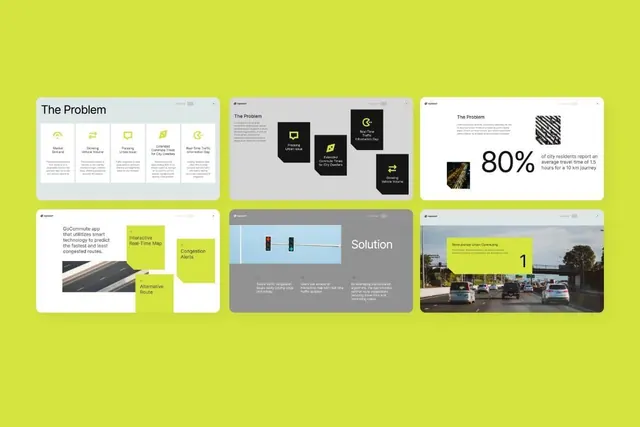 Urban mobility problem and solution boards on lime green background
 LUMN geometric logo mark
 Bravida Brand Guidelines 2021
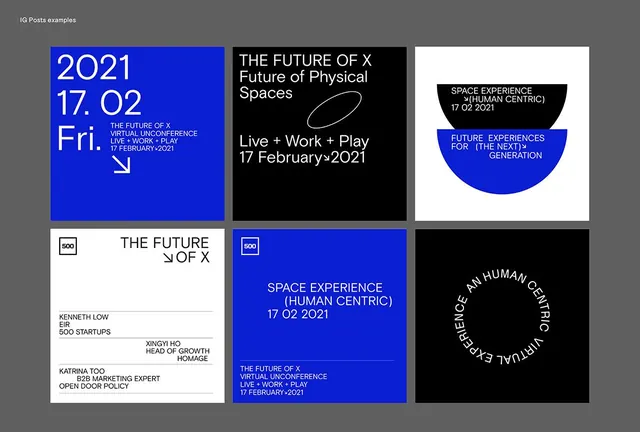 The Future of X conference poster grid
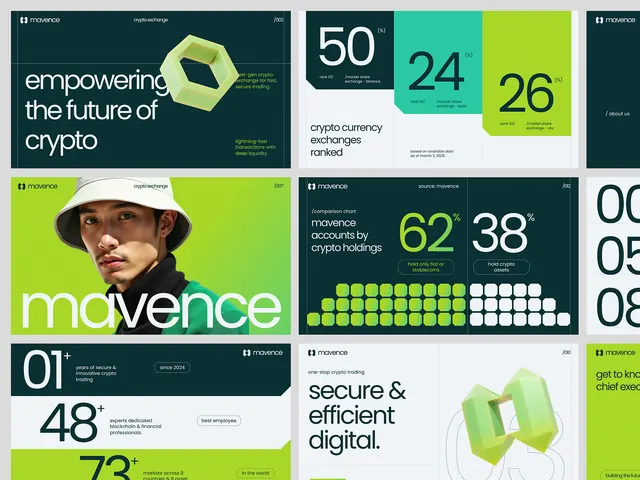 Modular data-driven design system with lime-green accents
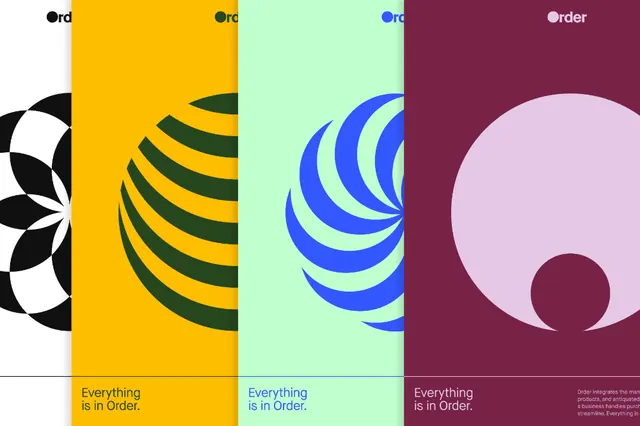 Modular brand identity with geometric segments
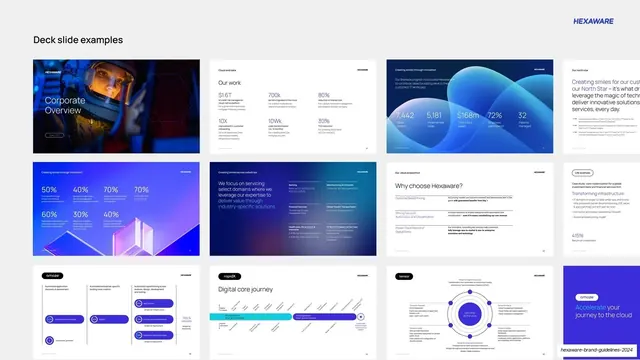 Deck slide template examples
 Discord Brand Guidelines 2021
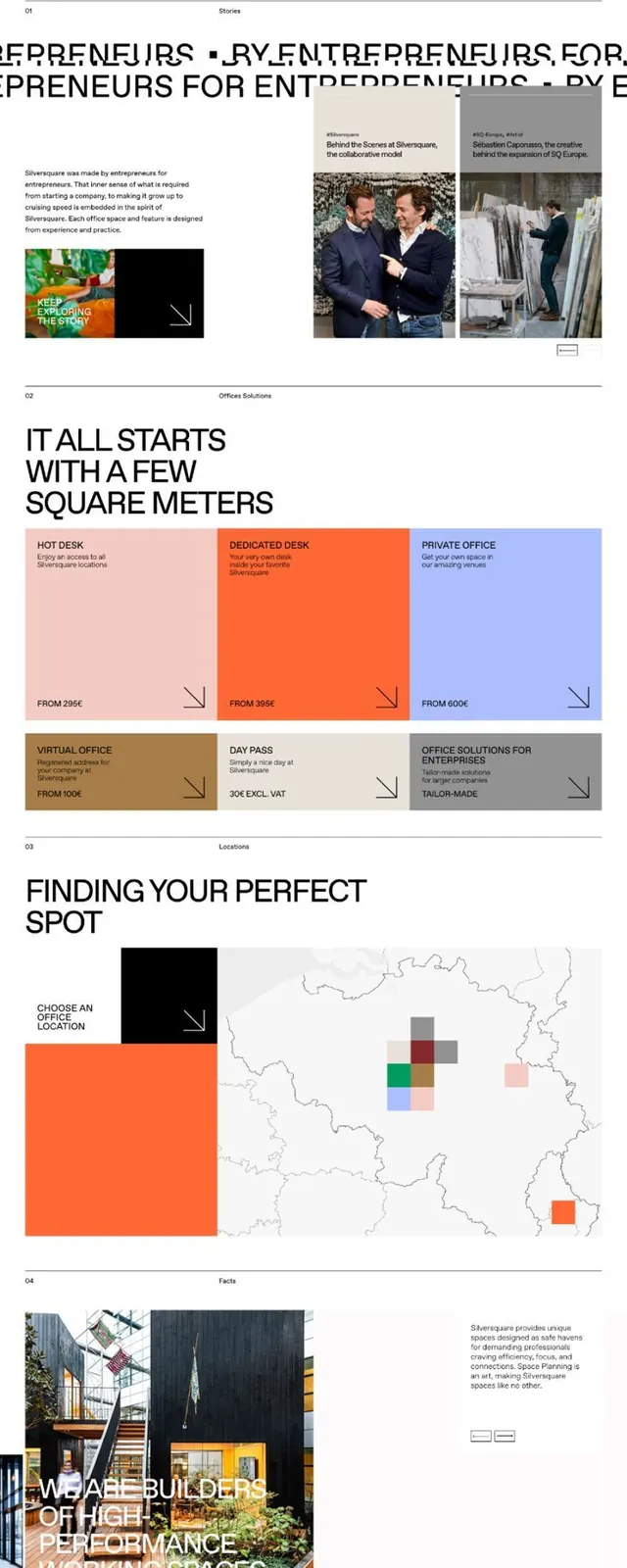 SQ coworking space editorial identity
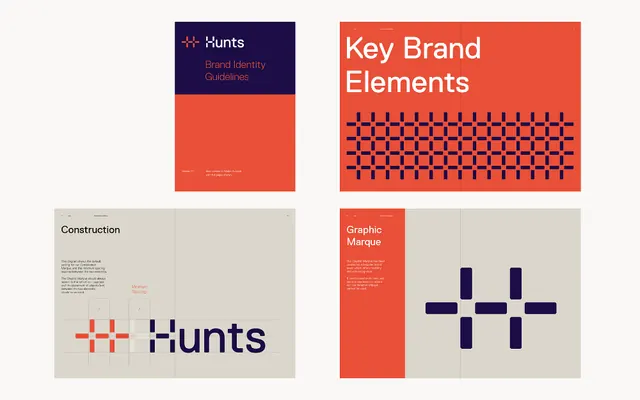 Hunts brand identity with modular mark
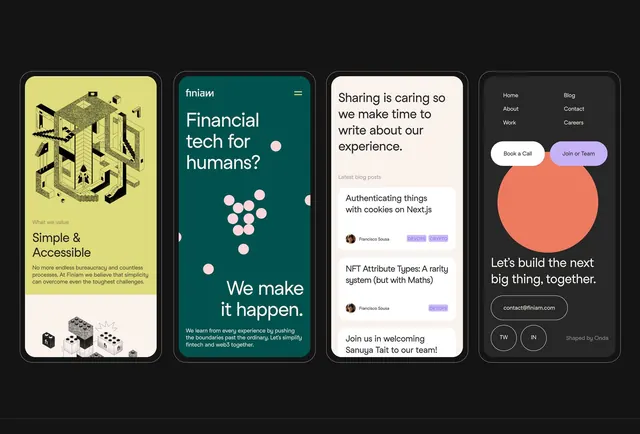 Four-card brand and SaaS design system
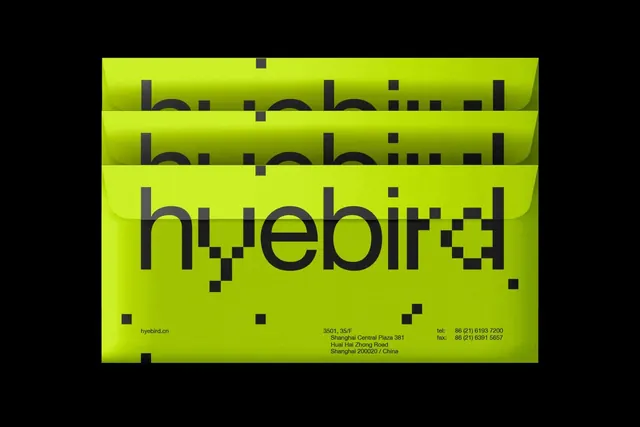 Neon stationery system with offset layers
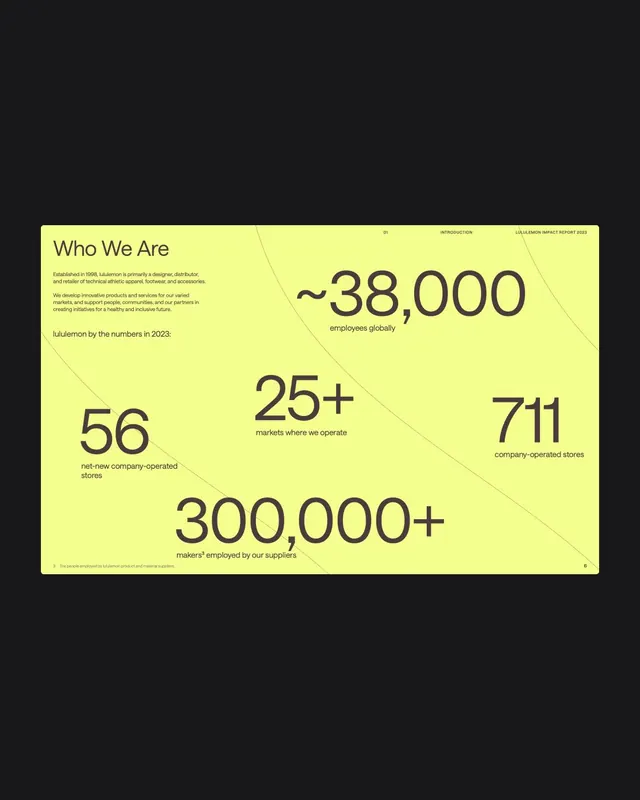 Minimal infographic infographic
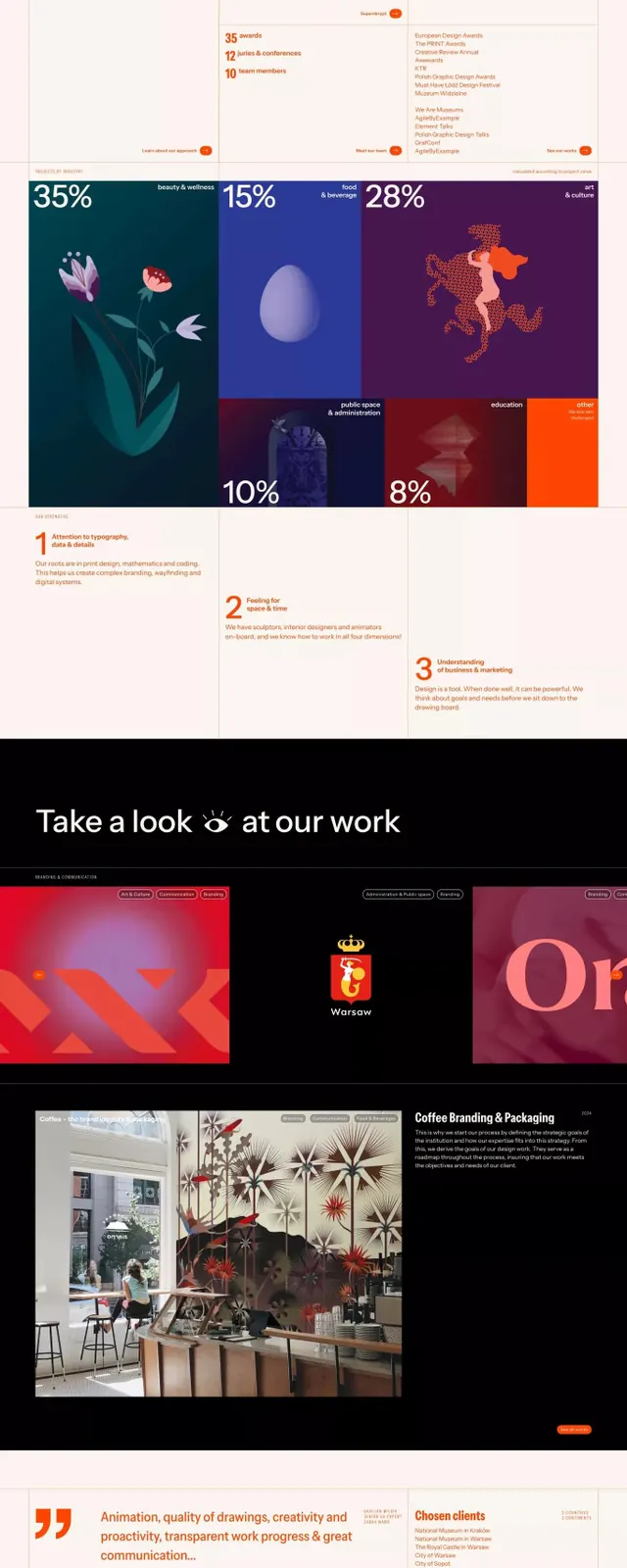 Creative agency portfolio with bold orange accents
 Minimal geometric type specimen
 Block Bitcoin Knowledge and Perceptions Report