Logo crop construction examples
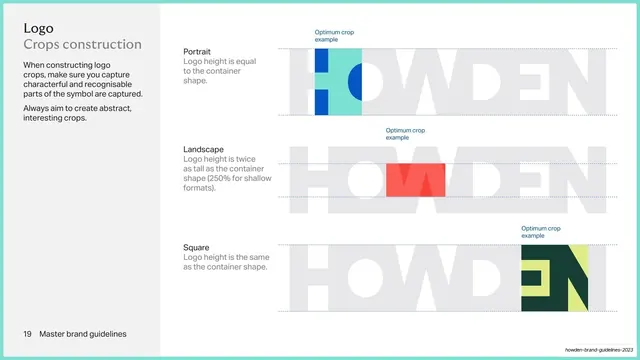
Sidebar page diagramming how to frame logo crops, with grey full-logo guides and a coloured optimum-crop window for portrait, landscape and square formats.
Summary
A construction page that shows how to frame a logo crop for portrait, landscape and square formats, drawing the full grey logo with dotted height guides and placing a coloured optimum crop window inside it.
Visual description
The sidebar holds a serif "Logo" heading, a grey "Crops construction" subhead, and two short paragraphs. The right side stacks three horizontal bands, each with a label and a grey full-width logo between dotted guide lines. The portrait band shows a mint and blue crop window on the left edge. The landscape band shows a red crop window in the middle, with a note that the logo is twice the container height. The square band shows a deep green and lime crop window on the right. Each crop is labelled "Optimum crop example" in blue, and the rest of the logo is kept in light grey.
Key takeaway
Showing the full logo and the crop window together teaches where to cut, not just what the result looks like. Each format sets its own height rule relative to the container.
Reuse notes
Use this as a companion to any crop guideline so designers can construct their own crops. The grey full logo with a coloured window is a clear teaching device. Keep the height rules in the same place so the three formats are easy to compare.
More like this
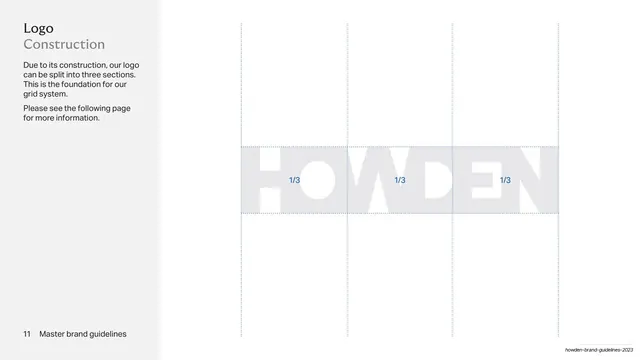 Logo construction into three equal sections
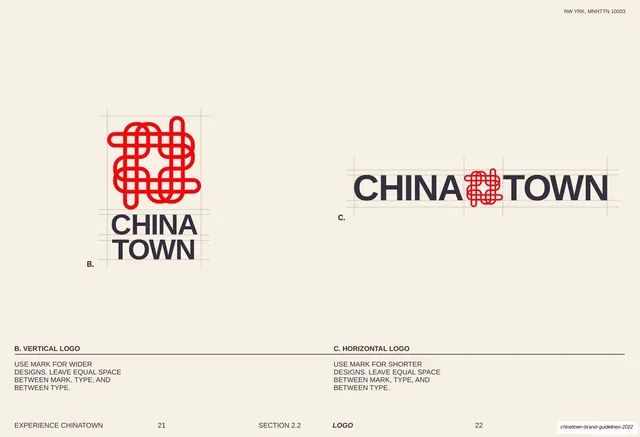 Vertical and horizontal logo lockups
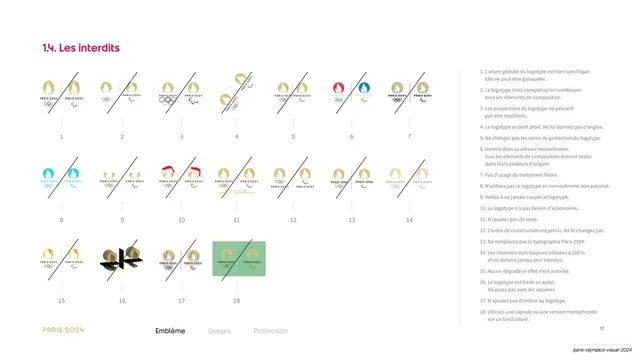 Prohibited logo modifications gallery
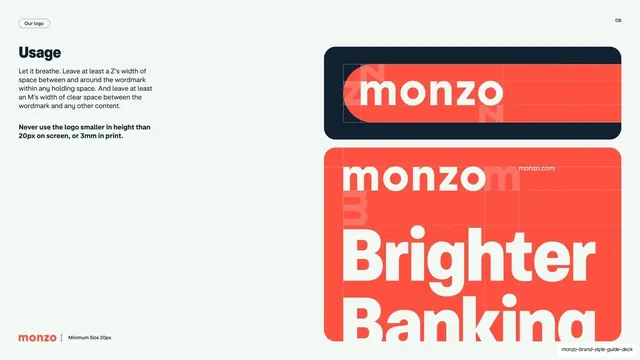 Wordmark clear space and minimum size
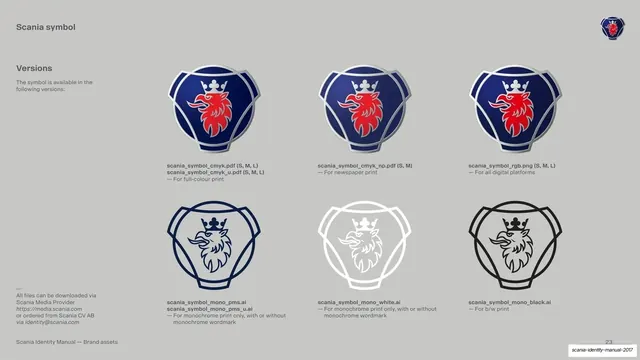 Symbol file versions grid
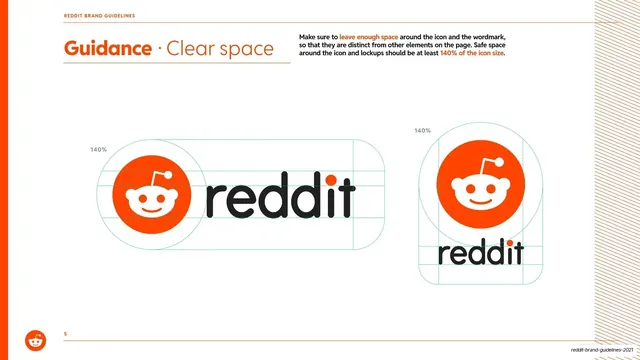 Clear space diagrams around logo lockups
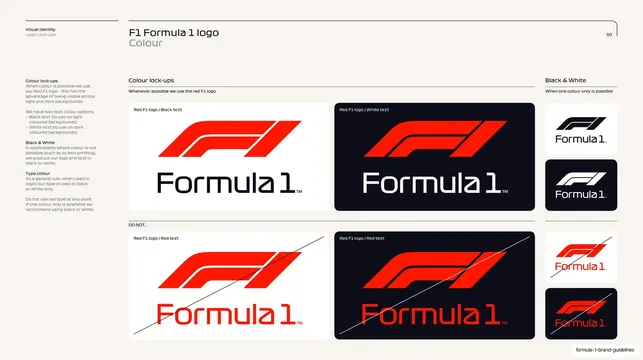 F1 Formula 1 logo colour lock-ups
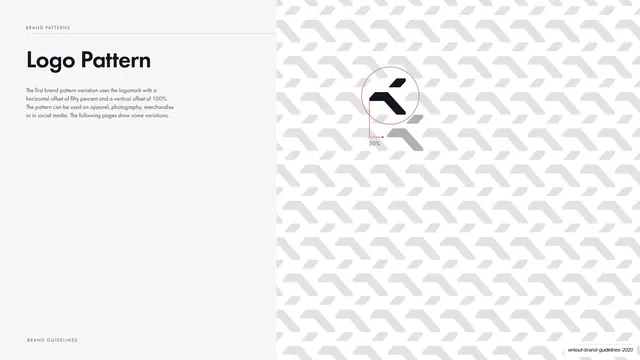 Logomark repeat pattern with offset
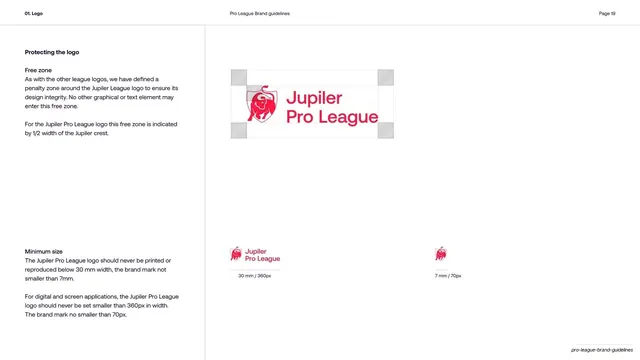 Sponsor logo free zone and minimum size
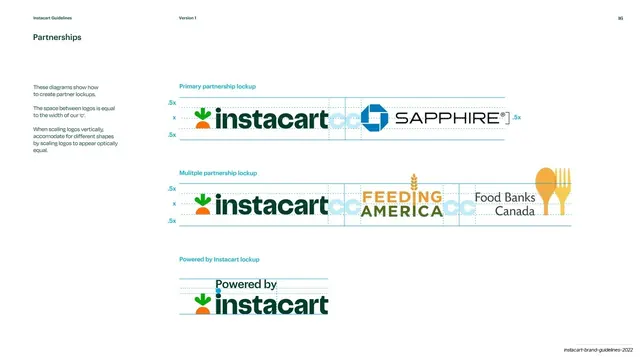 Partner lockup spacing rules
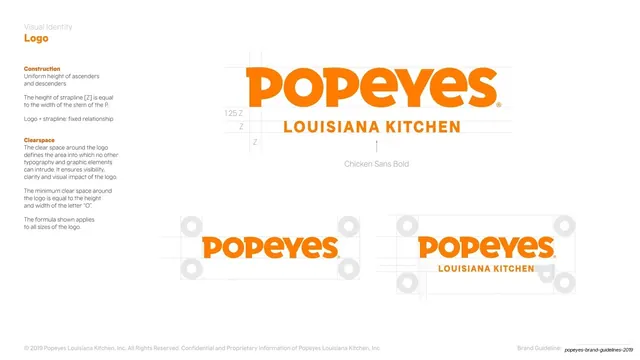 Logo construction and clear space diagram
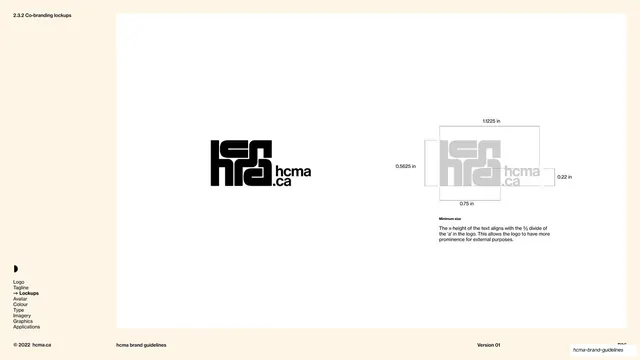 Co-branding lockup spec
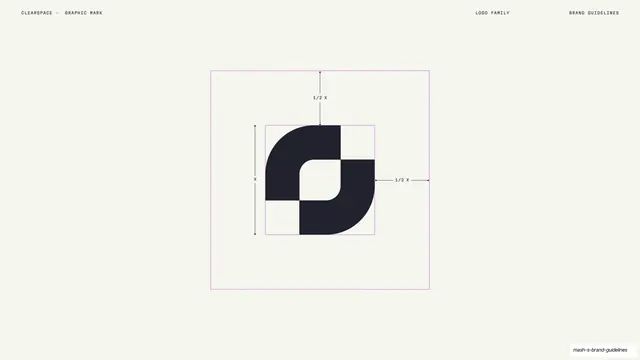 Graphic mark clearspace
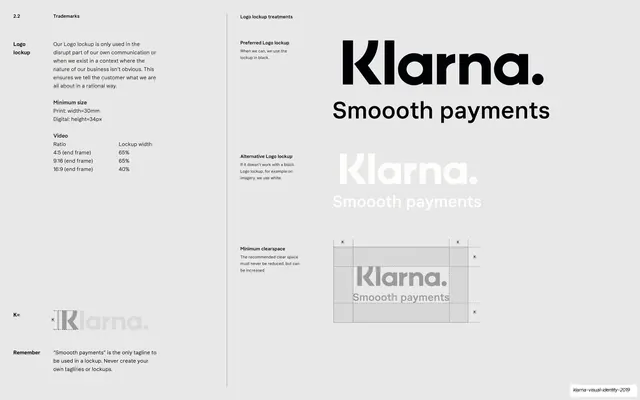 Logo lockup with Smoooth payments tagline
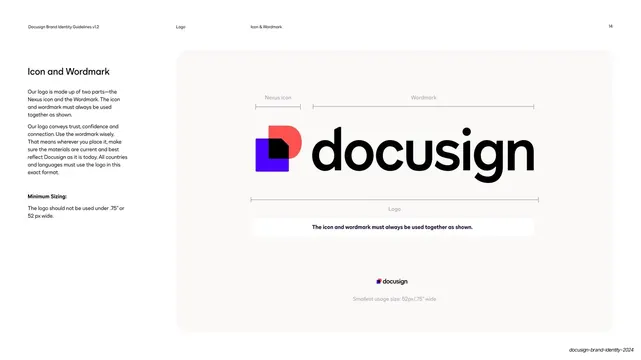 Icon and Wordmark anatomy
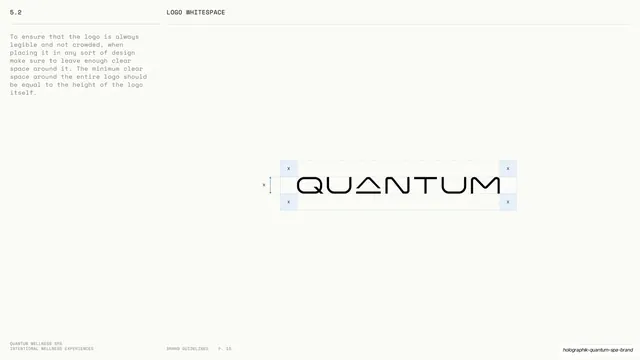 Wordmark clear space rule
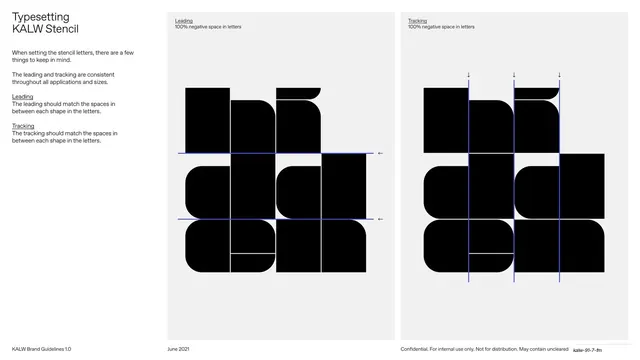 Stencil leading and tracking via negative space
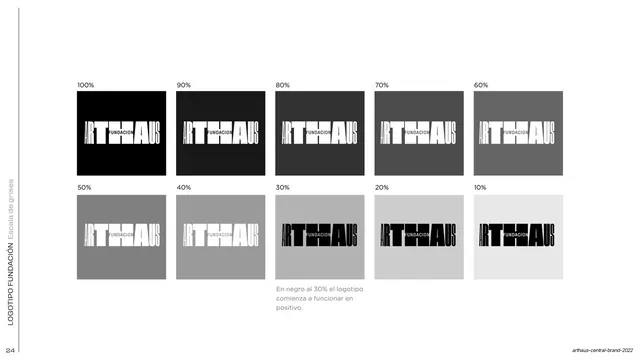 ARTHAUS Fundacion grayscale contrast scale
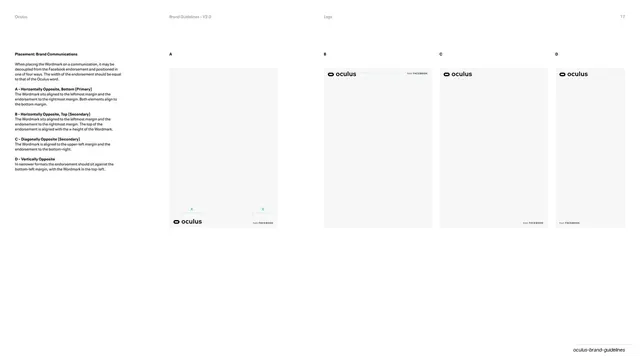 Four wordmark placement options
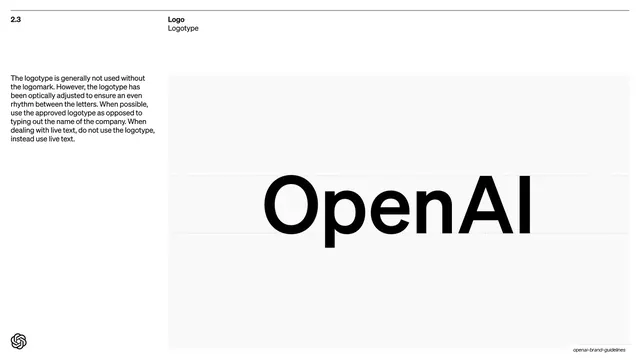 Logotype usage on light panel
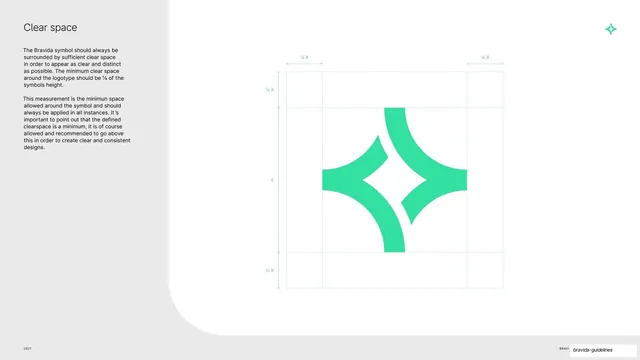 Symbol clear space rules
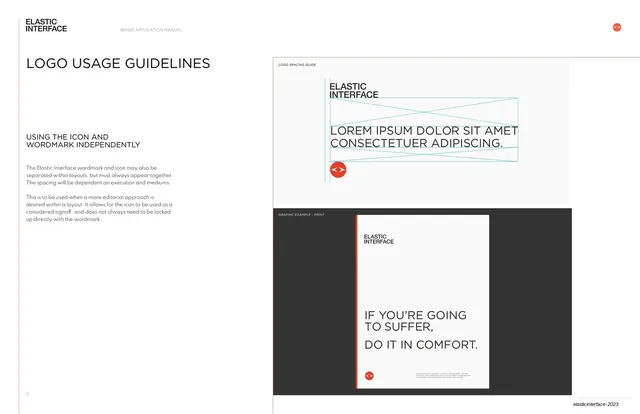 Icon and wordmark used separately
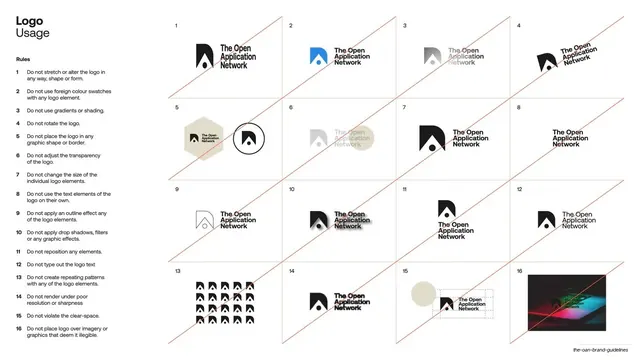 Logo usage rules grid
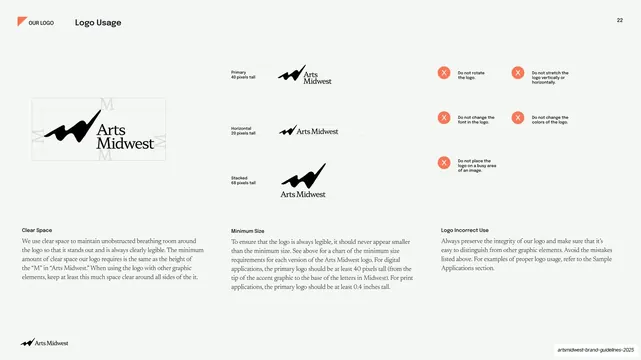 Logo usage, clear space, minimum size, incorrect use