Logo crops combined with photography
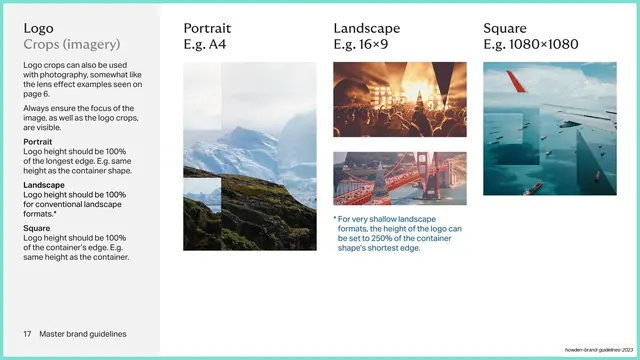
Three-column guideline page showing logo crops layered over full-colour photographs in portrait, landscape and square formats, with the focal point kept visible.
Summary
A crop reference that pairs logo fragments with photographs, showing three formats where the photo and the logo-shaped window share one composition and keep both focal points visible.
Visual description
The sidebar holds a serif "Logo" heading, a grey "Crops (imagery)" subhead, and format rules. The right side has three columns. The portrait tile layers a pale glacier photo and a green hillside photo, split by a rectilinear window and a curved edge. The landscape has two tiles: a warm orange concert crowd with a dark triangular cut, and a Golden Gate bridge photo with a similar cut. The square is an aerial shot of an airplane wing over a blue sea, with a rectangular photo fragment overlapping. Each photo shows its own colour, and the crop shapes come from the logo.
Key takeaway
Logo-shaped crops can act as a frame within a photo, so the two images read as one composition. The rule to keep both the image focus and the crop visible protects the photograph.
Reuse notes
Use this when photography is part of the brand and the logo should frame it rather than sit on top of it. Check the photo focus before cropping, since the crop can hide the subject. The layered effect works best with landscape or square imagery.
More like this
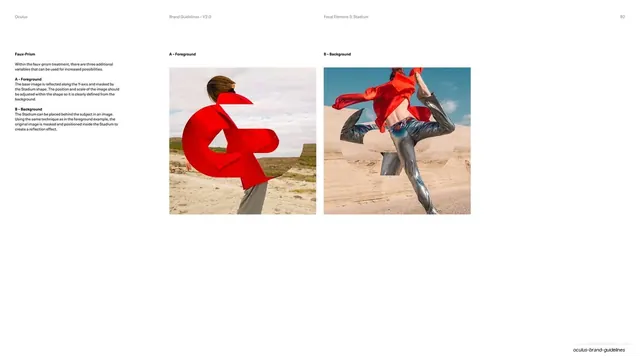 Faux-prism foreground and background variants
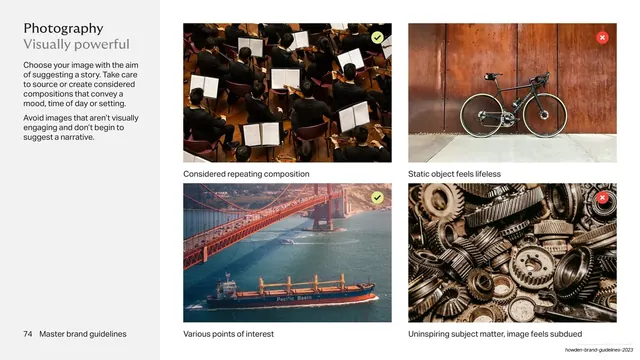 Images that suggest a story
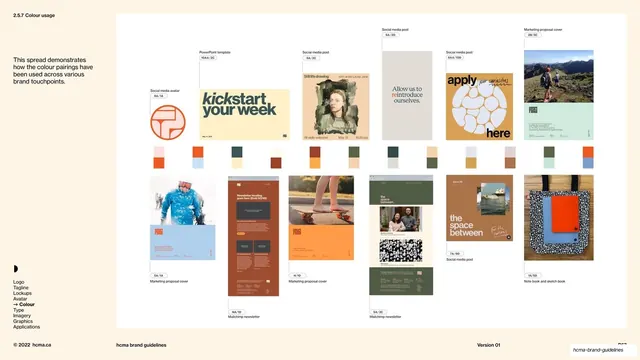 HCMA colour usage across touchpoints
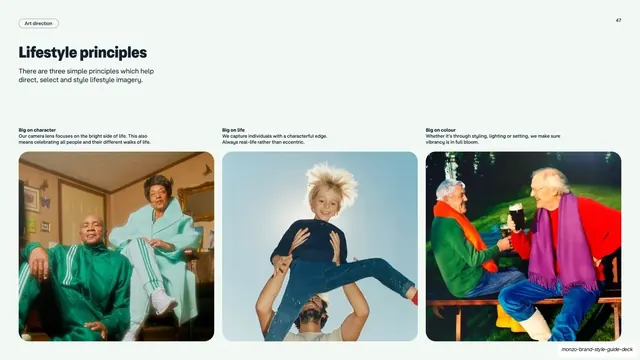 Lifestyle principles three-up
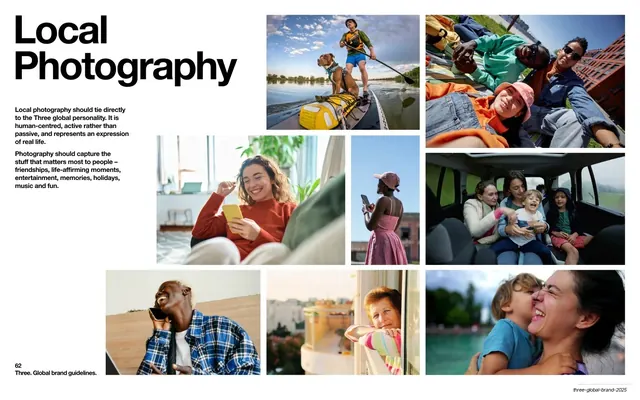 Local photography human-centred lifestyle collage
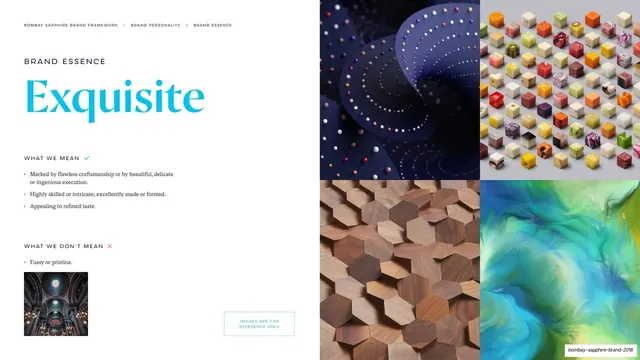 Exquisite definition with 2x2 photo grid
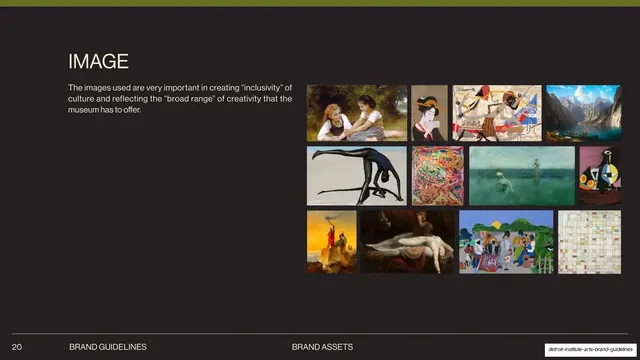 DIA image selection grid
 Application section divider over blurred color
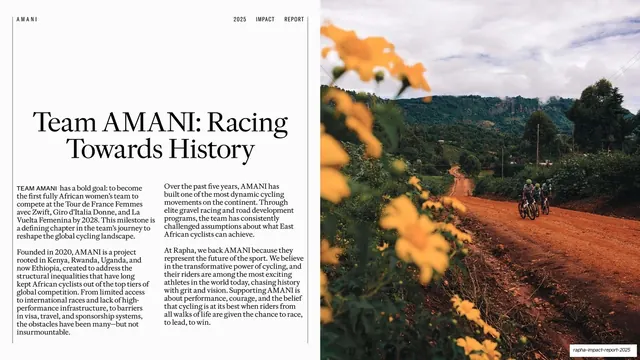 Team AMANI split with red dirt road
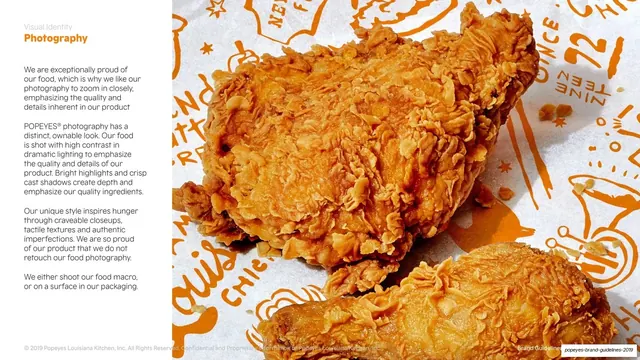 Food photography macro closeup style
 Striped transition frame, orange footer
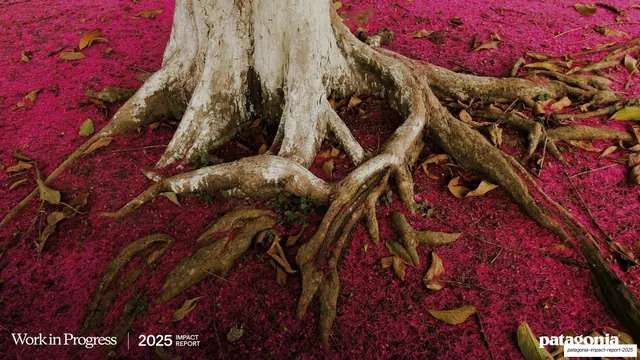 Full-bleed tree roots report cover
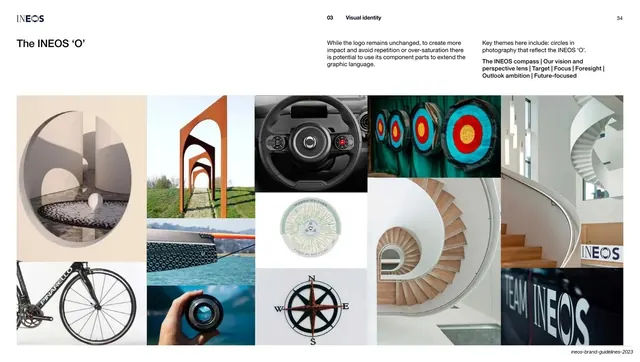 Photography motifs that echo the O
 Performance sprinter with oversized M mark
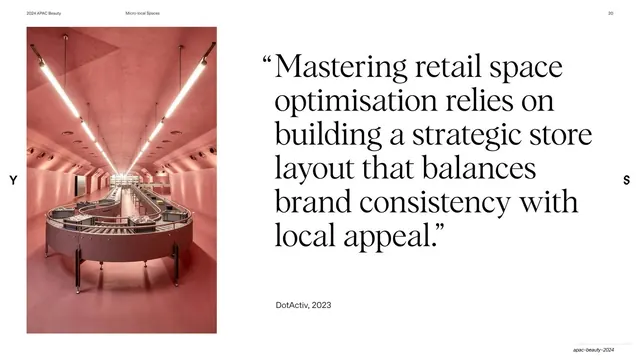 Store layout balance pull quote
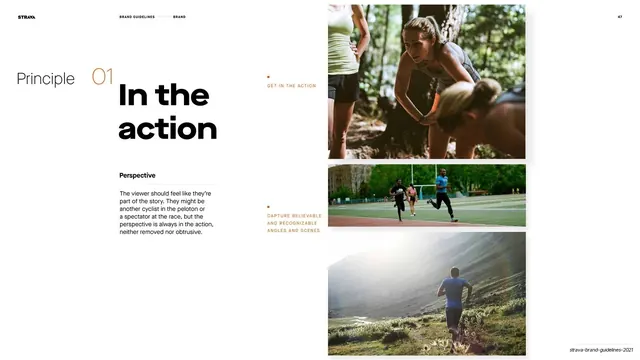 Principle 01 In the action photo layout
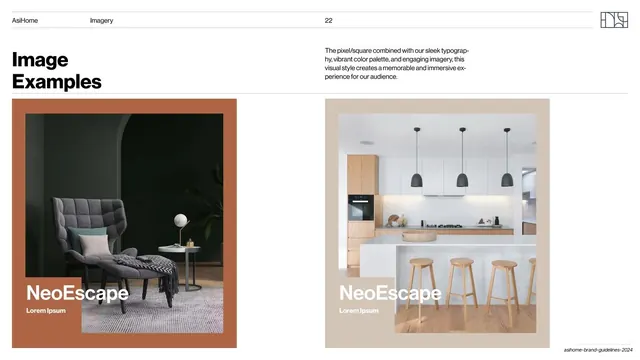 Image examples with square panels
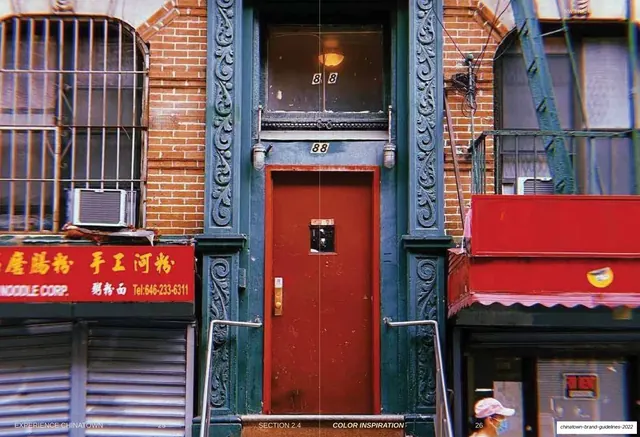 Red door street photo color inspiration
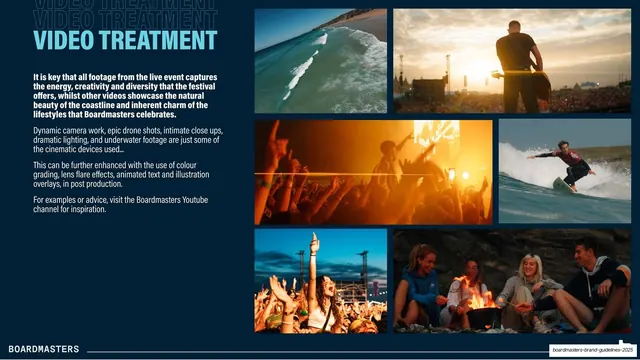 Video treatment
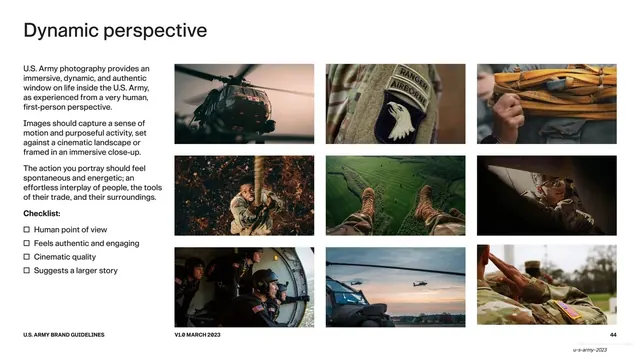 Dynamic perspective photo grid with checklist
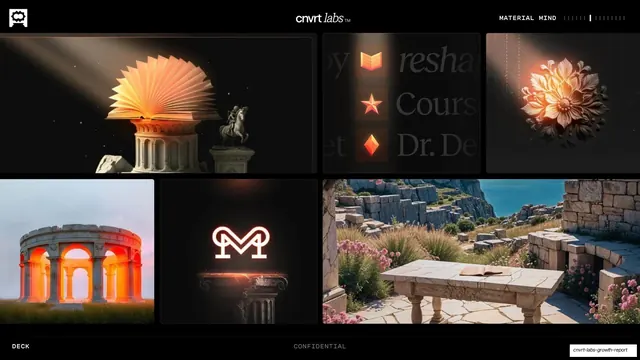 Classical symbolism imagery mosaic on black
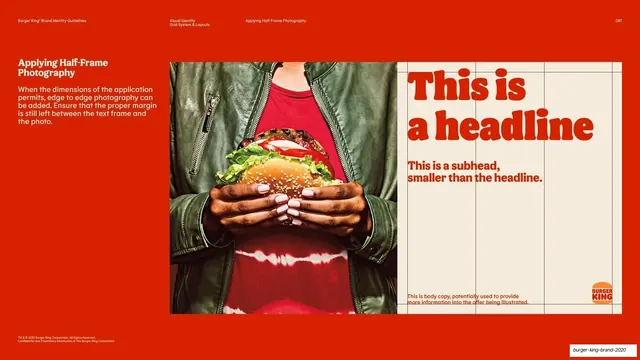 Half-frame photo beside headline panel
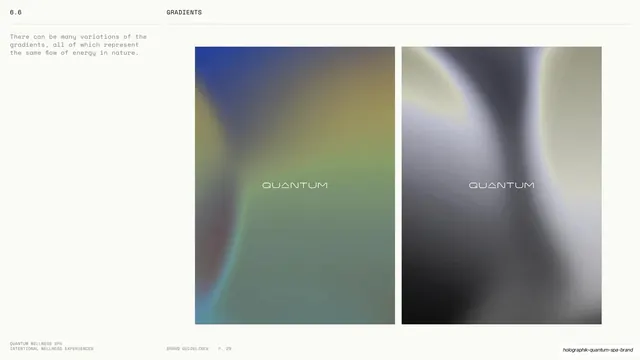 Multi-hue gradient blends in two panels
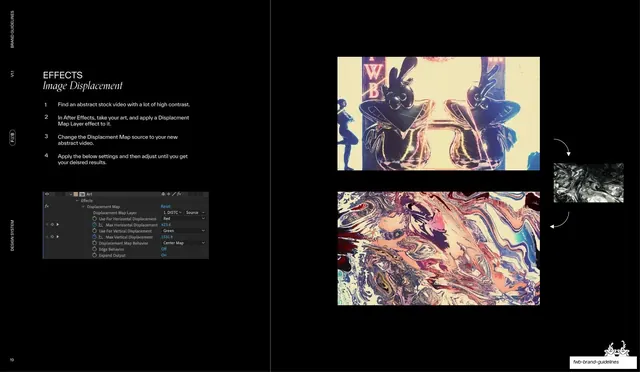 After Effects displacement map steps