Tabbed container construction spec
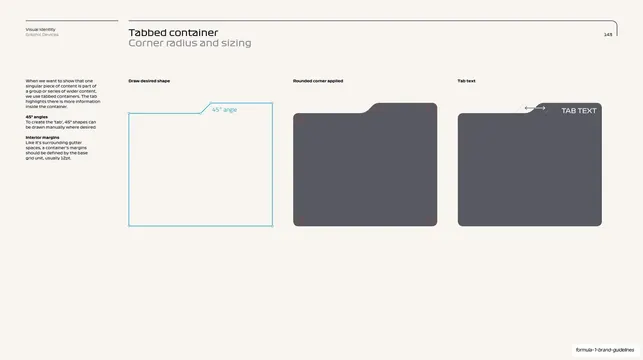
Three-step construction page for the tabbed container, drawing the 45-degree tab, applying the corner radius, then adding tab text.
Summary
A left-to-right construction sequence for the tabbed container: draw the shape with a 45-degree tab, round the corners, then place tab text, used to flag grouped or extended content.
Visual description
Cream (#F4F0E8) page with the standard header (title "Tabbed container / Corner radius and sizing", page "143"). The left column explains the device with bold lead-ins ("45 angles", "Interior margins") noting the tab is drawn manually and margins follow the 12pt base grid. The main area runs three stages across: "Draw desired shape" shows a blue vector outline of the container with a flattened top-right corner and a "45 angle" callout; "Rounded corner applied" shows the same shape filled slate-grey with the tab corner softened and faint red construction marks; "Tab text" shows the finished grey container with a small arrowed measurement and the words "TAB TEXT" set into the angled tab.
Key takeaway
Teaching a custom shape as a numbered build sequence (vector outline, then fill and radius, then label) so anyone can recreate it precisely. The 45-degree manual tab is a simple way to signal "this belongs to a group" or "more here" without an icon.
Reuse notes
A clear template for documenting any bespoke shape or component that needs step-by-step construction. The blue-outline-to-grey-fill progression reads as an editing workflow and is reusable for other geometry specs. Sits naturally beside the standard-container pages and the example-functions page.
More like this
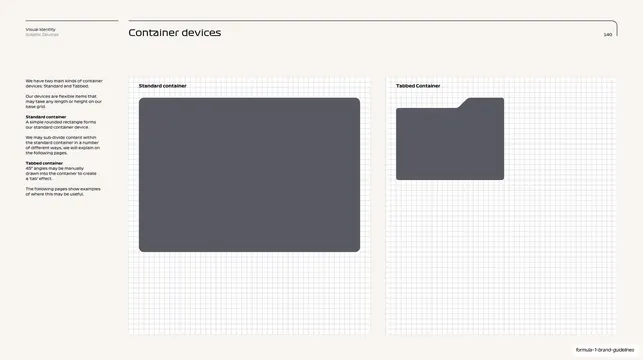 Container devices intro slide
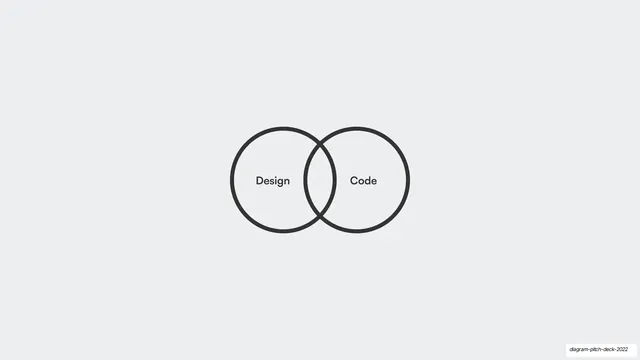 Design and Code Venn diagram
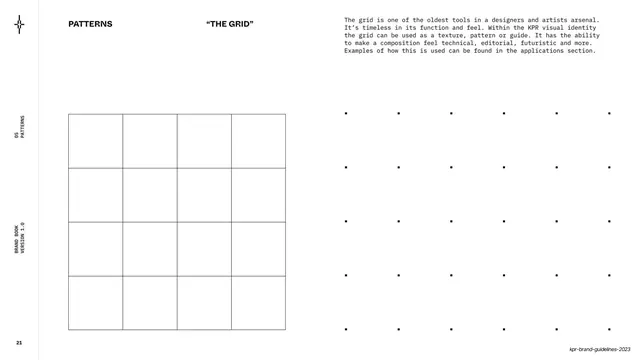 Pattern - "The Grid
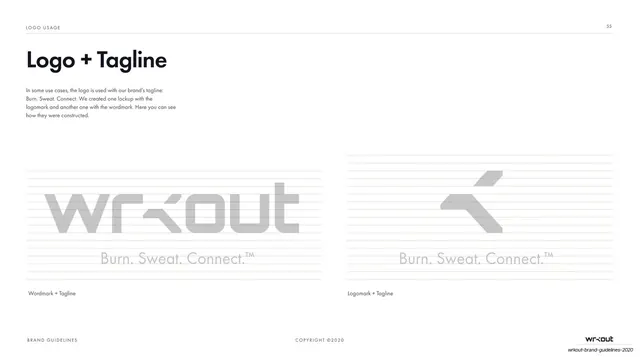 Wordmark and logomark tagline construction grids
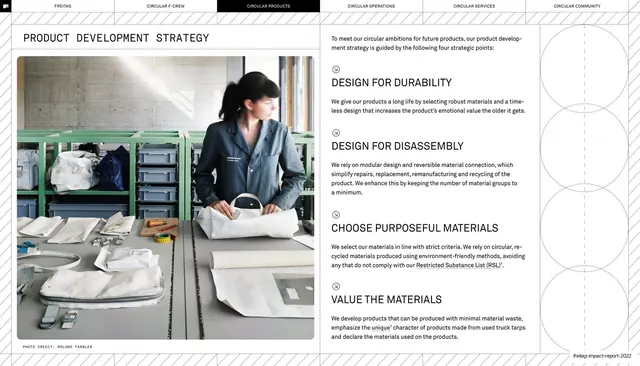 Product development strategy photo and four principles
 Section 3 divider with keyboard wireframe
 Poster composition exploded layer diagram
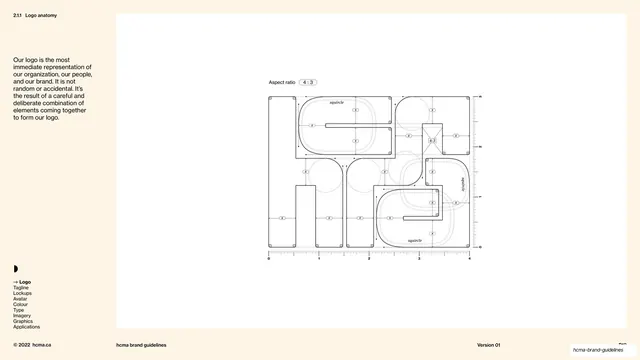 Logo anatomy construction diagram
 AI regulation will enhance creativity, not stifle it
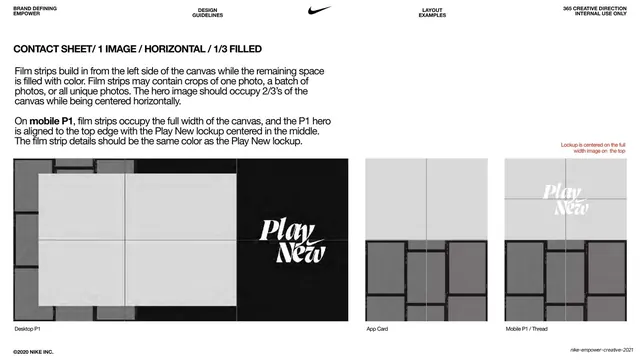 Contact sheet horizontal one-third filled layout spec
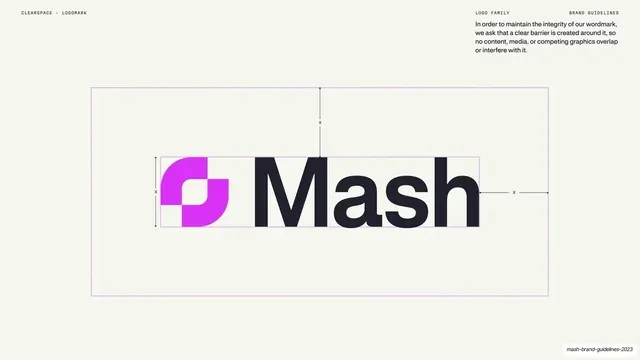 Mash logomark clearspace
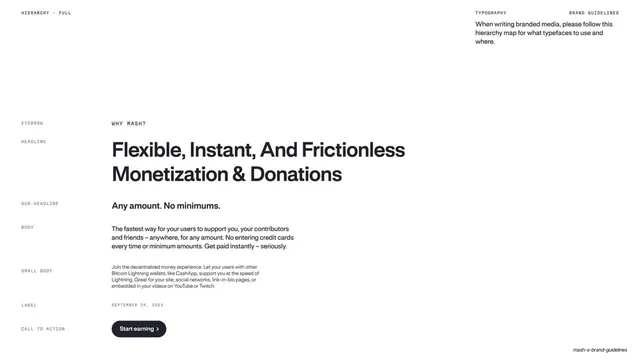 Mash type hierarchy full specimen
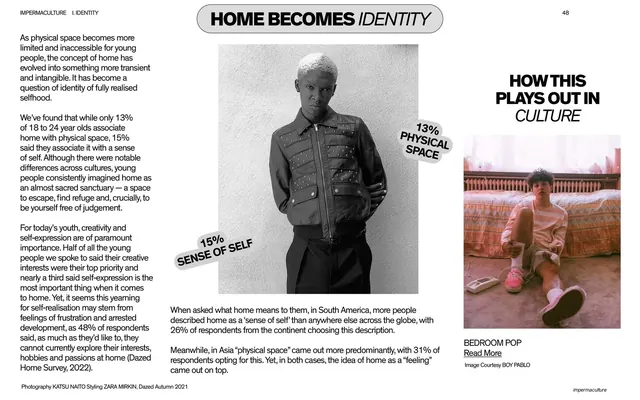 Home becomes identity essay spread
 Icon set continuation (three icons)
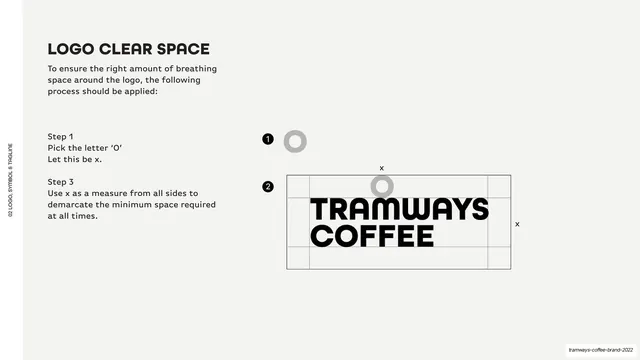 Logo clear space construction
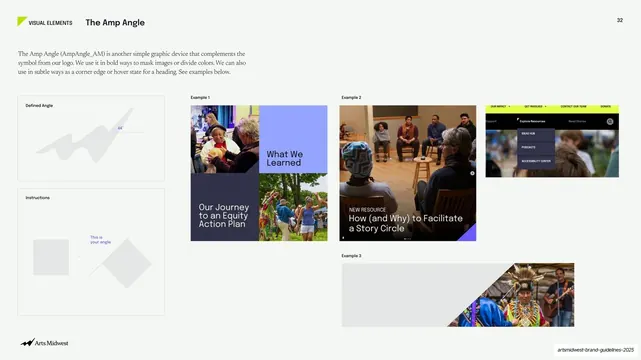 The Amp Angle device and examples
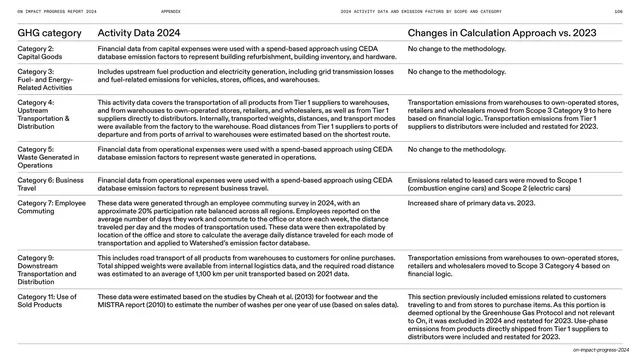 Activity data table continued, categories 2 to 11
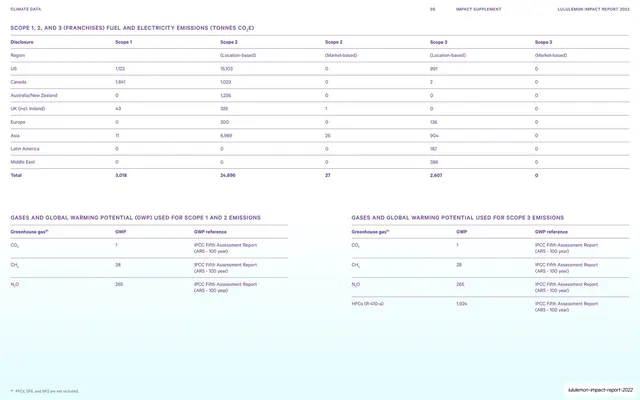 Scope 1, 2, 3 emissions and GWP tables
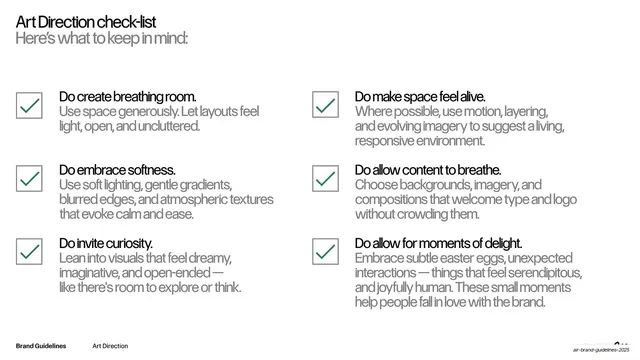 Art direction dos checklist
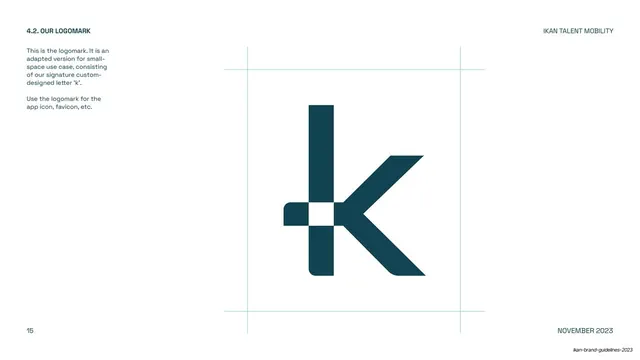 IKAN logomark construction
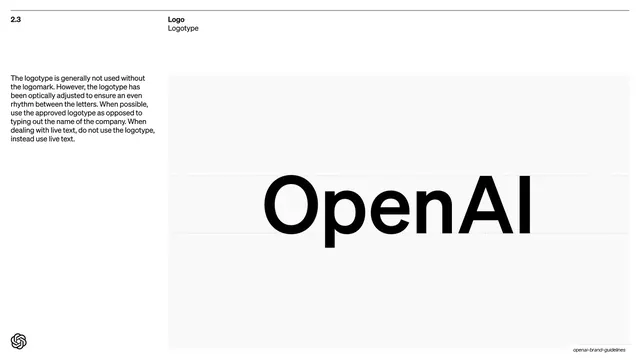 Logotype usage on light panel
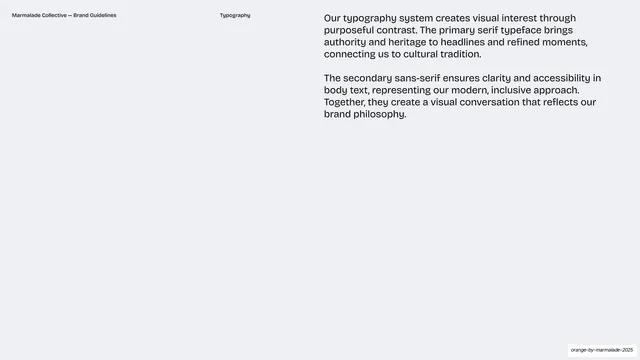 Typography system: serif headlines, sans body
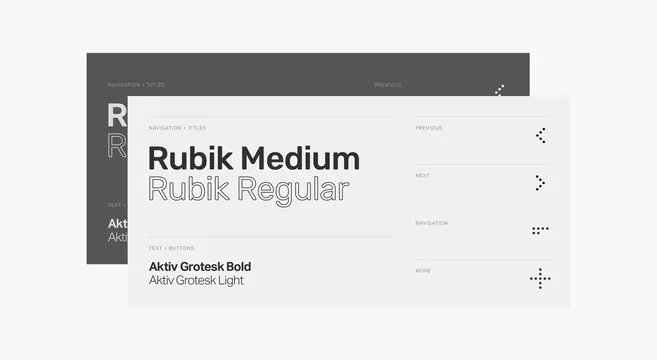 Typography specimen for Rubik and Aktiv Grotesk
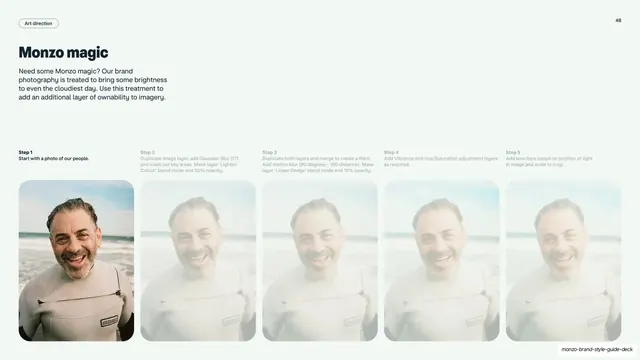 Monzo magic photo treatment steps