F1 base grid setup in InDesign
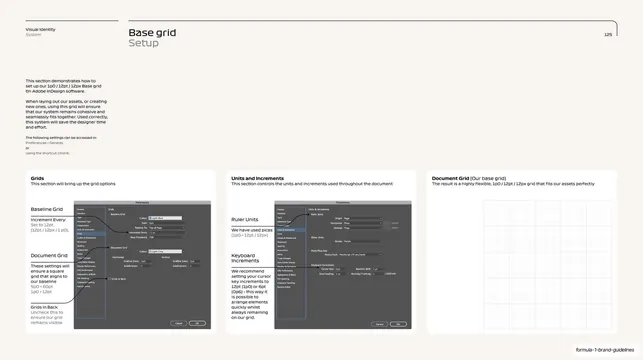
A base-grid setup page with three explainer cards showing InDesign Preferences screenshots and a resulting square grid.
Summary
A how-to page that walks through setting up the base grid in Adobe InDesign, using three white rounded cards: two showing annotated Preferences dialog screenshots and one showing the resulting grid.
Visual description
Warm off-white background, thin top rule with the "Visual Identity / System" kicker, "Base grid" title, outlined "Setup" subtitle and "125" at right. A short left copy column explains the workflow and references the Preferences shortcut. Across the lower two-thirds sit three white cards with soft rounded corners. The first two cards each pair a left list of labelled settings ("Baseline Grid", "Document Grid", "Ruler Units", "Keyboard Increments") with a dark grey InDesign Preferences dialog screenshot, thin connector lines pointing from labels to fields. The third card, titled "Document Grid (Our base grid)", shows the clean light square grid that results. Headings inside each card are bold; supporting lines are lighter.
Key takeaway
Documenting software setup as a row of cards, each pairing plain-language labels with a real annotated screenshot and a final "result" card, turns a tedious process into a followable recipe. Connector lines from label to UI field remove ambiguity.
Reuse notes
Useful for any brand or design-system deck that has to hand off a tool-specific setup (InDesign, Figma, CSS). The label-plus-screenshot card is reusable for onboarding or documentation. Screenshots date quickly with app updates, so keep them swappable.
More like this
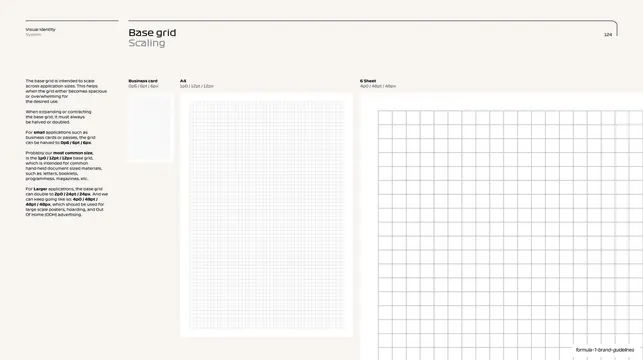 F1 base grid scaling
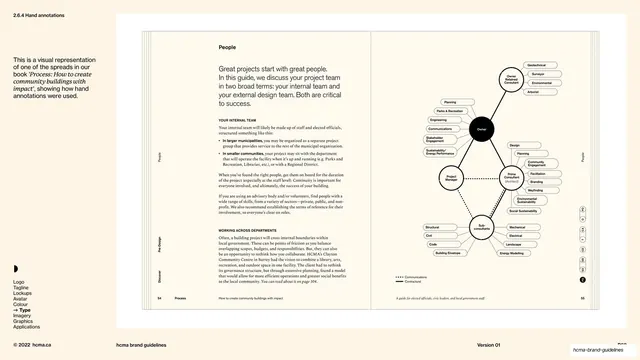 HCMA book spread with hand annotations
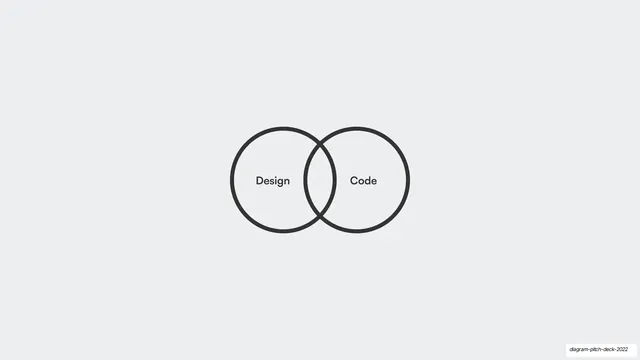 Design and Code Venn diagram
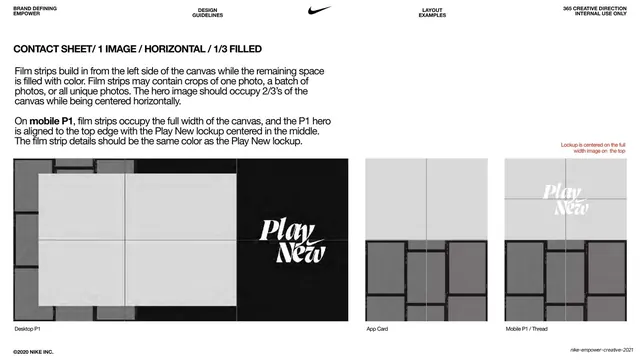 Contact sheet horizontal one-third filled layout spec
 IKAN email signature spec
 AI regulation will enhance creativity, not stifle it
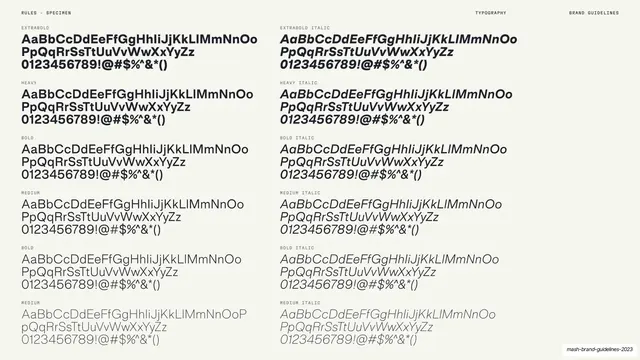 Mash Rules weights and italics specimen
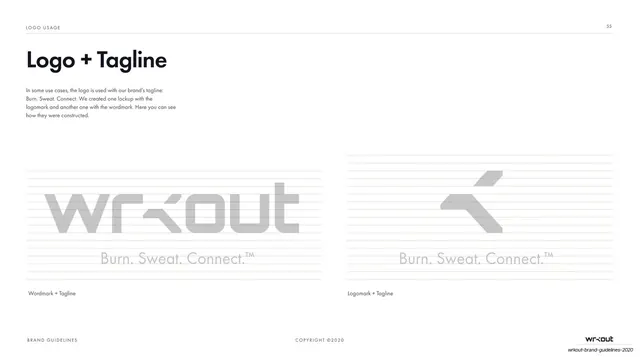 Wordmark and logomark tagline construction grids
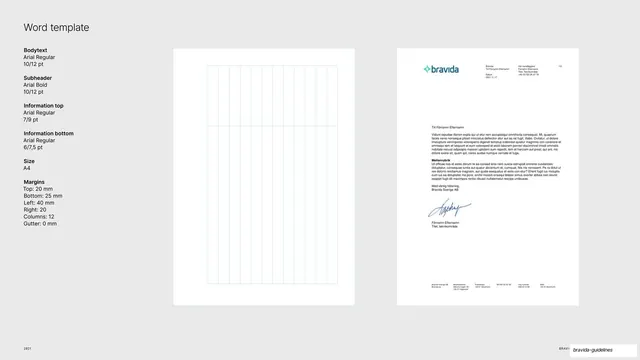 Word letter template and grid
 Product development strategy photo and four principles
 Mash logo clearspace rules
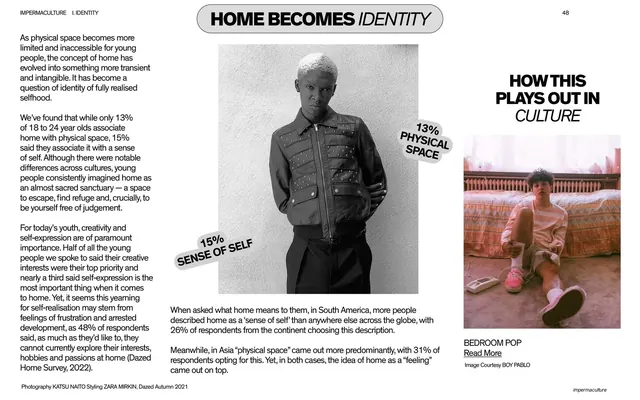 Home becomes identity essay spread
 Poster composition exploded layer diagram
 16 goals tracking table part one
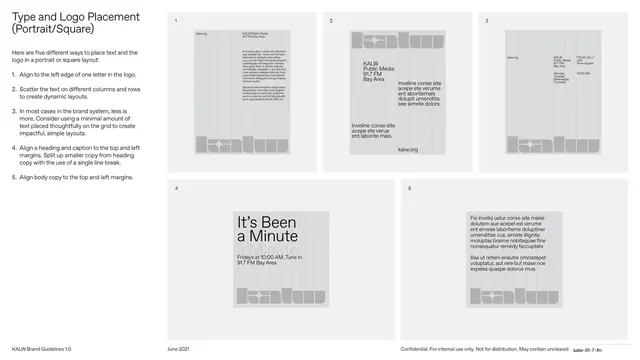 Portrait and square type placement
 Wordmark clear space rule
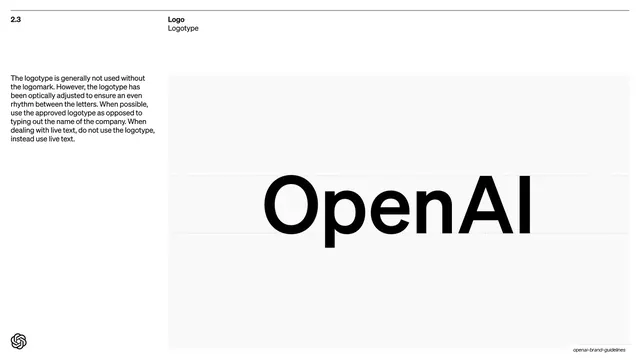 Logotype usage on light panel
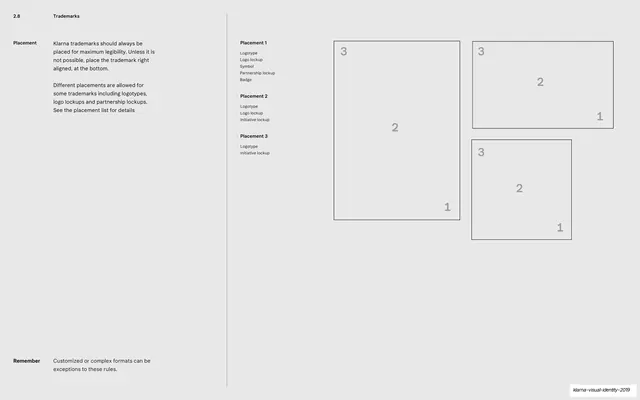 Trademark placement preferred positions
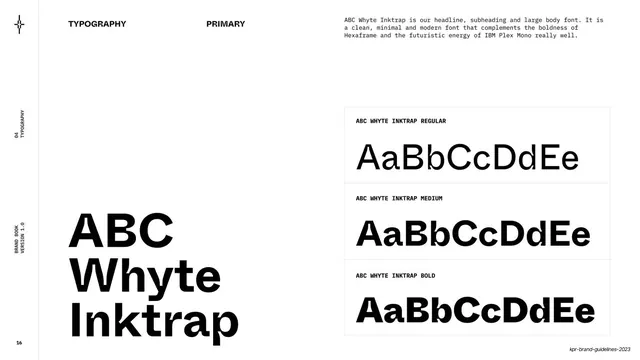 Primary typeface - ABC Whyte Inktrap
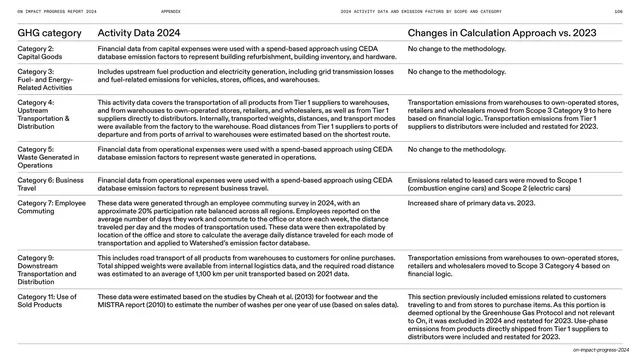 Activity data table continued, categories 2 to 11
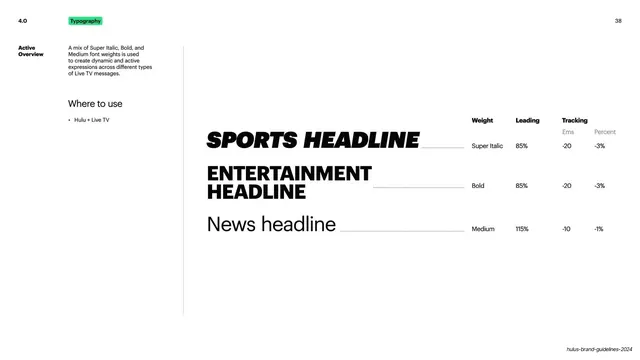 Hulu active typography weights
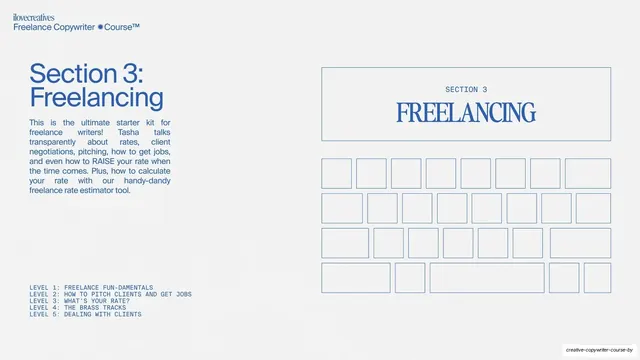 Section 3 divider with keyboard wireframe
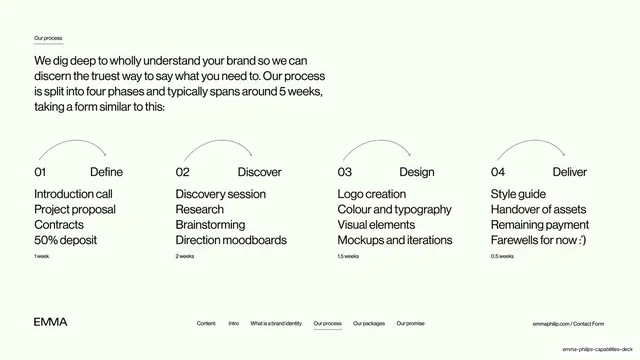 Four-phase design process
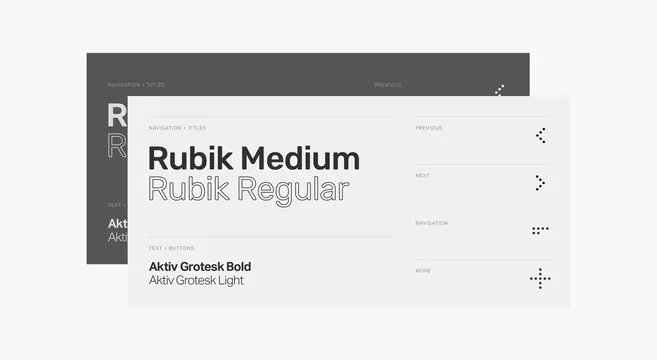 Typography specimen for Rubik and Aktiv Grotesk