Docusign trademark placement
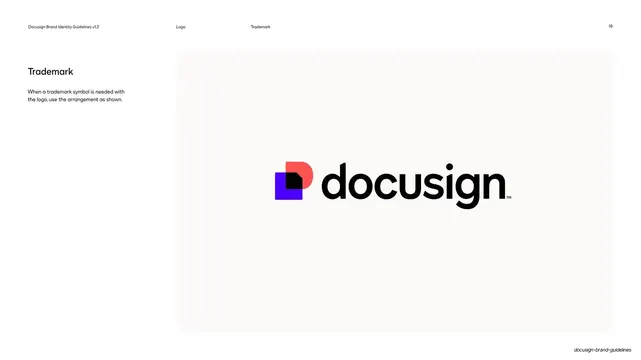
Trademark page showing the horizontal Docusign lockup with the TM symbol placed at the wordmark's lower-right terminal.
Summary
A trademark page showing exactly where the TM symbol attaches to the wordmark, demonstrated on a single large horizontal lockup.
Visual description
Two-column layout with a short left column headed "Trademark" and one line of body copy. The right rounded off-white panel holds a single, large horizontal lockup centered with plenty of air: the Nexus icon beside the black lowercase "docusign", with a small superscript "TM" set at the lower right after the final "n". One clean example, no comparison or annotation.
Key takeaway
Devoting a whole page to one tiny detail (where the TM sits) and showing it at large scale so the placement is unmistakable. Restraint as instruction.
Reuse notes
A small but standard page for any trademarked identity. The single-large-example treatment keeps it from feeling like filler. Pairs with the lockup and clear-space pages around it.
More like this
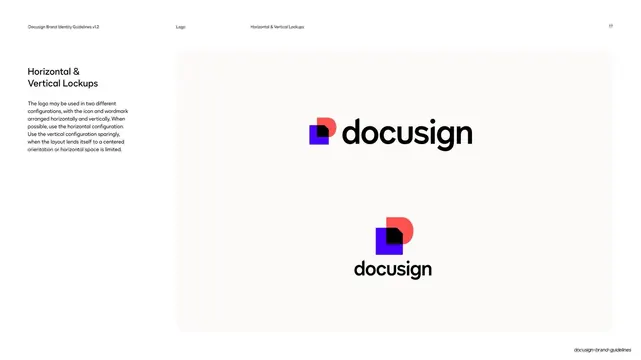 Docusign horizontal and vertical lockups
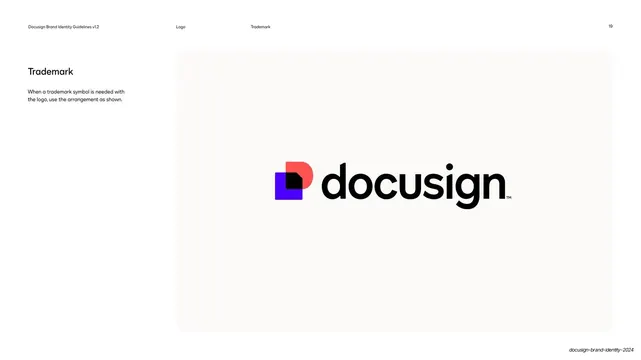 DocuSign trademark placement
 Olo ESG Report 2022
 Wordmark colour versions
 Zapier Brand Guidelines 2023
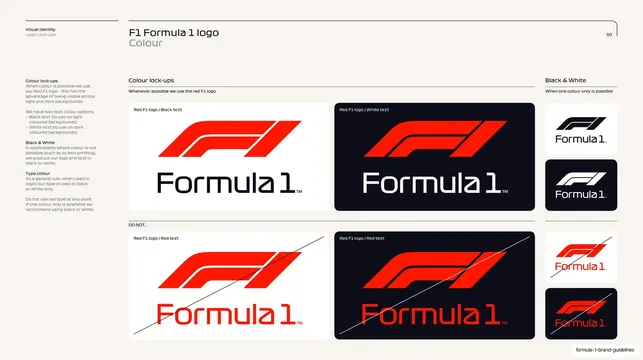 F1 Formula 1 logo colour lock-ups
 Managing Director quote with portrait
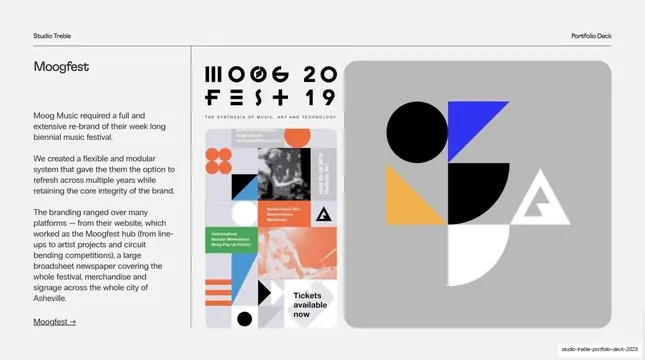 Case study - Moogfest
 Interface design service, harmonious experiences
 Accenture Life Trends 2025 Report
 Shed three-column specialism services grid
 Entertainment prediction with Alex Williamson quote
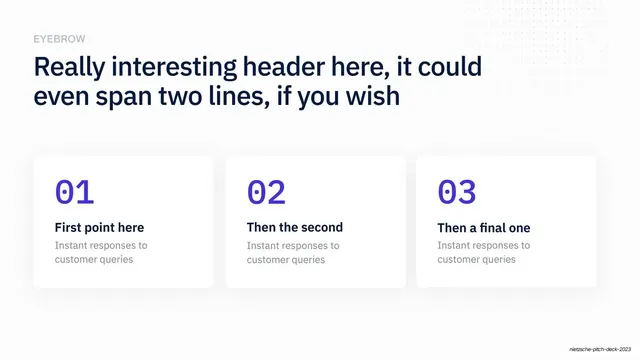 How it works numbered cards slide
 Experienced leadership team
 Lululemon Impact Report 2022
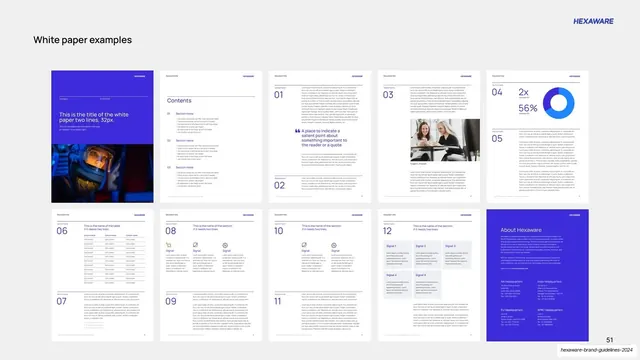 White paper template examples
 Dropbox Q3 2024 Investor Presentation
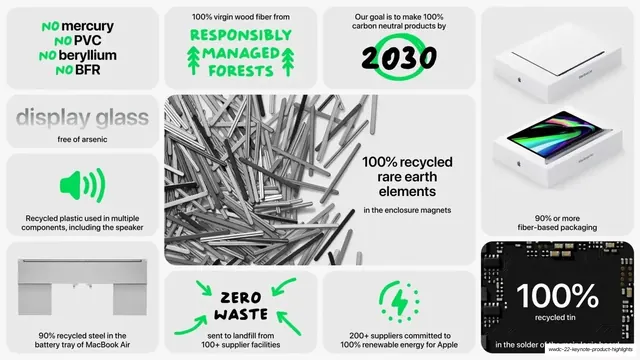 Carbon neutral and recycled materials bento grid
 Full mark, dark lettering on light
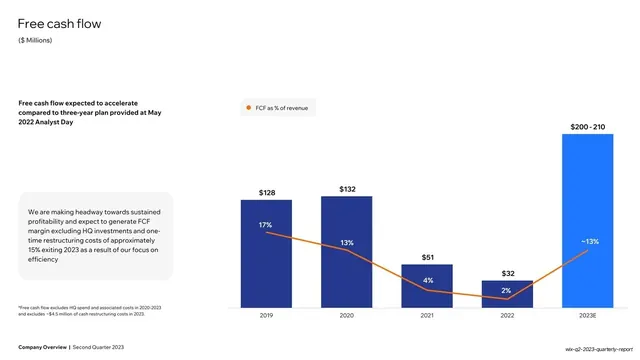 Free cash flow combo chart
 Digital Voices: The State of Influence 2025
 Brand attributes grid
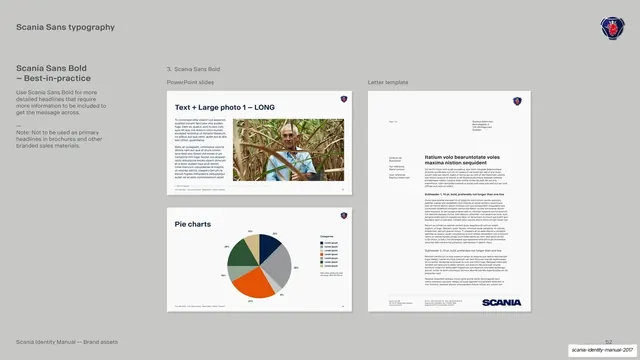 Scania Sans Bold in slide and letter templates
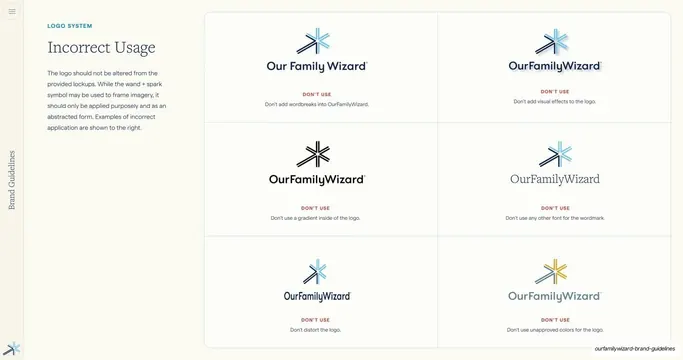 Logo incorrect usage grid