Image to layers Mac desktop mockup
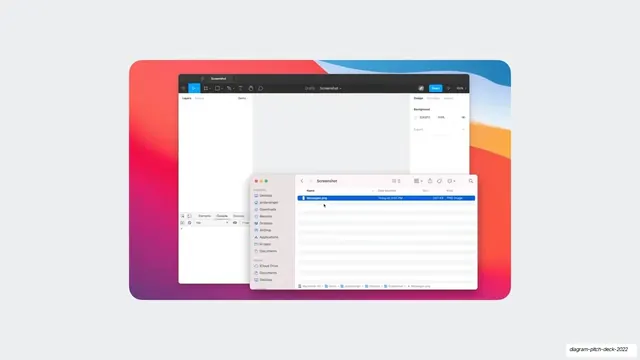
A centered desktop mockup of the image-to-layers plugin in action, with a macOS Finder window over a colorful Big Sur wallpaper showing a Messages.png file being imported.
Summary
A desktop screenshot showing the image-to-layers workflow: a macOS Finder window with a selected "Messages.png" file sits over a Figma editor on a colorful Big Sur gradient wallpaper.
Visual description
Light gray slide background. Centered is a screenshot bounded by a vibrant red-to-blue macOS Big Sur wallpaper. In the upper layer a dark Figma editor window titled "Screenshot" shows empty Layers and Design panels. Overlapping it in front is a light macOS Finder window with the standard sidebar (Desktop, jordansinger, Downloads, etc.) and one highlighted file row, "Messages.png", in list view. The composition implies dragging a PNG into the plugin.
Key takeaway
Staging the product moment as a believable desktop capture, complete with OS wallpaper and a real Finder window, so the step being demonstrated (importing a file) feels concrete and native rather than diagrammed.
Reuse notes
Useful when a feature is about getting external content into your tool and you want to show the actual handoff. The layered window composition reads as a real workflow. Detail can get small; reserve for moments where the OS context genuinely clarifies the step.
More like this
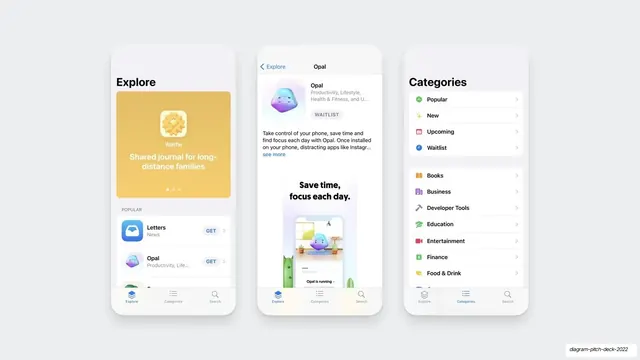 Opal App Store mockups
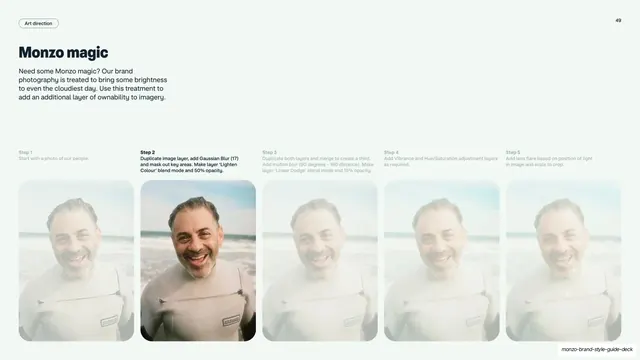 Monzo magic step two highlighted
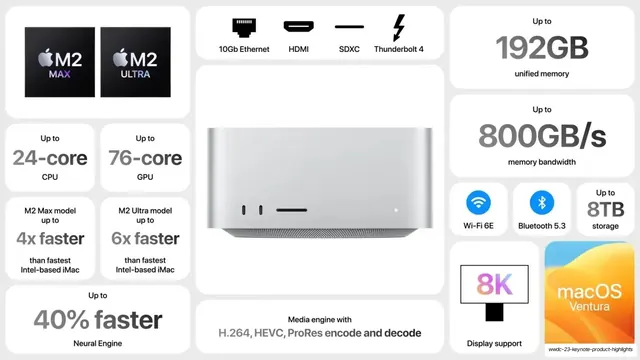 Mac Studio spec bento
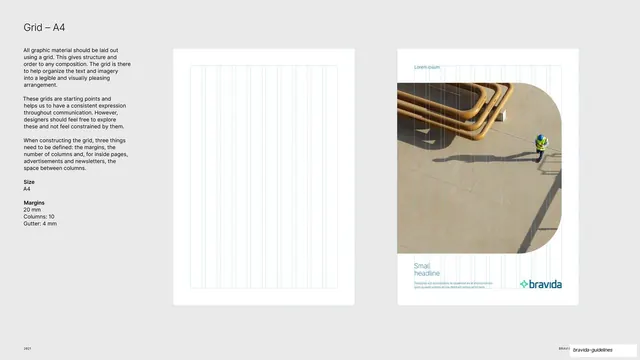 A4 advertising grid system
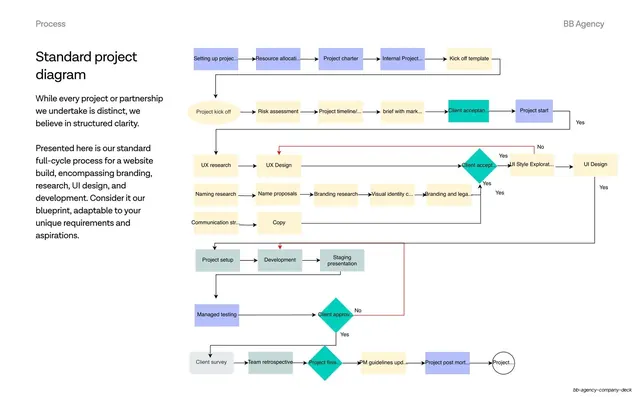 Standard project process flowchart
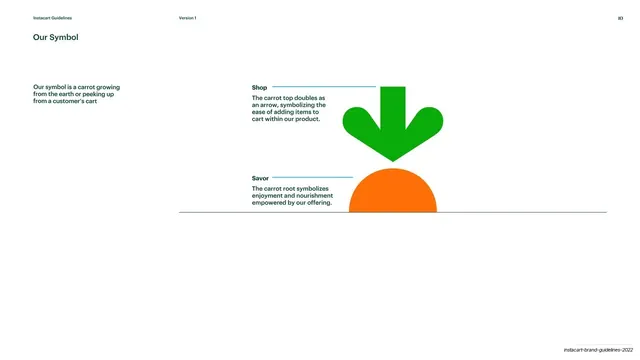 Carrot symbol shop and savor callouts
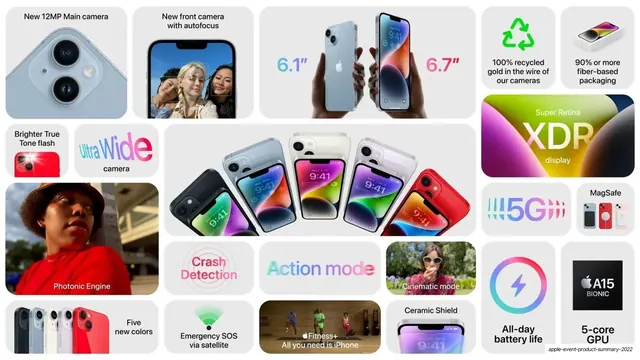 iPhone 14 feature bento (light)
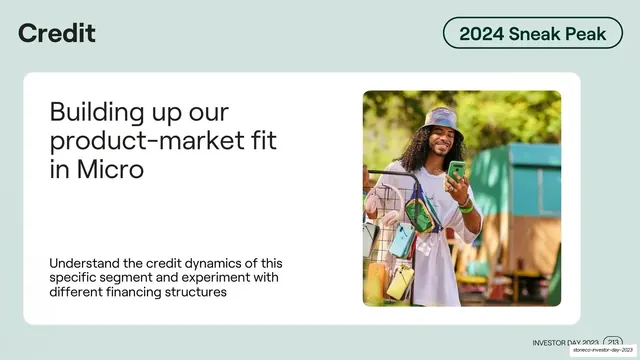 Building product-market fit in Micro
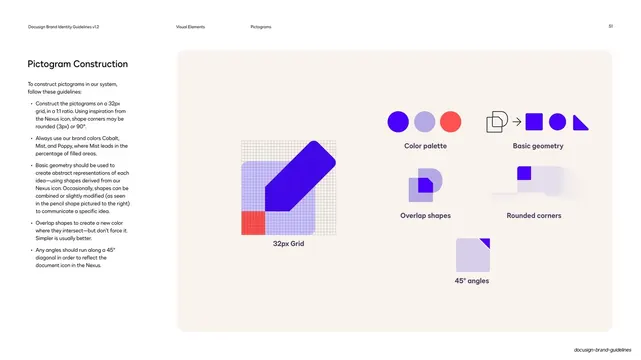 Pictogram construction rules
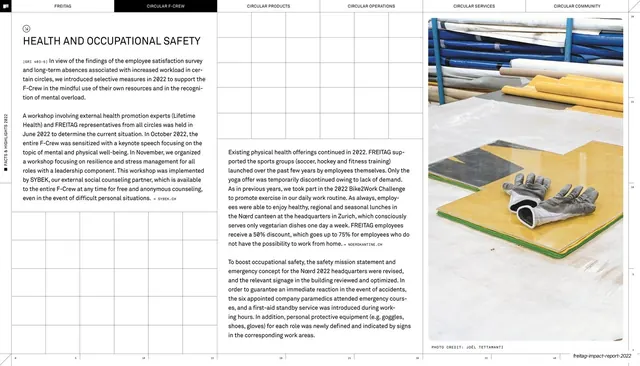 Health and safety split text and workshop photo
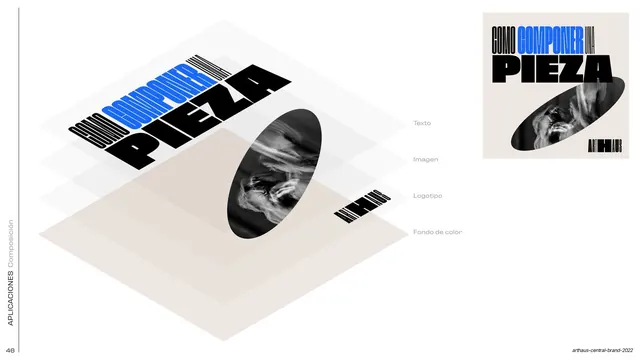 Rotated-portrait composition layer diagram
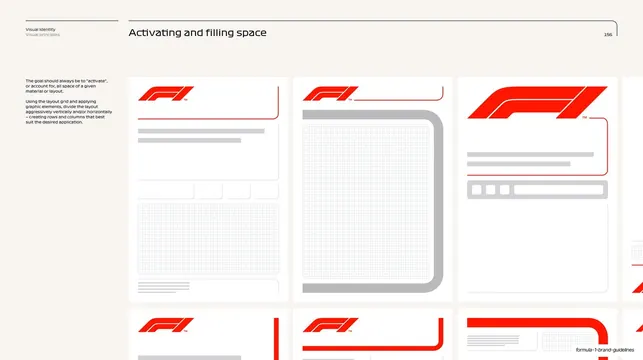 Activating and filling space principle
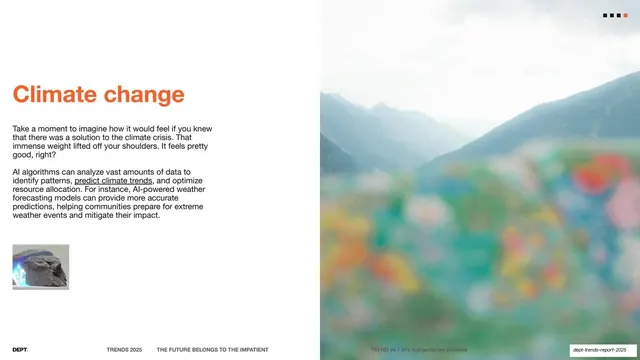 Climate change and AI prediction
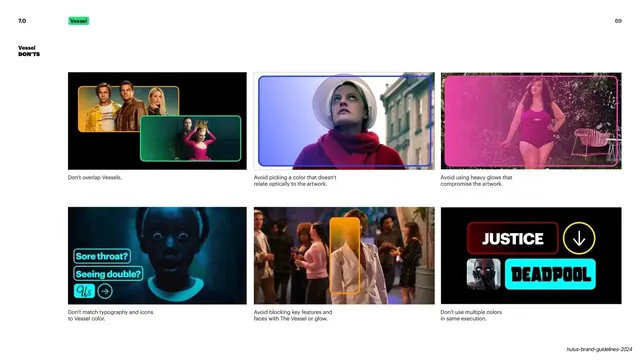 Vessel don'ts grid
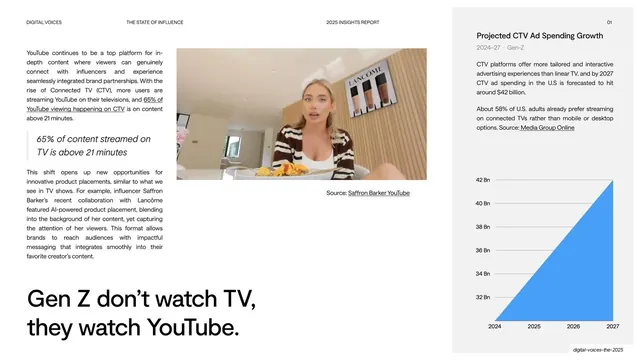 Gen Z watch YouTube CTV slide
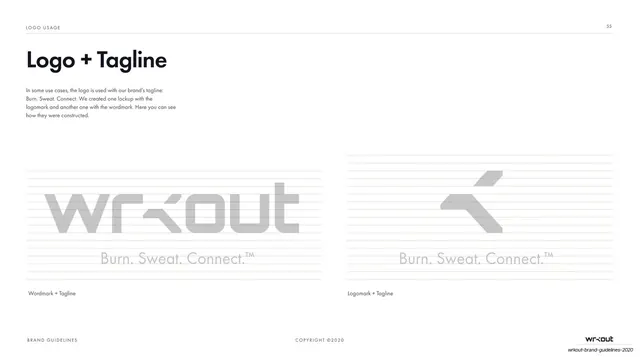 Wordmark and logomark tagline construction grids
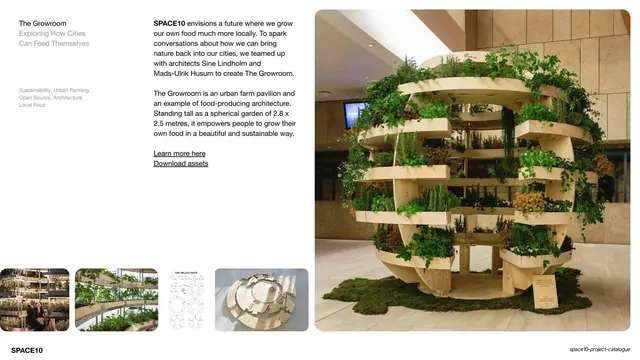 The Growroom project
 UI elements bank with leaderboard and boosts
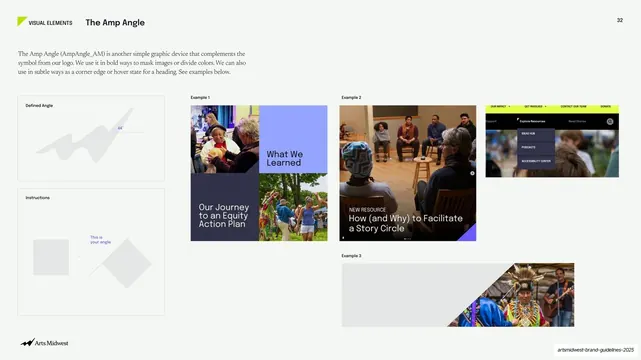 The Amp Angle device and examples
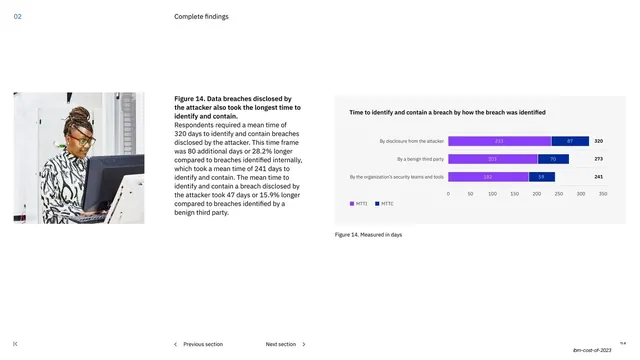 Time to identify by identification method
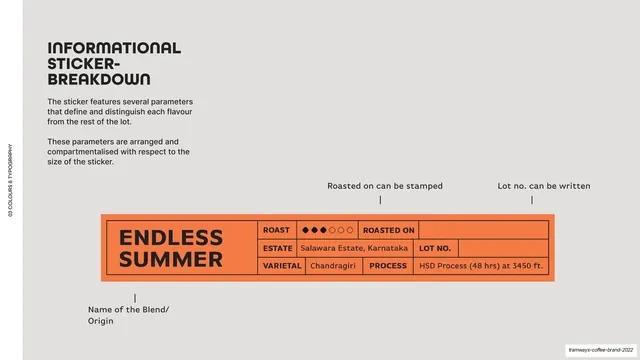 Informational sticker breakdown
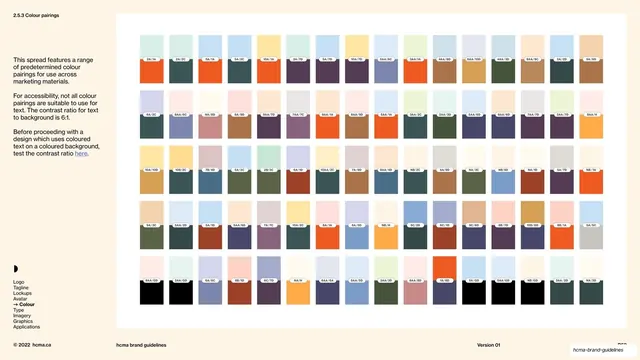 Colour pairings
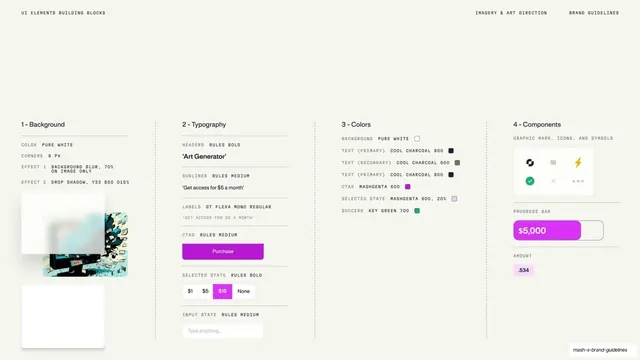 Mash UI building blocks four-column spec
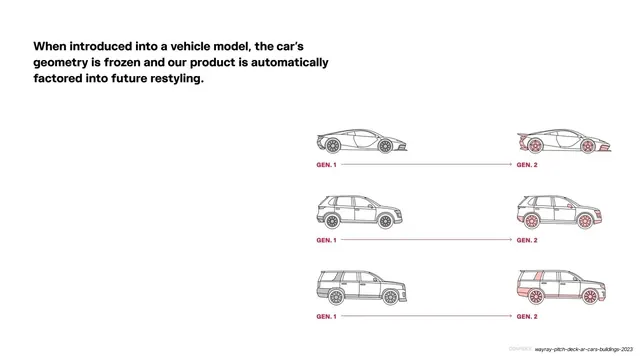 Frozen geometry and restyling