Automator command palette in browser
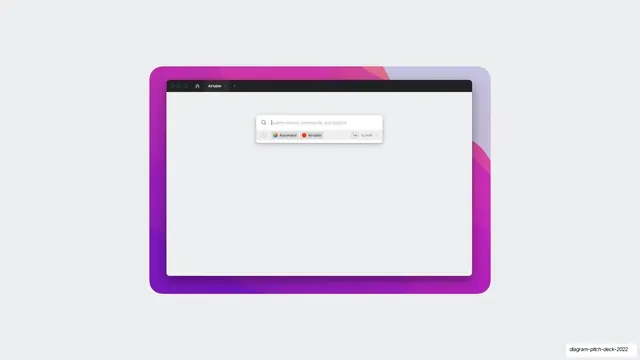
A browser-framed empty canvas with a floating command palette searching menus, commands, and plugins, listing Automator and Airtable.
Summary
A nearly empty editor canvas with one floating command-palette popover near the top, its search field reading "Search menus, commands, and plugins" above a row of recent items, Automator and Airtable.
Visual description
A rounded browser-style window with a dark title bar (traffic dots, home icon, an "Airtable" tab) fills most of the frame on pale gray. The canvas is intentionally blank except for a small white command-palette card pinned high and centered: a magnifier and the placeholder "Search menus, commands, and plugins", then a recents line showing a clock icon, an "Automator" chip (colorful gradient mark), an "Airtable" chip (red mark), and a right-aligned "Tab to edit" hint with a small Tab key cap. The emptiness around the palette makes the keyboard-driven entry point the sole focus.
Key takeaway
Isolating a command palette on an otherwise empty canvas frames a product as fast and keyboard-first. The "Tab to edit" affordance and recents chips quietly communicate a power-user workflow without explanation.
Reuse notes
Good for tools that lead with a launcher, command bar, or quick-actions surface. The deliberate emptiness sells speed and focus. Reuse the recents-chips-plus-keyhint pattern to imply an established, repeatable flow. Needs a recognizable palette UI to land.
More like this
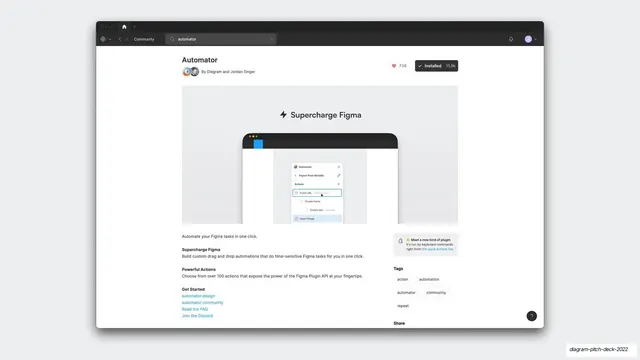 Automator Figma Community page
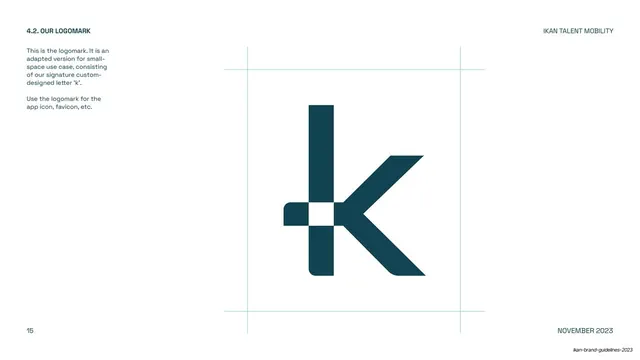 IKAN logomark construction
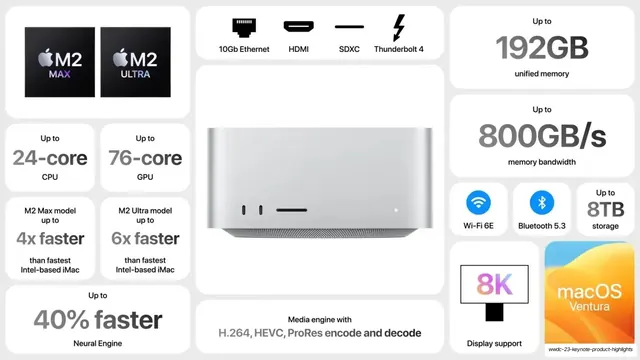 Mac Studio spec bento
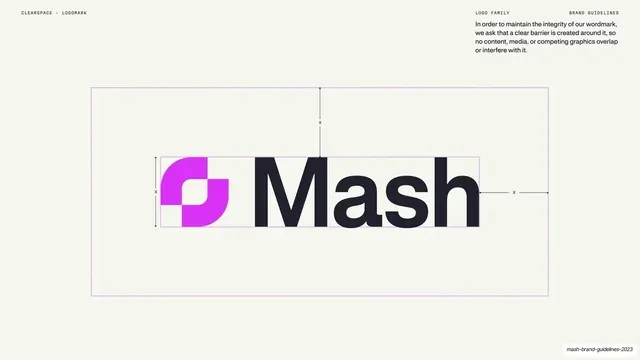 Mash logomark clearspace
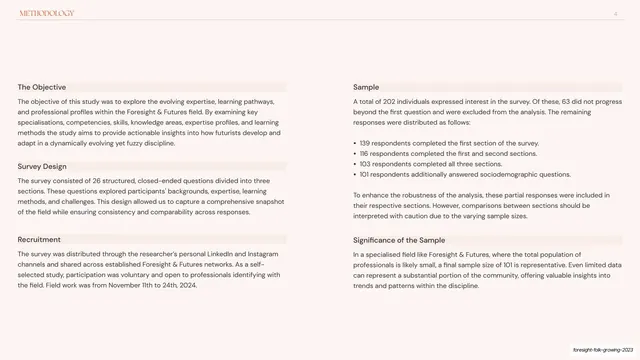 Methodology two-panel overview
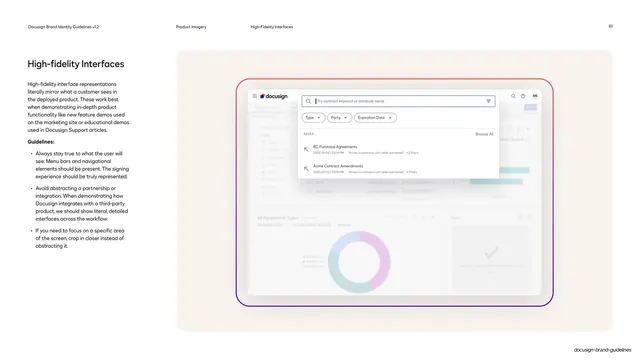 Docusign high-fidelity interfaces
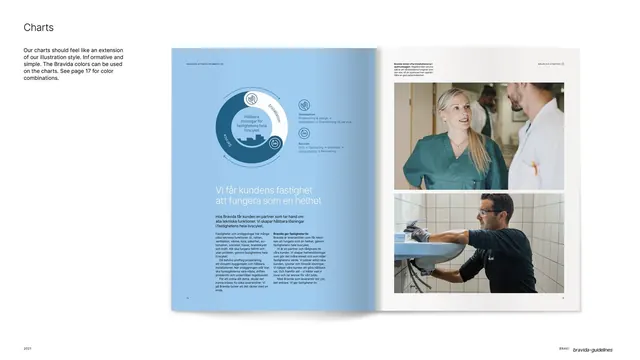 Chart style example spread
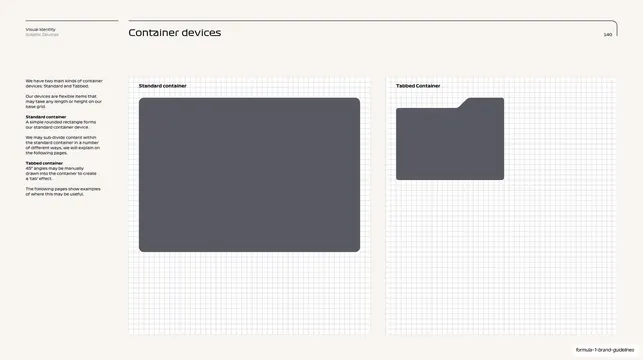 Container devices intro slide
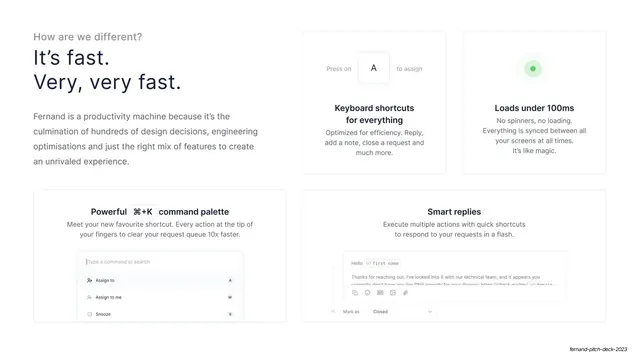 Speed features quad grid
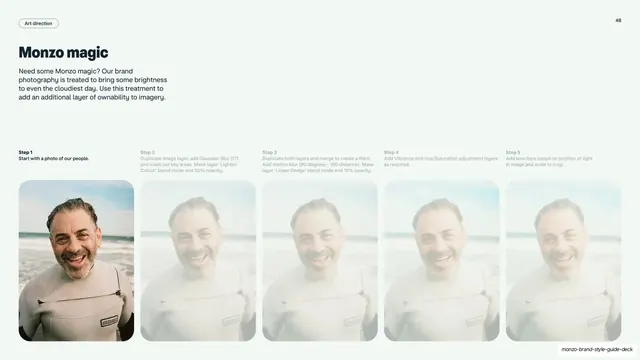 Monzo magic photo treatment steps
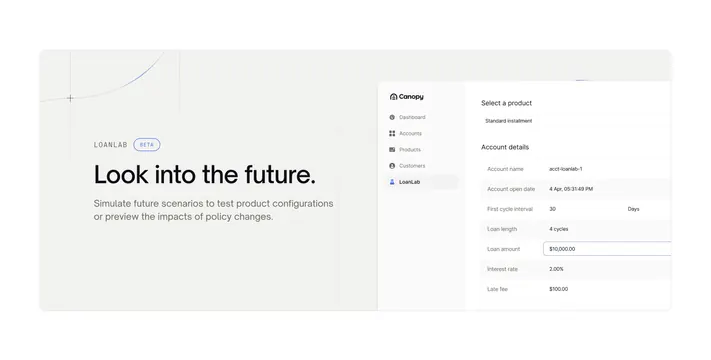 Canopy OS LoanLab beta feature
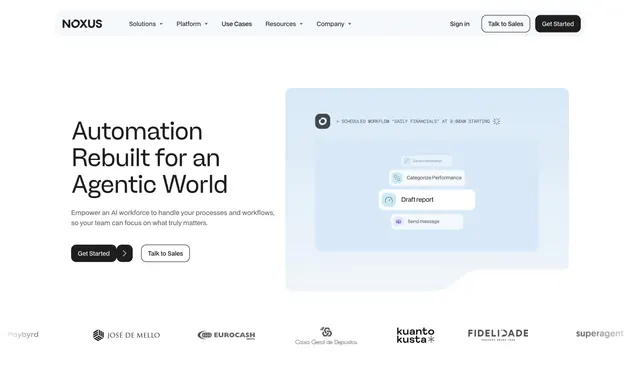 Noxus light hero with agent workflow card
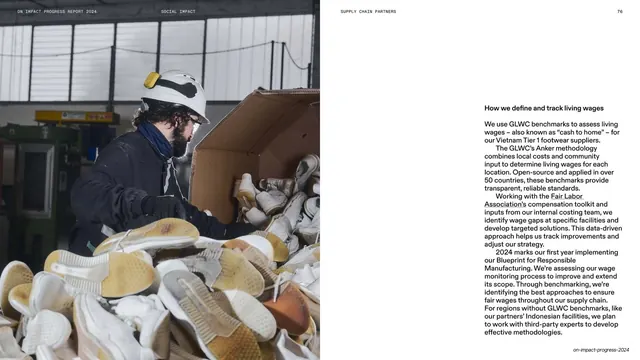 Living wages editorial spread with recycling photo
 Lightyear OG card
 Impact governance structure intro
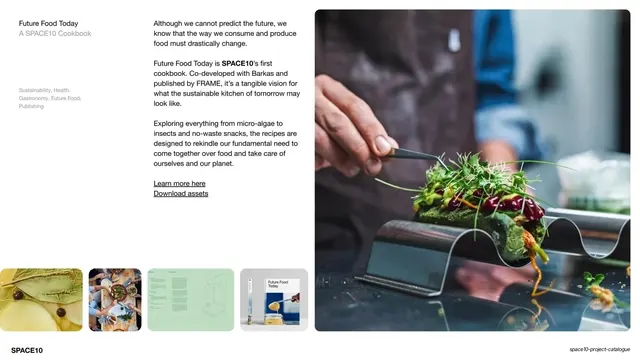 Future Food Today project
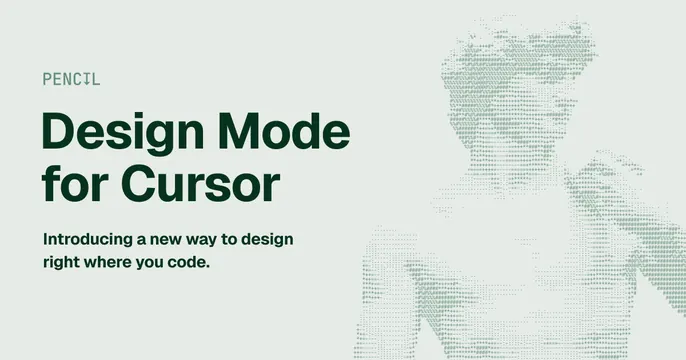 Pencil Dev OG card
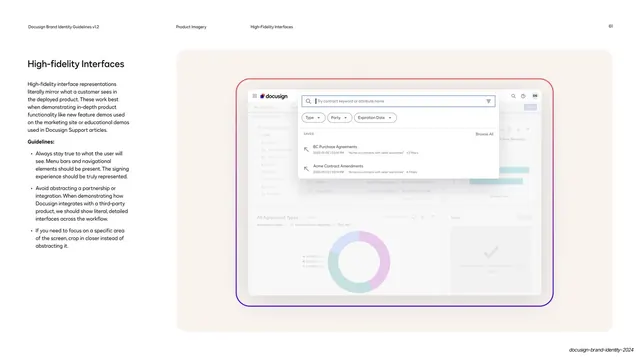 High-fidelity interfaces guidance
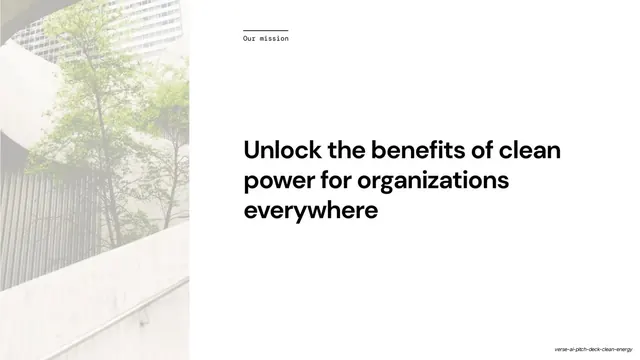 Mission split statement
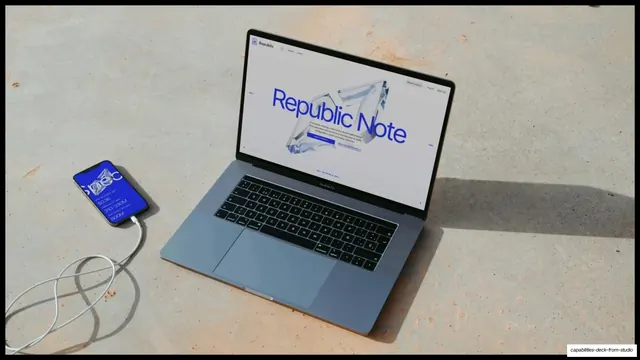 Republic Note website and device mockups
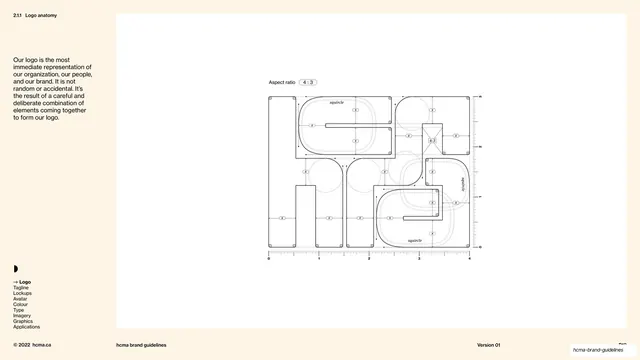 Logo anatomy construction diagram
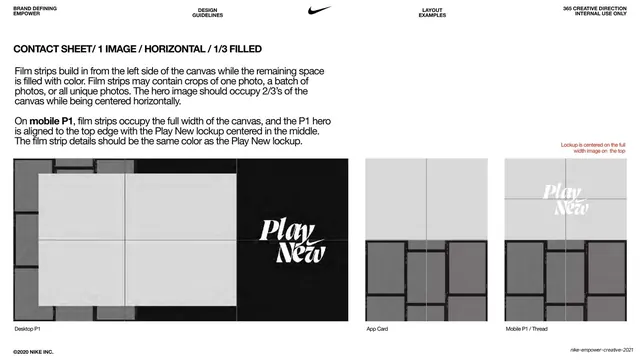 Contact sheet horizontal one-third filled layout spec
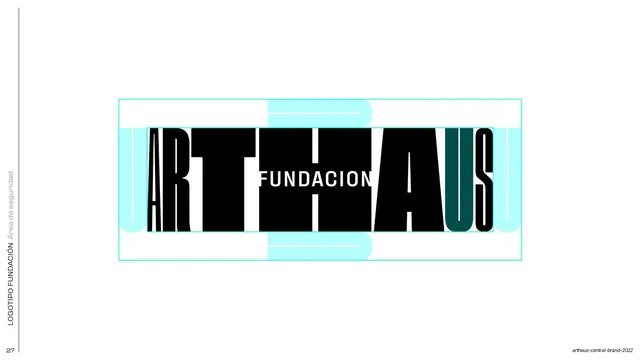 ARTHAUS Fundacion logotype safe area
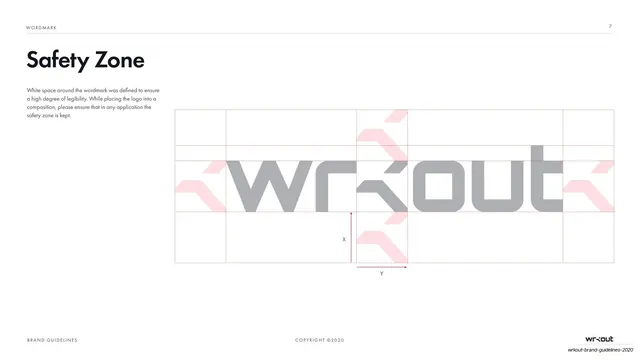 Wordmark clearspace diagram with X and Y