FAQ slide with numbered list and bio column
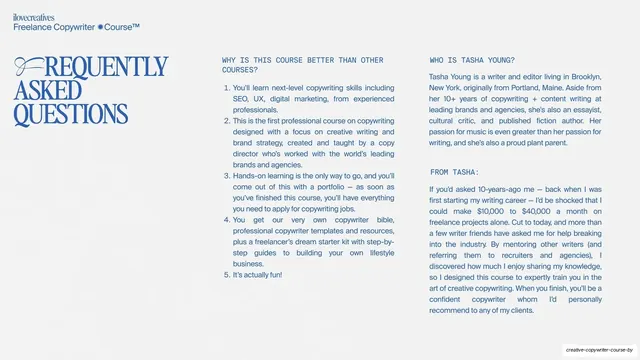
Light three-column slide with a large swash serif "Frequently Asked Questions" headline at left, a numbered list of course questions in the centre, and a bio answer at right.
Summary
An FAQ slide that sets a large serif headline at left and two text columns of questions and answers beside it. The numbered list and the longer bio answer make it a reference-style page.
Visual description
The background is a light gray. The headline "Frequently Asked Questions" is set in three stacked lines of blue serif, with a swash F at the start. The middle column has a monospaced all-caps question, then a numbered list of five sans-serif items. The right column has a second all-caps monospaced question, then a sans-serif bio paragraph and a second monospaced label with a longer answer. Columns are top-aligned and the lower left is empty.
Key takeaway
Monospaced all-caps labels separate questions from answers, so the page scans even though it is text-heavy. The large empty lower left gives the headline room to breathe.
Reuse notes
Use for an FAQ or detailed Q&A slide that closes a deck. Long answers push the layout hard, so keep each answer to a few lines. The empty lower left works as a deliberate void; fill it only with a short item.
More like this
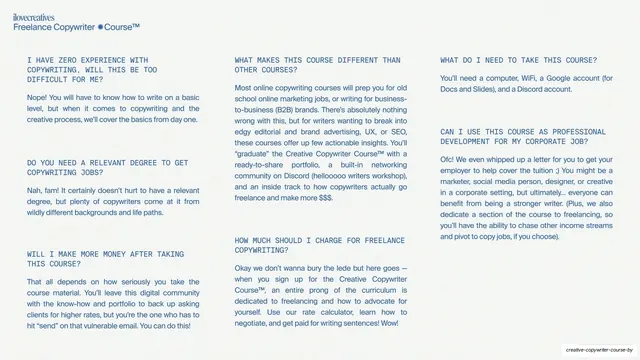 Three-column FAQ with monospaced questions
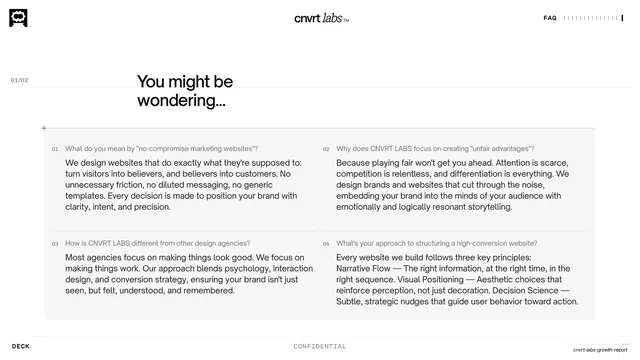 FAQ part one on light two-column grid
 2024 activity data and emission factors table
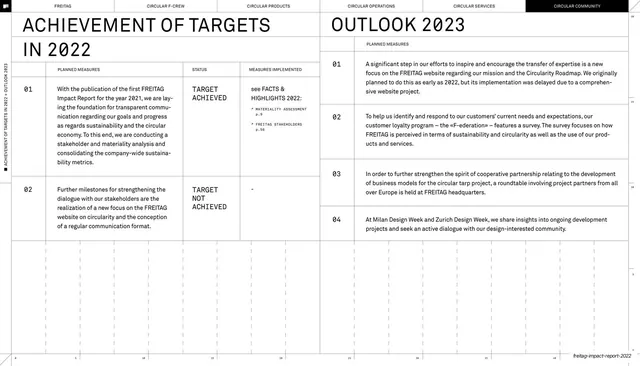 Achievement of targets 2022 and outlook 2023
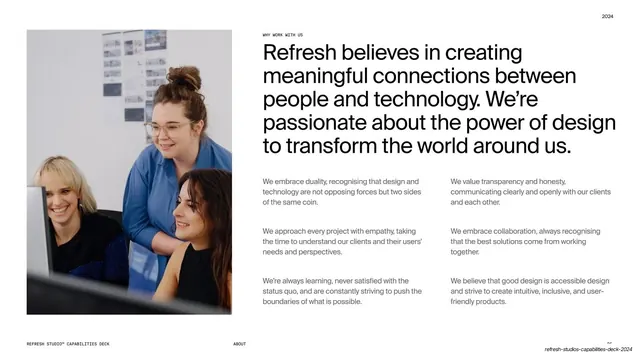 Why work with us - values
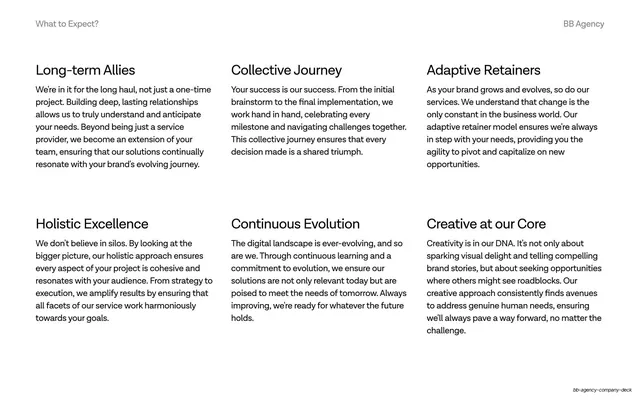 What to expect, partnership values grid
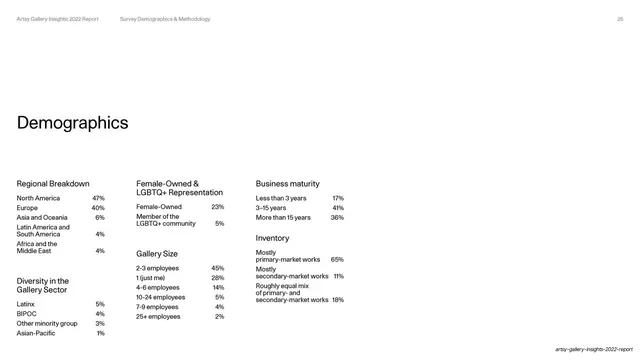 Demographics breakdown
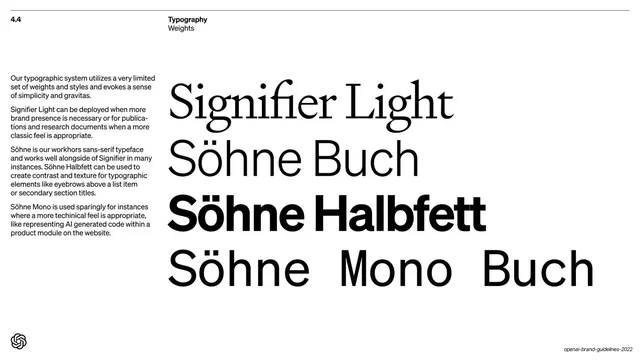 Typography weights specimen
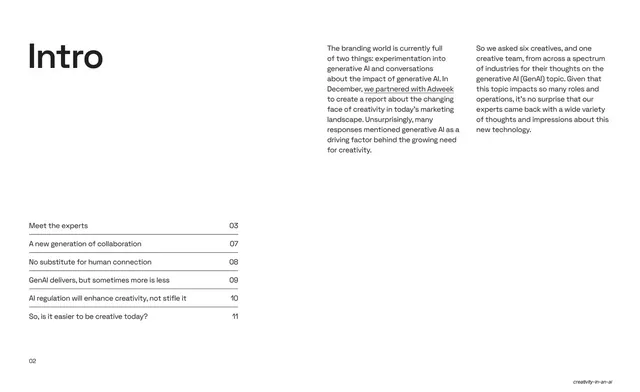 Intro and contents
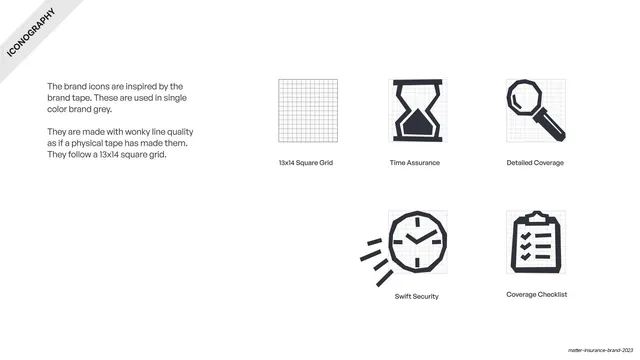 Matter iconography
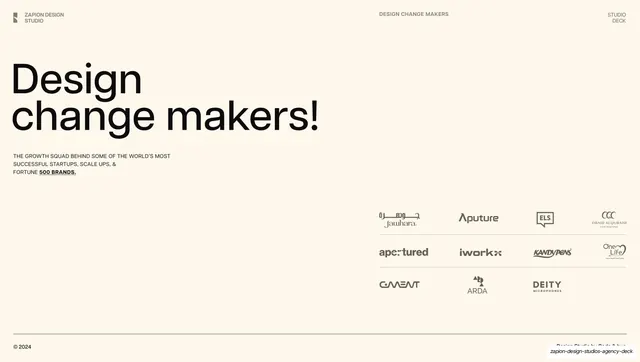 Design change makers logo wall
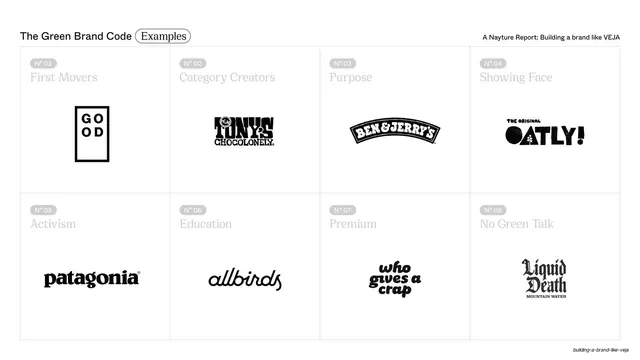 Green Brand Code examples logo grid
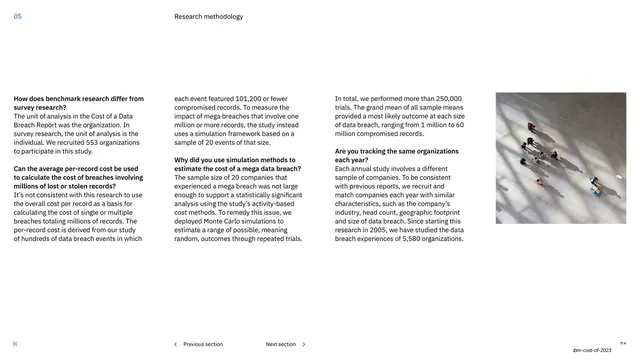 Benchmark vs survey research FAQ with crowd photo
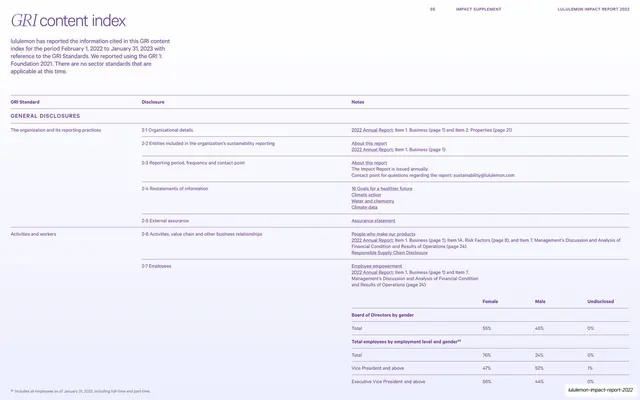 GRI content index general disclosures
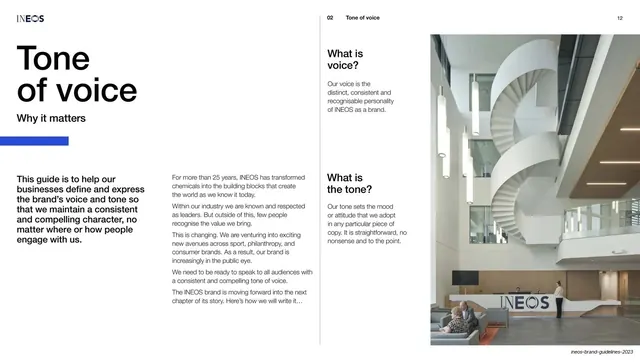 Tone of voice why it matters
 Introduction statement in large type
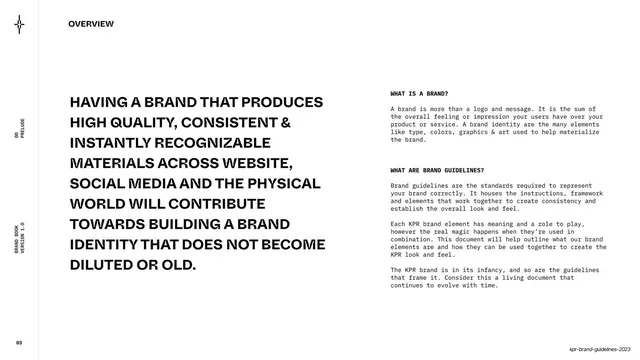 Overview statement
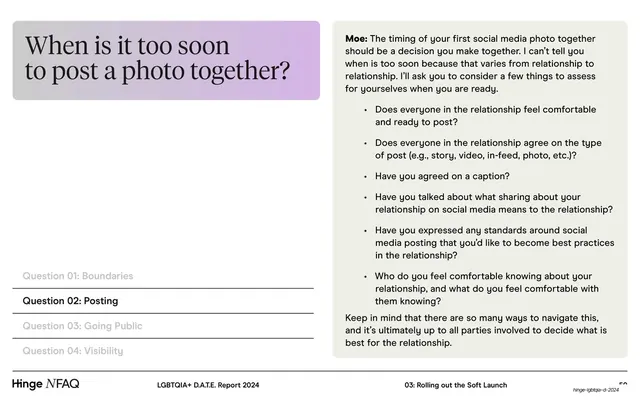 NFAQ Q02 Posting answer slide
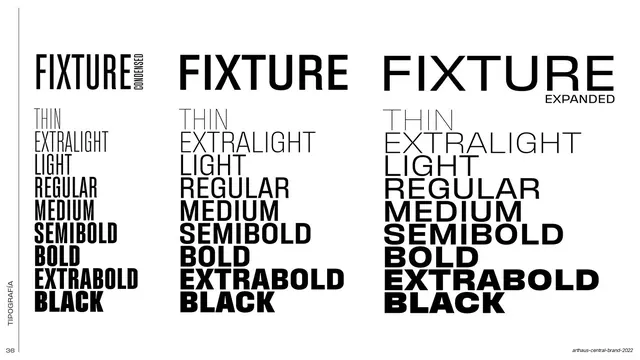 Fixture family weights across three widths
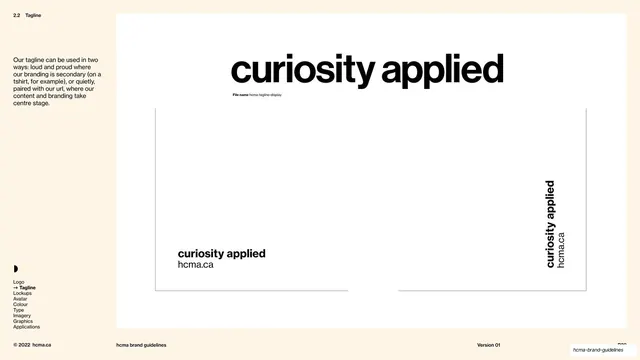 Tagline loud and quiet uses
 Ligatures in F1 Regular
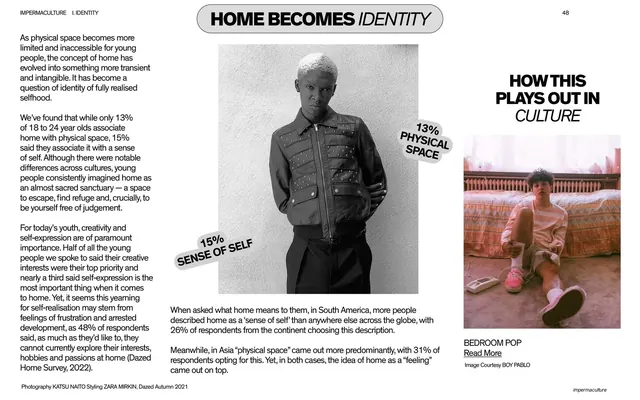 Home becomes identity essay spread
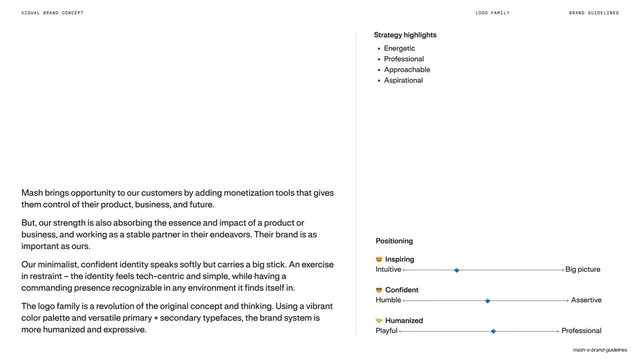 Visual Brand Concept with positioning sliders
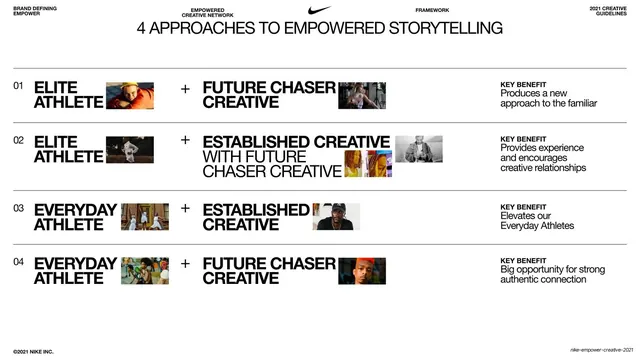 Four approaches pairing matrix