Horizontal stacked long-name centering steps
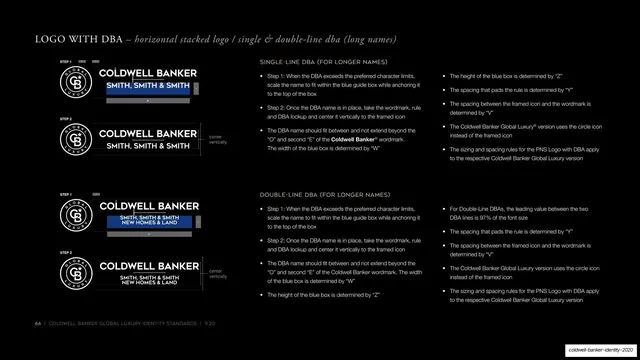
A black slide that walks through a two-step process for fitting and vertically centering long DBA names in horizontal stacked lockups.
Summary
A black process slide with numbered Step 1 and Step 2 diagrams for single-line and double-line long names. Each step shows the lockup before and after the fit and centering move.
Visual description
Four small horizontal lockups stack in two pairs on the left, each labeled STEP 1 or STEP 2 in tiny caps. Step 1 shows the wordmark and a blue box with the DBA scaled to fit and anchored at the top of the box. Step 2 shows the same wordmark with the DBA lockup moved and centered vertically against the circle icon, marked with a "center vertically" callout. The right column lists the steps and the sizing rules in small white text under tan labels for single-line and double-line names.
Key takeaway
Splitting the process into a fit step and a centering step makes a complicated lockup repeatable. The before and after pairs show the change clearly.
Reuse notes
Use as a reference for documenting multi-step logo construction or any lockup that needs a sequence. The steps depend on a fixed icon position, so the process only works if the icon is locked first.
More like this
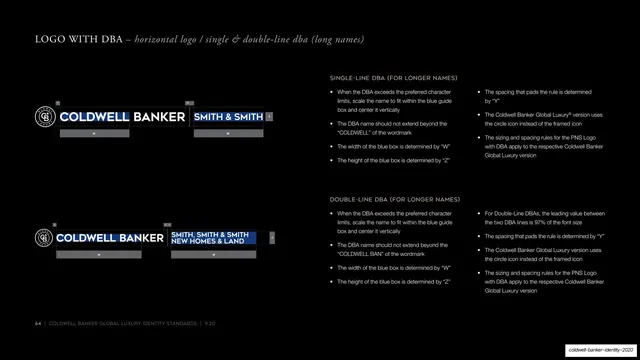 Horizontal logo long-name DBA scaling
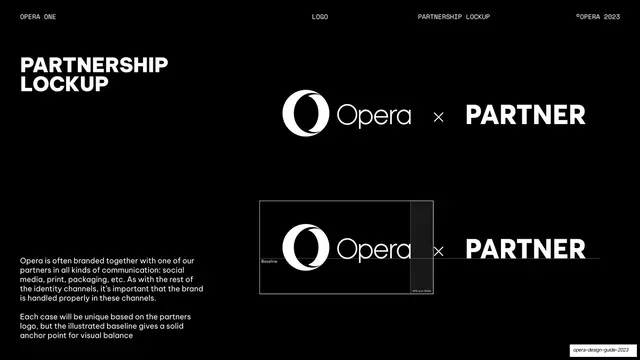 Partnership lockup
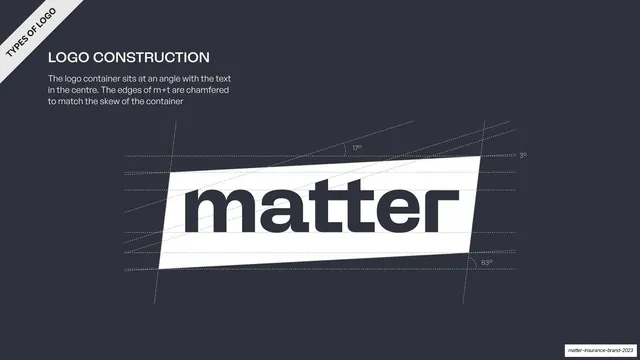 Logo construction with skew angles
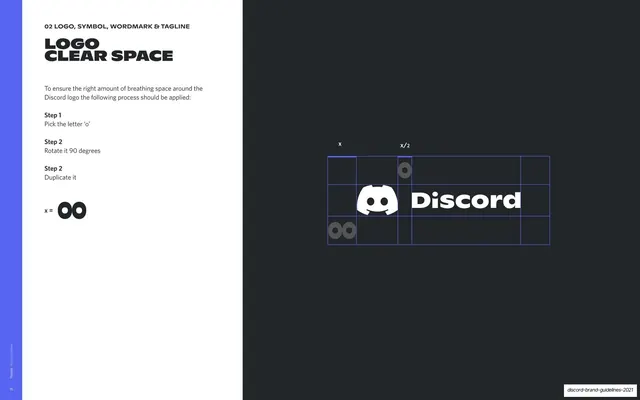 Logo clear space
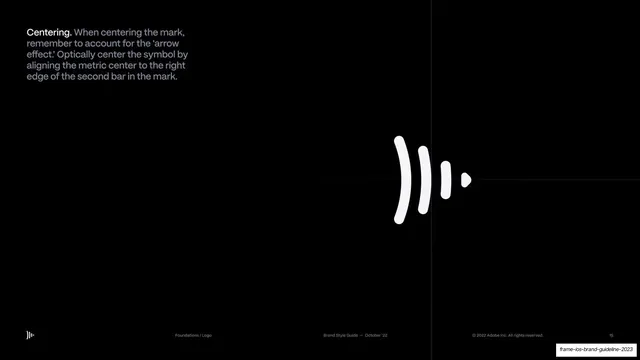 Symbol optical centering
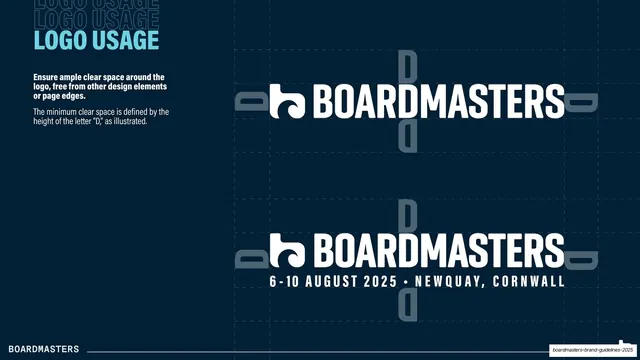 Logo clear space
 Hulu Originals logo lockups
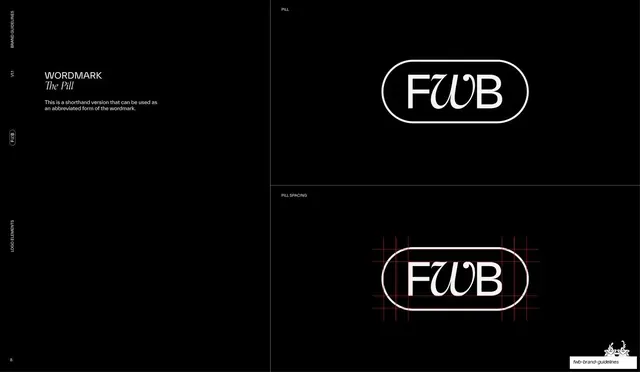 Pill logo lockup with spacing grid
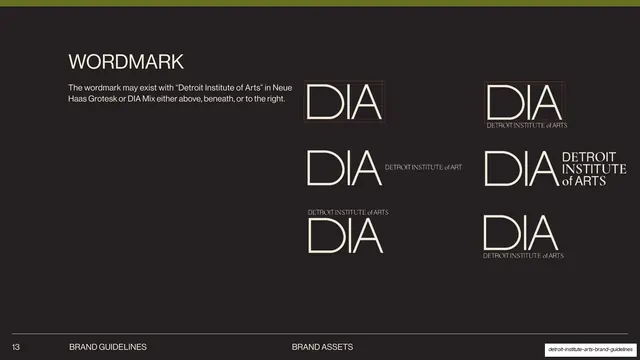 Wordmark lockup variations
 Mash logomark construction and proportions
 Graphic mark construction
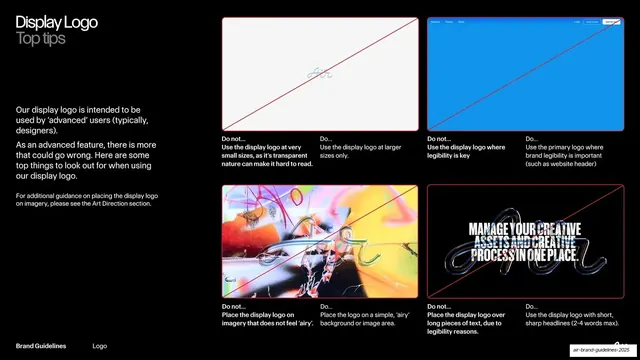 Display logo do and don't examples
 F1 Championship logo construction
 KPR Brand Book Version 1.0
 AIP architecture orbit diagram
 Galaxy Q2 '23 cover
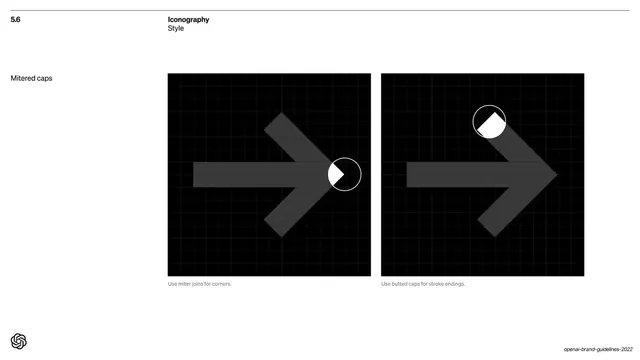 Iconography mitered and butted caps
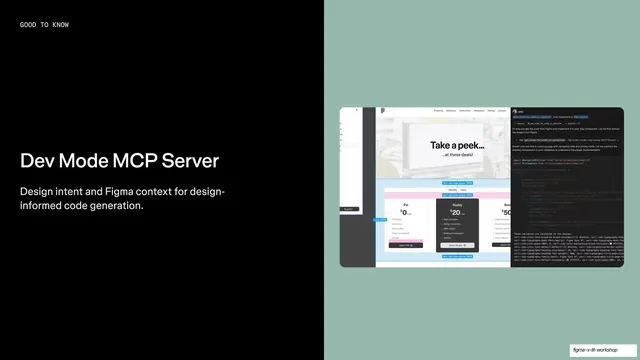 Dev Mode MCP Server, black text beside sage-green code capture
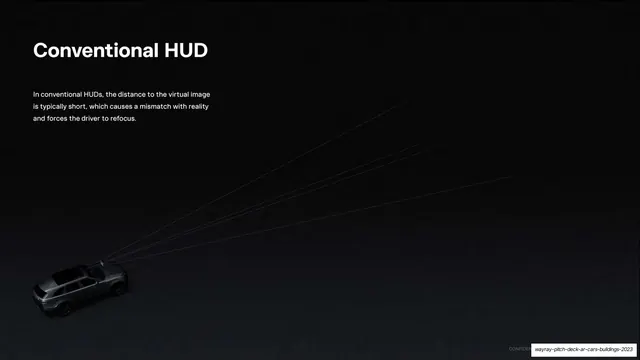 Conventional HUD limitation
 AIP for Defense and for Business split
 A tool your team will actually enjoy using
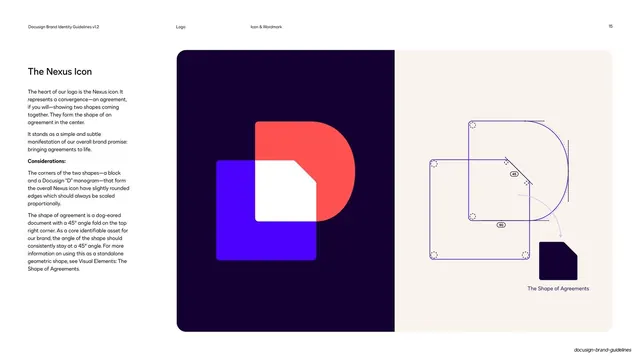 The Nexus icon construction
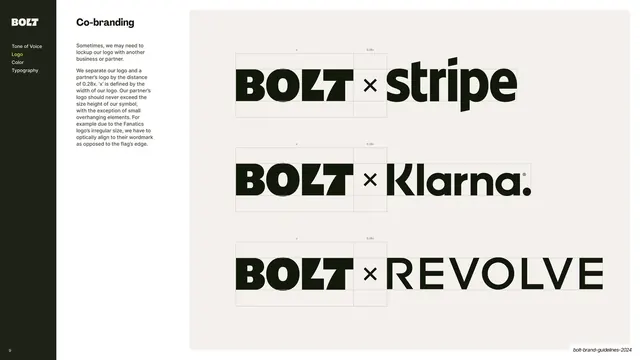 Co-branding lockups
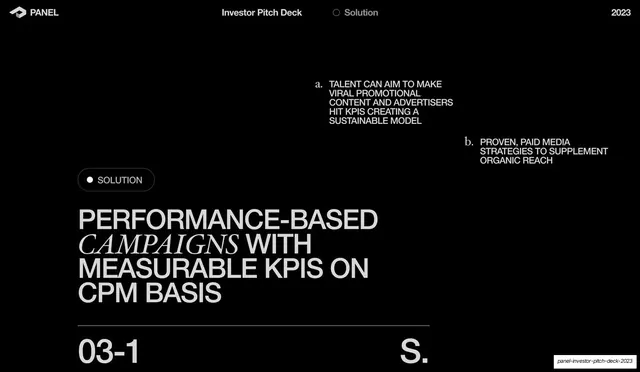 Solution performance-based campaigns