Arial fallback typeface specimen
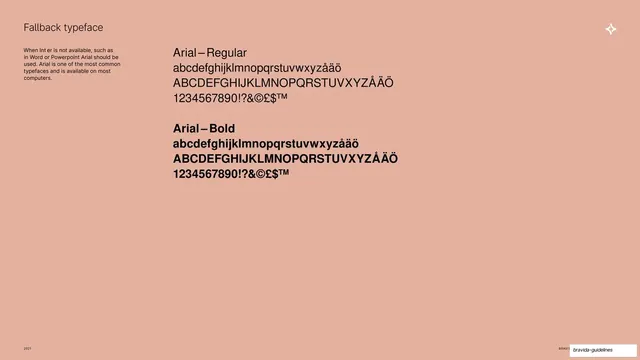
The fallback typeface page showing Arial Regular and Bold full character specimens for use when Inter is unavailable.
Summary
The fallback type page: Arial is named as the substitute when Inter is not installed, shown in Regular and Bold full-character specimens.
Visual description
Full-bleed warm pink field matching the rest of the type chapter. A narrow left column holds the "Fallback typeface" header and a short paragraph saying Arial should be used in Word or PowerPoint as a common, widely available face. The right two-thirds shows two specimens, "Arial - Regular" and "Arial - Bold", each printing the full lowercase and uppercase alphabet, numerals and symbols in black. Much of the lower slide is left as open pink space since only two weights are shown. Hairline footer.
Key takeaway
Treating the fallback font with the same specimen layout as the brand font, so the office-software substitute is given equal, unambiguous documentation rather than a footnote, which keeps everyday Word and PowerPoint output on-brand.
Reuse notes
A practical page every brand system should include. Reuse the matching specimen layout for the fallback so designers and staff see exactly what the substitute looks like; restrict it to the weights actually needed for documents.
More like this
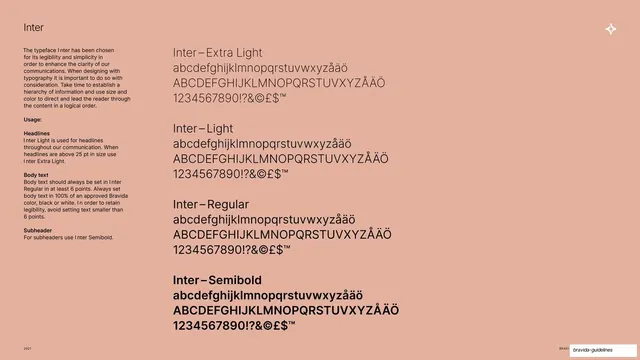 Inter weights specimen and usage
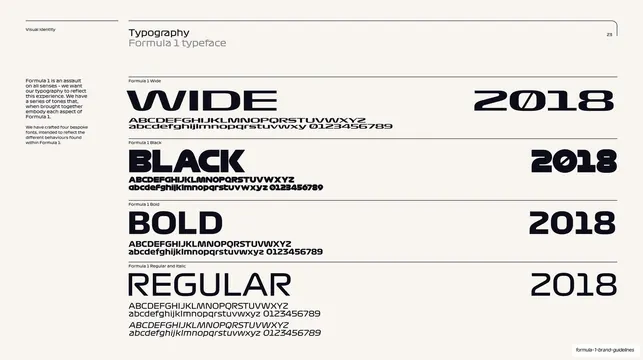 Formula 1 typeface weights specimen
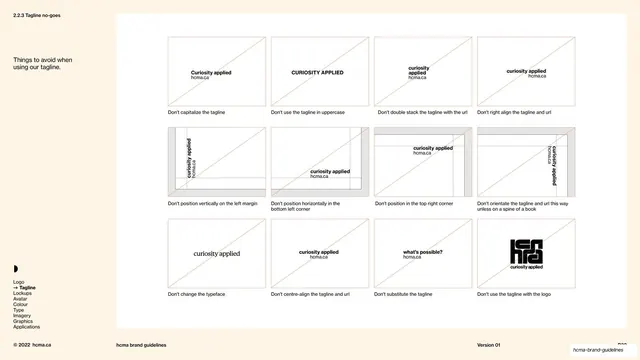 Tagline no-goes grid
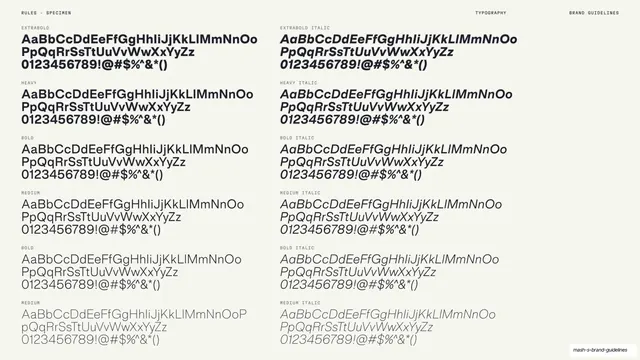 Mash Rules weights and italics specimen
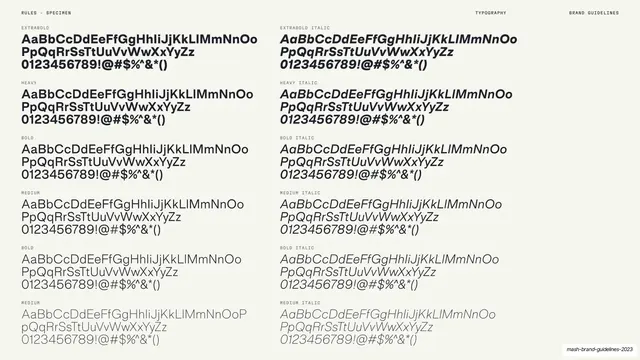 Mash Rules weights and italics specimen
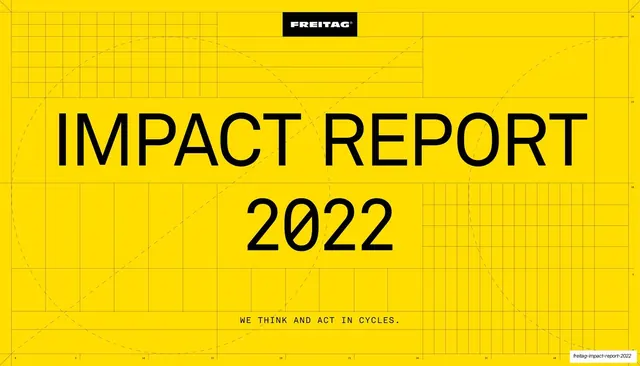 FREITAG Impact Report 2022
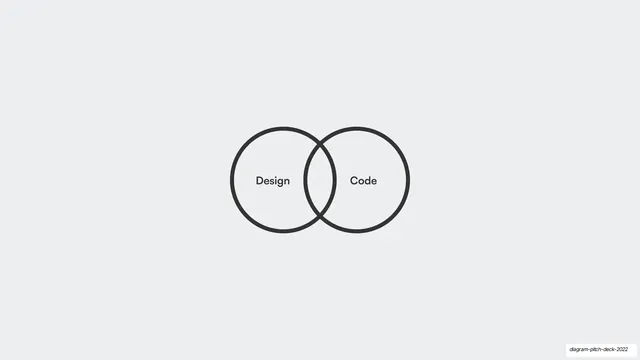 Design and Code Venn diagram
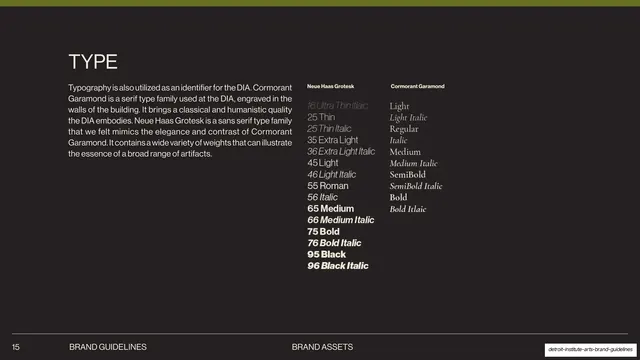 Type families and weight lists
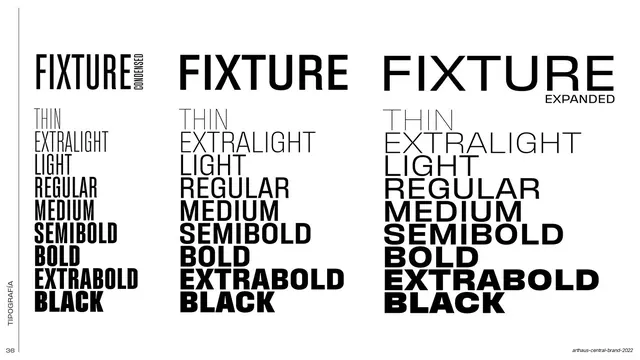 Fixture family weights across three widths
 Foundation Alloy accelerating progress feature
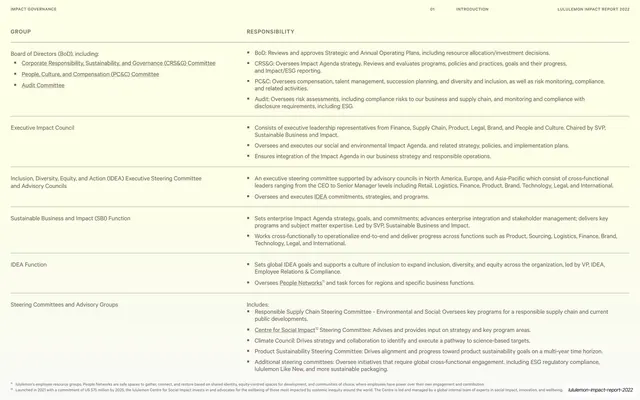 Governance groups and responsibilities table
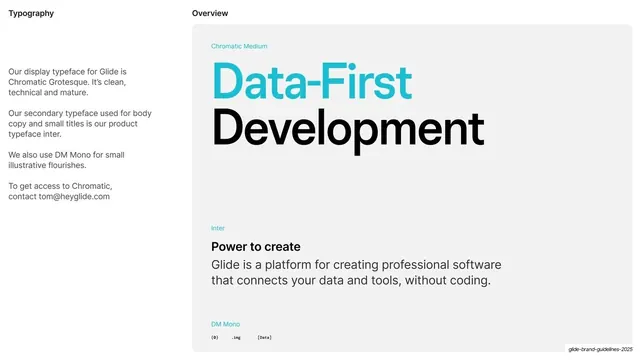 Typography overview specimen
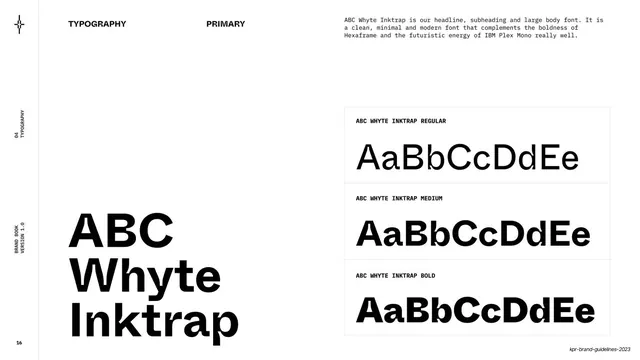 Primary typeface - ABC Whyte Inktrap
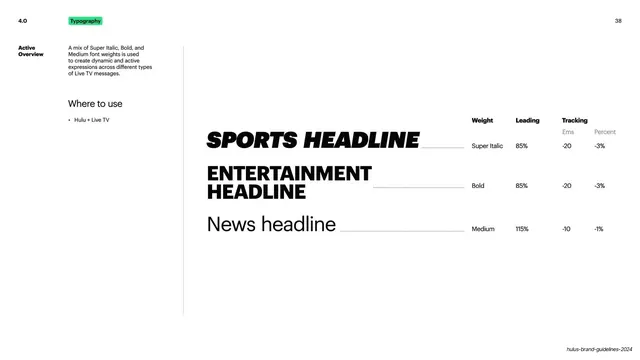 Hulu active typography weights
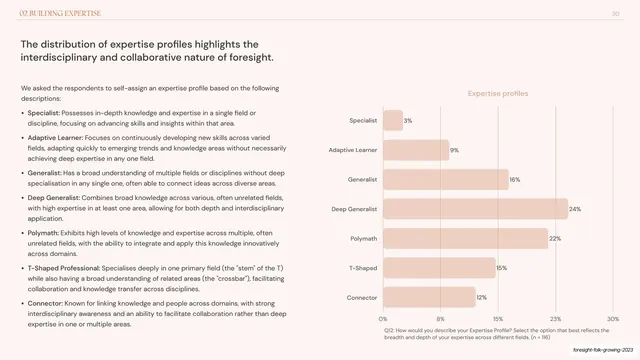 Expertise profiles definitions and bar chart
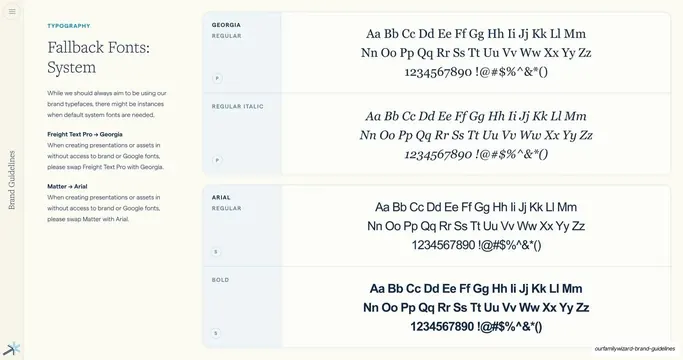 Fallback Fonts System specimen
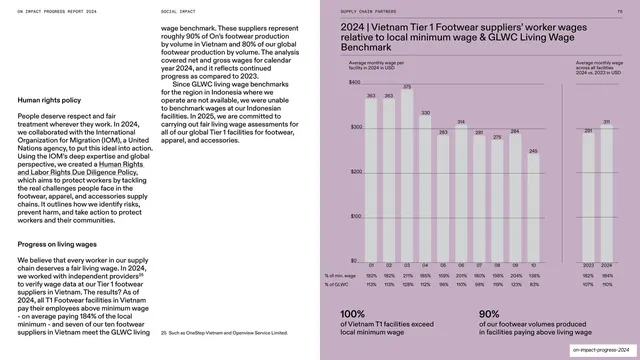 Vietnam Tier 1 wages benchmark bar chart
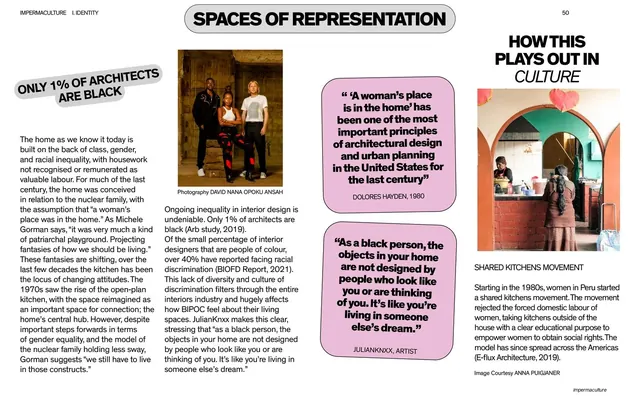 Spaces of representation essay spread
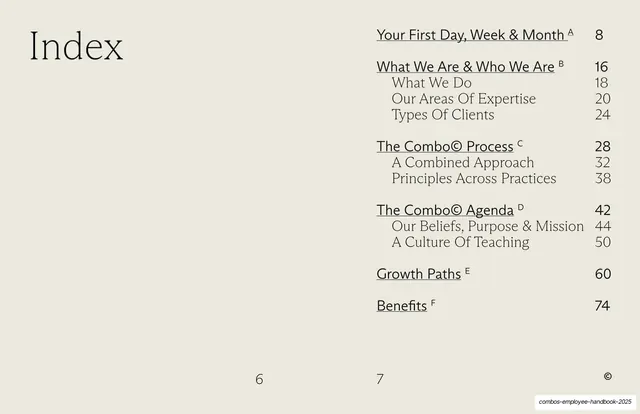 Index / table of contents
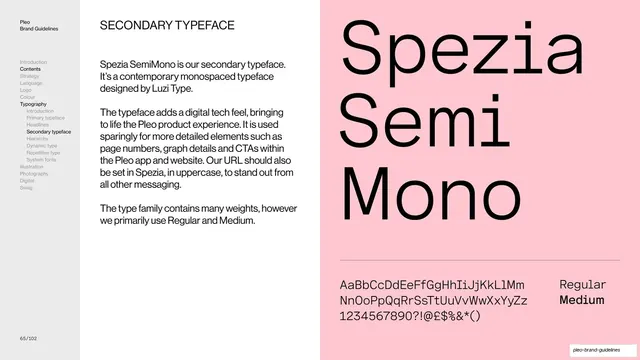 Secondary monospace typeface specimen
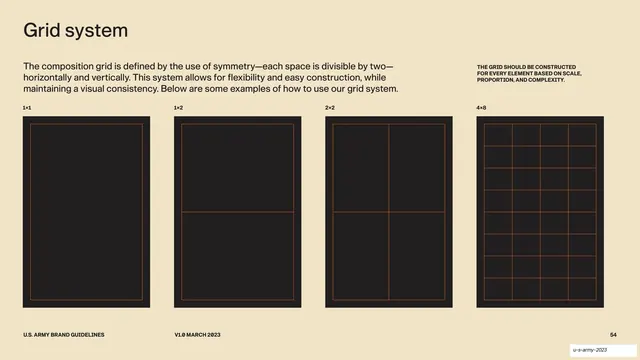 Grid system ratio panels
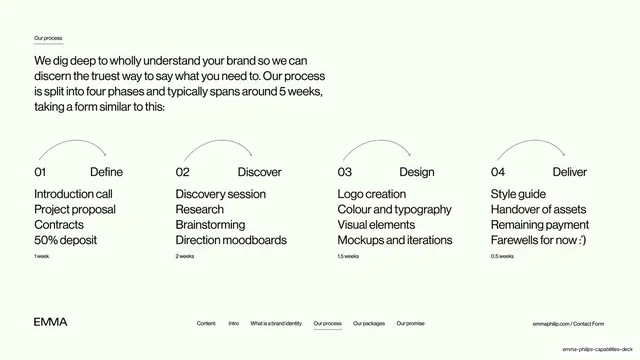 Four-phase design process
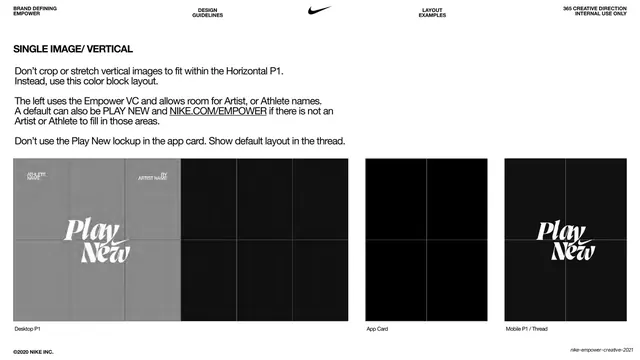 Single image vertical layout spec
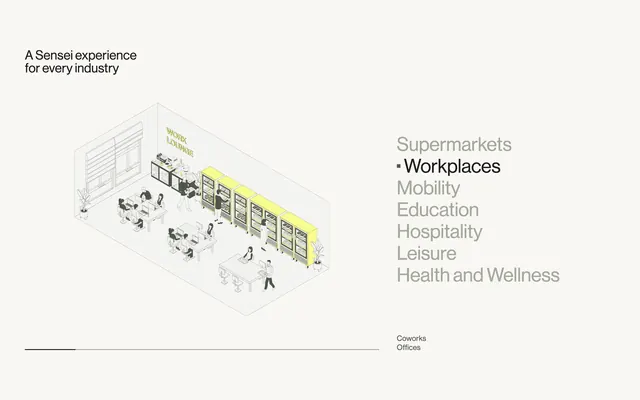 Sensei industry tab list with isometric scene