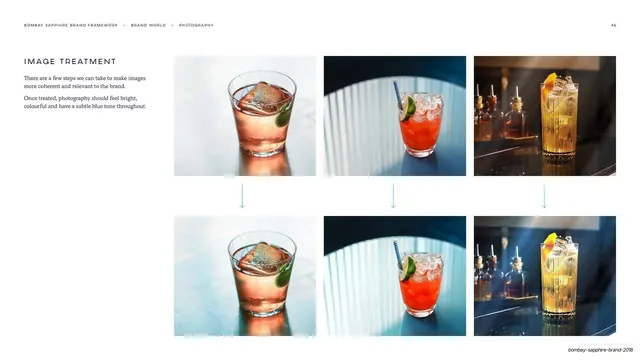
Four-step imagery treatment workflow
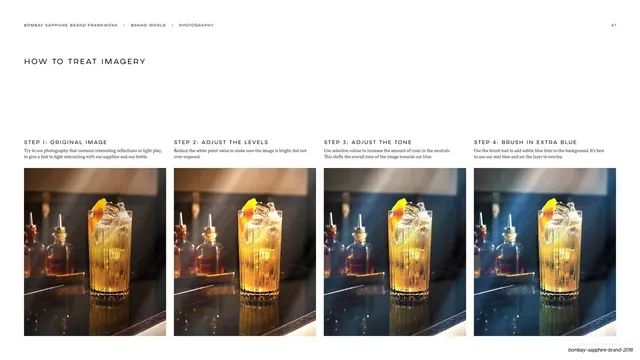
Four-step photo edit sequence that moves one cocktail photograph from its original warm tone to a blue-toned final version.
Summary
A numbered four-step edit sequence that shows one photograph adjusted in stages, from original to a blue-toned final frame.
Visual description
White page with a tracked caps heading "How to treat imagery" at top left and generous space above the steps. Four equal columns each carry a tracked caps step title (Step 1 to Step 4), a two-line sans-serif description, and a tall photograph. The same frame is used throughout: warm amber in step 1, brighter highlights in step 2, cooler shadows with a cyan shift in step 3, and a deeper blue wash in the background in step 4.
Key takeaway
Each step is named by one specific edit (original, levels, tone, brush), so the process is easy to follow. Showing one frame across all four stages makes the cumulative effect easy to trace.
Reuse notes
Use as a reference for a numbered process slide or an image editing guideline. It works well for showing edits applied to a single image. The final blue tone is strong on this photo, so check results on other images before applying it as a rule.
More like this
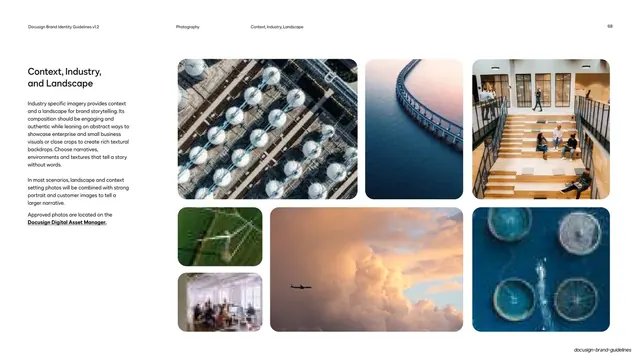 Docusign context, industry, and landscape photography
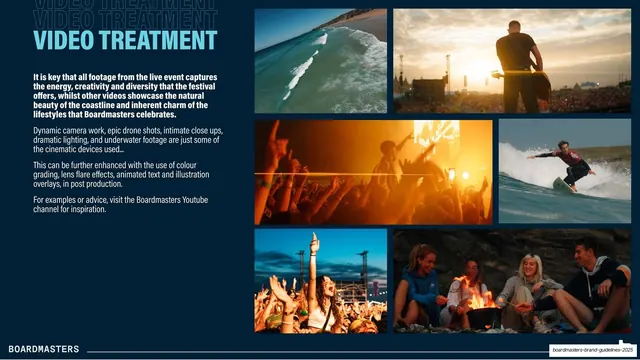 Video treatment
 Frontify Creativity in an AI World 2024
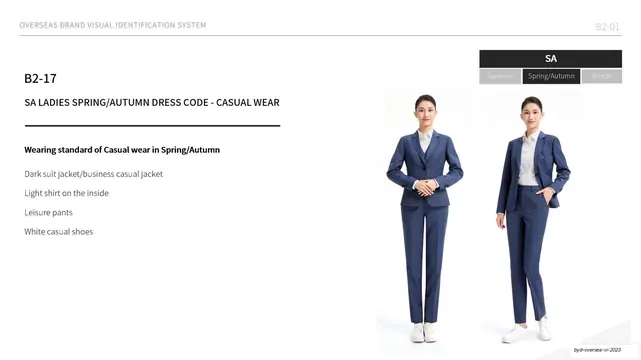 SA women's spring/autumn casual wear
 Photography colour treatment before and after
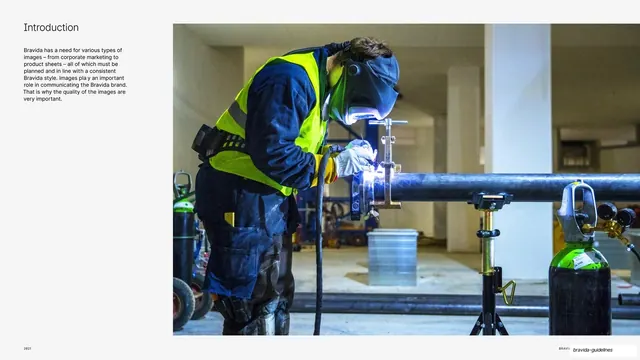 Photography introduction with welding hero
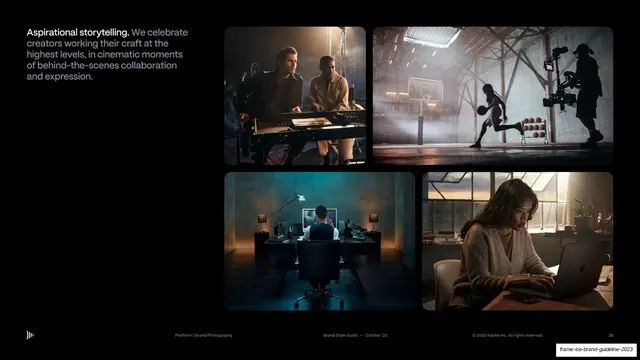 Aspirational storytelling photo grid
 Jawhara case study intro
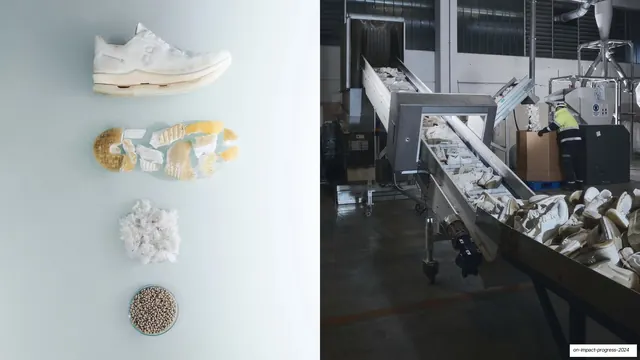 Take-back and processing photo diptych
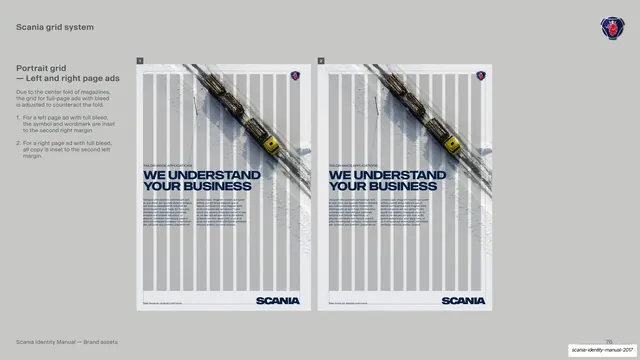 Left and right page full-bleed ads with fold
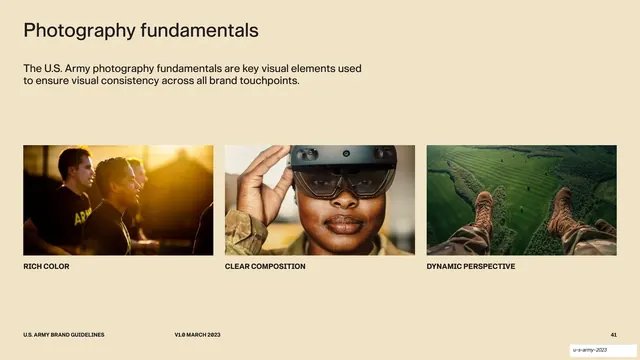 Photography fundamentals three-up
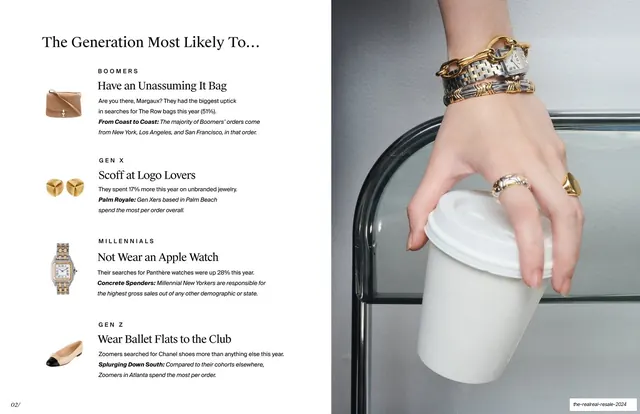 The Generation Most Likely To generational breakdown
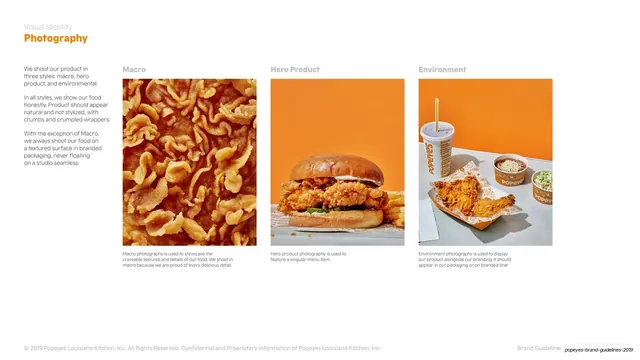 Macro hero and environment photo guidance
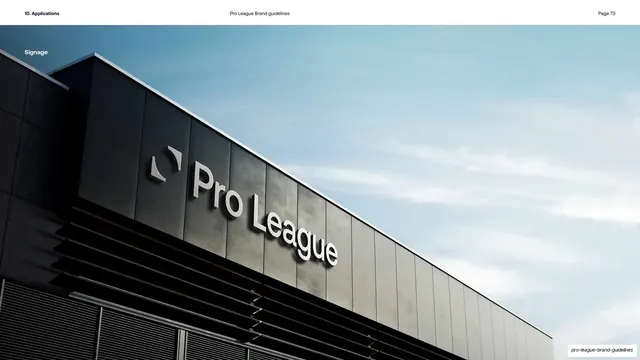 Exterior channel-letter signage on facade
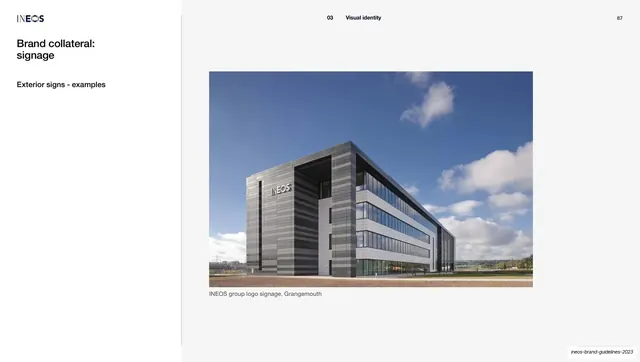 Large building logo on facade
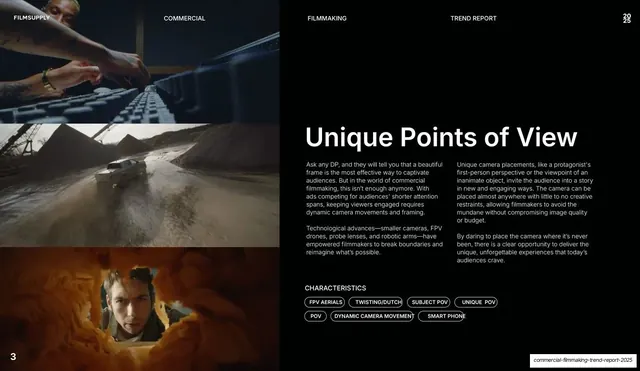 Unique Points of View trend
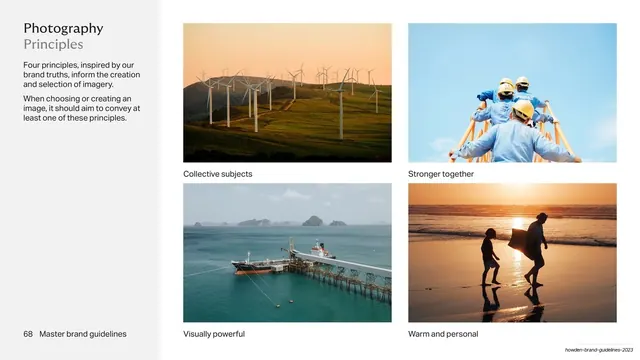 Four photography principles image grid
 Inclusive casting photo page
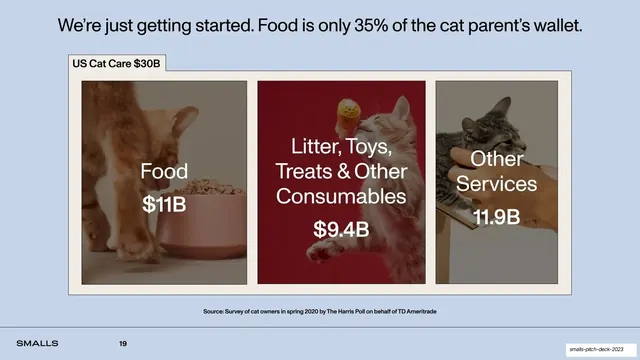 US cat care wallet TAM with three photo segments
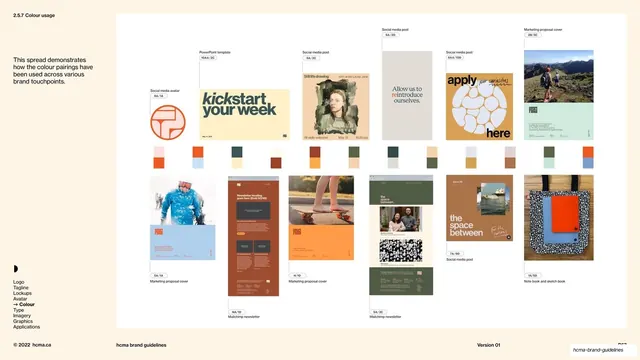 HCMA colour usage across touchpoints
 Monzo art direction things to avoid
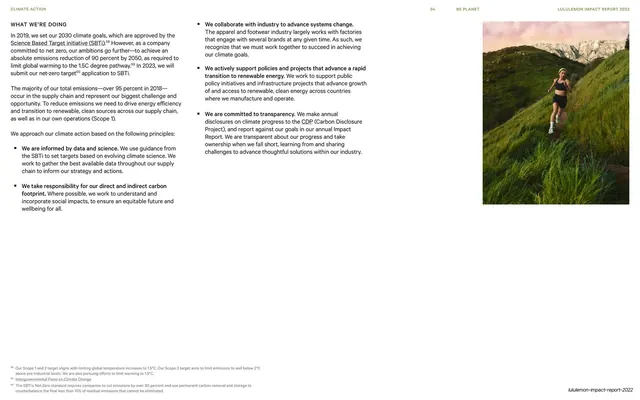 What we're doing on climate, two-column body with activewear photo
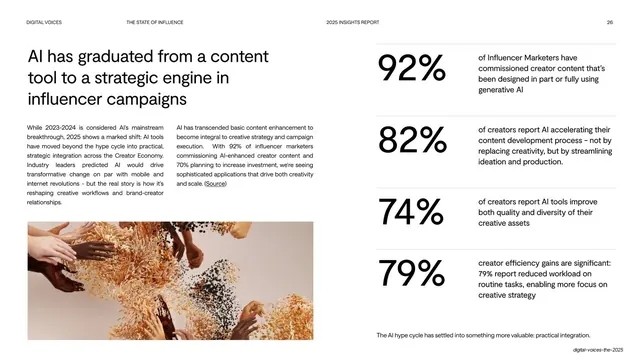 AI graduated stats and photo
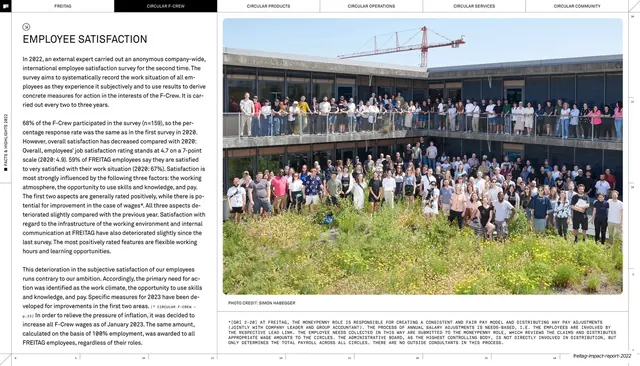 Employee satisfaction split text and crowd photo