Quiz interface minimal assessment UI
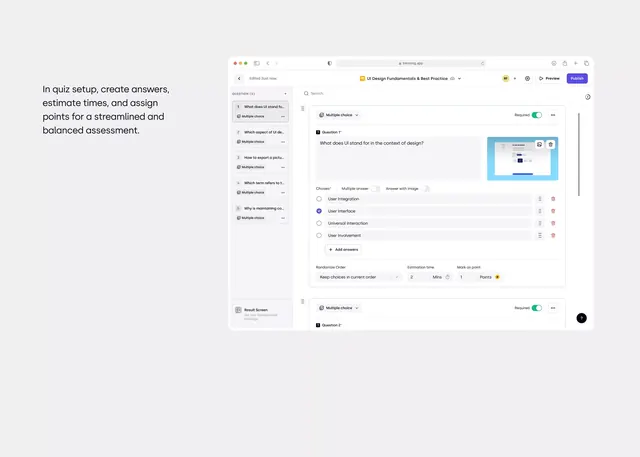
Minimal browser-based quiz or assessment interface with a two-column layout: sidebar question list on the left, main answer editor on the right, monochromatic palette with blue accents.
Summary
An educational assessment interface designed as a split-pane web application where left sidebar lists sequential quiz questions and right pane shows question details, answer options, point-weighting, and time estimation controls.
Visual description
Left sidebar: condensed list of numbered questions (1-6 visible) with "Multiple choice" labels. Left panel's label reads "In quiz setup, create answers, estimate times, and assign points for a streamlined and balanced assessment." Right pane: expanded view of "Question 1" with question text "What does UI stand for in the context of design?", radio-button answer options including "User Interface" (selected, blue dot), radio buttons for answer format choice ("Multiple answer", "Answer with image"), and a bottom section showing toggleable options (Randomize Order, Estimation time set to 2 mins, Mark as point: 1 point). Toolbar at top shows title "UI Design Fundamentals & Best Practice", Preview and Publish buttons. Monochromatic off-white, light gray (#B9BFC9), and charcoal palette with blue (#0066FF approx) for interactive states. Sans-serif throughout, generous white space.
Key takeaway
The split sidebar-plus-detail pattern, which scales well for any sequential, multi-answer scenario (surveys, tests, configuration flows). The right column's use of labeled sections (Choices, Multiple answer toggle, Randomize Order, Estimation time, Mark as point) shows how to organize many settings without clutter. The color restraint enforces focus on the functional content.
Reuse notes
Ideal for EdTech interfaces, testing platforms, and any form-builder where users need to both see a full list and drill into item details. The two-column layout assumes desktop width. The blue accent color can be swapped per brand; the structure stays neutral.
More like this
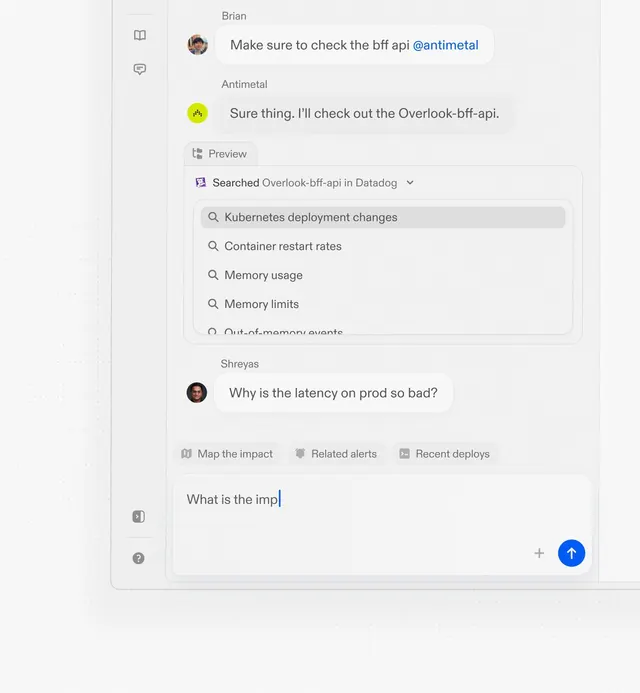 Technical collaboration interface with nested queries
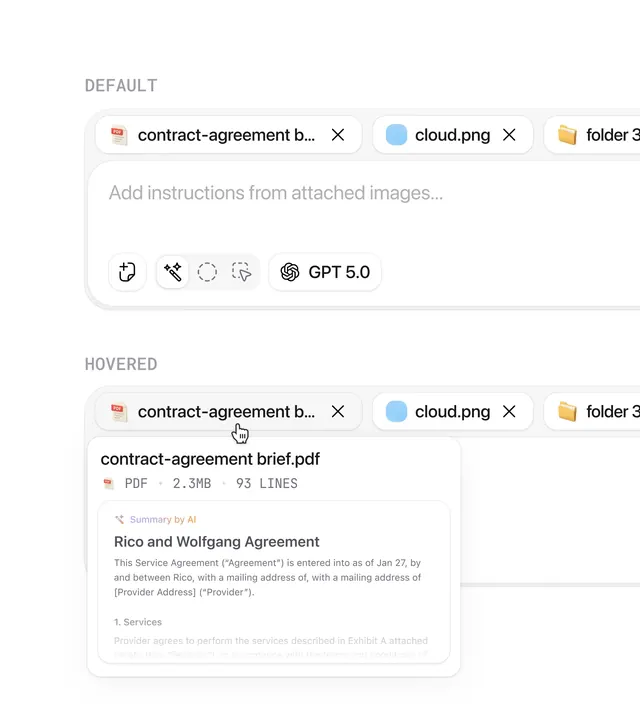 AI document processor minimal UI with file management and tabs
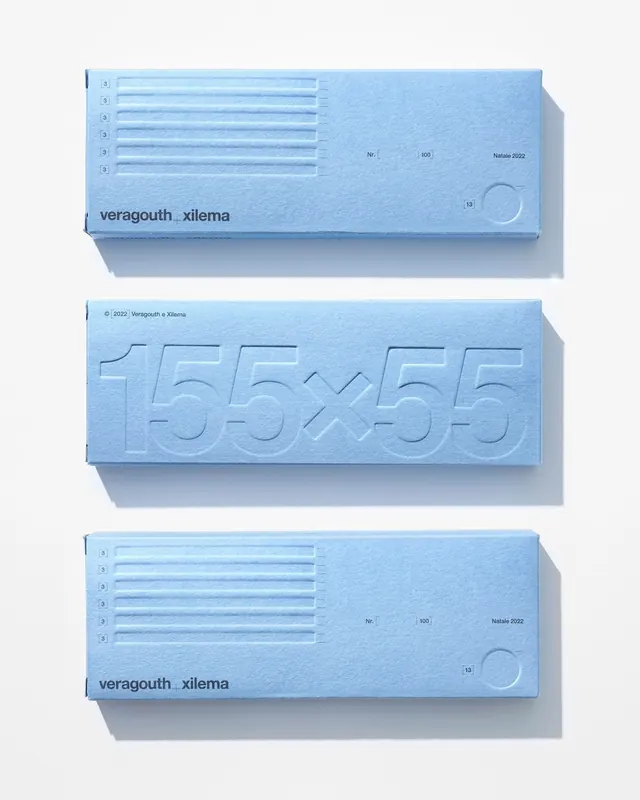 Minimalist Blue Identity Mockup
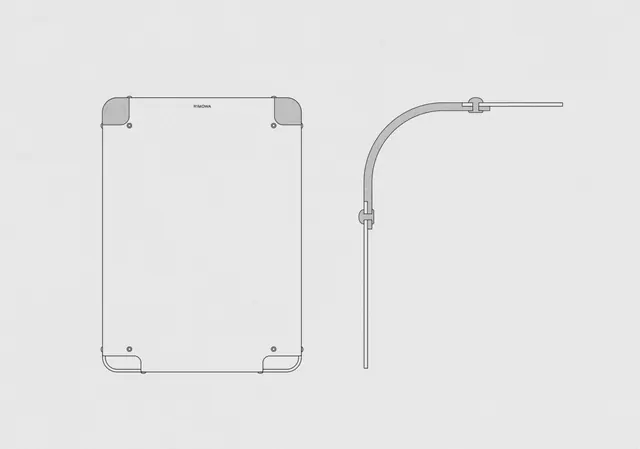 Minimalist Line Art Product Mockup
 Geometric logo with minimal color accent
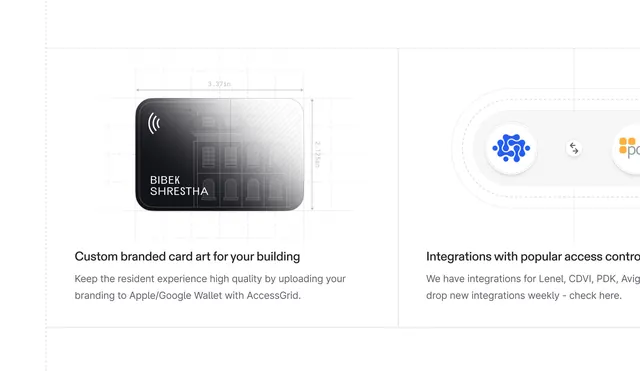 Access card UI mockup with dimensions and integration logos
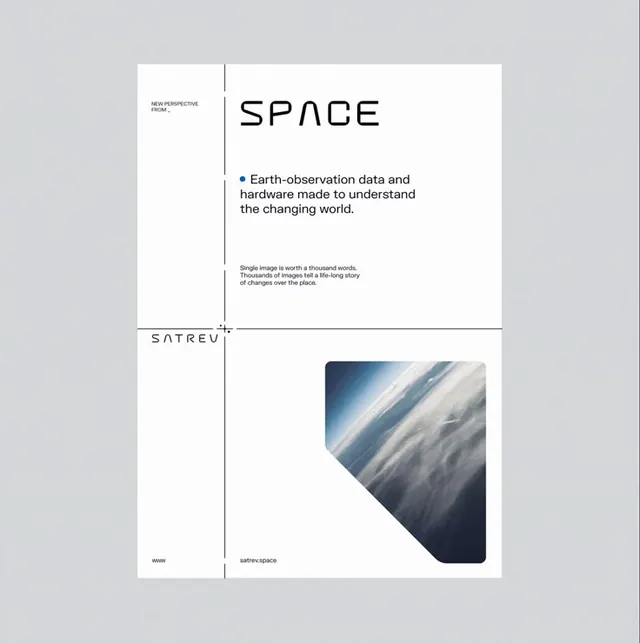 Earth-observation brand presentation with satellite landscape
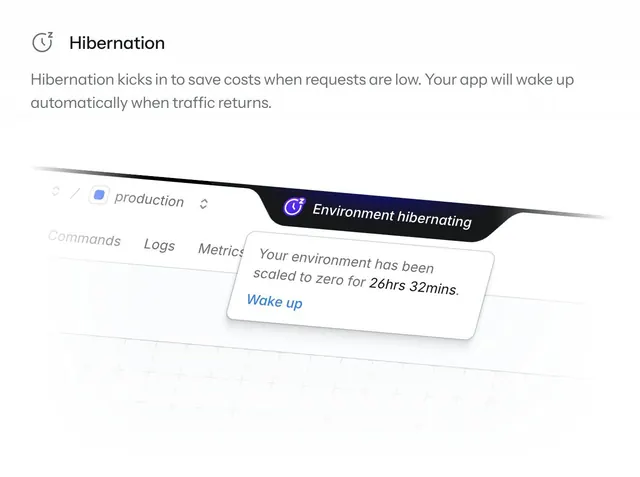 App hibernation notification overlay
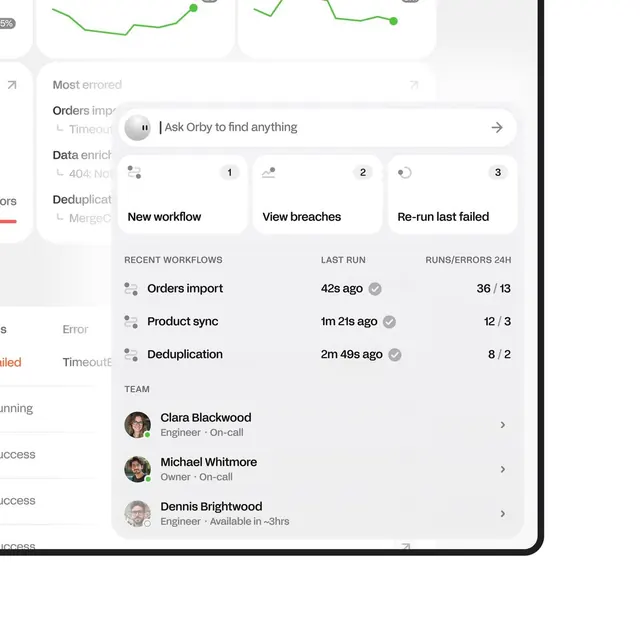 SaaS workflow monitoring dashboard
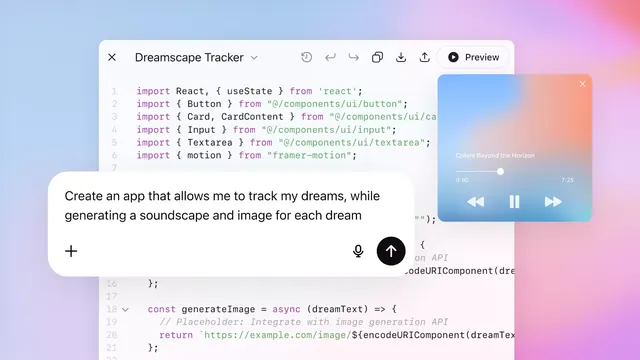 Code editor UI with soft gradient and music player overlay
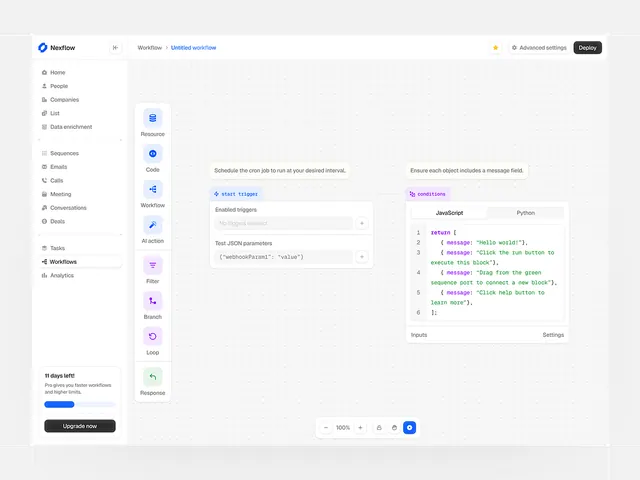 Low-code workflow builder UI with icon sidebar
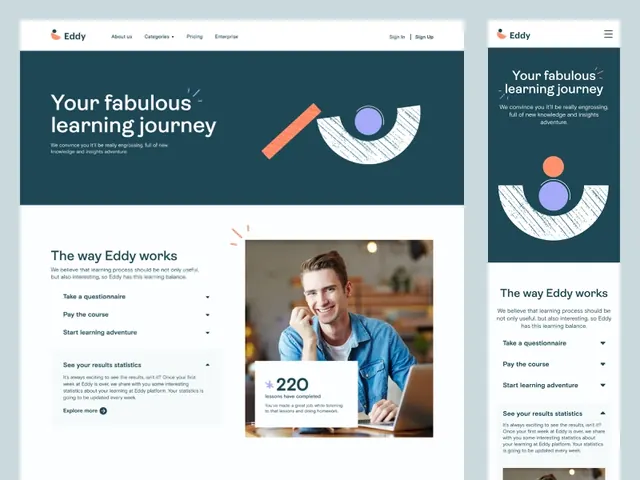 Edtech onboarding layout with teal header and circular steps
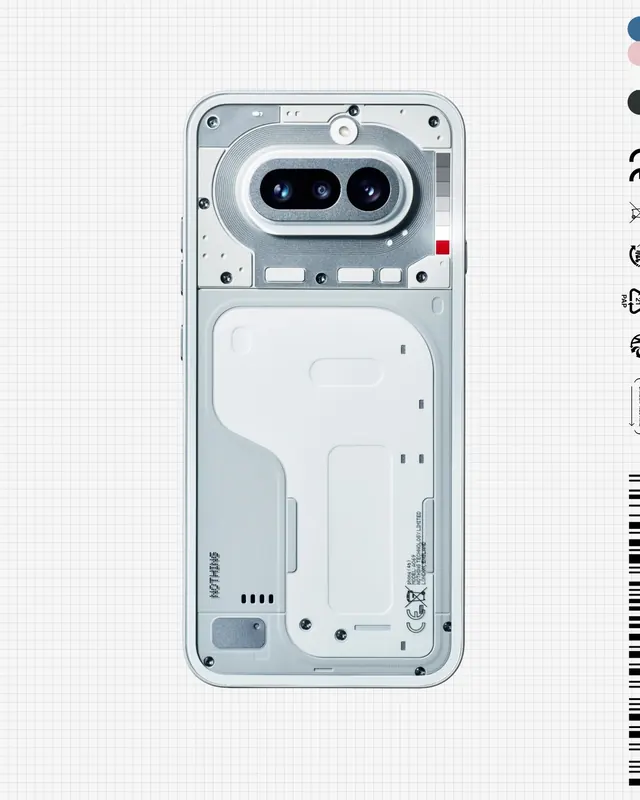 Smartphone Hardware Mockup
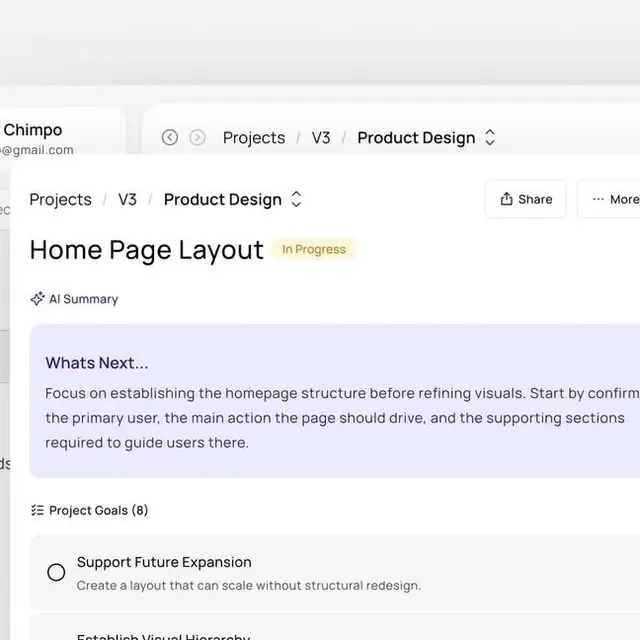 Project management interface with task cards
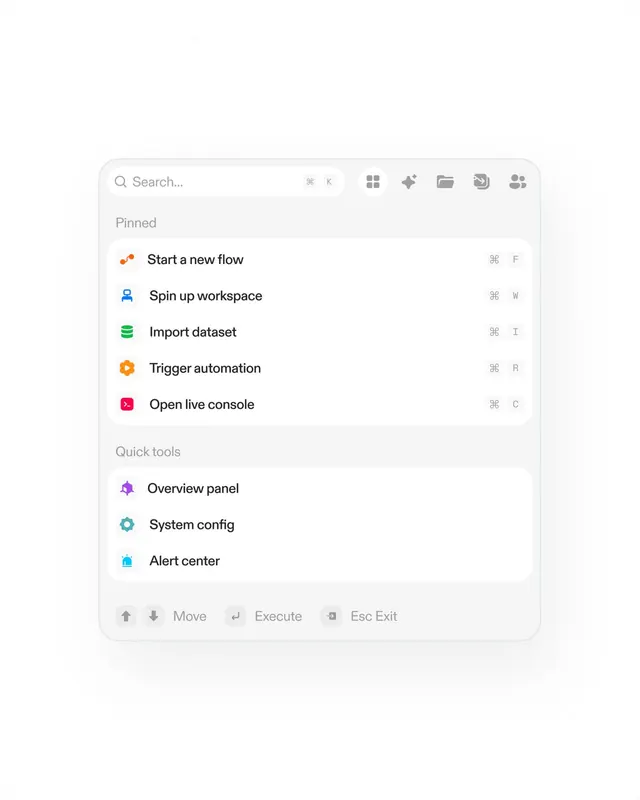 Developer command palette UI screen
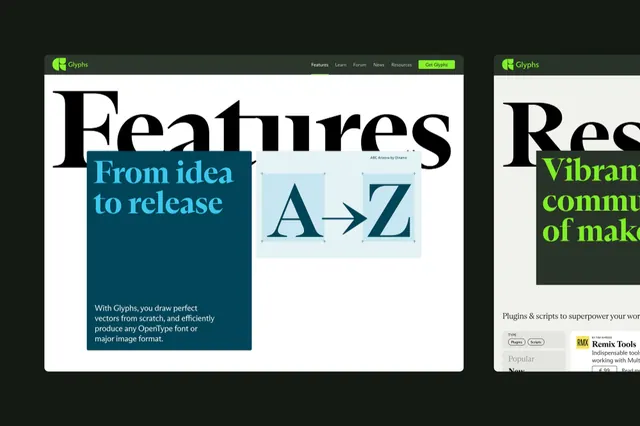 Corporate-clean minimal abstract graphic
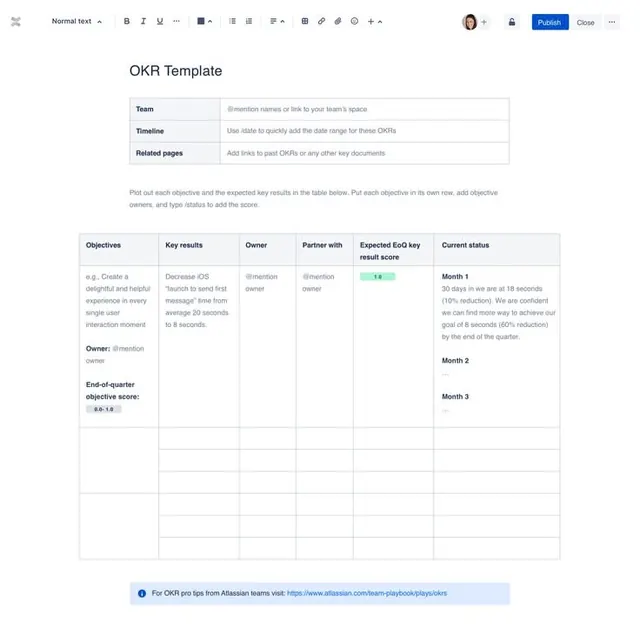 OKR tracking template with objectives table and status indicators
 Minimal technical abstract graphic
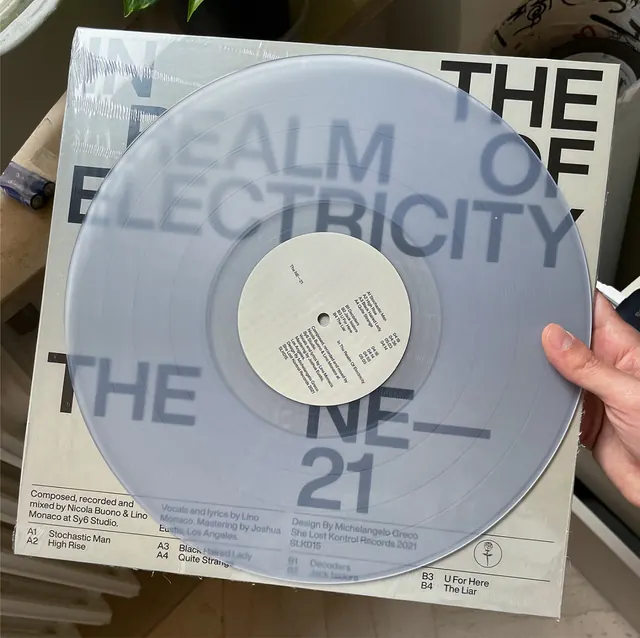 The Realm Electricity Vinyl Record Mockup
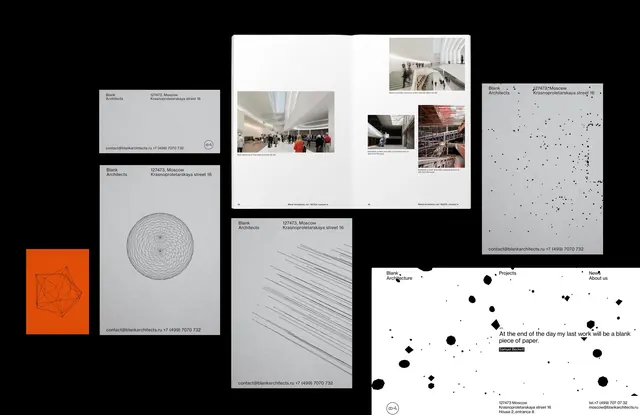 Minimalist Data and Editorial Design Reference
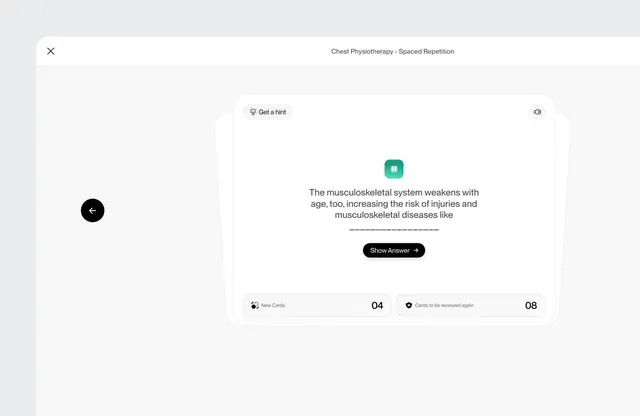 Flashcard quiz interface with progress tracking
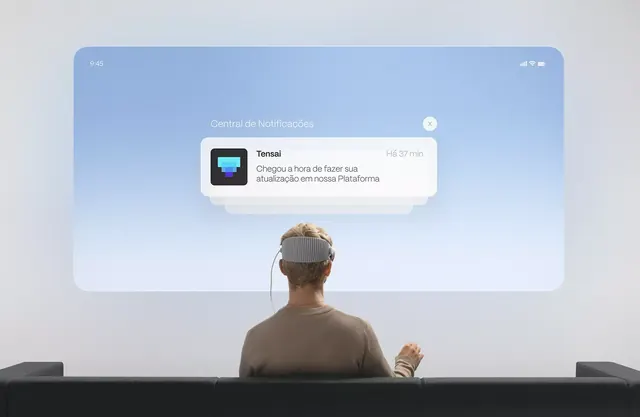 Notification center UI mockup with VR headset
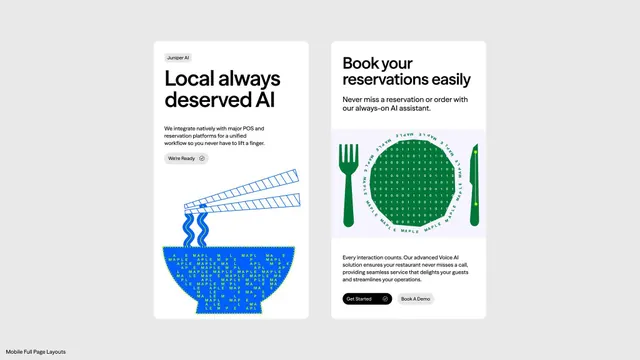 Two-column AI service cards with data and utensil iconography
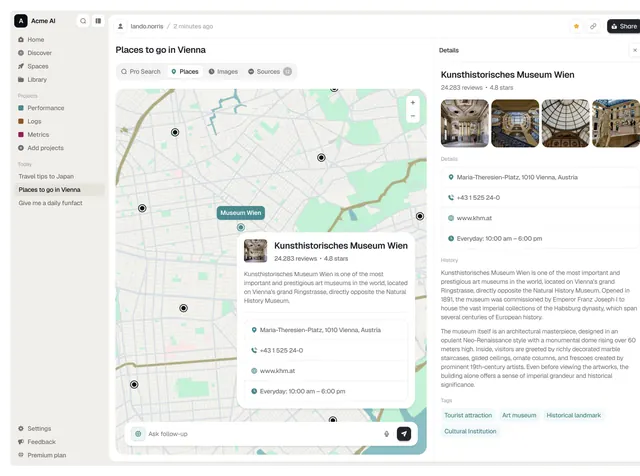 Museum directory app split-view UI layout