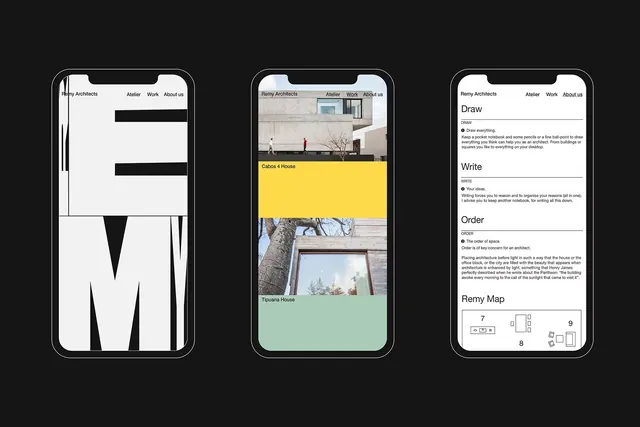
Remy Architects app portfolio interface
Architecture portfolio app UI with monochromatic navigation, photo grid, and feature modules set in three unified iPhone mockups.
Summary
A portfolio app for an architecture studio showing three distinct screens: a minimalist project list, a hero image with metadata label (yellow accent bar), and interactive feature buttons (Draw, Write, Order).
Visual description
Three iPhone mockups arranged horizontally on a dark background, each showing a different screen state. Left screen is spare: navigation header (Remy Architects, Atelier, Work, About us) with two stacked black bars below. Center screen displays a hero photo (residential architecture with figures, tree, concrete facade) topped by a navigation bar and overlaid with a yellow label (Cabos 4 House) and secondary image (Tipuana House in mint green). Right screen lists three action modules (Draw, Write, Order) as text-heavy sections with explanatory copy and a small diagram labeled Remy Map with numbered grid. All screens use a clean sans-serif, black bars for emphasis, and strategic color (yellow, mint) to highlight content.
Key takeaway
The color restraint: a mostly monochromatic palette punctuated by two accent colors (yellow + mint-green) to organize and highlight distinct content zones without clutter. The left-side minimalist listing paired with the center's immersive image-first experience creates a strong contrast between navigation and showcase.
Reuse notes
Effective for portfolio/agency apps that need to balance browsing and storytelling. The yellow and mint green accents work well on neutral backgrounds; consider testing saturation on light-background variants. The three-column mockup layout itself is a useful composition for showing feature breadth without text overload.
More like this
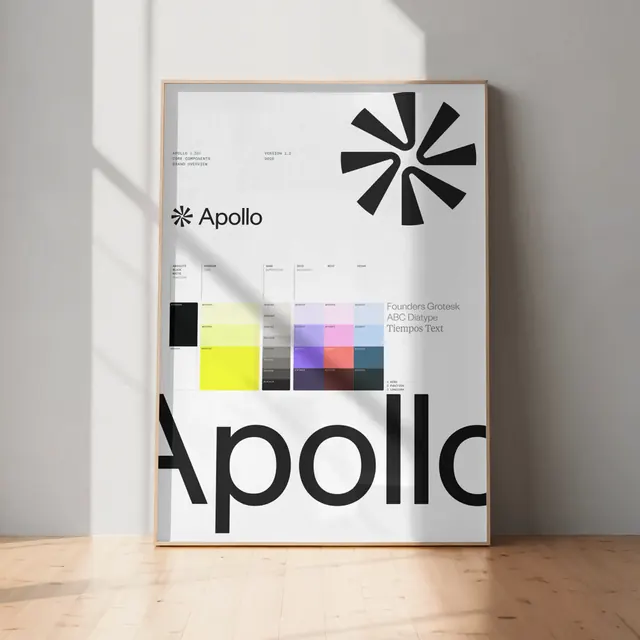 Apollo brand identity with star symbol
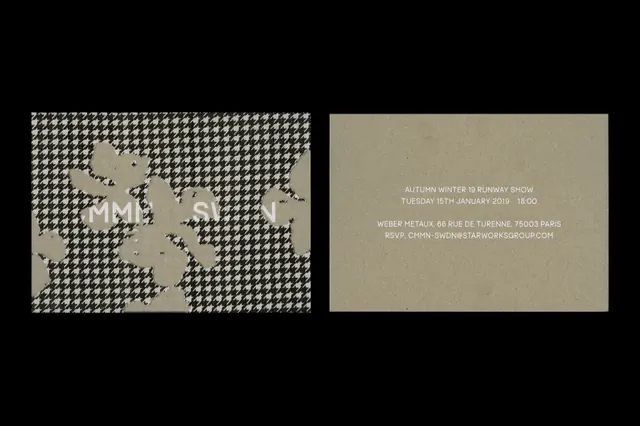 Minimalist checkerboard and kraft business card
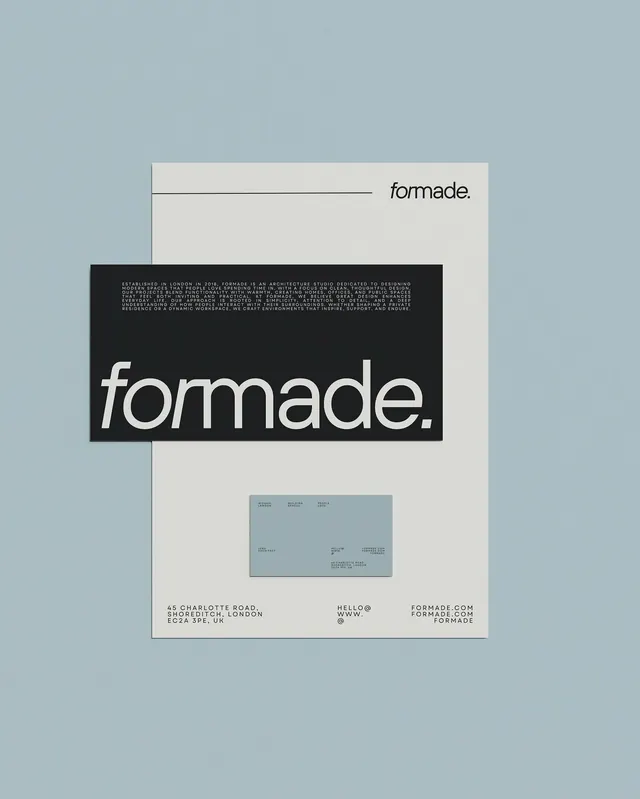 Minimal swiss identity system
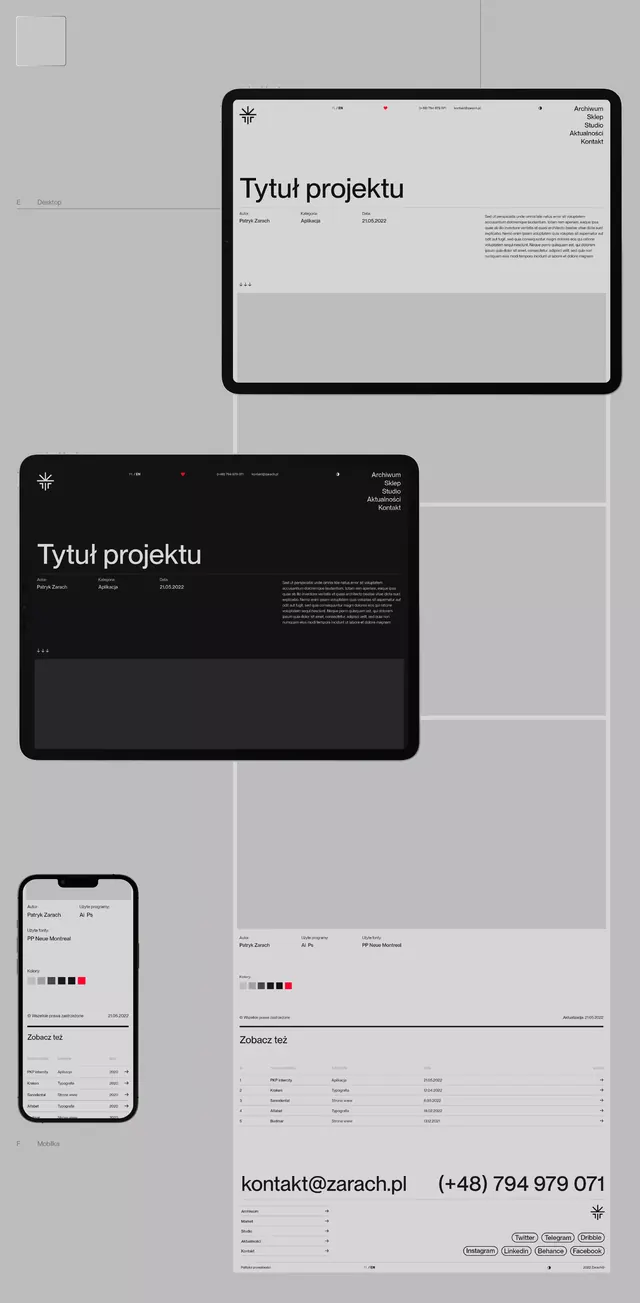 Studio portfolio case-study layout, desktop and mobile
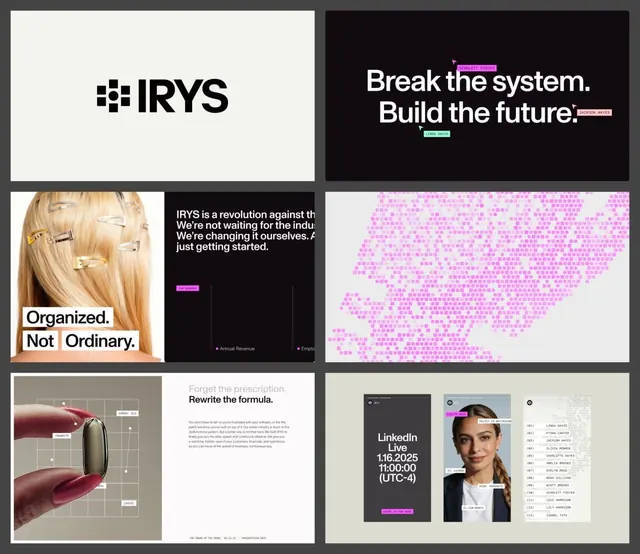 Minimal editorial identity system
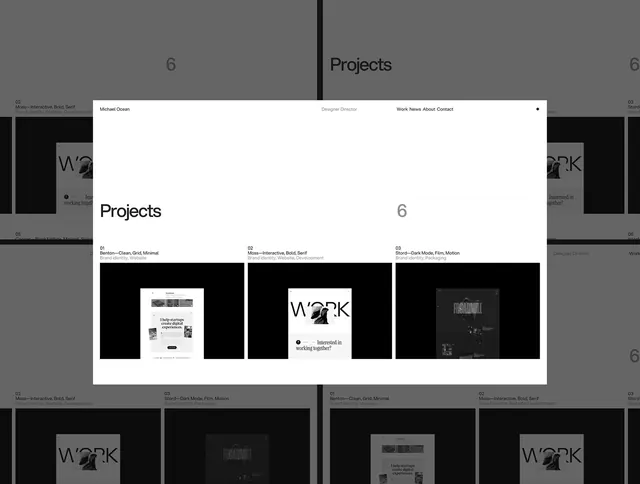 Swiss portfolio 'Projects' grid over tiled mockup
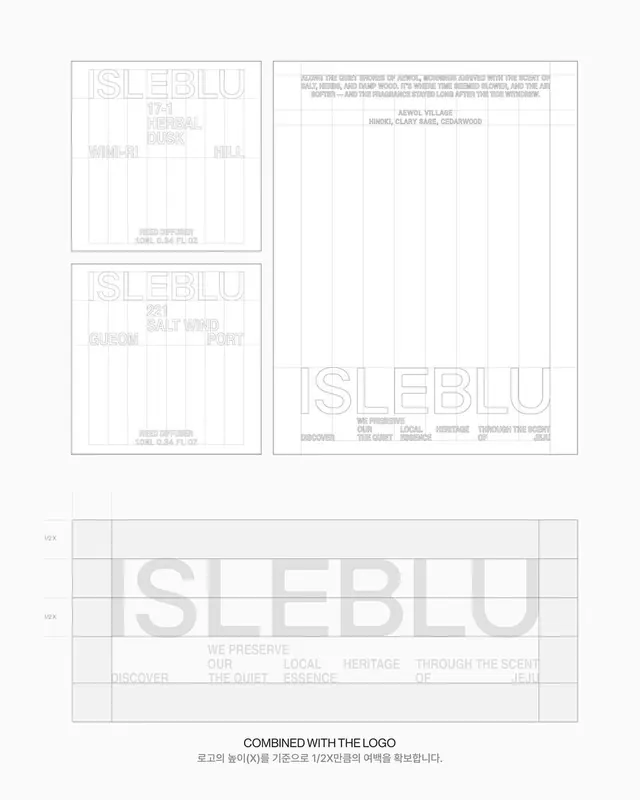 ISLEBLU typographic grid identity system
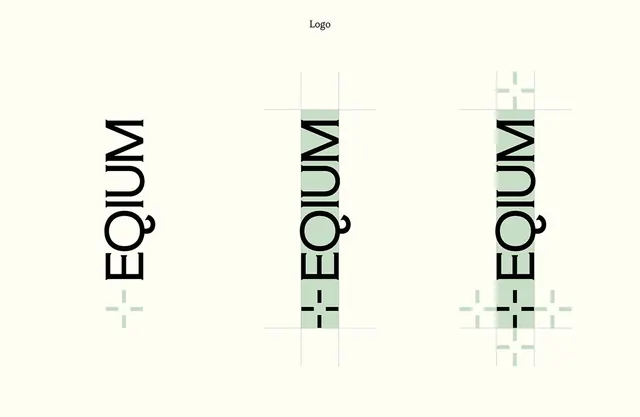 Equitum grid-based mark system
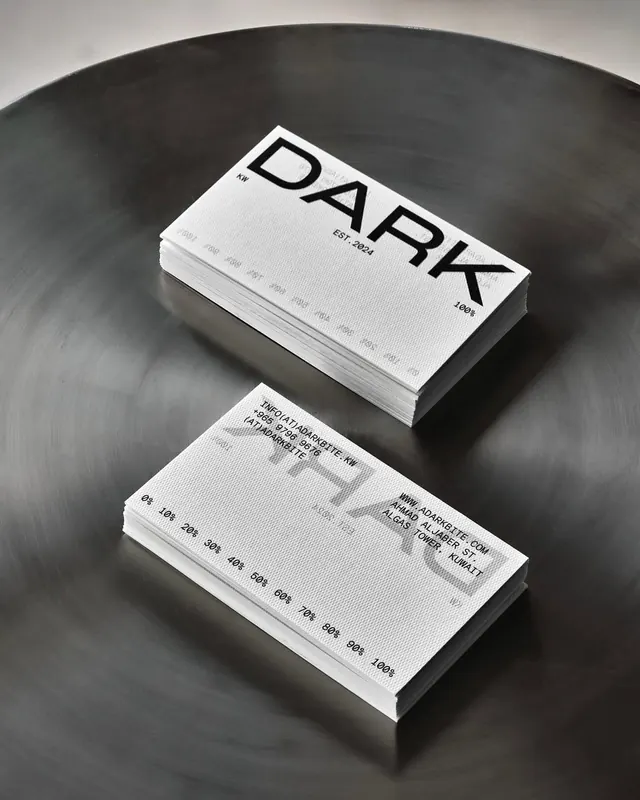 DARK branding business card system
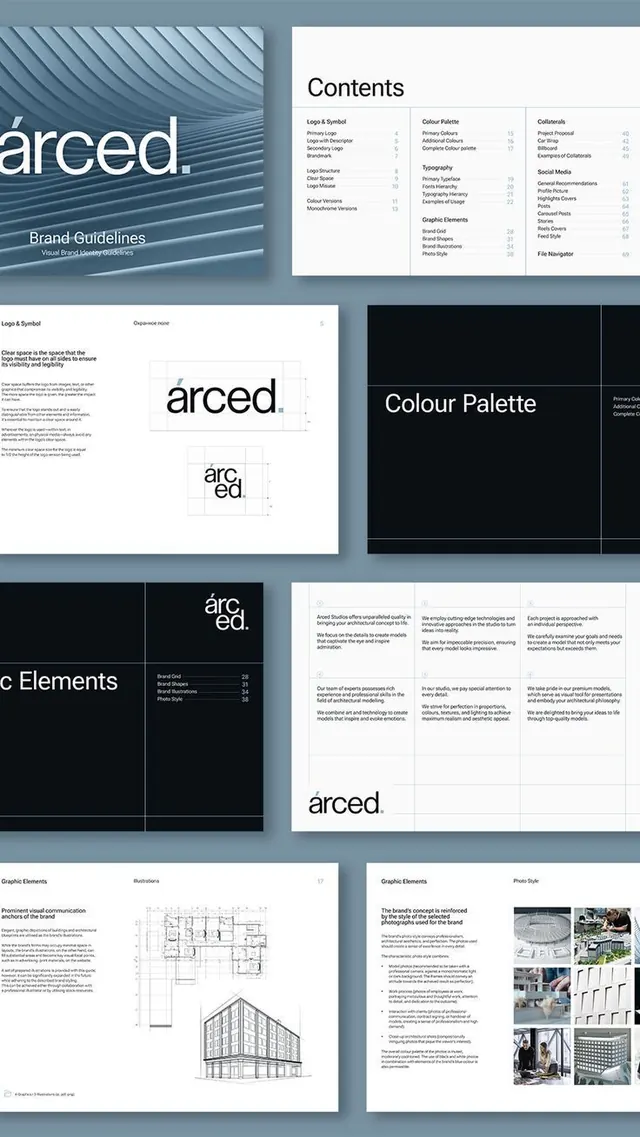 Arced visual identity guidelines
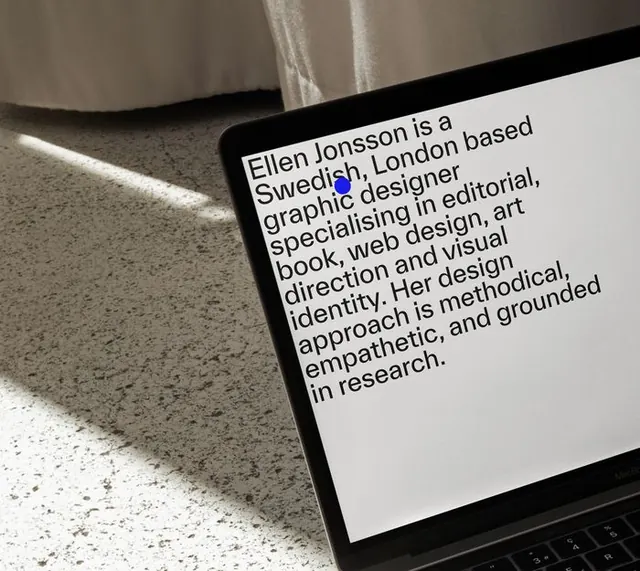 Ellen Jonsson portfolio text display
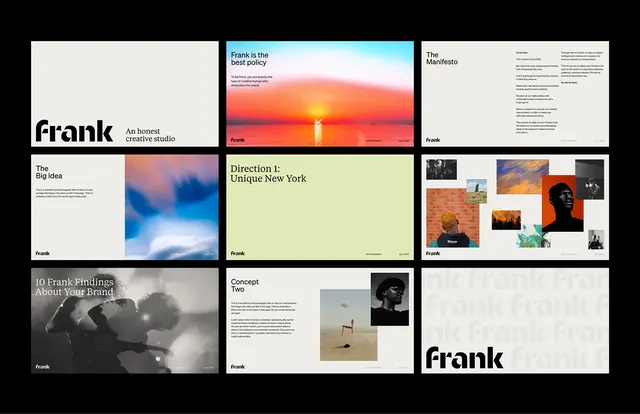 Frank editorial identity with documentary photography
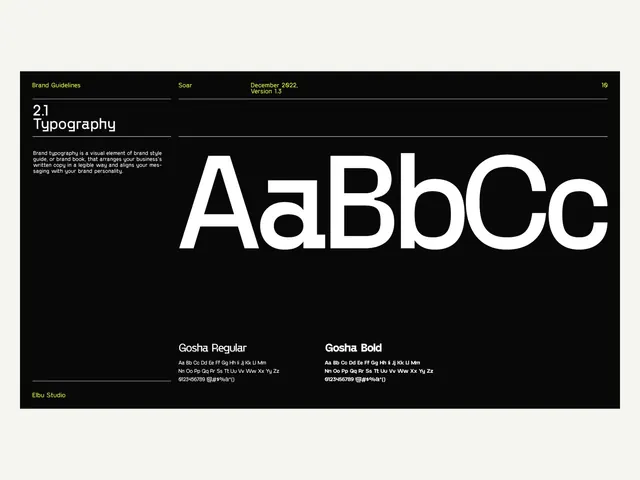 Soar brand guidelines typography page
 Minimal photographic identity system
 TOVE serif wordmark in off-white
 Black and white abstract puzzle face mark
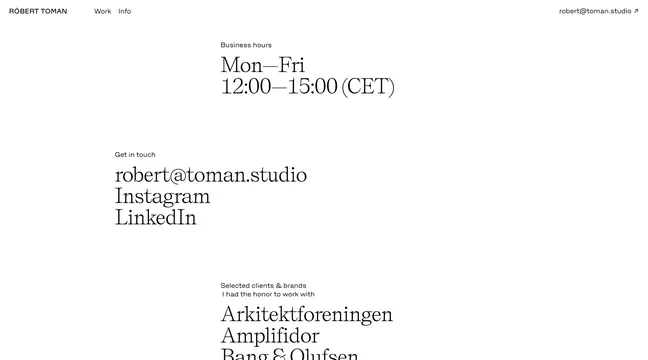 Robert Tomas Studio Contact Information
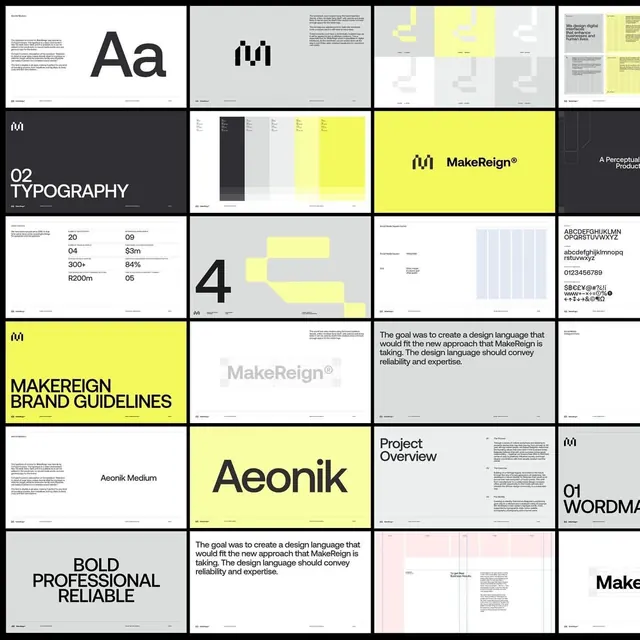 MakeReign brand guidelines with neon yellow accent
 Hiroshima Design Lab organic wordmark logo
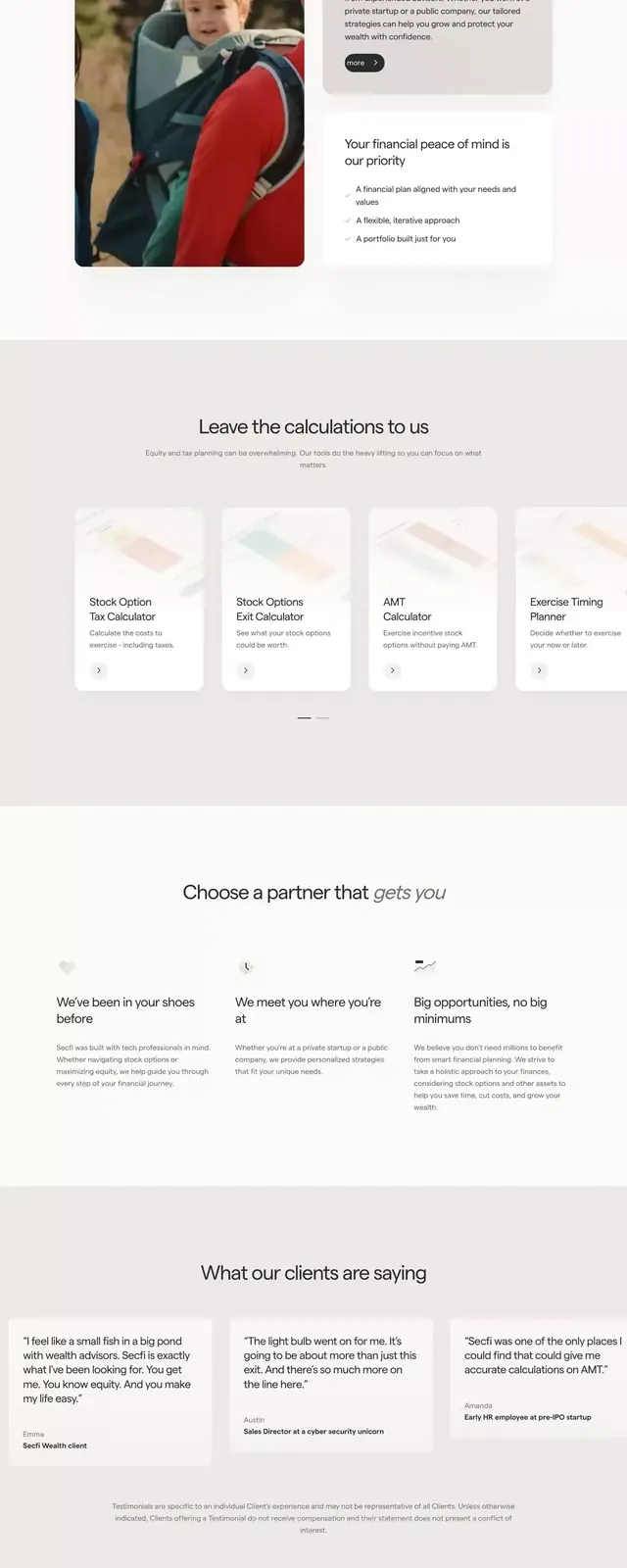 Minimal editorial type specimen layout
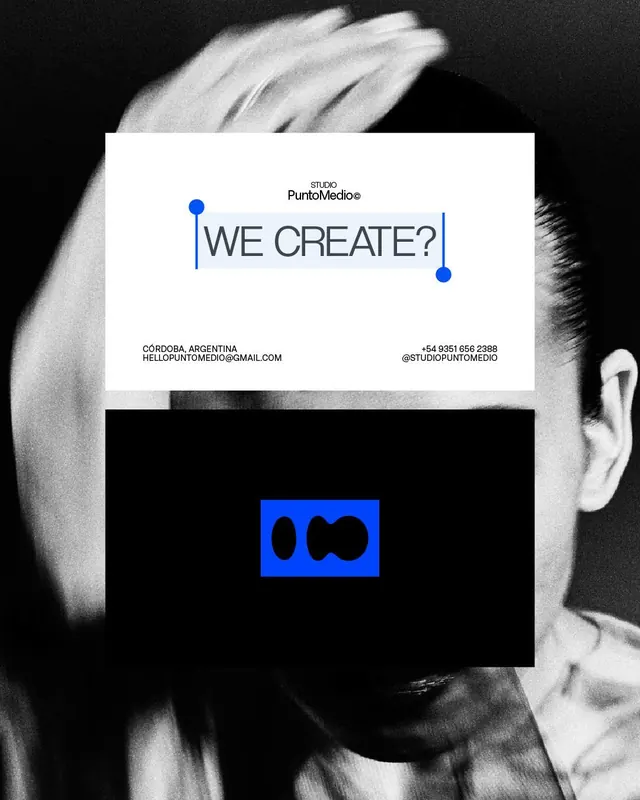 PuntoMedio studio portfolio card
 Editorial type specimen with header attribution
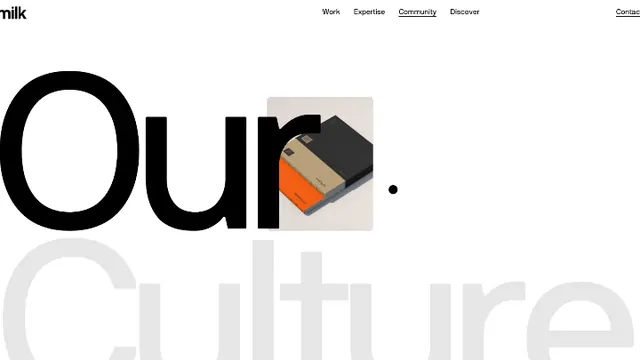 Milk design studio branding and product mockup
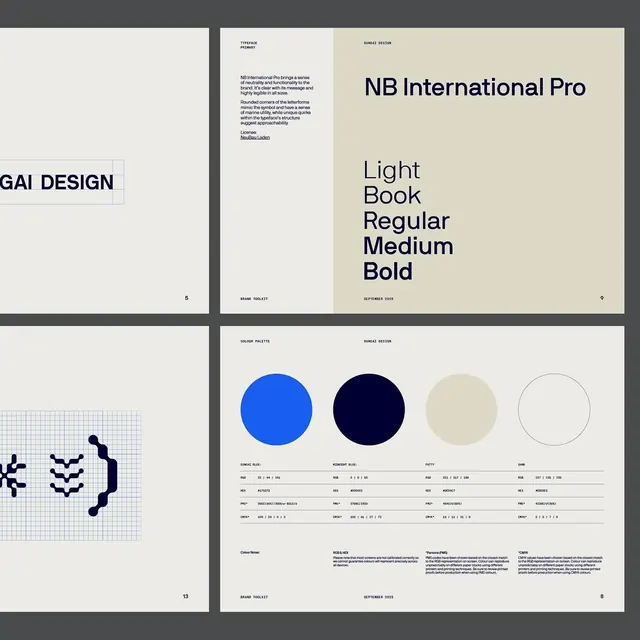 NB International Pro typeface brand specification