Preview image. Unlock full-res
Photography sourcing and the USD Gallery
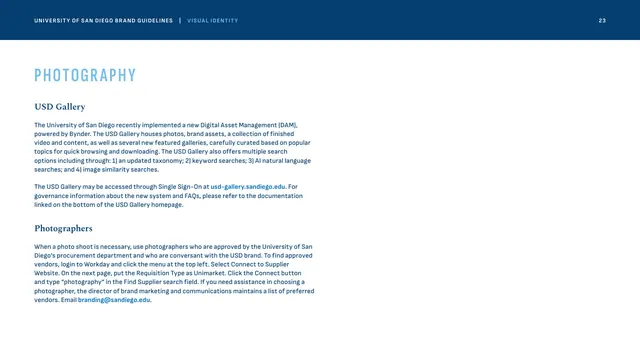
A text-only page on the Bynder-powered USD Gallery digital asset manager and how to find approved photographers.
More like this
See all
Summary
A mostly text page covering where brand photography lives, the Bynder-powered USD Gallery digital asset manager, and the procurement process for finding approved photographers.
Visual description
A quiet, text-led page. Under the blue header band, "PHOTOGRAPHY" sits in tracked condensed Founders Blue caps. Two Spectral subheads structure the content: "USD Gallery," with a paragraph describing the new DAM (powered by Bynder), its curated galleries and four search options, and a single-sign-on link in bright Immaculata Blue; and "Photographers," with a paragraph walking through the Workday/Unimarket steps to find approved photography vendors, ending with a bright-blue email link. No imagery; the page is set as a single wide measure of body copy with generous left margin and white space.
Key takeaway
Documenting the operational backbone, where assets live, how to search them, how to procure a shooter, inside the brand guide keeps creative rules and the tooling to execute them in one place. Calling out specific platforms (Bynder, Workday) makes the page genuinely actionable.
Reuse notes
Useful as a model for the "process and tooling" pages every mature brand system needs. Best kept text-only and clearly labeled so it reads as reference, not inspiration. Pairs with the photography-style page it follows and the videography process pages.