Figma x LiT Workshop
A 45-slide Figma workshop talk deck built on full-bleed black slides, crisp white grotesque type, and vibrant Figma-brand color blocks, that teaches design-to-code workflows in Dev Mode, MCP, Make, and Code Connect.
 Collaboration in the Age of AI cover
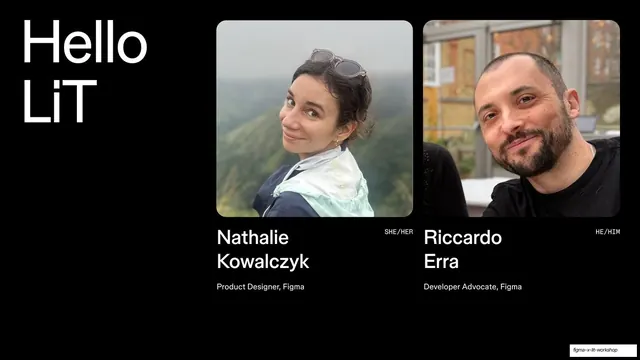 Hello LiT speaker intro
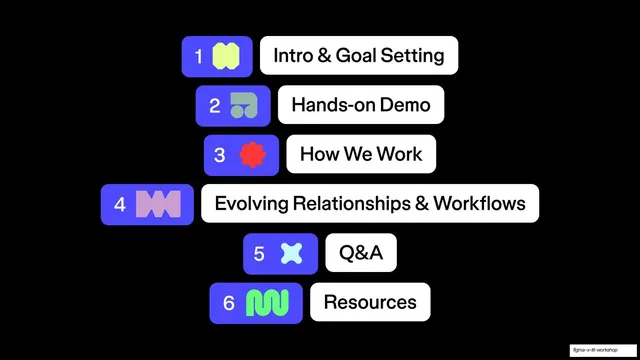 Workshop agenda step list
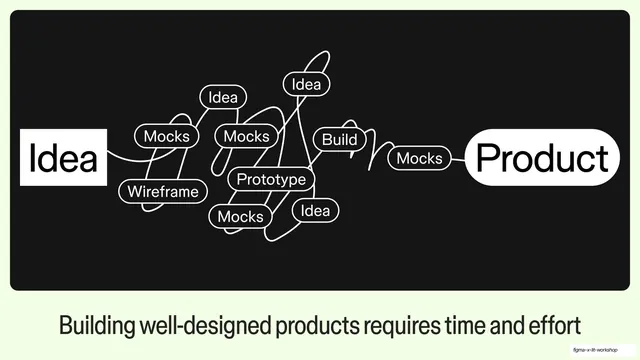 Idea to Product tangled diagram
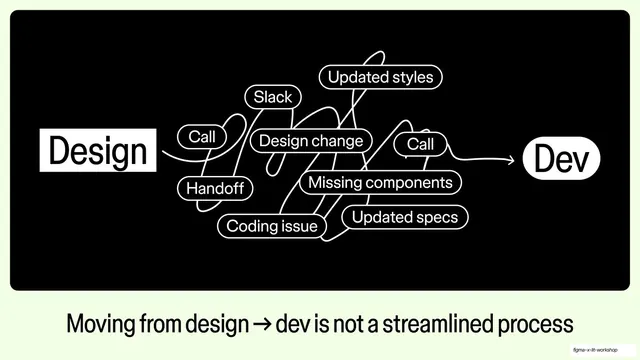 Design to Dev tangled diagram
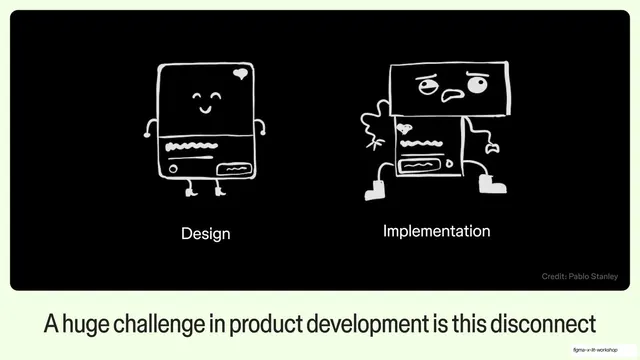 Design vs Implementation sketch
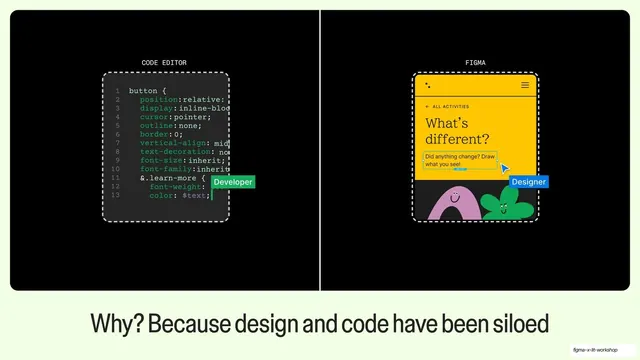 Code editor vs Figma siloed split
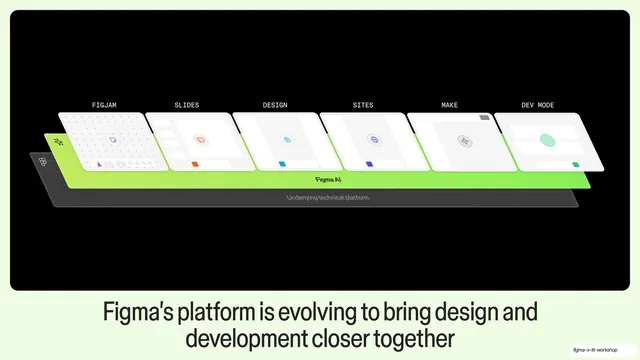 Figma platform isometric stack
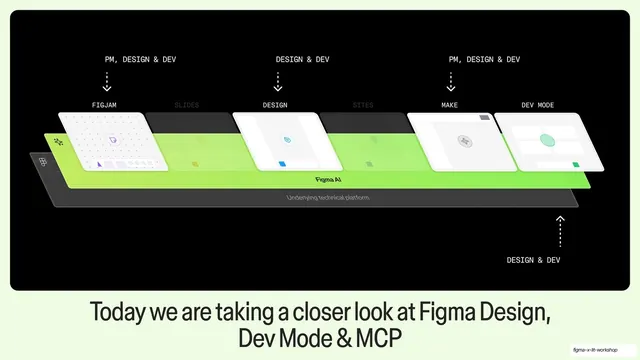 Today's focus highlighted stack
 Demo Good to know section opener
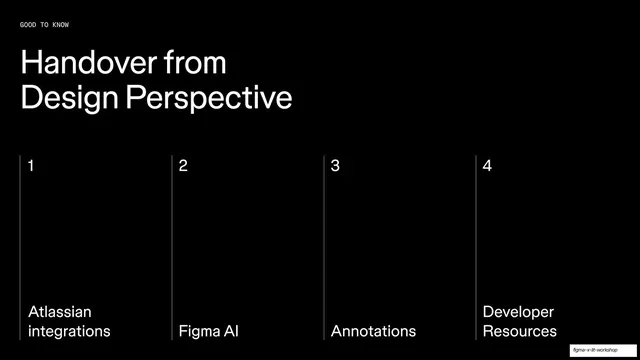 Handover from Design four-column contents
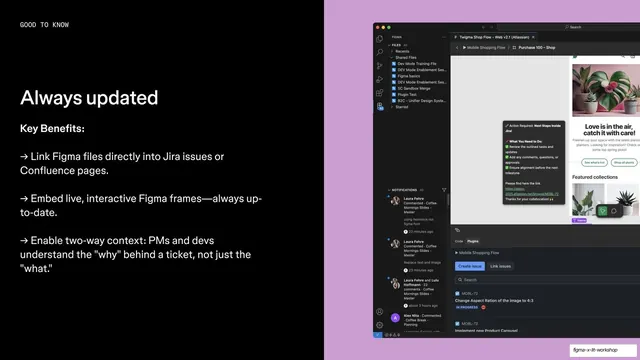 Always updated Jira integration feature
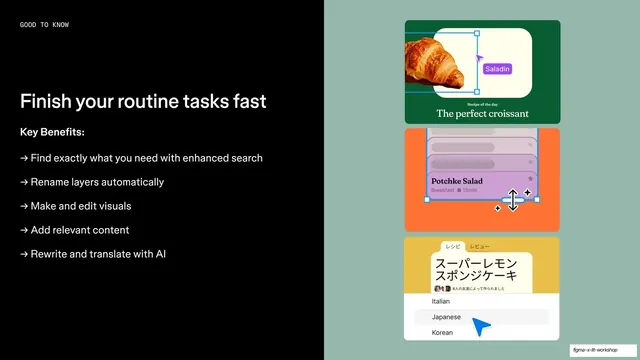 Finish routine tasks fast AI feature
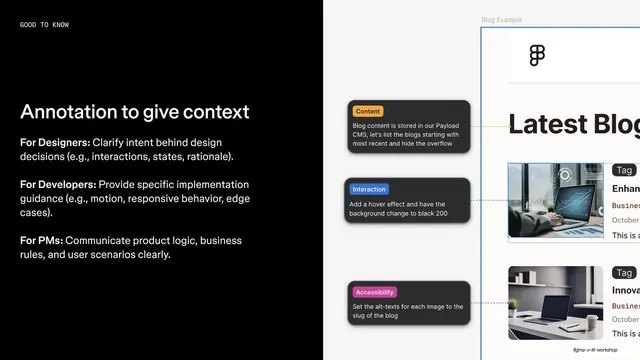 Annotation to give context feature
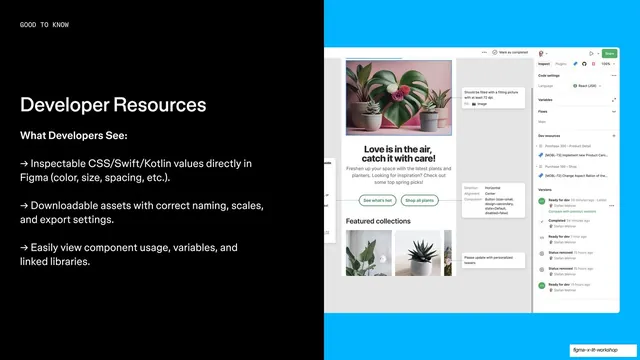 Developer Resources Dev Mode feature
 Let's dive into Figma transition
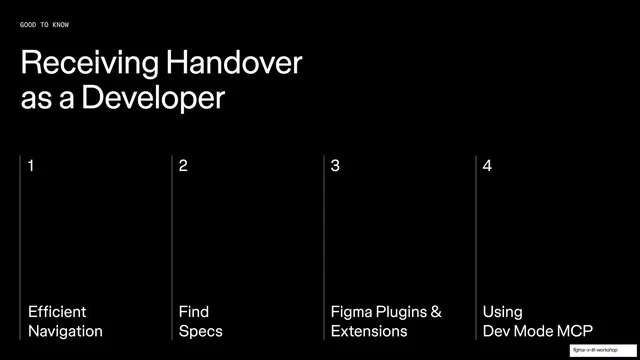 Receiving Handover as Developer four-column contents
 Why Dev Mode feature with version history
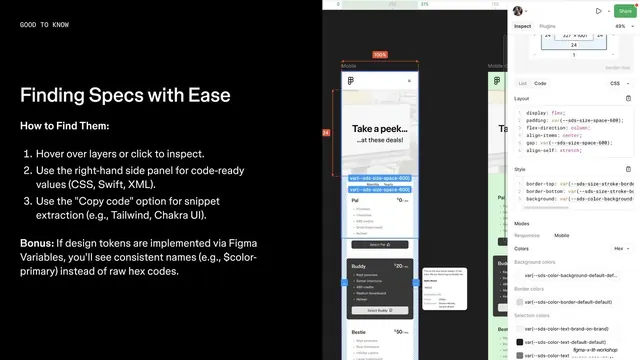 Finding Specs with Ease, numbered how-to over Dev Mode capture
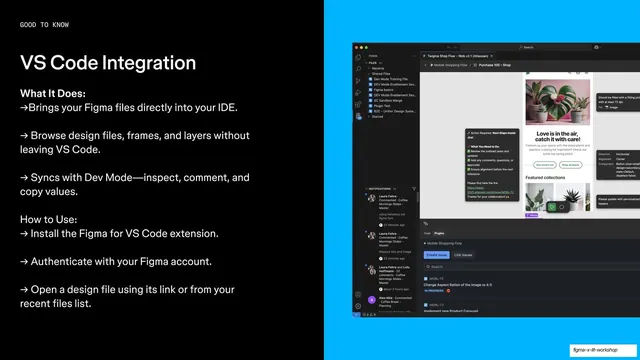 VS Code Integration, black text panel beside blue IDE capture
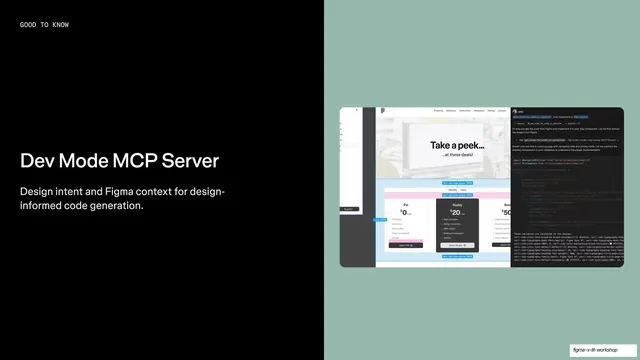 Dev Mode MCP Server, black text beside sage-green code capture
 Let's dive into Figma, sticker-block transition slide
 How We Work, black section divider with stacked decorative tiles
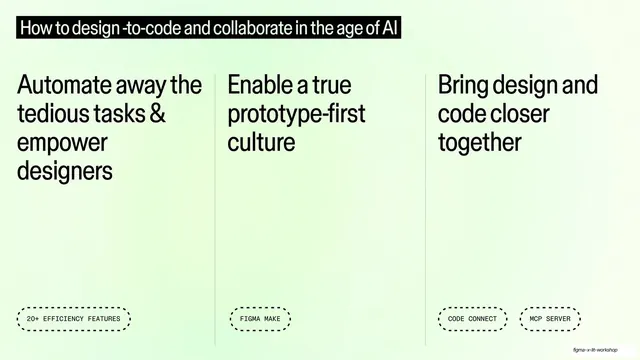 How to design-to-code, three-column theme overview
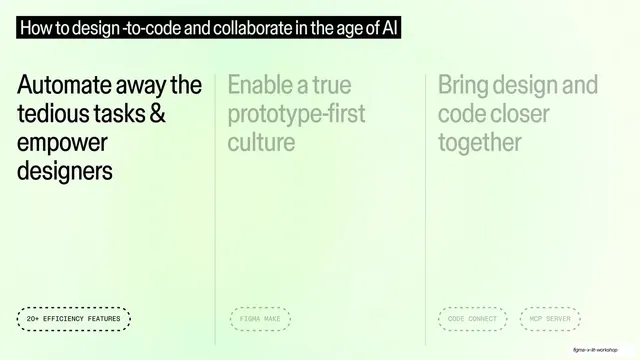 Three-column overview with first theme active
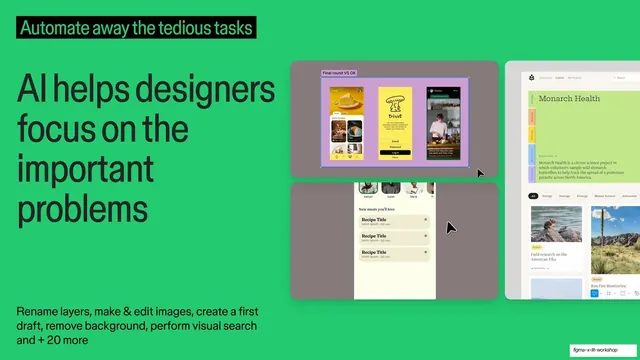 AI helps designers focus on the important problems, green statement with mockups
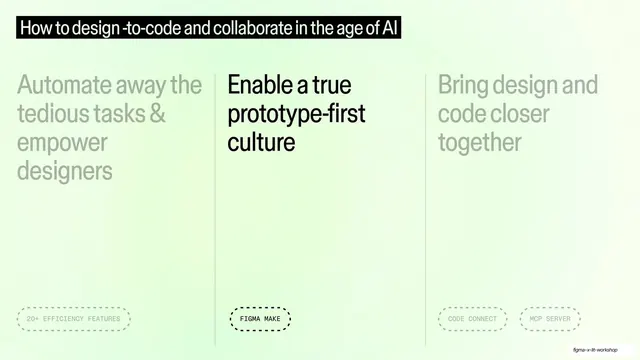 Three-column overview with second theme active
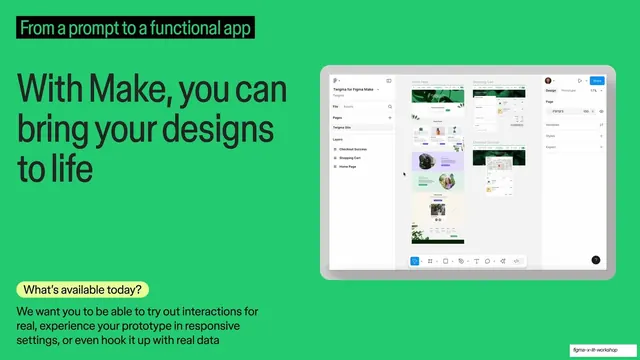 With Make you can bring your designs to life, green slide with tablet mockup
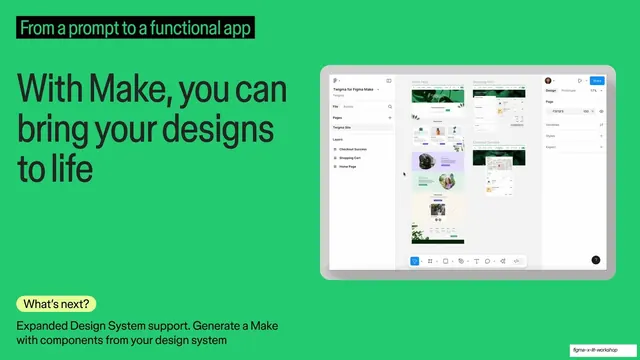 With Make you can bring your designs to life, Whats next variant
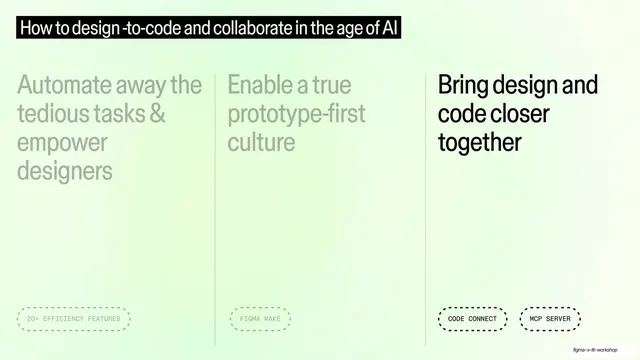 Three-column overview with third theme active
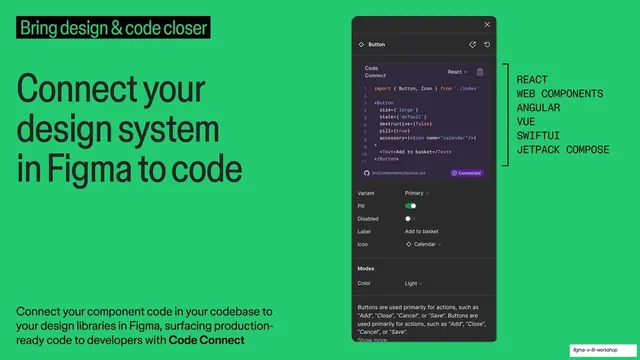 Connect your design system in Figma to code, Code Connect slide
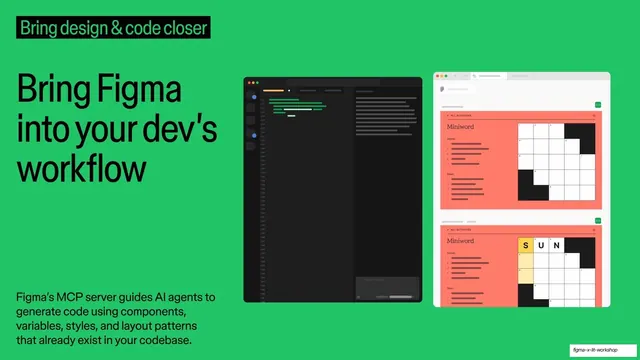 Bring Figma into your dev's workflow, MCP server slide
 Relationships & Workflows, black section divider with shape cluster
 Great work blurs the lines between roles, black quote slide
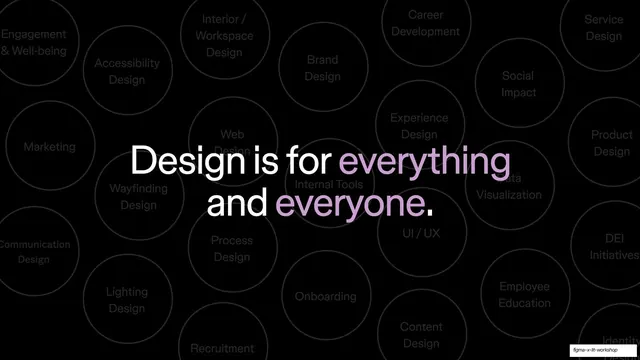 Design is for everything and everyone, statement over discipline bubbles
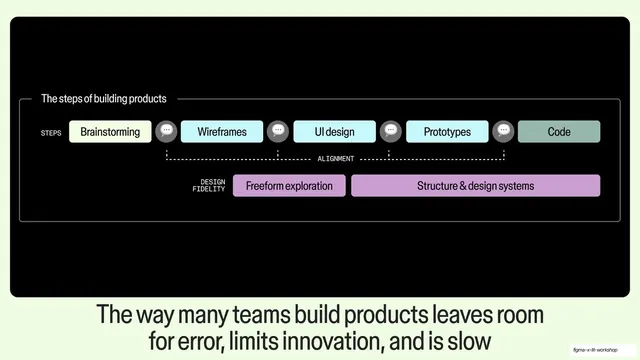 The way many teams build products, build-steps diagram slide
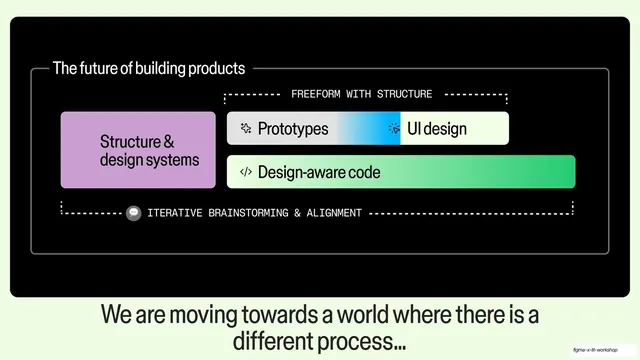 The future of building products diagram
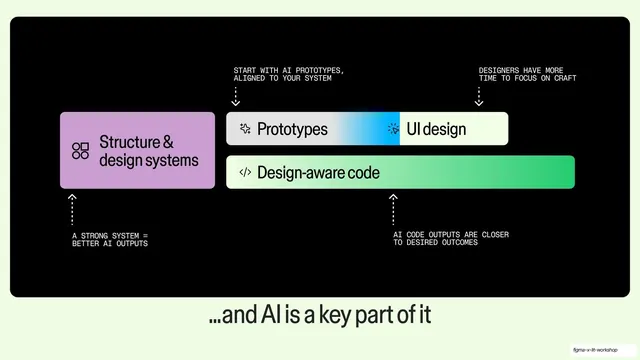 AI is a key part of it annotated diagram
 Q&A slide with cursor name tags
 Resources section divider
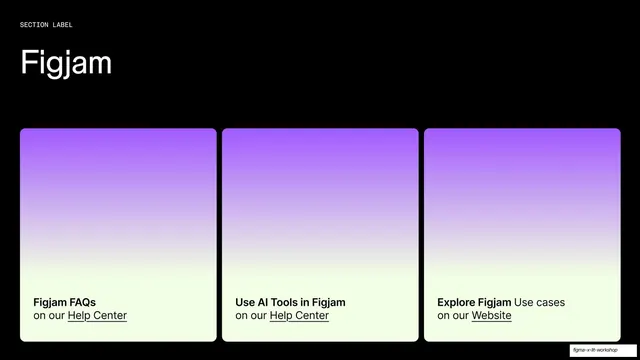 Figjam resources three-card slide
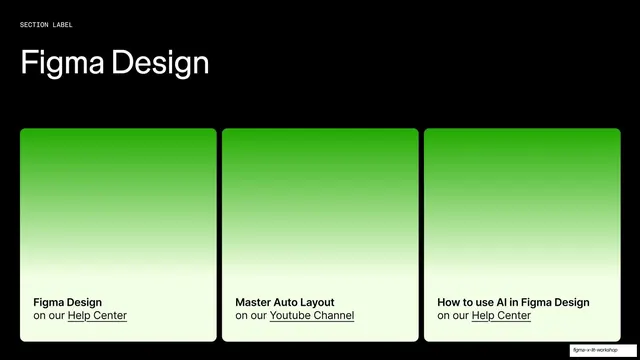 Figma Design resources three-card slide
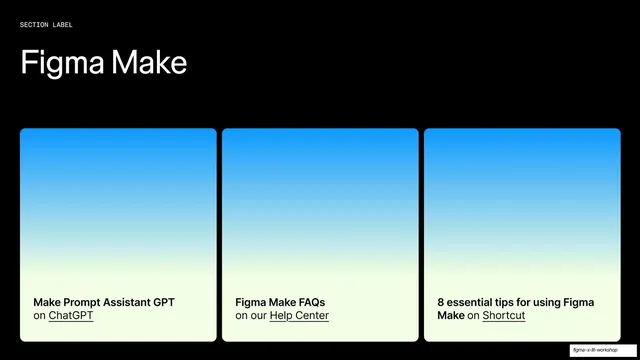 Figma Make resources three-card slide
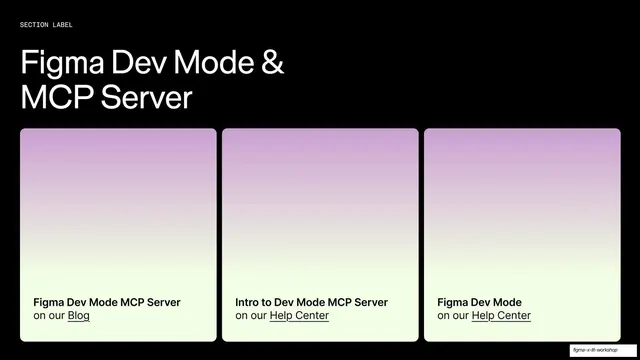 Figma Dev Mode and MCP Server resources slide
 Figma logo closing slide